Best Automated Document Processing Services in 2026: 9 Services Compared
Need the best automated document processing services? We compare 9 tools for invoices, forms, and extraction on accuracy, price, and fit for your team.
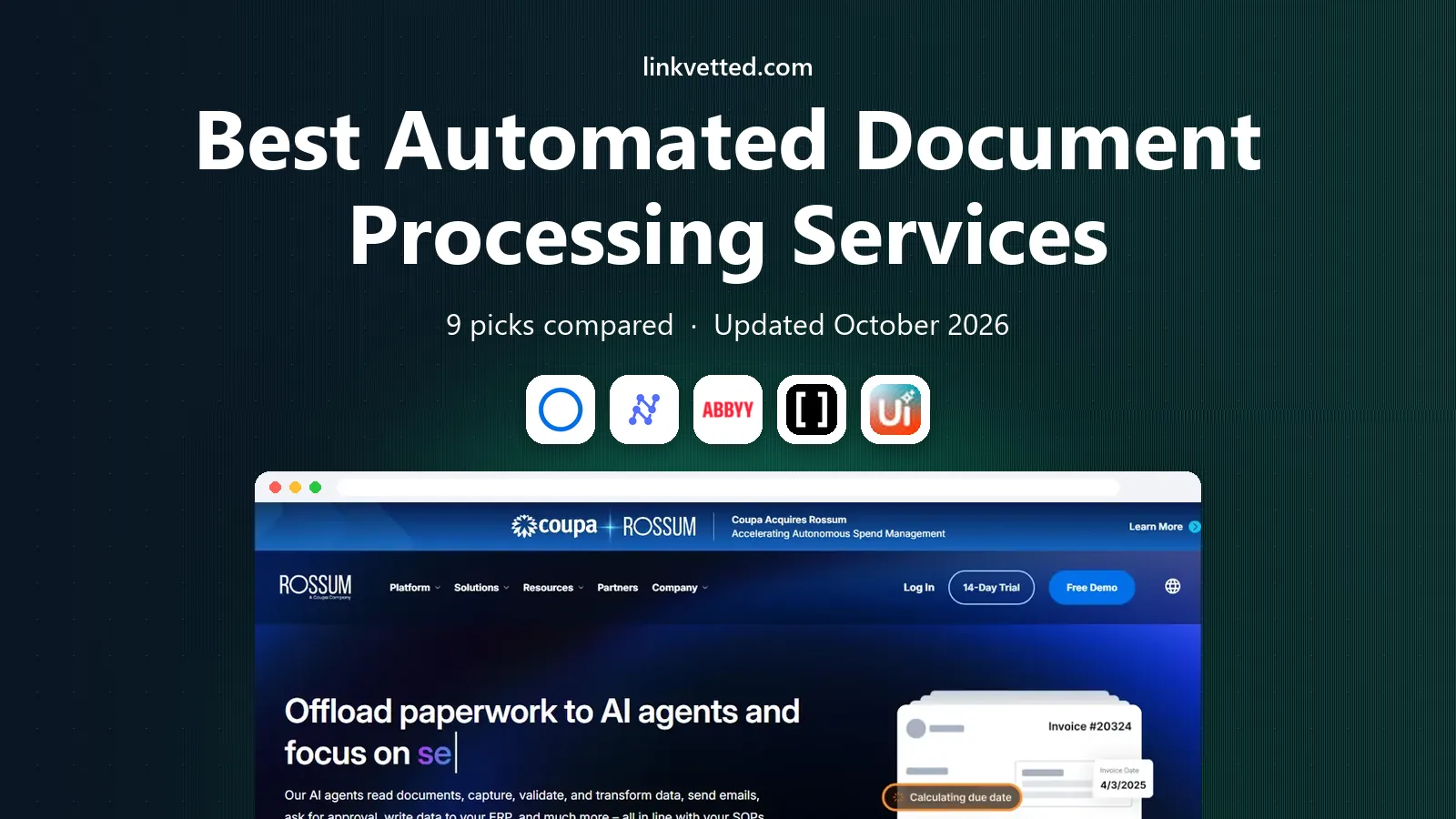
- Editor's choice
 Rossum
Invoice automation
Starts atSee websiteVisit rossum.aiFull review - Great alternative
 Nanonets
Custom extraction
Starts atSee websiteVisit nanonets.comFull review - Also consider
 ABBYY Vantage
Regulated enterprises
Starts atSee websiteVisit abbyy.comFull review
TL;DR:
- Rossum is our pick for finance teams drowning in invoices, thanks to template-free extraction and a strong validation screen.
- Nanonets suits smaller teams that want custom extraction without an enterprise contract.
- ABBYY Vantage and Hyperscience fit regulated enterprises where accuracy and audit trails matter most.
- Cloud APIs such as Google Document AI, Azure Document Intelligence, and Amazon Textract suit developers building their own workflows.
- Always test finalists on your worst documents, since clean samples hide the accuracy gaps that cost real time.
Quick comparison
| Tool | Best for | Starts at | Free plan? | |
|---|---|---|---|---|
| Rossum | Invoice automation | See website | Free trial | Visit |
| Nanonets | Custom extraction | See website | Yes | Visit |
| ABBYY Vantage | Regulated enterprises | See website | No | Visit |
 Hyperscience | High-accuracy processing | See website | No | Visit |
 UiPath Document Understanding | RPA teams | See website | Free trial | Visit |
 Google Document AI | Developers on Google Cloud | Pay as you go | Yes | Visit |
 Azure Document Intelligence | Microsoft teams | Pay as you go | Yes | Visit |
 Amazon Textract | AWS teams | Pay as you go | Yes | Visit |
 Docsumo | Mid-market finance | See website | Free trial | Visit |
The best automated document processing services
Automated document processing, often called intelligent document processing, reads invoices, forms, contracts, and scans, pulls out structured data, and routes exceptions to a person. We compared official pricing pages, document types, deployment options, and public reviews to pick these nine.

Rossum is built for transaction documents such as invoices, receipts, and purchase orders, and it does not need a template for each supplier layout. Its AI reads new formats and improves as reviewers correct it, while the validation screen lets a finance team check low-confidence fields fast. That combination is why many AP teams pick Rossum first.
Pricing is quote-based, with public reports putting entry plans well above a small business budget. Rossum fits a finance team processing hundreds or thousands of documents a month, where the time saved on manual entry pays for the platform. Smaller teams should look at Nanonets or Docsumo first.
- Template-free extraction learns new layouts
- Strong validation screen
- Good for AP and procurement
- Entry pricing puts it out of reach for very small firms
- Complex custom flows need setup

Nanonets lets a team train a custom extraction model without code, by uploading examples and marking the fields to pull. That approach suits businesses with varied documents, such as logistics firms, lenders, and operations teams, that cannot wait for an enterprise implementation. A free tier and pay-per-page options make it easy to test on real files.
Costs can creep up at high volume if no one watches usage, so set a budget and monitor page counts monthly. Accuracy on messy scans and handwriting also needs a human review step. For a small or mid-size team that wants custom extraction this week rather than next quarter, Nanonets is a strong pick.
- No-code model training
- Fast setup
- Per-page pricing options
- Per-run costs need tracking at volume
- Very complex documents still need review
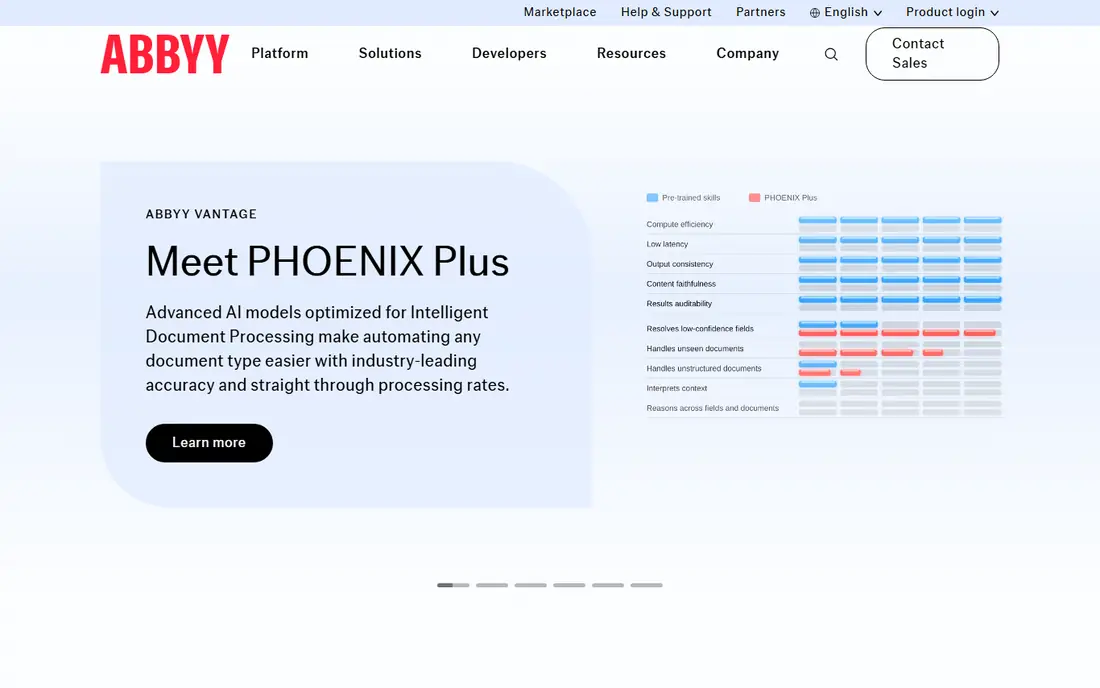
ABBYY Vantage builds on decades of OCR and document capture work, with a marketplace of ready-made skills for common document types and the option to build custom ones. It handles structured, semi-structured, and unstructured documents, and it deploys in the cloud or on premises, which matters for banks, insurers, and government bodies with data residency rules.
Pricing is enterprise level and set by quote, and a full rollout needs planning and training. The payoff is accuracy, audit trails, and control at scale. If your documents feed regulated processes and errors carry real cost, ABBYY belongs on the shortlist.
- Decades of OCR experience
- Marketplace of ready skills
- Cloud or on-prem deployment
- Enterprise pricing by quote
- Implementation takes planning
Hyperscience targets high-volume, high-stakes documents such as claims, loan files, and government forms, where handwriting and messy layouts are common. Its machine-first approach routes low-confidence fields to reviewers, so accuracy stays high without checking every field by hand. Deployment in the cloud or on premises suits regulated buyers.
The sales and setup cycle is longer than a self-serve tool, and pricing is enterprise level. For a large organization where a single misread field can cause a costly error, that investment is justified. Smaller teams will find faster, cheaper options elsewhere on this list.
- Strong handwriting and complex document handling
- Human-in-the-loop review
- Enterprise controls
- Enterprise pricing by quote
- Longer sales and setup cycle
UiPath Document Understanding is the document module inside UiPath's automation platform. It classifies documents, extracts fields, and sends results to robots, approvals, and business systems without a separate integration project. For a team already running UiPath robots, adding document understanding is a natural next step.
If you do not use UiPath, the full platform may be more than you need, and licensing takes care to understand. A free trial lets you test extraction before committing. For RPA-centered operations teams, the end-to-end flow from inbox to system of record is a real advantage.
- Ties documents to robots and approvals in one flow
- Broad automation ecosystem
- Trial available
- Best value only if you already use UiPath
- Licensing is complex
Google Document AI gives developers OCR, layout parsing, and prebuilt processors for common document types, plus custom extractors for specialized forms. It scales well for high-volume work and fits naturally with BigQuery, Cloud Storage, and Vertex AI. Pricing is per page and varies by processor, with basic OCR around $1.50 per 1,000 pages and richer processors costing more.
There is no ready-made review screen for business users, so a team must build exception handling itself. That makes Document AI a developer tool first. For a Google Cloud team building a custom pipeline, it offers power and control at a transparent per-page price.
- Prebuilt processors for invoices, receipts, and lending docs
- Scales well
- Vertex AI fit
- Needs engineers to build review screens and workflows
- Pricing varies by processor
Azure Document Intelligence, formerly Form Recognizer, offers read, layout, prebuilt, and custom models for forms, invoices, receipts, IDs, and contracts. It fits Microsoft-centered teams well, with connections to Power Automate, Power Apps, and Office tools. Pricing is pay per page, with a free tier for testing and prebuilt models starting around $10 per 1,000 pages in some regions.
As with other cloud APIs, a business review screen is something you build, not something included. For a team already on Azure that wants extraction inside its own apps and flows, Document Intelligence is a practical, well-priced choice.
- Prebuilt and custom models
- Layout, invoice, and ID support
- Power Platform fit
- Best inside Azure
- Review workflows need building
Amazon Textract extracts text, forms, and tables from documents and integrates with S3, Lambda, and other AWS services for automated pipelines. Text extraction starts around $1.50 per 1,000 pages, with forms and tables priced higher. The API-first design suits developers building document flows inside AWS.
Textract returns data rather than a finished business workflow, so exception review and validation are your job to build. Poor scans and unusual layouts also need testing. For an AWS team that wants a simple, scalable extraction API, Textract is a solid pick.
- Simple pay-per-page pricing
- Forms and tables support
- Deep AWS integration
- No built-in business review screen
- Accuracy varies on poor scans
Docsumo focuses on finance and lending documents, with extraction plus checks that compare data across pages and flag mismatches. That checking step matters: a tool that reads each page well but never compares them leaves your team doing the comparison by hand. Docsumo covers lending, insurance, and AP use cases with a review workflow included.
Pricing is set by quote, and the focus is narrower than a general platform such as ABBYY. For a mid-market finance team that needs accurate extraction plus built-in validation, Docsumo is worth a trial on your own loan files or invoices.
- Strong for lending, insurance, and AP documents
- Validation and checks built in
- Trial available
- Pricing by quote
- Narrower focus than general platforms
How we picked these
We compared official pricing pages, product documentation, supported document types, and public user reviews for services live in 2026. We favored services with published or clearly quote-based pricing, a review or validation workflow where claimed, and a distinct fit, from self-serve extraction to regulated enterprise processing. We did not run hands-on accuracy tests, so run your own documents through each finalist before signing.
What to check before you buy
Run the same 50 documents through each finalist, and use your worst files: poor scans, multi-page tables, handwriting, and a layout the tool has never seen. Count the fields a person had to fix in each tool. That count, plus review time, is your real accuracy and your real cost, and it beats any vendor benchmark.
Exception handling and integrations
Ask how exceptions reach a reviewer, how corrections retrain the model, and how results flow into your ERP, CRM, or loan system. A tool with a good API but no review screen may still need weeks of building. Ask about data security, retention, and residency too, especially for financial, health, or legal documents. Get those answers in writing before a pilot ends.
Pricing at your volume
Per-page pricing looks cheap until volume grows, while enterprise licenses look costly until you count review time saved. Model both at your actual monthly volume, including peak months, and include the cost of a reviewer for exceptions. A pilot month with real volumes gives you the numbers to choose with confidence.
FAQ
What is automated document processing?
It is software that reads documents such as invoices, forms, and contracts, pulls out structured data, and sends it to business systems, with a person reviewing only uncertain fields. It combines OCR, machine learning, and workflow tools. The goal is fewer manual keystrokes, fewer errors, and faster processing.
How accurate is automated document processing?
Accuracy depends on document quality and type. Clean digital invoices often extract well, while poor scans, handwriting, and unusual layouts need more review. Vendor accuracy claims use their own test sets, so measure accuracy on your own documents during a trial, counting every field a person fixes.
How much does document processing software cost?
Costs range from pay-per-page cloud APIs at a few dollars per 1,000 pages for basic OCR to subscription tools starting in the hundreds of dollars a month, up to enterprise licenses in the tens of thousands of dollars a year or more. Model your monthly volume and review time to compare fairly.
Do I need engineers to use these tools?
Packaged tools such as Rossum, Nanonets, and Docsumo are built for business teams with little or no code. Cloud APIs such as Google Document AI, Azure Document Intelligence, and Amazon Textract need developers to build workflows and review screens. Choose based on the skills your team already has.
Can these tools handle handwritten documents?
Some can, notably Hyperscience and ABBYY, but handwriting accuracy varies by writer and scan quality. Test handwritten samples during a trial and plan for human review of low-confidence fields. No tool should be trusted blindly on handwritten financial or legal data.
Is my document data safe with these services?
Reputable vendors offer encryption, access controls, and compliance certifications, but terms differ. Ask about data retention, whether your documents train shared models, where data is stored, and which certifications apply. For regulated documents, prefer vendors that answer those questions clearly in writing.
Sources
- https://rossum.ai/
- https://www.nanonets.com/
- https://www.abbyy.com/
- https://www.hyperscience.com/
- https://www.uipath.com/product/document-understanding
- https://cloud.google.com/document-ai/pricing
- https://azure.microsoft.com/en-us/pricing/details/ai-document-intelligence/
- https://aws.amazon.com/textract/pricing/
- https://www.docsumo.com/