Best Document Processing Service Out There in 2026: 8 Products Compared
We compared the best document processing service out there for invoices, forms, and contracts, covering price, accuracy checks, integrations, and review work.
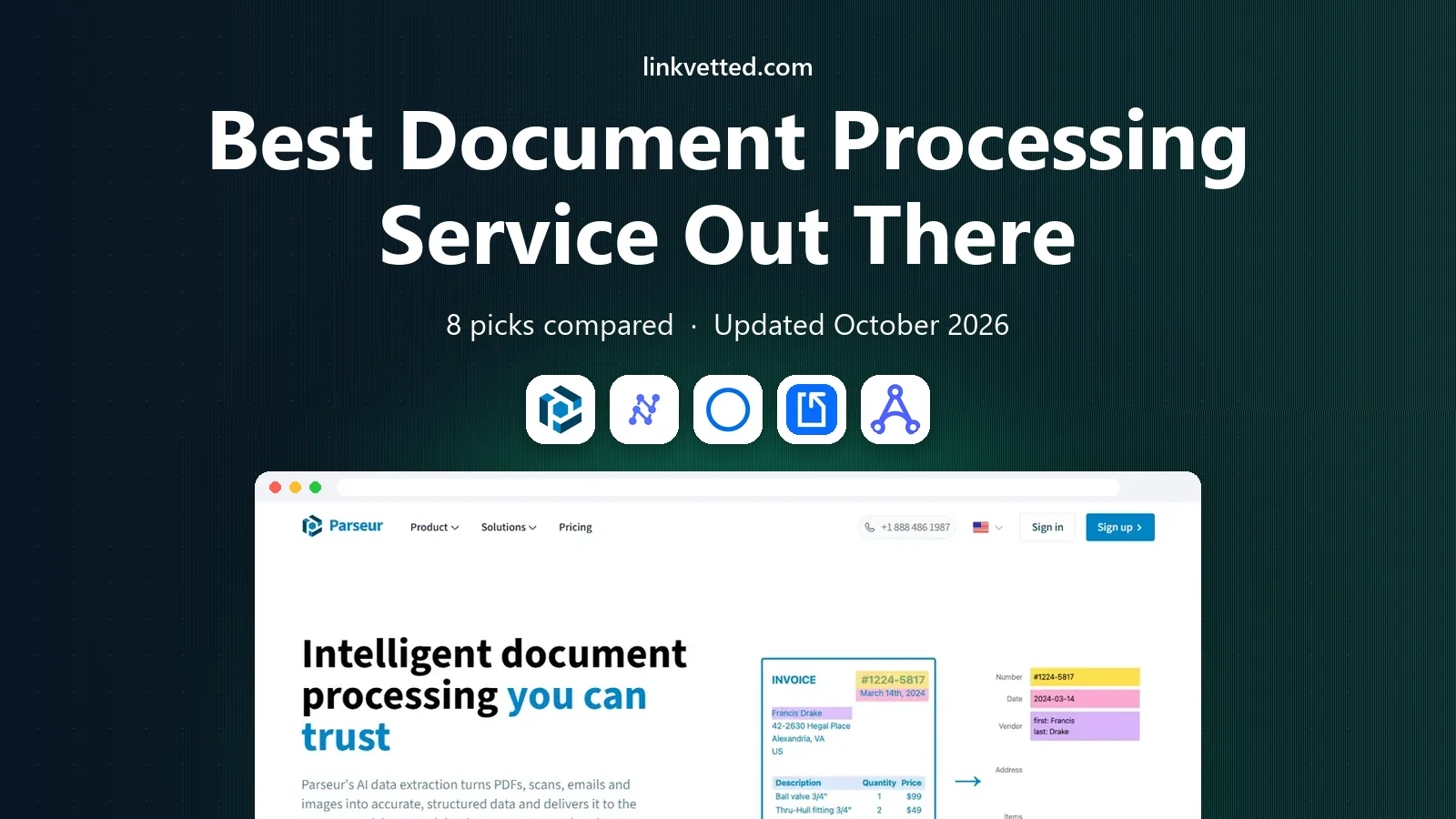
- Editor's choice
 Parseur
Fast setup for small teams
Starts at$49 per monthVisit parseur.comFull review - Great alternative
 Nanonets
AI extraction with approvals
Starts at$100 per monthVisit nanonets.comFull review - Also consider
 Rossum
High volume invoice automation
Starts atSee websiteVisit rossum.aiFull review
TL;DR:
- Parseur is our pick for small teams that want extraction running fast without a developer project.
- Nanonets and Docsumo suit teams that need approvals and human review built into the workflow.
- Rossum and ABBYY fit larger operations with high volumes, complex layouts, and strict controls.
- Docparser remains useful when your documents come in stable, repeated layouts.
- Price by page or by document, not only by monthly fee, since volume changes the real cost fast.
Quick comparison
| Tool | Best for | Starts at | Free plan? | |
|---|---|---|---|---|
| Parseur | Fast setup for small teams | $49 per month | Yes | Visit |
| Nanonets | AI extraction with approvals | $100 per month | Free trial | Visit |
| Rossum | High volume invoice automation | See website | Free trial | Visit |
 Docparser | Stable template documents | $39 per month | Free trial | Visit |
 Docsumo | Review workflow for finance teams | See website | Free trial | Visit |
 ABBYY Vantage | Enterprise capture and compliance | See website | No | Visit |
 DocuClipper | Accounting firms and bookkeepers | $29 per month | Free trial | Visit |
 Klippa | Mobile capture and fraud checks | See website | Free trial | Visit |
The best document processing services
Document processing turns PDFs, scans, and emails into structured data your systems can use. The right service depends on volume, document variety, and how much review your team wants to keep in house.

Parseur is the easiest starting point in this group for a team that receives documents by email. You forward a document to a dedicated mailbox, describe the fields you need in plain language, and send the result to a spreadsheet, accounting tool, or automation platform. That low setup effort is why we place it first for small businesses and operations teams. The free plan covers a small monthly volume, which is enough to prove the idea before paying. The honest limit is that no extraction tool is perfect on messy scans or unusual tables, so plan a quick review step for the first weeks.
- Free plan with monthly pages
- Email inbox intake
- Wide automation integrations
- Very complex tables may need manual checks
- Higher volumes move to larger plans quickly
Nanonets suits operations teams that process varied documents and want approvals in the same tool. Its prebuilt models handle common forms, while custom models can learn your layouts over time. We like the way exceptions can go to a reviewer through common chat and email tools, which keeps finance work moving without a separate queue. The drawback is pricing clarity: costs depend on blocks and runs, so a team should test with real volume before signing a larger plan. It is a stronger fit when document variety is high and a simple template tool keeps failing.
- Prebuilt models for invoices and orders
- Approval routing
- Broad system connectors
- Per run pricing can be hard to forecast
- Setup takes more time than a simple parser

Rossum is built for accounts payable teams that receive invoices from many suppliers in many formats. Instead of building a template for each supplier, its models read the document and pull fields such as vendor, totals, and line items. That approach saves a lot of setup time at scale. We would shortlist it when monthly volume is high and accuracy on line items matters for payment. The trade off is that pricing requires a sales conversation, and smaller teams may find the process too heavy for a simple need.
- Strong handling of varied invoice layouts
- Validation and queues
- Enterprise controls
- Quote based pricing
- Implementation is heavier than self serve tools
Docparser is a practical choice when your documents look the same every time. You set a parsing rule for each layout, and the tool applies it to new files from email, upload, or cloud storage. That control appeals to teams that like predictable output and a low monthly fee. We still rank it below AI first tools for varied documents, because each new layout means new work. If your suppliers rarely change their forms, though, that limit may never matter, and the low starting price is a real advantage.
- Clear published pricing
- Rule based parsing you control
- Useful Zapier and webhook options
- One rule per layout
- Poor fit for documents that change often
Docsumo pairs extraction with the review step many finance teams need. When a field is uncertain, the document goes to a reviewer with a reason attached, which makes corrections faster than hunting through a spreadsheet. We like that design for teams that care about audit trails and accuracy, not only speed. The main weakness is that pricing is less transparent than self serve rivals, so budget planning takes a sales call. It fits mid sized finance operations better than a one person bookkeeping setup.
- Built in review queue with reasons for exceptions
- Confidence scores
- Broad API options
- Pricing is quoted, not published for all plans
- Smaller teams may not need the full workflow
ABBYY Vantage is the enterprise option for organizations with strict security, retention, or on premises needs. Its capture skills cover many document types, and its verification tools give staff a structured way to check results. We would consider it when an organization already uses ABBYY tools or needs deep integration with automation platforms. For a small team, the sales led process and implementation effort are clear drawbacks. It earns a place here for scale and control, not for speed of setup.
- Long track record in capture
- Ready made skills for common documents
- On premises options
- No published pricing
- Setup and training can be extensive
DocuClipper focuses on a clear job: turning invoices into clean data for accounting software. That focus makes it easy to evaluate, since you can test it on your real invoices and check the export into your ledger. We think it fits accounting firms and small finance teams that process invoices every week and want predictable page based pricing. The limit is scope: if you also need contracts, shipping papers, and custom forms, a broader platform will serve you better.
- Line item extraction for invoices
- Direct accounting exports
- Page based pricing
- Less suited to non invoice documents
- Approval features are simpler than Docsumo
Klippa is useful when documents arrive as phone photos rather than clean PDFs. Its mobile capture tools help field teams, drivers, and expense users submit receipts and forms from where they work. Fraud checks add value for expense and invoice review, since altered documents can be flagged for a closer look. We include it as a smaller, specialized option rather than a general enterprise platform. Teams should confirm integration coverage and pricing for their region before committing.
- Mobile SDK for capture on the go
- Fraud signals on receipts and invoices
- European data options
- Pricing is not published
- US support and integrations vary by use case
How we picked these
We reviewed official feature and pricing pages, public documentation, and user reviews for patterns around accuracy, review workflows, and integration depth. We favored services that handle real world PDFs and scans, not only clean digital files, and we kept a mix of self serve tools and enterprise platforms. Where pricing was quote based, we say so plainly instead of guessing a number. We also weighed intake methods, since a tool that cannot accept email or cloud storage easily will slow a team down no matter how good its extraction is.
How to choose a document processing service
Start with your documents, not with a feature list. Gather twenty real examples, including your messiest scans, and run them through a trial. That test tells you more than any demo.
Test on your worst documents first
Vendors demo on clean invoices, but your inbox will include skewed scans, handwritten notes, and multi page tables. Check line items closely, since a correct total with wrong lines still creates payment errors. Note how long review takes per document, and whether the tool explains why a field was flagged. A tool that looks fast but needs heavy correction is not saving time.
Price the full workflow
Compare the monthly fee, the per page or per document cost, and any charges for extra users, review seats, or API calls. A low monthly plan can become costly at volume, while a quoted enterprise plan may include review and support that a cheap tool charges separately. Ask for a cost estimate at your current volume and at double that volume, so growth does not surprise you.
Plan for review and integration
Decide who reviews exceptions, how corrections feed back into the model, and where clean data should land. A direct link to your accounting or ERP system beats a manual spreadsheet export, but only if the field mapping is stable. Keep a human check for payments, tax fields, and any document tied to a contract or legal duty, even after accuracy looks strong.
FAQ
How accurate is document extraction?
Accuracy varies by document quality, layout variety, and whether line items are involved. Clean digital invoices often extract well, while poor scans and complex tables need more review. Always test with your own files and measure errors per field, not only an overall vendor claim.
Do I need a developer to set this up?
Self serve tools like Parseur and Docparser can be set up by an operations or finance user, while API first platforms and enterprise tools often need developer or implementation help. If you have no developer time, favor email intake, templates, and no code integrations.
What happens to documents that fail extraction?
Good tools route failed or low confidence documents to a review queue with a reason attached. Your team corrects the field once, and the corrected data should flow to your system. Ask how corrections are stored and whether they improve future results.
Is my data safe with a cloud processing service?
Check for encryption in transit and at rest, access controls, retention settings, and compliance statements that match your industry. For sensitive financial or personal data, confirm where data is stored and how long the vendor keeps it. Enterprise plans often add stronger controls and agreements.
Can these tools replace manual data entry completely?
They can reduce manual entry a lot, but most teams keep a review step for exceptions and high value documents. The realistic goal is to let staff check only the documents that need judgment, while routine files pass through with little touch.
How should I compare per page pricing?
Convert every plan to a cost per document at your real volume, including review seats and integration fees. A plan that looks cheap per page can cost more if it needs extra staff time for corrections. Trial volume and error rates give you the fairest comparison.