Best Automation Apps for Small Business in 2026: 9 Tools Compared
Looking for the best automation apps for small business? We compare 9 tools, from Zapier and Make to Power Automate, with prices that are pay-as-you-go.
- Editor's choice
 Zapier
Easiest general automation
Starts atFreeVisit zapier.comFull review - Great alternative
 Make
High-volume visual workflows
Starts atFreeVisit make.comFull review - Also consider
 n8n
Self-hosted and AI workflows
Starts atFreeVisit n8n.ioFull review
TL;DR:
- Zapier is the easiest starting point, with the largest app catalogue and a free plan of 100 tasks a month.
- Make gives you far more operations per dollar, with a free plan of 1,000 operations and paid plans from $9 a month.
- n8n suits technical teams that want to self-host or build AI workflows with full control.
- Microsoft Power Automate is the natural pick for companies already on Microsoft 365.
- IFTTT, Pabbly Connect and Activepieces cover simple, budget and open-source automation needs respectively.
Quick comparison
| Tool | Best for | Starts at | Free plan? | |
|---|---|---|---|---|
| Zapier | Easiest general automation | Free | Yes | Visit |
| Make | High-volume visual workflows | Free | Yes | Visit |
| n8n | Self-hosted and AI workflows | Free | Yes | Visit |
 Microsoft Power Automate | Microsoft 365 teams | See website | Yes | Visit |
 IFTTT | Simple personal and small business applets | Free | Yes | Visit |
 Pabbly Connect | Budget-friendly Zapier alternative | See website | Free trial | Visit |
 Activepieces | Open-source automation | Free | Yes | Visit |
 HubSpot | CRM plus marketing automation | Free | Yes | Visit |
 Mailchimp | Email marketing automation | Free | Yes | Visit |
The best automation apps for small business
Small businesses lose hours to copy-paste work: moving form entries into a CRM, sending follow-up emails, updating spreadsheets and posting to social channels. Automation tools handle those repetitive jobs so a small team can focus on customers. The tools below cover general workflow automation, plus CRM and email automation for teams that need those jobs specifically.
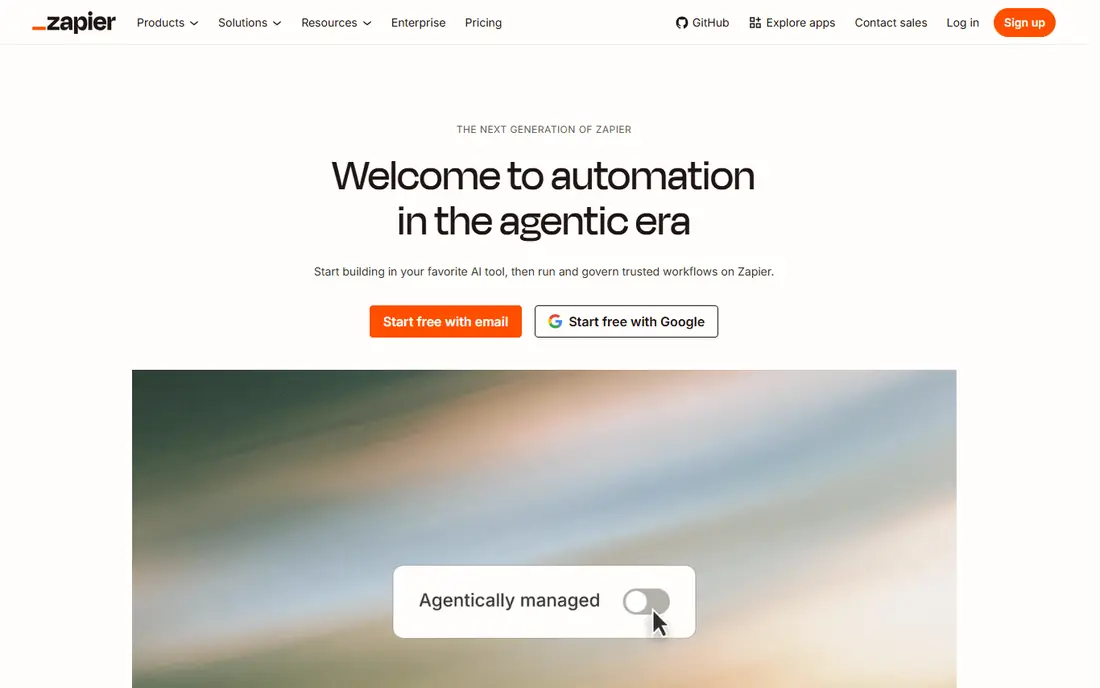
Zapier is the default automation tool for small businesses, and for good reason. It connects thousands of apps, from form tools and CRMs to spreadsheets, email and shop platforms, and you build a workflow, called a Zap, in plain trigger-and-action steps. The free plan covers 100 tasks a month for single-step automations, while paid plans start at $19.99 a month for 750 tasks with multi-step Zaps.
The cost model is the main watch-out. Every successful action step counts as a task, so a busy multi-step workflow can use a plan quickly. If your volume is low and you value ease above all else, Zapier is still the safest first choice.
- Largest app catalogue
- Very easy editor
- Reliable for simple workflows
- Task-based billing adds up fast
- Entry paid plan covers only 750 tasks a month
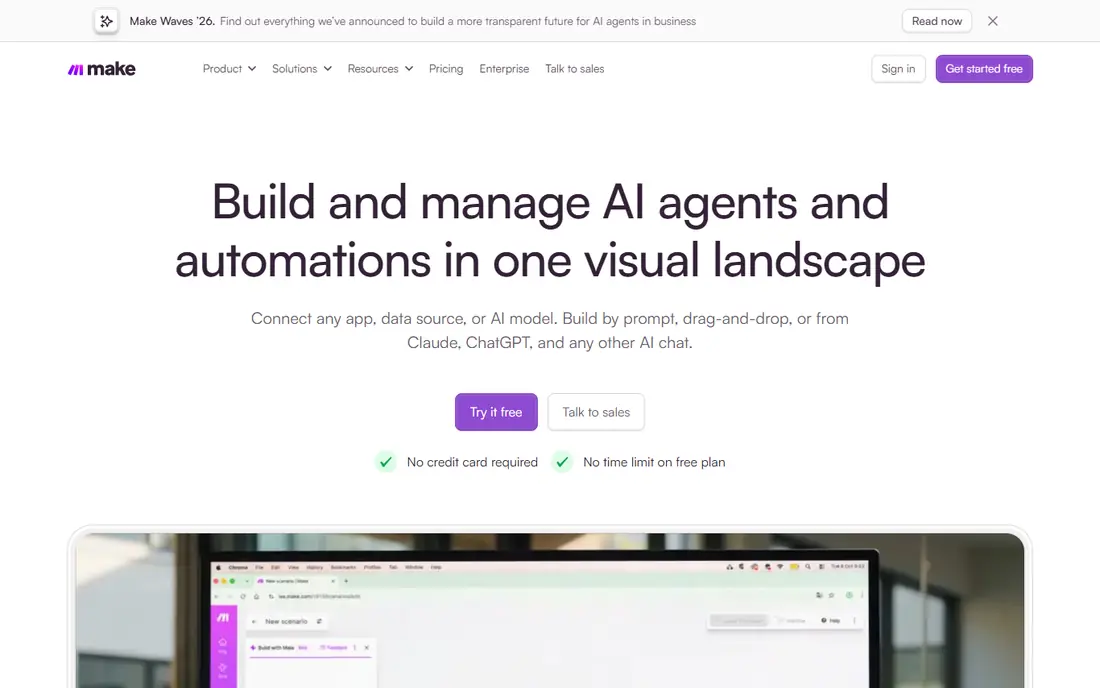
Make, formerly Integromat, is the best value pick for teams that run a lot of automation. Its visual canvas lets you build branching workflows with routers, filters and data transformation that Zapier handles less elegantly. The free plan includes 1,000 operations a month, and paid plans start at $9 a month for 10,000 operations, which is far more volume per dollar than Zapier.
The interface takes longer to learn, and the app catalogue, while large, is smaller than Zapier's. If you have someone on the team who enjoys building workflows, or your task volume is high, Make will save you money month after month.
- Visual flowchart builder
- Generous operations per dollar
- Free plan of 1,000 operations a month
- Steeper learning curve than Zapier
- Smaller app catalogue
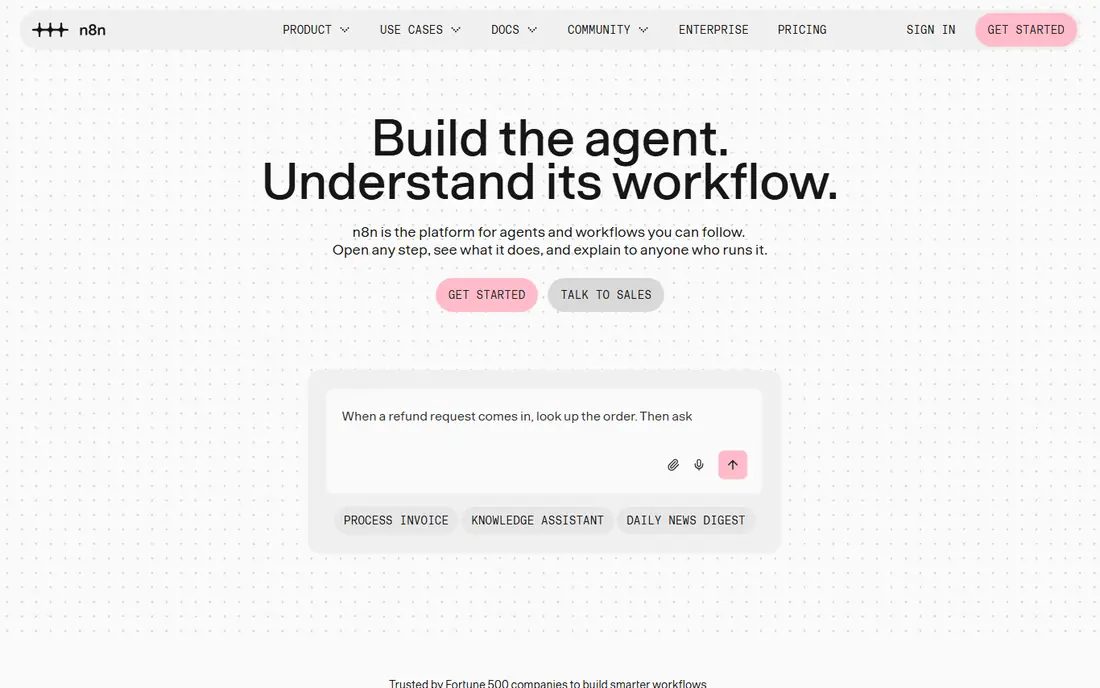
n8n is the pick for technical small businesses that want full control. The community edition is free to self-host, so you can keep data on your own servers and build workflows with code steps, AI agents and hundreds of integrations. Cloud plans bill per workflow execution rather than per step, which suits complex workflows with many steps.
It is not the best choice for a non-technical owner who wants a five-minute setup, since self-hosting and advanced features need some skill. For teams with a developer or a technical founder, n8n offers power and control that closed tools cannot match.
- Free self-hosted community edition
- Strong AI agent and code options
- Execution-based billing on cloud
- Needs technical comfort
- Cloud plans start around 20 euros a month
Power Automate is the natural automation tool if your business already runs on Microsoft 365. It connects Outlook, Teams, SharePoint, Excel and Dynamics, and many Microsoft 365 plans include basic flows at no extra cost. Premium plans add per-user pricing for advanced flows, and a separate process plan covers unattended desktop automation for older apps.
Outside Microsoft tools, Power Automate is less compelling than Zapier or Make, and its interface can feel complex. For Microsoft shops, though, it is often the cheapest and most integrated option, since you may already be paying for it.
- Included in many Microsoft 365 plans
- Strong Teams, SharePoint and Outlook integration
- Desktop automation
- Premium features cost extra per user
- Less intuitive outside the Microsoft ecosystem
IFTTT, short for If This Then That, is the simplest automation tool here. You create applets such as "when a new form response arrives, post it to Slack" or "when I publish a blog post, share it on social media" in a few taps. The free tier covers basic applets, and it supports many consumer apps and smart devices that business tools ignore.
It is not built for branching business workflows, data transformation or high volumes, so larger operations will outgrow it. For a solo owner or a tiny team with a handful of simple jobs, IFTTT is fast, cheap and easy to maintain.
- Extremely simple applets
- Wide consumer and smart device support
- Free tier
- Limited multi-step logic
- Less suited to complex business workflows
Pabbly Connect appeals to small businesses that like Zapier's model but not its price at scale. It offers workflow automation across hundreds of apps, with paid plans that include generous task allowances and unlimited workflows. That makes it attractive for shops, agencies and content businesses that sync orders, leads and spreadsheets all day.
The app catalogue is smaller than Zapier's, so check that your key tools are supported before switching. If they are, Pabbly Connect can cut a meaningful monthly bill without changing how your workflows work.
- Lower cost for high task volumes
- Unlimited workflows on paid plans
- Easy migration from Zapier-style tools
- Smaller app catalogue than Zapier
- Interface is less polished
Activepieces is an open-source automation platform with a visual builder, aimed at teams that want Zapier-style automation without vendor lock-in. You can self-host it for free or use its cloud version, and it supports a growing list of apps with branching logic and code steps. For privacy-conscious teams or developers who want to extend the tool, open source is a real advantage.
As a younger platform, its integration list is shorter than Zapier or Make, and support on the free tier is community-based. If your key apps are covered and you value openness, Activepieces is a promising, low-cost choice.
- Open-source and self-hostable
- Visual builder
- Growing app catalogue
- Younger platform with fewer integrations
- Community support rather than enterprise support on free tier
HubSpot is not a general automation tool, but for small businesses that need CRM automation, it is often the better buy. The free CRM includes contact management, forms, email tracking and basic workflows, and paid Marketing and Sales Hub tiers add sequences, lead scoring and advanced automation. Workflows can move deals, assign owners, send follow-ups and update records automatically.
Costs rise with contacts and seats, so a growing database can become expensive, and HubSpot cannot connect arbitrary apps as broadly as Zapier. If your automation is mostly about leads, deals and customer follow-up, HubSpot covers it inside the CRM you already use.
- Free CRM with automation built in
- Email, forms and deal workflows in one place
- Strong reporting
- Paid tiers rise with contacts and seats
- Automation depth is CRM-focused rather than general
Mailchimp is the email automation pick for small businesses. Its free plan covers small contact lists, and paid plans from around $13 a month add customer journeys, abandoned cart emails, segmentation and A/B testing. For a shop or service business that lives by email, those journeys automate welcome series, follow-ups and win-back campaigns with little setup.
Mailchimp is not a general workflow tool, so it will not sync arbitrary apps or run internal operations. Pair it with Zapier or Make if you need both, or use Mailchimp alone if email is the main automation job.
- Free plan for small lists
- Easy email journeys and abandoned cart flows
- Good templates
- Price climbs with list size
- General workflow automation is limited
How we picked these
We compared official pricing pages, feature pages and public comparisons for automation tools that are live and actively sold in October 2026. We kept tools that a small business can set up without an enterprise contract, and we noted where pricing is published and where it requires a quote. We included general workflow tools plus CRM and email automation, since those are the jobs small businesses automate most.
What to check before you buy
Start by listing the repetitive jobs that actually eat time. A tool that connects your form, CRM and spreadsheet covers most small business needs, while a tool that only does email will not fix internal operations. Pick the tool that covers your top three workflows, not the one with the longest feature list.
Next, model your volume honestly. Task-based billing punishes multi-step workflows, operation-based billing punishes polling, and execution-based billing suits complex flows. Estimate monthly runs before choosing, and test on the free tier with real data to see how fast you use the allowance.
Finally, assign an owner. Automation fails when nobody maintains it, so pick one person to build, document and monitor workflows, and set up error alerts. Start with one workflow that saves clear time, prove the value, then expand.
FAQ
What is the best automation tool for small business overall?
Zapier is the easiest overall pick for most small businesses, thanks to its large app catalogue and simple editor. Make is better value if your volume is high or your workflows branch, while n8n suits technical teams that want self-hosting.
Is Zapier or Make cheaper?
Make is cheaper per operation on list prices, with paid plans from $9 a month for 10,000 operations, compared with Zapier from $19.99 a month for 750 tasks. Real costs depend on how each tool counts usage, since Make charges for polling and Zapier charges only for completed action steps, so test both with your real workflows.
Can I automate my small business for free?
Yes, up to a point. Zapier, Make, n8n, IFTTT, Activepieces, HubSpot and Mailchimp all offer free tiers that cover small volumes. Free plans suit testing and light use, while busy businesses will need a paid plan once volume grows.
Do I need coding skills to use automation tools?
No, for Zapier, Make, IFTTT and Pabbly Connect, which are built for non-technical users. n8n and Activepieces offer code steps for technical teams, but their visual builders work without code for most workflows.
What should a small business automate first?
Start with lead handling: form to CRM, instant notification, and a follow-up email. Next automate invoicing, appointment reminders and social posting. Those jobs save hours each week and are easy to test before moving to complex workflows.
Is Microsoft Power Automate free with Microsoft 365?
Basic Power Automate flows are included in many Microsoft 365 plans, while premium connectors and advanced features require a separate per-user plan. Check your current Microsoft 365 plan to see what is already included before buying another tool.
Sources
- https://zapier.com/pricing
- https://www.make.com/en/pricing
- https://n8n.io/pricing
- https://www.microsoft.com/en-us/power-platform/products/power-automate/
- https://ifttt.com/plans
- https://www.pabbly.com/connect/
- https://www.activepieces.com
- https://www.hubspot.com/pricing
- https://mailchimp.com/pricing/