5 Cloud Storage Software for Document Collaboration Worth Shortlisting in 2026
5 tools for the best cloud storage software for document collaboration, compared on pricing, free plans and best-fit use. Each entry gets a plain verdict.
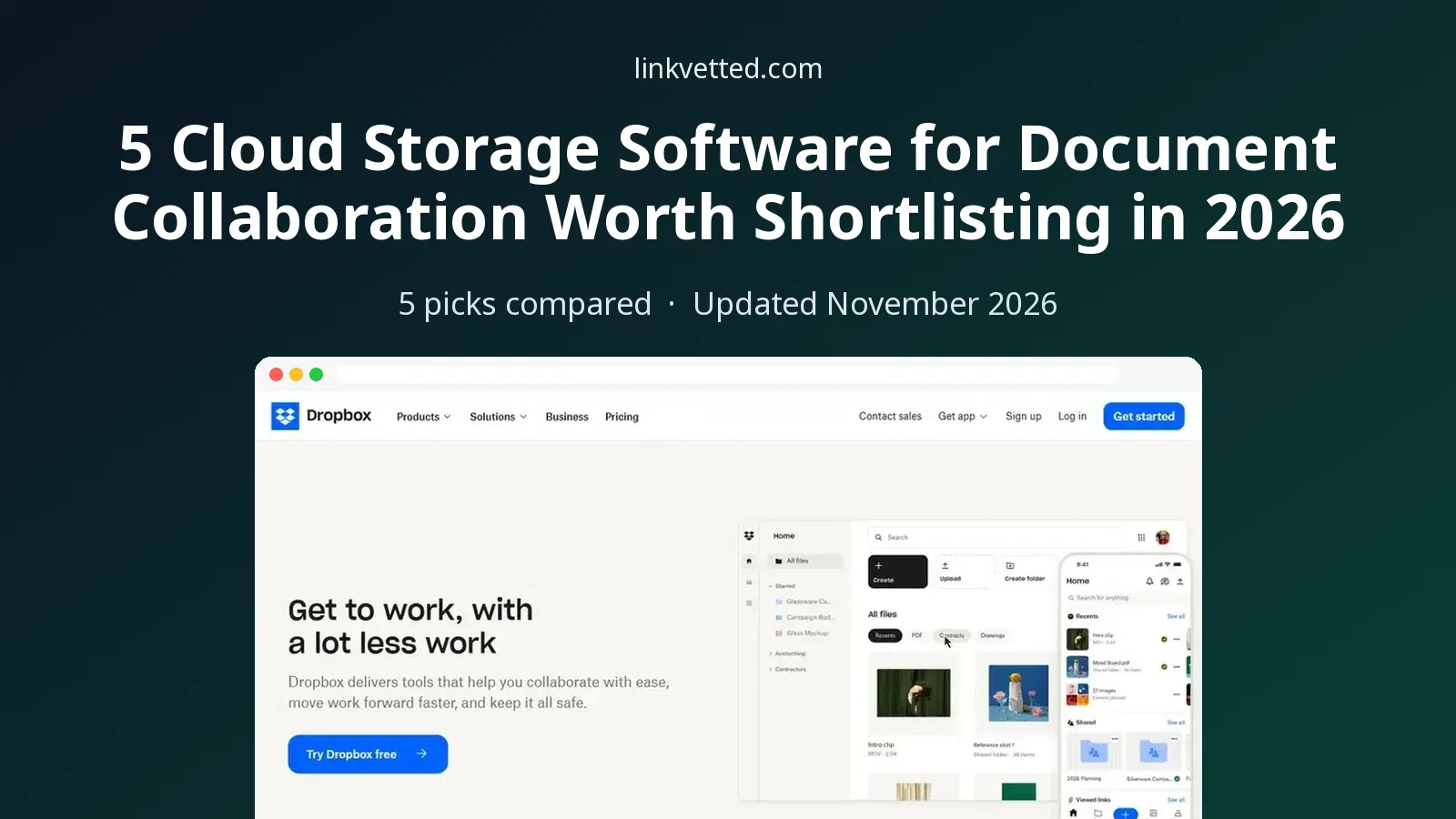
- Editor's choice
 Dropbox Business
File storage with eSignature and tracking
Starts atSee websiteVisit dropbox.comFull review - Great alternative
 Notion
All-in-one workspace with documents and wikis
Starts at$10 per member a monthVisit notion.comFull review - Also consider
 Egnyte
Large file collaboration with governance
Starts at$22 per user per monthVisit egnyte.comFull review
Direct answer
Dropbox Business leads the list, best for file storage with eSignature and tracking. Listed starting prices: Notion from $10 per member a month and Egnyte from $22 per user per month. Notion fits all-in-one workspace with documents and wikis; Egnyte fits large file collaboration with governance. Prices, free plans and limits for all 5 tools follow.
TL;DR:
- This list starts with Dropbox Business, which is built for file storage with eSignature and tracking.
- The main caution on Microsoft 365: can be more complicated to administer.
- Just one of the 5 tools, Notion, has a free plan.
- Notion has the lowest monthly starting price in this list: $10 per member per month.
Last checked November 2026. Prices and plan details were read from the vendors' own pages in November 2026; vendors change plans often, so confirm the current price on the vendor site before you buy.
Quick comparison
| Tool | Best for | Starts at | Free plan? | |
|---|---|---|---|---|
| Dropbox Business | File storage with eSignature and tracking | See website | Not stated | Visit |
| Notion | All-in-one workspace with documents and wikis | $10 per member a month | Yes | Visit |
| Egnyte | Large file collaboration with governance | $22 per user per month | Free trial | Visit |
 Microsoft 365 | Deep Office file compatibility and desktop apps | See website | Free trial | Visit |
 Google Workspace | Live co-editing in the browser | See website | Not stated | Visit |
Cloud Storage Software for Document Collaboration compared in detail
This LinkVetted guide covers 5 options for cloud storage software for document collaboration. Each profile lists a starting price, free plan details, strengths and drawbacks, so you can drop poor fits quickly.

In short, Dropbox Business is for file storage with eSignature and tracking. It is well-suited for professionals and teams who require to store, share, and run files across devices, and who value straightforward external collaboration.
Downsides: Advanced admin features cost additional.
As for the details, Dropbox Business does not offer full document editing suites like Google Workspace or Microsoft 365. So teams that require to produce and edit documents natively may have to integrate other tools. Dropbox Business shows no starting price here, so confirm the cost on the vendor site. On free options: Not stated.
- Straightforward to use for external collaboration
- Built-in eSignature and document tracking
- Restricted native document editing
Where Notion fits: all-in-one workspace with documents and wikis. It fits best as a complement to storage tools.
Choose Notion for an adaptable workspace that centralizes team knowledge and documents. What you pay to start with Notion: $10 per member per month. Notion has a free plan.
Points against: Not a traditional file storage system.
- Adaptable workspace for notes and documents
- AI features for search and automation
- Restricted support for large binary files
Think of Egnyte for large file collaboration with governance. Egnyte is a content cloud product that supplies AI context and governance for enterprise content, enabling collaboration on large files and secure management of sensitive data.
It is aimed at firms that require to govern content across several repositories whereas supporting collaboration on substantial files. For everyday use, for more straightforward collaboration, consider Google Workspace or Microsoft 365. The starting price for Egnyte: $22 per user per month. Free options: Free trial.
Honest limits: Less known for live document editing.
- AI context layer for content intelligence
- Capable governance and security controls
- May need integration for full editing

Microsoft 365 was built for deep Office file compatibility and desktop apps. The system emphasizes security and supplies AI enhancements to simplify work. On top of that, pick Microsoft 365 when full desktop app functionality and deep Office integration are essential.
Microsoft 365 may feel heavier and more complicated than more straightforward cloud-first choices, particularly for teams that primarily edit in the browser. Its collaboration experience, whereas solid, is at times considered less smooth than Google Workspace. This comparison lists no price for Microsoft 365; ask the vendor. On free options: Free trial.
Downsides: Browser collaboration less fluid than Google's.
- Capable security and compliance tools
- AI-powered features for productivity
- Can be more complicated to administer
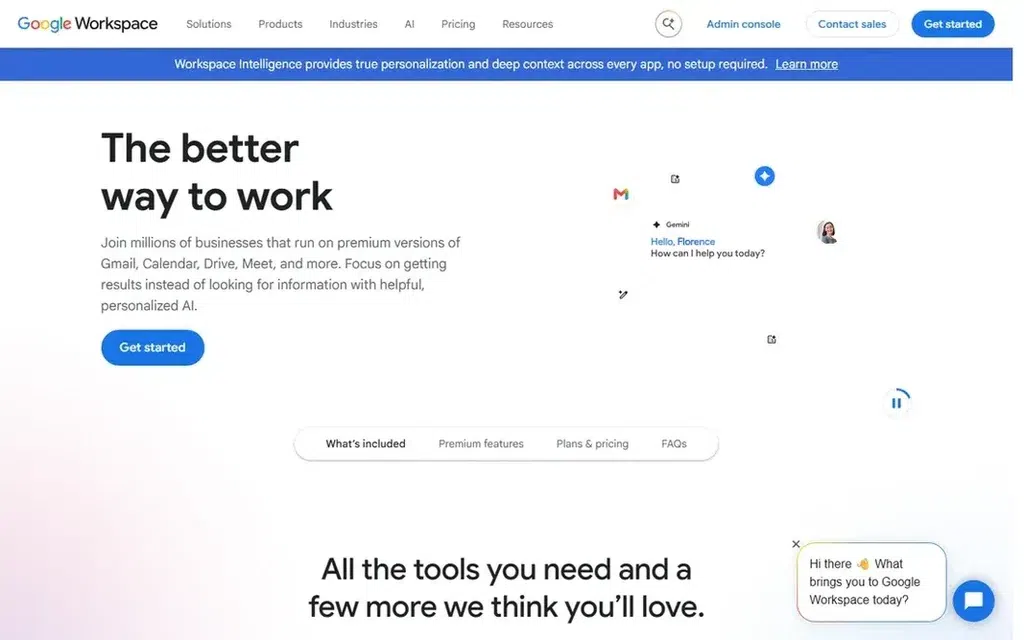
Google Workspace is built with real-time co-editing in the browser in mind. Whereas Google Workspace excels at browser-based collaboration, some users may find its desktop apps less feature-rich than Microsoft Office.
Honest limits: Less capable desktop apps than Microsoft.
In practice, Google Workspace is a suite of online productivity tools built around Google Drive, Docs, Sheets, and Slides. Google Workspace shows no starting price here, so confirm the cost on the vendor site. On free options: Not stated.
- Capable live collaboration features
- Straightforward sharing and permission controls
- Advanced admin controls need setup
How we built this list
The comparison looks at four things: starting price, free access, how well the feature set matches cloud storage software for document collaboration, and the main limit of each tool. Treat prices as a snapshot: vendors change plans often, so check the vendor site for the figure that applies today. Order on the page follows fit for the typical buyer first, then price transparency and free access. Your own requirements should decide the final pick.
What to check before you buy
- Ask Dropbox Business, Microsoft 365 and Google Workspace for a written quote, since no starting price is shown.
- Look at the free plan from Notion closely: its caps decide whether it is usable for real work.
- Use real work to test the free trial from Egnyte and Microsoft 365, rather than a demo project.
- Read the limits listed for Dropbox Business first: restricted native document editing.
- The entry price of Dropbox Business is only the starting point; model the full cost with seats and extras.
- Look at the renewal terms for Microsoft 365: auto-renewal, notice periods and price changes can matter more than the first-year price.
FAQ
What is the cheapest option for cloud storage software for document collaboration in this list?
On published monthly entry prices, Notion is the lowest here at $10 per member per month. Entry price is only part of the cost, because seats, add-ons and billing terms can change the total. All 5 picks in this cloud storage software for document collaboration comparison list a starting price, free plan details and the main limits on their cards above.
Can I use Dropbox Business for document editing?
Dropbox Business is primarily a storage and sharing product, so it does not contain native document editing like Google Workspace or Microsoft 365. It is a good match for file-centric workflows.
Is Notion a replacement for cloud storage?
Notion is not a traditional cloud storage service; it is a workspace for documents, wikis, and databases. Whereas it can store some files, it lacks the solid file syncing and large-file support of dedicated storage tools.
What is the best cloud storage for live document collaboration?
Start with Dropbox Business if you need file storage with eSignature and tracking. Notion is the better match for all-in-one workspace with documents and wikis, and Egnyte for large file collaboration with governance. The best choice depends on budget, team size and workflow.
How are the tools for cloud storage software for document collaboration ordered?
Dropbox Business sits first and Google Workspace last because the order follows typical fit for cloud storage software for document collaboration, then price clarity and free access. It is a judgement call, so read each profile for fit and limits.
Do these tools publish their prices?
Not all of them. Dropbox Business, Microsoft 365 and Google Workspace publish no starting price, so expect a quote request for those. The rest, Notion included, show a starting price, though seats and billing terms still change the final cost.
Sources
- https://www.dropbox.com/business
- https://www.notion.com
- https://www.egnyte.com
- https://www.microsoft.com/microsoft-365
- https://workspace.google.com