Best Cloud Storage App for Free in 2026: 9 Apps Compared
Best cloud storage app for free compared, including free cloud storage apps with generous space, sync, sharing, and privacy features for phone and computer.
- Editor's choice
 Google Drive
Most people and Google users
Starts atFreeVisit drive.google.comFull review - Great alternative
 Dropbox
Simple sync and sharing
Starts atFreeVisit dropbox.comFull review - Also consider
 Microsoft OneDrive
Windows and Microsoft 365 users
Starts atFreeVisit microsoft.comFull review
TL;DR:
- Google Drive is our pick for most people, because its free tier is generous and it works well with Gmail, Docs, and Photos.
- MEGA offers one of the largest free tiers, while Proton Drive is the best pick for users who prioritise privacy and encryption.
- Check whether free space is shared across mail and photos, because a headline number can shrink fast in real use.
- For large photo or video libraries, a paid upgrade is usually cheaper than juggling several free accounts.
Quick comparison
| Tool | Best for | Starts at | Free plan? | |
|---|---|---|---|---|
| Google Drive | Most people and Google users | Free | Yes | Visit |
| Dropbox | Simple sync and sharing | Free | Yes | Visit |
| Microsoft OneDrive | Windows and Microsoft 365 users | Free | Yes | Visit |
 Apple iCloud Drive | Apple device users | Free | Yes | Visit |
 MEGA | Large free tier and privacy | Free | Yes | Visit |
 pCloud | One-time lifetime storage option | Free | Yes | Visit |
 Box | Work files and business sharing | Free | Yes | Visit |
 Proton Drive | Privacy-first storage | Free | Yes | Visit |
 Internxt | Open source privacy storage | Free | Yes | Visit |
The best free cloud storage apps
The best cloud storage app for free is the one that gives you enough space, works on your devices, and does not surprise you with limits. The picks below start with generous free tiers and clear upgrade paths.
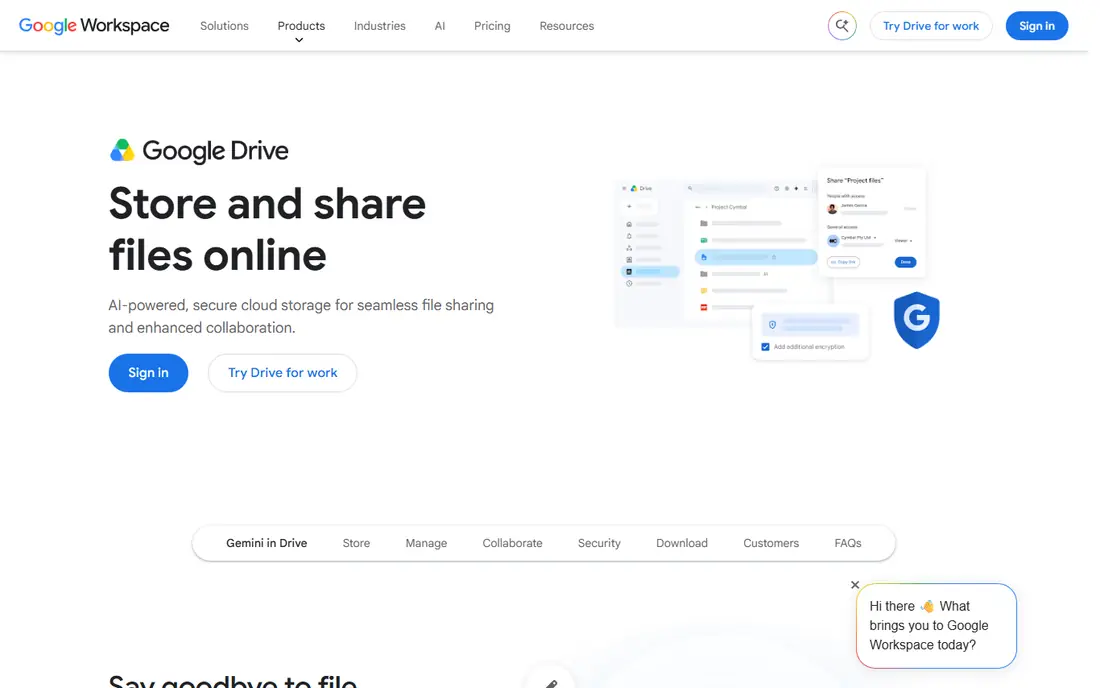
Google Drive is the best free cloud storage app for most people because it combines a generous free tier with Docs, Sheets, and Photos in one account. Files sync across phone and computer, sharing is simple, and search finds documents by content as well as name. If you already use Gmail, Drive is already waiting for you.
The catch is sharing. That free space is shared across Gmail, Drive, and Photos, so heavy mail and photo backups can fill it faster than expected. Paid Google One plans start at a low monthly price for more space, which is the simplest fix when you hit the limit.
- Generous free tier shared across Google services
- Strong search and collaboration
- Works on all major platforms
- Free space is shared with Gmail and Photos
- Privacy is standard cloud storage, not end-to-end by default
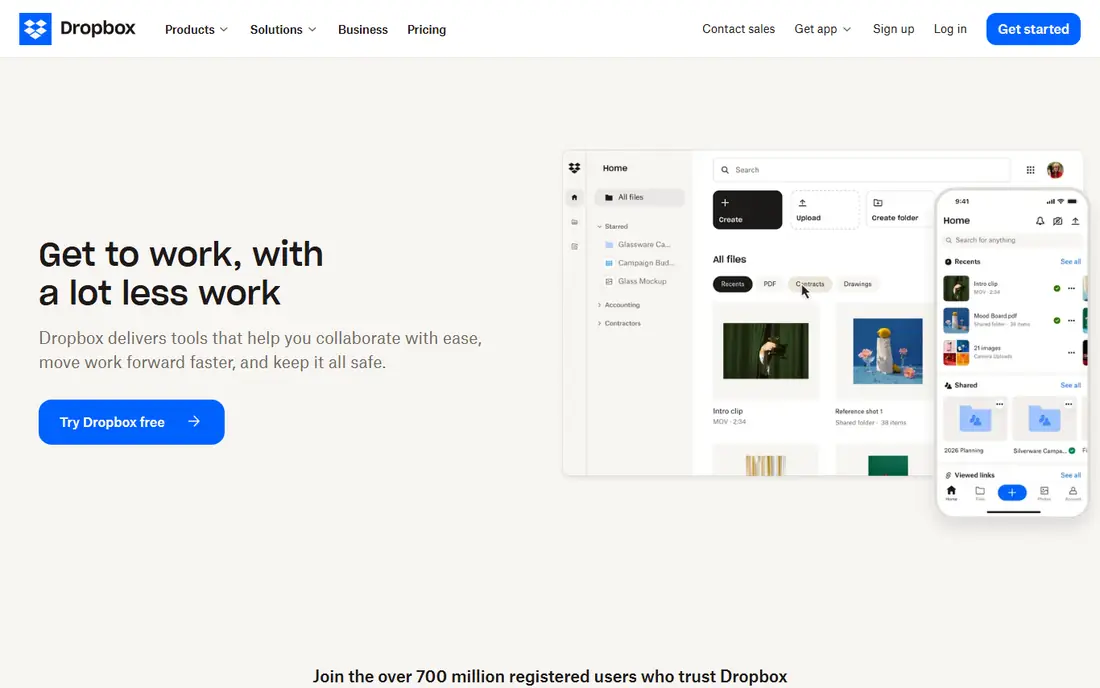
Dropbox is known for sync that just works. Files update quickly across devices, shared folders are easy to manage, and many apps link directly to Dropbox for backups and file access. For users who value reliability over a large free tier, Dropbox remains a trusted choice.
The free tier is the honest downside. It is much smaller than Google Drive or MEGA, so it suits documents and small projects better than photo libraries. Dropbox is best as a free tool for work files, with a paid plan if you need more space.
- Reliable sync and sharing
- Clean interface
- Strong third-party app support
- Free tier is small compared with Google and MEGA
- Paid plans are needed for larger libraries
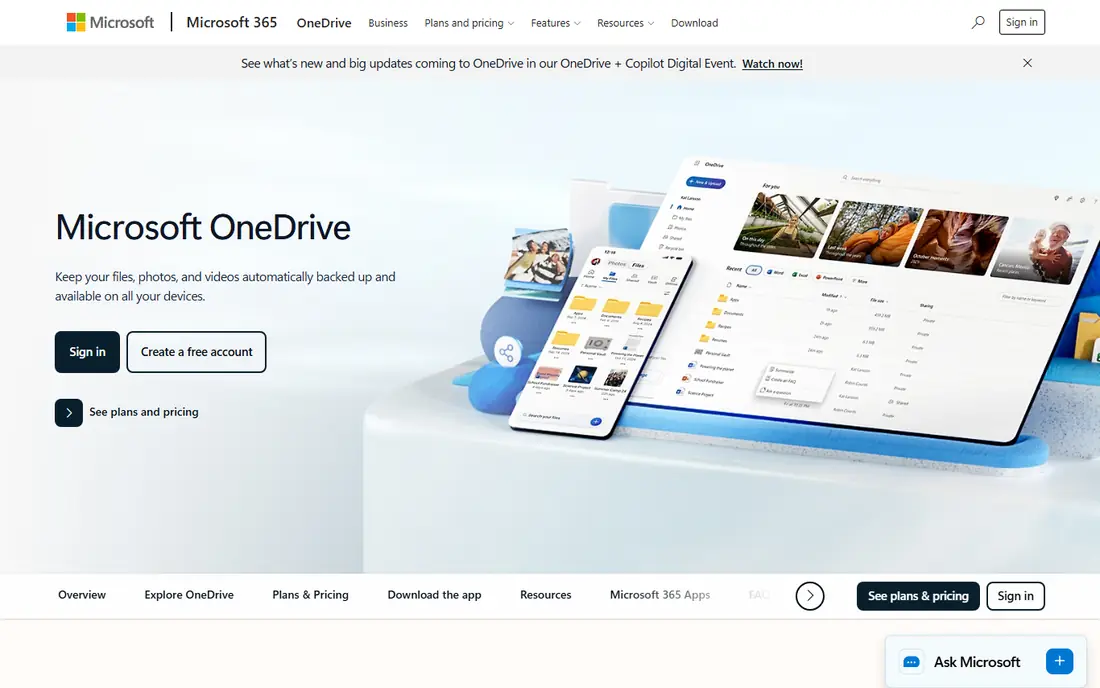
OneDrive is the natural free cloud storage app for Windows and Microsoft 365 users. It syncs Documents and Desktop folders, works well with Word, Excel, and PowerPoint, and includes a Personal Vault for sensitive files. If your work already lives in Microsoft tools, OneDrive keeps it close.
The free tier is small, so photo and video users will need a paid plan or a second service. OneDrive is best when you already use Microsoft 365, because the bundled storage then becomes good value, rather than as a standalone free service for large libraries.
- Built into Windows and Microsoft 365
- Good Office collaboration
- Personal vault for sensitive files
- Free tier is small
- Best value comes with a Microsoft 365 subscription
- Mac and mobile use is good but less native
iCloud Drive is the best free cloud storage app for Apple users because it is built into every iPhone, iPad, and Mac. Photos, device backups, and documents sync without extra setup, and family sharing can spread a paid plan across household members. For Apple-only households, it feels invisible in a good way.
The free tier is small, and a single photo library can fill it quickly. iCloud also works less smoothly on Windows than on Apple devices, so mixed-device users should consider Google Drive instead. For Apple users, a low-cost paid plan is often the practical step.
- Built into iPhone, iPad, and Mac
- Automatic device backups
- Family sharing options
- Free tier is small
- Windows use is less smooth
- Paid plans needed for photo libraries
MEGA stands out for free storage size and privacy. It offers a large free tier and encrypts files end-to-end by default, so only you hold the keys to your data in the usual MEGA setup. For users who want a lot of free space without giving up privacy, MEGA is a strong pick.
The trade-off is collaboration. MEGA is less deeply integrated with office tools than Google Drive or OneDrive, so shared document editing is not its strength. Use MEGA for storage and privacy, and Google Drive or OneDrive when live document collaboration matters most.
- Large free tier
- End-to-end encryption by default
- Apps for desktop and mobile
- Free tier can change with promotions and bonuses
- Sync and collaboration are less deep than Google Drive
pCloud is a good free cloud storage app with a clear upgrade path, including lifetime plans for users who dislike monthly fees. Its apps cover desktop and mobile, sharing is straightforward, and file versioning helps recover older versions. For long-term storage, the lifetime option appeals to many users.
The free tier is modest compared with MEGA, so pCloud is better as a paid or lifetime choice than as a large free service. Collaboration tools are also basic next to Google Drive. Pick pCloud if you want a stable, simple storage service with a one-time payment option.
- Free tier with apps on all platforms
- Optional lifetime plans
- File versioning and sharing
- Free tier is smaller than MEGA
- Lifetime plans are a larger upfront cost
- Collaboration is basic
Box is built for work files, with sharing controls, previews, and integrations that suit teams and businesses. Its free personal tier works for documents and small projects, and its business plans add admin controls and security features that larger organisations need.
For personal photo storage, Box is less compelling than Google Drive or MEGA, because its free tier is limited and its focus is work. Choose Box when you need controlled sharing for business files, not when you need the largest free photo library.
- Free tier for personal files
- Strong sharing controls
- Good business and team features
- Free tier is limited for large libraries
- Best features sit behind business plans
- Less personal photo focus
Proton Drive is the best free cloud storage app for privacy-first users. Files are end-to-end encrypted, and Proton is known for privacy-focused products including mail and VPN services. For sensitive documents, that encryption and company focus matter more than a large free tier.
The free tier is small, so Proton Drive suits documents and sensitive files rather than large media libraries. Collaboration is also less mature than Google Drive. Use Proton Drive for private files, and pair it with Google Drive or MEGA for larger, less sensitive storage.
- End-to-end encryption
- Privacy-focused company
- Apps for desktop, mobile, and web
- Free tier is small
- Collaboration and office features are less mature than Google Drive
- Paid plans add space
Internxt is an open source, privacy-focused cloud storage service with encryption and apps for desktop and mobile. Its open source client lets users and reviewers check how it works, which appeals to privacy-minded users who distrust closed systems. For documents and backups, it is a credible free option.
The downside is scale. Internxt is smaller than Google, Dropbox, or Microsoft, so integrations and support are narrower, and its free tier is small. It is best for privacy-focused users who want an open option for important files, rather than as a sole large media library.
- Open source client
- Privacy-focused encryption
- Apps for desktop and mobile
- Free tier is small
- Service is smaller than Google or Dropbox, so support and integrations are narrower
How we picked these
We compared official product pages and pricing pages, and weighed free storage size, whether space is shared with mail or photos, sync reliability, sharing, privacy, and platform support. We favoured services that are actively maintained and that offer a genuinely useful free tier, not just a trial.
We did not claim hands-on testing of sync speed in a lab. Where free space depends on bonuses or promotions, we note that, and we list starting price as Free for free tiers, with paid upgrades described in the text rather than presented as a free feature.
How to choose a free cloud storage app
Start with your devices. Apple users should start with iCloud, Windows and Microsoft users with OneDrive, and Google users with Google Drive, because built-in storage syncs best. Mixed-device households should favour Google Drive, Dropbox, or MEGA for broad platform support.
Next, check real free space, not just the headline number. Google Drive space is shared with Gmail and Photos, iCloud space covers backups and photos, and some free tiers include temporary bonuses. Add up your photos, videos, and documents before you trust a free tier to hold them.
Finally, think about privacy and sharing. Proton Drive and MEGA suit sensitive files, while Google Drive and OneDrive suit shared documents and collaboration. Many people use two services: one private service for sensitive files and one mainstream service for everyday sharing.
FAQ
What is the best cloud storage app for free?
Google Drive is our pick for most people, because its free tier is generous and it integrates with Gmail, Docs, and Photos. MEGA offers a larger free tier with encryption, while Proton Drive is best for privacy. The right pick depends on your devices and whether you need collaboration or privacy most.
What is the best free cloud storage software for photos?
Google Drive and MEGA are strong free picks for photos, though Google space is shared with Gmail and Photos. iCloud is best for Apple photo libraries, but its free tier is small. For large photo libraries, a paid plan is usually better than splitting photos across free accounts.
How much free storage does Google Drive offer?
Google Drive offers a free tier that is shared across Gmail, Drive, and Photos, and that shared limit is the number to watch in practice. Paid Google One plans add more space at low monthly prices. Check the current Google One page for the exact free limit in your country.
Is free cloud storage safe?
Free cloud storage from established providers uses encryption in transit and at rest, but only some services offer end-to-end encryption by default. Proton Drive and MEGA are stronger for privacy, while Google Drive and OneDrive are strong for mainstream security. Always use two-factor authentication and a strong password.
Can I get unlimited free cloud storage?
No reputable service offers unlimited free storage for personal use, and any service claiming to do so should be checked carefully. Free tiers are limited, and unlimited plans are normally paid business plans. For large libraries, a paid plan is more reliable than juggling many free accounts.