Best Cloud Storage Services in India in 2026: 8 Services Compared
Compare the best cloud storage services in india, with rupee pricing, free tiers, local apps, data regions, and privacy features for homes and businesses.
- Editor's choice
 Google Drive
Best all round storage in India
Starts at$1.99 per monthVisit drive.google.comFull review - Great alternative
 Microsoft OneDrive
Office and family storage in India
Starts at$1.99 per monthVisit onedrive.comFull review - Also consider
 Dropbox
Reliable sync for professionals
Starts at$11.99 per monthVisit dropbox.comFull review
TL;DR:
- Google Drive is the best all round pick in India, thanks to low rupee pricing and a generous 15 GB free tier.
- Microsoft 365 Family is strong value for households, because six users get storage plus Office apps.
- Digiboxx and JioCloud suit users who want Indian providers, local payment, and data stored in India.
- Compare rupee prices at checkout, because dollar prices in reviews do not always match what you will actually pay.
Quick comparison
| Tool | Best for | Starts at | Free plan? | |
|---|---|---|---|---|
| Google Drive | Best all round storage in India | $1.99 per month | Yes | Visit |
| Microsoft OneDrive | Office and family storage in India | $1.99 per month | Yes | Visit |
| Dropbox | Reliable sync for professionals | $11.99 per month | Yes | Visit |
 Apple iCloud | Apple users in India | $0.99 per month | Yes | Visit |
 pCloud | Lifetime storage for long term backup | See website | Yes | Visit |
 MEGA | Encrypted storage with a large free tier | See website | Yes | Visit |
 Digiboxx | Indian cloud storage provider | See website | Yes | Visit |
 JioCloud | Indian storage for Jio users | See website | Yes | Visit |
The best cloud storage services in India
India has a wide range of cloud storage options, from global giants with rupee pricing to Indian providers with local data centres. The list below balances price in rupees, free storage, apps, and privacy, for personal, family, and business use.
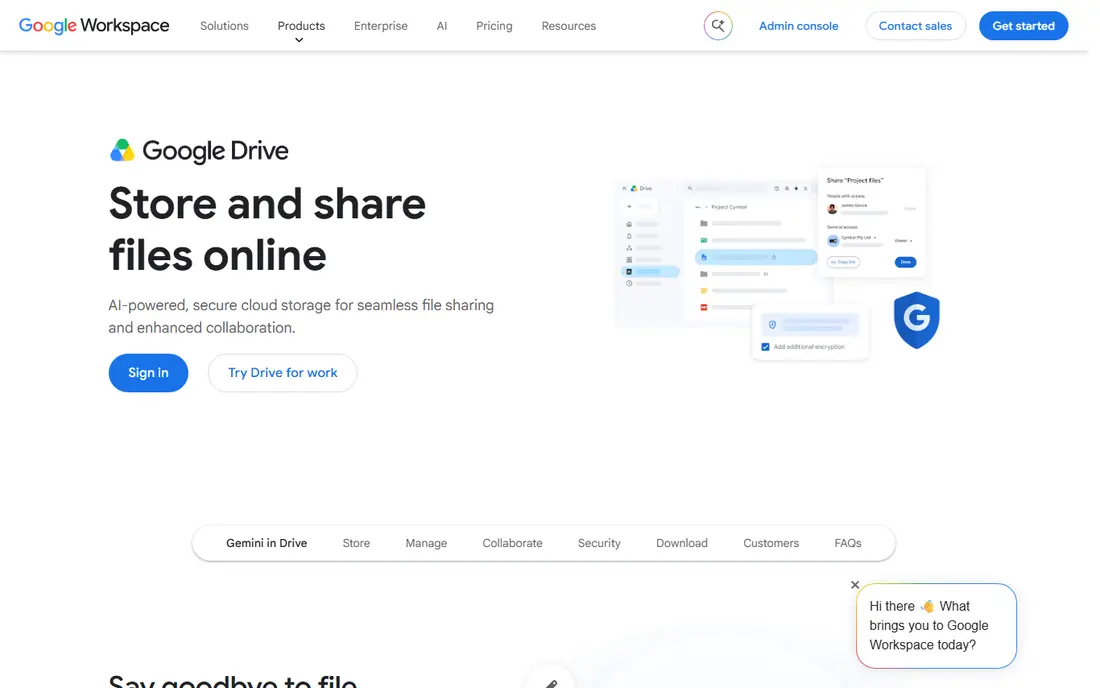
For readers who want a clear starting point, this option is worth a close look. Google Drive is widely used in India, with 15 GB of free storage shared across Drive, Gmail, and Photos, and Google One plans priced in rupees for Indian accounts. The main catch is that Photos and Gmail share the same allowance, so a phone full of video can fill the free tier quickly, and you should check the rupee price for the tier you need.
The day to day experience matters most here, so check the dashboard, the support pages, and the plan limits before you commit. In daily use, the details that matter are reliability, clear billing, and support that answers in plain language when something goes wrong.
It suits students, families, and small businesses that use Gmail and Google Docs, and that want easy sharing, search, and mobile access. That balance of strengths and limits is why it stays on our list, even though it is not the right pick for every buyer.
- 15 GB free
- Low rupee plans
- Strong collaboration and search
- Free storage shared across Gmail and Photos
- Fills fast with video

This is a practical choice when the basics matter more than a long feature list. OneDrive bundles storage with Microsoft 365 on paid plans, giving users Word, Excel, and PowerPoint alongside cloud storage, with family plans covering up to six people. The main catch is that standalone OneDrive storage alone is less compelling, so compare the full Microsoft 365 price against a storage only plan before you decide.
We compared the published features, the plan structure, and the support options, and this option held up on the points that affect daily use. In daily use, the details that matter are reliability, clear billing, and support that answers in plain language when something goes wrong.
It suits Indian households and offices that already use Office, because one subscription can cover storage, email, and apps for the whole family. If those trade offs look acceptable, this is a dependable option to shortlist and compare on price at checkout.
- Office apps bundled on 365 plans
- Family value
- 5 GB free
- Best value needs a 365 subscription
- Standalone storage is limited

If you want a service that stays out of the way once it is set up, start here. Dropbox offers fast, reliable sync and sharing, with version history and file requests that suit client work, even though its rupee price is higher than Google or Microsoft rivals. The main catch is cost, because the higher monthly price adds up over a year, and the 2 GB free tier is only enough for testing, not for real backup.
What matters in practice is how it behaves under normal use, not only on a launch day, so look for trial terms, limits, and renewal terms. In daily use, the details that matter are reliability, clear billing, and support that answers in plain language when something goes wrong.
It suits Indian professionals, studios, and agencies that share large files with clients and need dependable sync across devices. Our view is that it suits buyers who value clarity and steady performance over the longest possible feature list.
- Fast sync
- Strong sharing
- Widely used by agencies and studios
- Pricier in rupees
- Only 2 GB free
This option earns its place because it does one job well and states its limits plainly. Apple iCloud backs up iPhones, iPads, and Macs automatically, syncs photos, and lets families share a storage plan, with low cost entry tiers in India. The main catch is ecosystem fit, because iCloud is less flexible on Windows and Android, and the 5 GB free tier fills fast once photos and device backups are included.
Setup is usually straightforward, and the official documentation covers the main steps without assuming expert knowledge. In daily use, the details that matter are reliability, clear billing, and support that answers in plain language when something goes wrong.
It suits Indian Apple households that want backup to just work, without installing and managing a separate storage app. In short, it is a sound pick for the buyer described above, provided the limits in this section fit your plans.
- Automatic Apple device backup
- Family sharing
- Low entry price
- Only 5 GB free
- Weaker outside Apple devices
For readers who want a clear starting point, this option is worth a close look. pCloud sells monthly, annual, and lifetime plans, with file versioning, media playback, and sharing controls across desktop and mobile apps. The main catch is the upfront lifetime price, which takes years to pay off, and joint document editing is thinner than on Google Drive or OneDrive.
The day to day experience matters most here, so check the dashboard, the support pages, and the plan limits before you commit. In daily use, the details that matter are reliability, clear billing, and support that answers in plain language when something goes wrong.
It suits Indian users who want a long term second backup, or who prefer a one time lifetime payment over a monthly bill that never ends. That balance of strengths and limits is why it stays on our list, even though it is not the right pick for every buyer.
- Lifetime plan option
- Media playback
- Good sharing controls
- High upfront lifetime cost
- Fewer office collaboration tools
This is a practical choice when the basics matter more than a long feature list. MEGA provides encrypted storage by default, with a free tier larger than most rivals and paid plans for users who need more space or transfer allowance. The main catch is that collaboration tools are basic, so teams that edit documents together every day will still need Google or Microsoft tools alongside MEGA.
We compared the published features, the plan structure, and the support options, and this option held up on the points that affect daily use. In daily use, the details that matter are reliability, clear billing, and support that answers in plain language when something goes wrong.
It suits privacy conscious Indian users who want encryption without extra setup, and who mainly need backup and sharing rather than joint editing. If those trade offs look acceptable, this is a dependable option to shortlist and compare on price at checkout.
- End to end encryption
- Generous free tier
- Secure sharing links
- Collaboration is basic
- Business support is limited
If you want a service that stays out of the way once it is set up, start here. Digiboxx is an Indian cloud storage service that stores data in India, offers local payment options, and provides personal and business plans for Indian users. The main catch is ecosystem size, because Digiboxx has fewer third party integrations than global giants, so check that its apps work on all your devices before you migrate.
What matters in practice is how it behaves under normal use, not only on a launch day, so look for trial terms, limits, and renewal terms. In daily use, the details that matter are reliability, clear billing, and support that answers in plain language when something goes wrong.
It suits users and small businesses that prefer an Indian provider, want data stored locally, and want support and billing that match Indian needs. Our view is that it suits buyers who value clarity and steady performance over the longest possible feature list.
- Indian provider
- Data in India
- Local payment options
- Smaller app ecosystem
- Fewer third party integrations
This option earns its place because it does one job well and states its limits plainly. JioCloud is an Indian cloud storage service linked to the Jio ecosystem, with plans for photos, files, and device backup, and local pricing for Indian users. The main catch is that the best experience sits inside the Jio ecosystem, and users on other networks should compare its apps and web access against Google Drive first.
Setup is usually straightforward, and the official documentation covers the main steps without assuming expert knowledge. In daily use, the details that matter are reliability, clear billing, and support that answers in plain language when something goes wrong.
It suits Jio customers and Indian households that want a local provider, simple mobile backup, and plans priced for the Indian market. In short, it is a sound pick for the buyer described above, provided the limits in this section fit your plans.
- Indian provider
- Jio ecosystem links
- Local plans
- Best value inside Jio ecosystem
- Features vary by plan
How we picked these
We compared official feature pages, pricing pages, support documentation, and public reviews for each service on this list. We kept only services that are available now, that fit the topic directly, and that publish enough detail for a buyer to check the price and the limits before signing up. Where a vendor does not publish a price, we say so plainly instead of guessing, and we note the main limits that could change the total cost or the day to day experience.
How to choose cloud storage in India
Compare rupee prices, not dollar prices
Reviews often quote dollar prices, but Indian accounts may pay in rupees, with different taxes and offers. Check the price at checkout in rupees, including GST, and check whether annual billing saves money. A plan that looks cheap in dollars can cost more once taxes and exchange rates are included.
Check data location and local support
Data stored in India can help with speed and with company or government data rules, while global storage may sit in other regions. Also check support language, support hours in Indian time, and payment methods such as UPI, cards, and net banking. Local support matters when you need help restoring files.
Keep backup separate from sync
Sync is not backup. If you delete a file on one device, sync can delete it everywhere. Use version history, a second backup copy, and a trash or recovery window. For important files, keep one copy in cloud storage and one copy on an external drive or a second provider.
FAQ
Which cloud storage is cheapest in India?
Google Drive and iCloud have the lowest entry prices, while Microsoft 365 Family offers the best value per person for a household. Digiboxx and JioCloud may offer local plans that suit Indian budgets. Compare the price for the storage size you actually need, not only the cheapest tier.
Is Google Drive free storage really 15 GB?
Yes, but it is shared across Drive, Gmail, and Photos, so the total counts together. Many users fill it with photos and email attachments faster than expected. Check your storage breakdown in your Google account before you buy a larger plan.
Should I choose an Indian provider for data privacy?
An Indian provider can keep data in India and offer local billing, which some users and businesses prefer. Global providers may offer stronger apps and collaboration tools. For sensitive business data, check encryption, access controls, and the vendor privacy policy, not only the country of the company.
Can I use UPI to pay for cloud storage?
It depends on the provider. Indian providers and app store billing often support UPI and local cards, while direct global billing may only accept cards. If UPI matters to you, check payment options at checkout, or subscribe through the app store where UPI is supported.
How much storage does a family need?
A family with phones, photos, and school or office files often needs at least 200 GB, and families with video may need 2 TB. Start with 200 GB, check usage after three months, and upgrade only when you are close to the limit. Family plans usually offer better value than separate individual plans.