Best Cloud Storage Services in Japan in 2026: 8 Services Compared
Find the best cloud storage services in japan, with local speed, Japanese language support, yen pricing, and privacy features compared in this 2026 guide.

- Editor's choice
 Google Drive
Everyday storage in Japan
Starts at$1.99 per monthVisit drive.google.comFull review - Great alternative
 Dropbox
Fast sync for work files
Starts at$11.99 per monthVisit dropbox.comFull review - Also consider
 Microsoft OneDrive
Office users in Japan
Starts at$1.99 per monthVisit onedrive.comFull review
TL;DR:
- Google Drive and OneDrive suit most users in Japan, thanks to local availability, apps, and collaboration tools.
- Box stands out for Japanese businesses, because it has a strong local presence and business controls.
- Wasabi suits backups and large files, because its Tokyo region keeps data close and its pricing is simple.
- Check data location, language support, and payment options, because global plans do not always match local needs.
Quick comparison
| Tool | Best for | Starts at | Free plan? | |
|---|---|---|---|---|
| Google Drive | Everyday storage in Japan | $1.99 per month | Yes | Visit |
| Dropbox | Fast sync for work files | $11.99 per month | Yes | Visit |
| Microsoft OneDrive | Office users in Japan | $1.99 per month | Yes | Visit |
 Apple iCloud | Apple device users in Japan | $0.99 per month | Yes | Visit |
 Box | Business storage in Japan | See website | No | Visit |
 pCloud | Lifetime storage option | See website | Yes | Visit |
 MEGA | Private encrypted storage | See website | Yes | Visit |
 Wasabi | Low cost backup storage in Tokyo | See website | Free trial | Visit |
The best cloud storage services in Japan
Cloud storage in Japan is about more than price per gigabyte. Speed to a nearby region, Japanese language support, local payment, and business controls all matter. The services below are all available to users in Japan, with different strengths for personal, family, and business use.
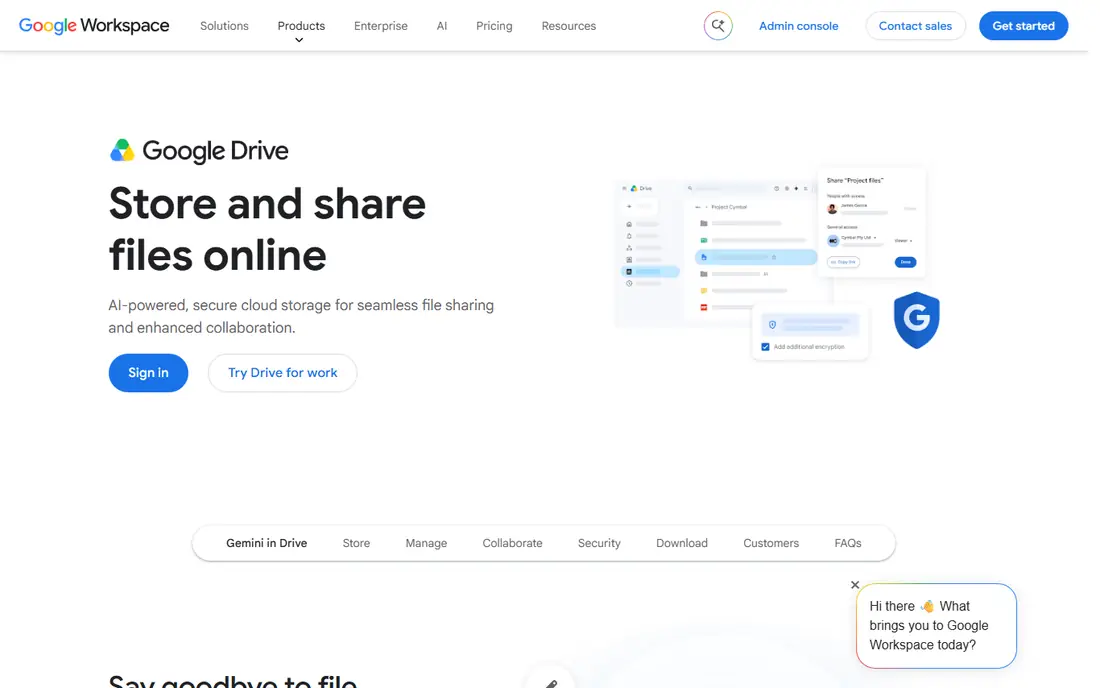
For readers who want a clear starting point, this option is worth a close look. Google Drive gives users in Japan 15 GB of free storage shared across Drive, Gmail, and Photos, with paid Google One plans for larger needs and strong sharing tools. The main catch is that the free allowance fills fast once Photos and Gmail are included, so check your current usage before you pick a paid tier, and review sharing settings for sensitive files.
The day to day experience matters most here, so check the dashboard, the support pages, and the plan limits before you commit. In daily use, the details that matter are reliability, clear billing, and support that answers in plain language when something goes wrong.
It suits students, families, and small teams that already use Gmail and Google Docs, and that want easy sharing and search across files. That balance of strengths and limits is why it stays on our list, even though it is not the right pick for every buyer.
- 15 GB free shared storage
- Strong collaboration
- Widely used in Japan
- Free storage is shared across Gmail and Photos
- Privacy concerns for some users
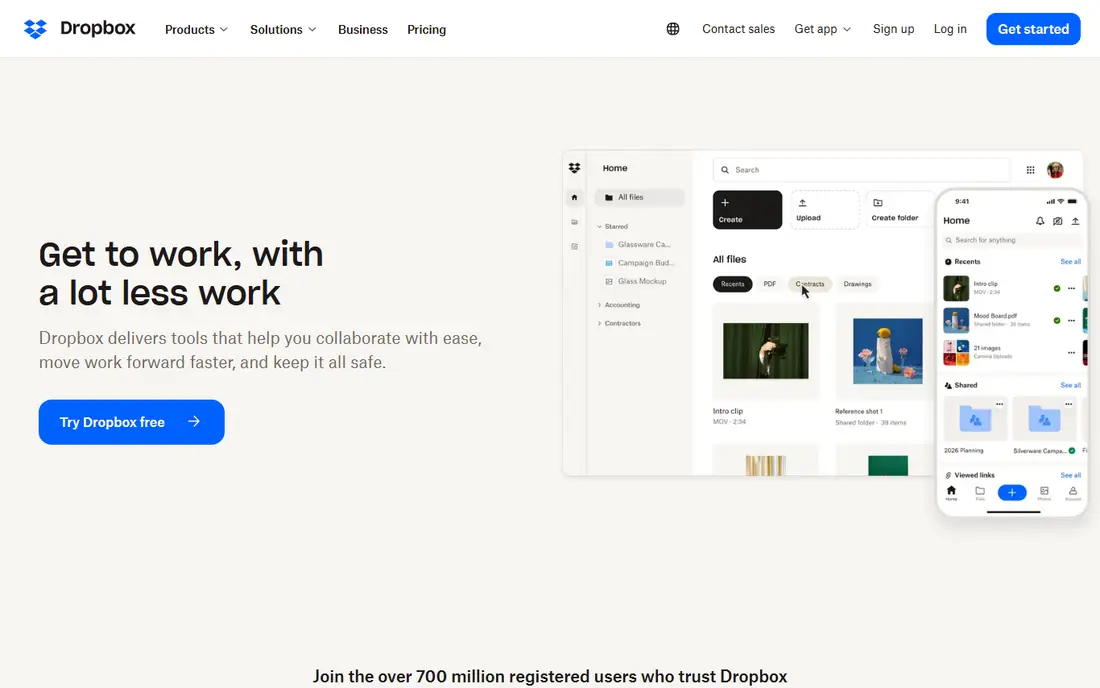
This is a practical choice when the basics matter more than a long feature list. Dropbox is known for fast, reliable sync, including block level sync that uploads only changed parts of a file, which helps with large documents and media. The main catch is price, because Dropbox costs more than Google Drive or OneDrive for the same storage, and the free plan is only 2 GB, so it suits work use more than casual backup.
We compared the published features, the plan structure, and the support options, and this option held up on the points that affect daily use. In daily use, the details that matter are reliability, clear billing, and support that answers in plain language when something goes wrong.
It suits professionals and creative teams in Japan that edit large files often and need sharing links, version history, and file requests from clients. If those trade offs look acceptable, this is a dependable option to shortlist and compare on price at checkout.
- Fast and reliable sync
- Strong sharing controls
- Widely supported by apps
- Higher price than rivals
- Only 2 GB free

If you want a service that stays out of the way once it is set up, start here. OneDrive integrates with Word, Excel, and PowerPoint, and Microsoft 365 plans bundle storage with Office apps, which makes it a strong pick for office and school users in Japan. The main catch is that the best value comes from a full Microsoft 365 plan, not standalone storage alone, so compare the bundle price against a storage only plan before you buy.
What matters in practice is how it behaves under normal use, not only on a launch day, so look for trial terms, limits, and renewal terms. In daily use, the details that matter are reliability, clear billing, and support that answers in plain language when something goes wrong.
It suits households and offices that already use Office, because files, email storage, and Office apps can sit under one subscription. Our view is that it suits buyers who value clarity and steady performance over the longest possible feature list.
- Office integration
- 5 GB free
- Family plans with Office apps
- Best value needs a Microsoft 365 plan
- Sync can be slower than Dropbox
This option earns its place because it does one job well and states its limits plainly. Apple iCloud backs up iPhones, iPads, and Macs, syncs photos and files, and shares storage with family members, with paid iCloud plans for larger libraries. The main catch is platform fit, because iCloud works best inside the Apple ecosystem, and Windows or Android users will find Google Drive or OneDrive more flexible.
Setup is usually straightforward, and the official documentation covers the main steps without assuming expert knowledge. In daily use, the details that matter are reliability, clear billing, and support that answers in plain language when something goes wrong.
It suits Apple households in Japan that want automatic device backup and photo sync without managing a separate app. In short, it is a sound pick for the buyer described above, provided the limits in this section fit your plans.
- Deep Apple integration
- Device backup
- Family sharing
- Weak on Windows and Android
- Only 5 GB free
For readers who want a clear starting point, this option is worth a close look. Box is a business cloud content platform with secure sharing, permissions, version control, and compliance tools, and it has a well established presence serving Japanese companies. The main catch is price and complexity for personal use, because Box is built for teams, and solo users will usually get better value from Google Drive or OneDrive.
The day to day experience matters most here, so check the dashboard, the support pages, and the plan limits before you commit. In daily use, the details that matter are reliability, clear billing, and support that answers in plain language when something goes wrong.
It suits Japanese businesses that need controlled sharing with clients, audit trails, and admin controls, rather than a simple personal backup folder. That balance of strengths and limits is why it stays on our list, even though it is not the right pick for every buyer.
- Strong business controls
- Japan presence
- Secure sharing and compliance tools
- Business pricing by quote for larger plans
- Less suited to casual personal use
This is a practical choice when the basics matter more than a long feature list. pCloud offers monthly, annual, and lifetime storage plans, with media playback, file sharing, and version history, and it works across Windows, Mac, and mobile. The main catch is the upfront cost of a lifetime plan, which only pays off over several years, and collaboration tools are thinner than on Google Drive or OneDrive.
We compared the published features, the plan structure, and the support options, and this option held up on the points that affect daily use. In daily use, the details that matter are reliability, clear billing, and support that answers in plain language when something goes wrong.
It suits users in Japan who want to pay once for long term storage, or who want a second backup copy outside the big US platforms. If those trade offs look acceptable, this is a dependable option to shortlist and compare on price at checkout.
- Lifetime plan option
- Good media playback
- File versioning
- Lifetime price is high upfront
- Fewer collaboration tools
If you want a service that stays out of the way once it is set up, start here. MEGA provides end to end encrypted storage, with a free tier and paid plans for larger storage, plus sharing links with keys and passwords for extra control. The main catch is that collaboration is basic compared with Google or Microsoft tools, so it suits backup and sharing more than joint document editing.
What matters in practice is how it behaves under normal use, not only on a launch day, so look for trial terms, limits, and renewal terms. In daily use, the details that matter are reliability, clear billing, and support that answers in plain language when something goes wrong.
It suits privacy conscious users in Japan who want encryption by default and a free tier larger than Dropbox or OneDrive offer. Our view is that it suits buyers who value clarity and steady performance over the longest possible feature list.
- End to end encryption by default
- Generous free tier
- Large file support
- Collaboration tools are basic
- Support can be slow
This option earns its place because it does one job well and states its limits plainly. Wasabi is a low cost object storage service with a Tokyo region, simple per terabyte pricing, and no egress fees on many plans, which suits backups and archives. The main catch is that Wasabi is storage, not a collaboration suite, so you will still need another tool for document editing, sharing, and team workflows.
Setup is usually straightforward, and the official documentation covers the main steps without assuming expert knowledge. In daily use, the details that matter are reliability, clear billing, and support that answers in plain language when something goes wrong.
It suits businesses and technical users in Japan that need to store large backups close to home, without the complex pricing of major cloud object storage. In short, it is a sound pick for the buyer described above, provided the limits in this section fit your plans.
- Tokyo region
- Simple pricing
- No egress fees on many plans
- Backup focused
- Not a full collaboration suite
How we picked these
We compared official feature pages, pricing pages, support documentation, and public reviews for each service on this list. We kept only services that are available now, that fit the topic directly, and that publish enough detail for a buyer to check the price and the limits before signing up. Where a vendor does not publish a price, we say so plainly instead of guessing, and we note the main limits that could change the total cost or the day to day experience.
How to choose cloud storage in Japan
Check speed and data location
A region in or near Japan cuts upload and download times, especially for large photos and video. Ask where your data is stored, whether you can choose a region, and how the service handles data residency for business files. For personal photos, speed matters more than exact location, but for business data, location and compliance matter more.
Confirm language and payment
Japanese language apps and support make setup and troubleshooting far easier, and local payment options avoid card or currency problems. Check whether pricing is shown in yen, whether invoices suit Japanese accounting, and whether support hours cover Japan time. A cheap global plan that is hard to pay for is not cheap in practice.
Match the tool to the job
Backup, sharing, and collaboration are different jobs. A backup service should offer versioning and restore tools. A sharing service should offer link controls and expiry. A collaboration service should offer joint editing and comments. Pick the service that does your main job best, and use a second service for backup if your main tool lacks it.
FAQ
Which cloud storage is fastest in Japan?
Speed depends on the nearest data region, your internet provider, and file size. Services with regions in Japan, such as Wasabi in Tokyo and major providers with Asia Pacific regions, usually give the best speeds. Test uploads with a large folder during your trial, because advertised speeds do not always match real world results.
Can I pay in yen for cloud storage?
Many major providers bill in yen for Japanese accounts, while some bill in dollars or euros. Check the currency at checkout, because exchange rates and card fees can change the real cost. For business use, also check whether you receive an invoice that suits Japanese tax records.
Is my data stored in Japan?
Not always. Global providers may store data in several regions, and some let you choose a region while others do not. If data location matters for legal or company policy reasons, ask the vendor directly and get the answer in writing before you migrate business files.
How much free storage can I get in Japan?
Google Drive offers 15 GB shared across Google services, MEGA offers a larger free tier, and OneDrive and iCloud offer 5 GB each. Free tiers are useful for testing, but most users with photos and video will need a paid plan within a year. Compare paid prices, not only free allowances.
Should I use a Japanese provider or a global one?
Global providers usually offer better apps, collaboration, and support for common tools. A Japan focused or Japan region service can offer better speed, local support, and data location. Many users combine both: a global service for daily work, and a Japan region service for backup.