Best Cloud Storage for Asset Management Software (2026): 5 Picks Checked on Vendor Pages
5 tools for the best cloud storage for asset management software, compared on pricing, free plans and best-fit use. Real limits included. Clear verdicts.
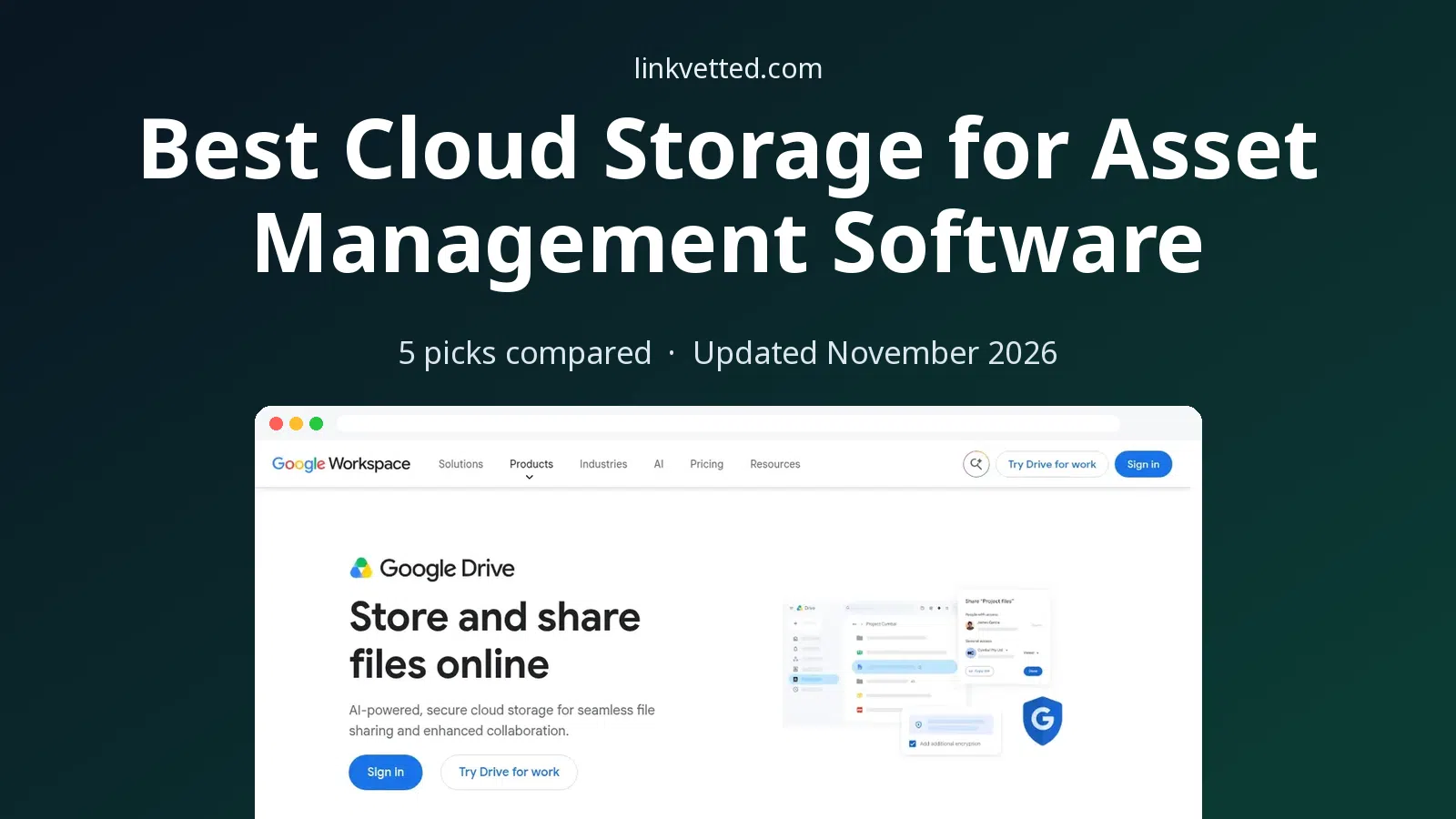
- Editor's choiceMicrosoft Azure Blob Storage
Azure-based unstructured data workloads
Starts atPricing on requestVisit azure.microsoft.comFull review - Great alternative
 Box
Governed content with workflow automation
Starts atPricing on requestVisit box.comFull review - Also considerAmazon S3
Scalable object storage for large libraries
Starts atPricing on requestVisit aws.amazon.comFull review
Direct answer
For Azure-based unstructured data workloads, Microsoft Azure Blob Storage is where this list starts. Alternatives: Box for governed content with workflow automation, and Amazon S3 for scalable object storage for large libraries. The remaining 2 options are covered below with pricing notes and limits. None of these vendors publish plan prices, so pricing is on request for every option.
TL;DR:
- Number one here is Microsoft Azure Blob Storage, a fit for Azure-based unstructured data workloads.
- One limit worth knowing about Google Drive: best value assumes Workspace adoption.
- None of the 5 tools, from Microsoft Azure Blob Storage to Dropbox Business, has a free plan, so budget for a subscription or use a trial.
- Microsoft Azure Blob Storage, Dropbox Business and the 3 others all sell by quote; expect sales conversations before you see a price.
Last checked November 2026. Pricing on request: vendors did not publish plan prices when this guide was last checked (November 2026), so ask each vendor for a written quote.
Quick comparison
| Tool | Best for | Starts at | Free plan? | |
|---|---|---|---|---|
| Microsoft Azure Blob Storage | Azure-based unstructured data workloads | Pricing on request | Not stated | Visit |
| Box | Governed content with workflow automation | Pricing on request | Not stated | Visit |
| Amazon S3 | Scalable object storage for large libraries | Pricing on request | Not stated | Visit |
 Google Drive | Teams already in Google Workspace | Pricing on request | Not stated | Visit |
 Dropbox Business | Team file sharing with workflow extras | Pricing on request | Not stated | Visit |
The best cloud storage for asset management software
LinkVetted compared 5 tools for cloud storage for asset management software. The goal is a practical shortlist: published prices, free plan facts, best-fit use cases and honest limits for every entry.
Microsoft Azure Blob Storage
Best for: Azure-based unstructured data workloads
Think of Microsoft Azure Blob Storage for Azure-based unstructured data workloads. Azure Blob Storage supplies scalable, cost-efficient object storage in the cloud for unstructured data and demanding workloads.
As for the details, teams without Azure experience face a ramp-up time. Check the vendor site for Microsoft Azure Blob Storage pricing; none is listed in this comparison. On free options: Not stated.
Where it falls short: No built-in end-user collaboration layer.
- Made for demanding workloads
- Scalable
- Configuration needs cloud expertise
Box is a good fit for governed content with workflow automation. That makes it a solid companion for asset management software in organizations where assets carry governance requirements, approvals, or external sharing. Beyond that, organizations wanting raw object storage or minimal overhead may prefer Amazon S3 or Google Drive.
Drawbacks to consider: Enterprise focus can feel heavy for small teams.
Choose Box when controlled sharing, automation, and data protection around asset files are central to your process. Worth adding: Box leans toward enterprise content governance, which can be more structure than a small team needs for entry-level file storage. Box does not show a starting price in this comparison, so check the vendor site for current pricing. Free access: Not stated.
- Intelligent content management in one platform
- Protection for sensitive data
- Overlaps with more straightforward storage tools
Amazon S3
Best for: Scalable object storage for large libraries
Think of Amazon S3 for scalable object storage for large libraries. Amazon S3 is cloud object storage built around scalability, data availability, security, and performance. It is positioned for data lakes, mobile applications, backup and restore, archival, IoT devices, and machine learning workloads, which makes it a natural backend for asset management software that keeps large volumes of media or records.
Where it shines: AI workloads.
Trade-offs to know: Not a human-facing collaboration tool. S3 is infrastructure, not a shared drive, so staff who expect drag-and-drop collaboration will need a front-end layer or a separate file product. Worth adding: setup and continuing management demand technical skill. Choose S3 when scale, durability, and programmatic access matter more than everyday usability for nontechnical users. Amazon S3 does not show a starting price in this comparison, so check the vendor site for current pricing. Free options: Not stated.
- Supports data lakes, backup, archival
- Capable security and performance focus
- Needs technical setup and management
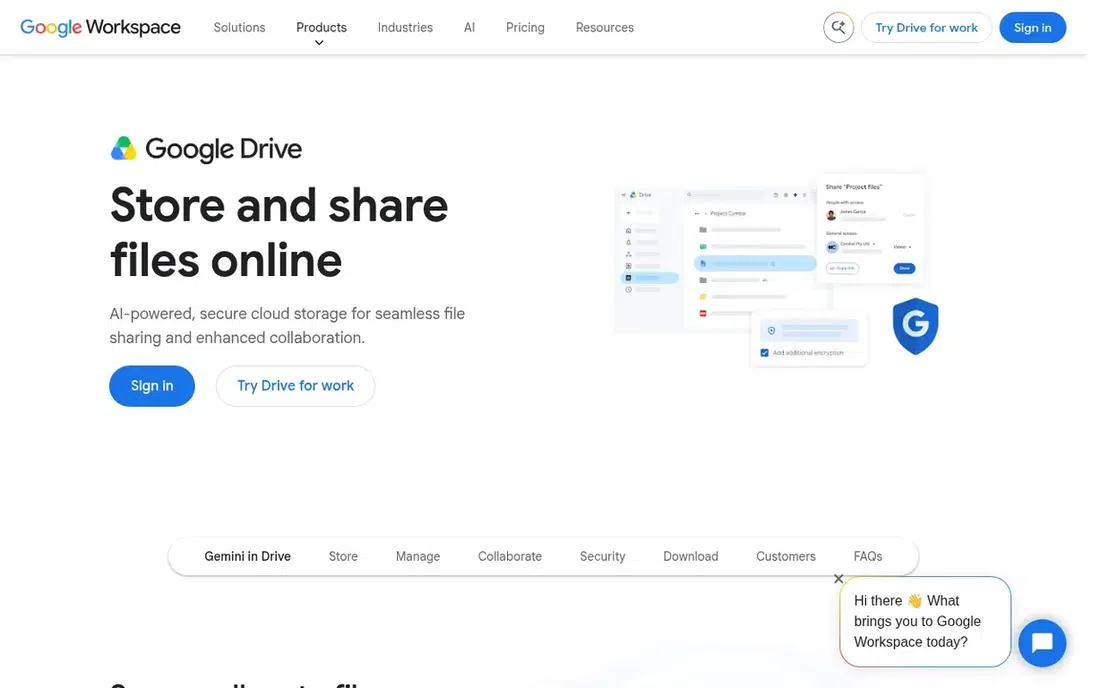
Google Drive is aimed squarely at teams already in Google Workspace. For teams running asset management software inside Google Workspace, it keeps documents, images, and exports close to the tools people already use. On top of that, Drive is designed around files and folders instead of object storage APIs, so automated pipelines that push large asset volumes may need a dedicated storage service.
The main drawbacks: Less suited to raw object storage workloads.
For everyday use, pick Google Drive when collaboration simplicity and Workspace alignment outweigh advanced storage controls. In daily use, teams standardized on Microsoft tools may find OneDrive a more natural companion. Check the vendor site for Google Drive pricing; none is listed in this comparison. Free options: Not stated.
- Straightforward sharing with other users
- Links up with the wider Google Workspace suite
- Best value assumes Workspace adoption
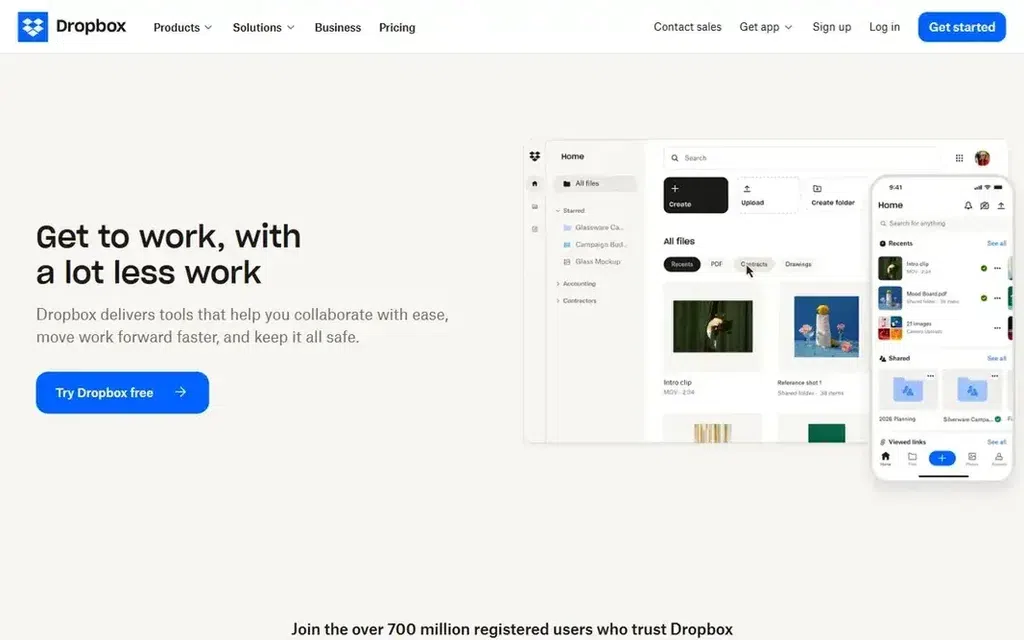
Think of Dropbox Business for team file sharing with workflow extras. Dropbox Business is a cloud storage and sharing system designed for professionals and teams.
Where it shines: Familiar interface for most teams.
Where it falls short: Object storage needs may exceed its scope.
Beyond storing files, it bundles products for eSignature, document tracking, and backup, which helps when asset records, contracts, and media files have to move through review cycles. Check the vendor site for Dropbox Business pricing; none is listed in this comparison. Free access: Not stated.
- Bundles eSignature
- Document tracking
- Feature set spans multiple separate products
How we chose
Selection started from tools commonly considered for cloud storage for asset management software, then narrowed to 5 that have clear pricing information or a clear quote process. Seat minimums, billing terms and add-ons can move the real cost, so the starting prices here are a guide and not a quote. We ordered the tools by general fit, then by how clearly pricing is shown, then by free access. A buyer with unusual needs may reorder them.
What to confirm before you sign up
- Request quotes from Microsoft Azure Blob Storage, Dropbox Business and the others; the list shows no fixed prices.
- Read the limits listed for Microsoft Azure Blob Storage first: configuration needs cloud expertise.
- Pick one real project and run it in Google Drive first; a small pilot shows fit faster than a checklist.
- See whether Dropbox Business offers onboarding or training, and whether it is included in the price.
- Make sure Amazon S3 lets you export your data in a format another tool can read.
FAQ
Can I try these options before paying?
Not by default. None of the tools, from Microsoft Azure Blob Storage to Dropbox Business, lists a free plan or a free trial here, so ask each vendor for a demo before committing.
How are the tools for cloud storage for asset management software ordered?
The order follows typical fit for cloud storage for asset management software, with Microsoft Azure Blob Storage first and Dropbox Business last, then price clarity and free access. It is editorial judgement, not a score, so another team could rank the tools differently.
Is Microsoft Azure Blob Storage the right pick for everyone comparing cloud storage for asset management software?
No single tool suits every team. Microsoft Azure Blob Storage comes first because it fits Azure-based unstructured data workloads, while Box suits governed content with workflow automation and Amazon S3 suits scalable object storage for large libraries. Match the tool to your own size, budget and workflow before deciding.
What should small teams prioritize?
Small teams normally benefit most from straightforward sharing and familiar interfaces, which favor Google Drive, OneDrive, or Dropbox Business. Reserve object storage for cases where volume or automation demands it.
Does any tool for cloud storage for asset management software here have a free plan?
A permanent free plan is not offered by Microsoft Azure Blob Storage, Dropbox Business or the other tools here. Plan a short evaluation period instead.
Sources
- https://azure.microsoft.com/en-us/products/storage/blobs
- https://www.box.com
- https://aws.amazon.com/s3
- https://workspace.google.com/products/drive
- https://www.dropbox.com/business