Best Cloud Storage Services in 2026: 9 Services Compared
Compare the best cloud storage services in 2026 on free storage, pricing, privacy, and sync, so you can pick the right service for your devices and files.
- Editor's choice
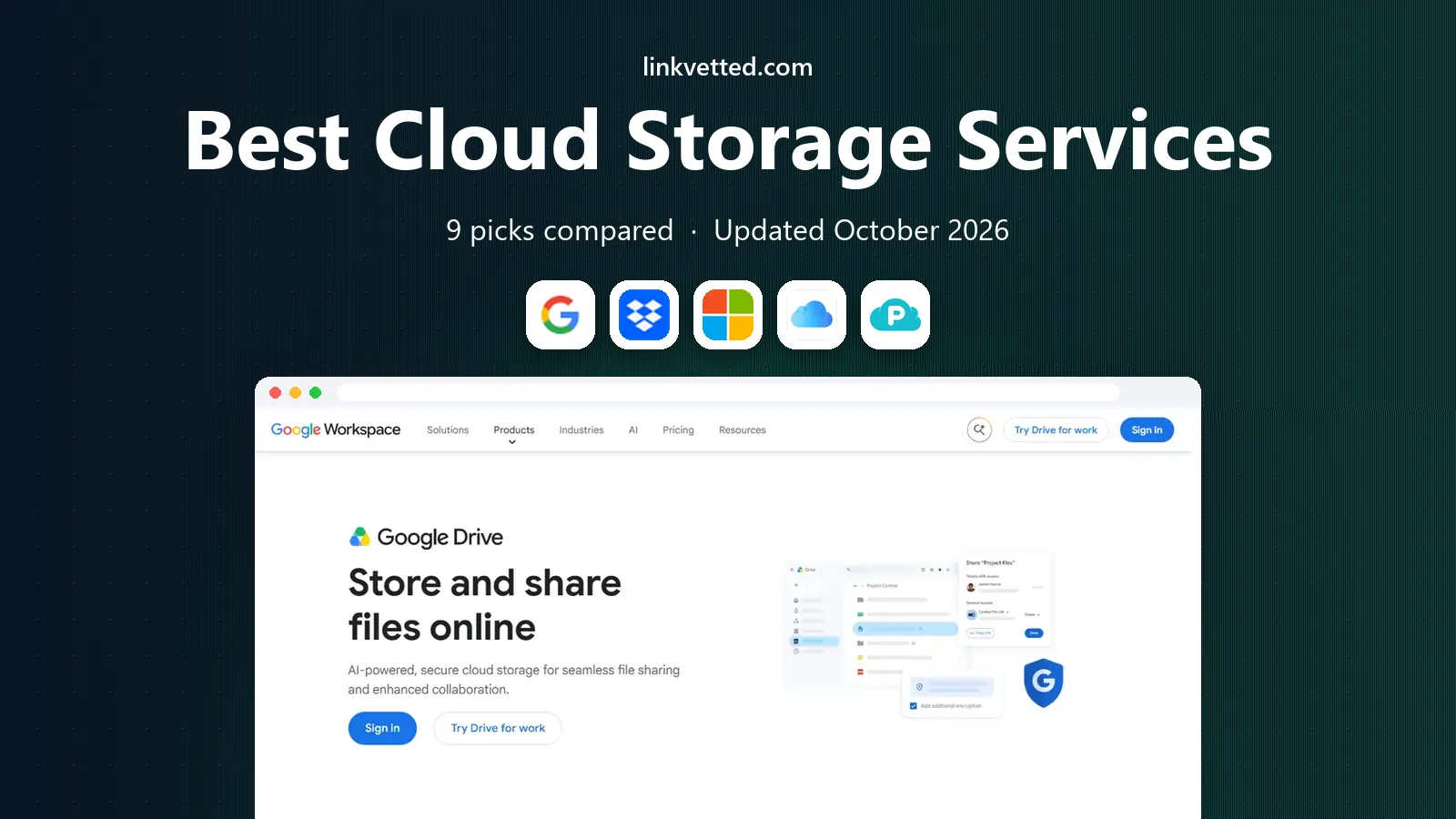
 Google Drive
Google users and shared docs
Starts atFreeVisit drive.google.comFull review - Great alternative
 Dropbox
Reliable sync and sharing
Starts atFreeVisit dropbox.comFull review - Also consider
 Microsoft OneDrive
Windows and Microsoft 365 users
Starts atFreeVisit microsoft.comFull review
TL;DR:
- Google Drive offers the largest common free tier at 15 GB, but that space is shared across Gmail, Photos, and Drive, so it fills faster than it first appears.
- Dropbox still leads on sync reliability for large files, while OneDrive offers strong value for people who already pay for Microsoft 365.
- Privacy focused services such as Proton Drive, Sync.com, and MEGA use end to end encryption, but they trade some collaboration features for that protection.
- Pick by device and workflow first, then by price, since a cheap service that fits poorly with your phone and computer will cause daily friction.
Quick comparison
| Tool | Best for | Starts at | Free plan? | |
|---|---|---|---|---|
| Google Drive | Google users and shared docs | Free | Yes | Visit |
| Dropbox | Reliable sync and sharing | Free | Yes | Visit |
| Microsoft OneDrive | Windows and Microsoft 365 users | Free | Yes | Visit |
 iCloud Drive | Apple device owners | Free | Yes | Visit |
 pCloud | Lifetime plans and media | Free | Yes | Visit |
 MEGA | Large free tier with privacy | Free | Yes | Visit |
 Sync.com | Zero knowledge sync | Free | Yes | Visit |
 Proton Drive | Privacy first Proton users | Free | Yes | Visit |
 Tresorit | Business compliance needs | See website | Free trial | Visit |
The best cloud storage services
We compared storage services on free space, paid pricing, encryption, sync, sharing, and how well each one works across phones, computers, and the web.

Google Drive is the default choice for many people for a simple reason: it is already there if you use Gmail or Google Photos. The 15 GB free tier is generous on paper, and sharing a folder or a document takes only a few clicks. Search across file names and contents, version history, and real time editing in Docs, Sheets, and Slides make it a strong tool for shared work. The main catch is that 15 GB is shared. A heavy Gmail user can run low without storing many files at all, and paid Google One plans are then the natural next step. Privacy is another point to weigh, since Google can access files for service reasons in ways that zero knowledge services cannot. For everyday documents, photos, and team files, Drive remains hard to beat on convenience.
- 15 GB free shared across Google services
- Strong Docs, Sheets, and Gmail links
- Easy link sharing and search
- Free space fills fast with email and photos
- Desktop app can feel heavy
- Support on consumer plans is limited
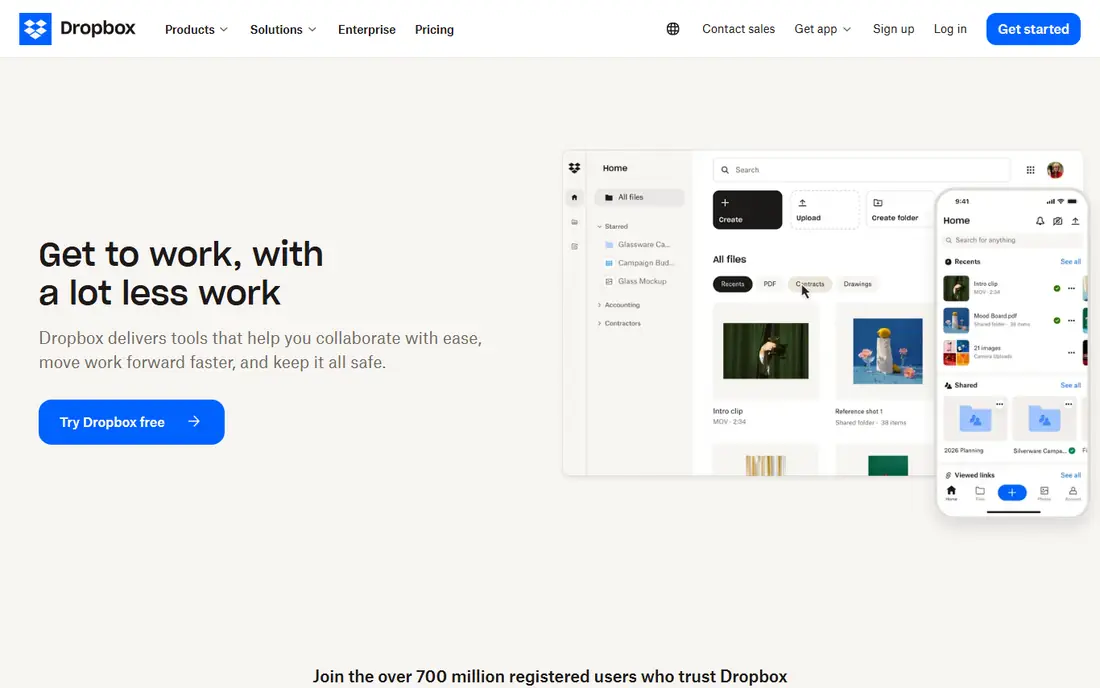
Dropbox built its name on sync that just works, and that reputation still holds for many professionals. Files update quickly across devices, large uploads resume well, and sharing links with passwords, expiry dates, and view only access give you control when you send work to clients. Its integrations with design, video, and office tools also help teams that move large files often. The free plan is the weak point, at only 2 GB, so Dropbox is really a paid choice for most users. If you need a full office suite included, Google Drive or OneDrive will offer more for the same money. If you need dependable sync and sharing above all else, and you work across Mac, Windows, and mobile, Dropbox is still a safe and well tested pick.
- Fast and steady sync, including large files
- Clear sharing controls
- Wide third party app support
- Only 2 GB free
- Paid plans start higher than some rivals
- Fewer built in office apps than Google or Microsoft

OneDrive makes the most sense if you already live in Windows and Office. It backs up Desktop, Documents, and Pictures, restores them on a new PC with little effort, and keeps Word, Excel, and PowerPoint files in step across devices. The Personal Vault adds an extra layer of protection for passports, tax files, and other sensitive documents. On its own, the 5 GB free tier is modest, and the real value appears with a Microsoft 365 plan that adds 1 TB and the Office apps. People who do not use Office may find Google Drive simpler for sharing and collaboration. For Windows households and offices that already pay for Microsoft 365, OneDrive is often the cheapest and most integrated storage they already own.
- Built into Windows and Office
- 5 GB free
- Personal Vault for sensitive files
- Strong value with Microsoft 365
- Web and sharing tools feel less polished than Drive for some users
- Storage tiers can be confusing
- Best value needs a subscription
For an Apple only household, iCloud Drive feels almost invisible, which is its main strength. Files, photos, Desktop, and Documents sync across Mac, iPhone, and iPad without extra apps, and family sharing lets up to six people share a paid plan. Advanced Data Protection, when turned on, adds end to end encryption for many iCloud data types. The limits appear as soon as you leave the Apple world. There is no native Android app, the Windows experience is workable but second class, and the 5 GB free tier covers backups and photos only briefly before an upgrade is needed. If most of your devices carry an Apple logo, iCloud Drive is the obvious and affordable choice. If your household mixes platforms, look at Google Drive or Dropbox instead.
- Built into Mac, iPhone, and iPad
- Strong Photos integration
- Family sharing
- Optional Advanced Data Protection
- Only 5 GB free
- Windows and Android support is weaker
- Sharing is less flexible than Dropbox for some workflows
pCloud appeals to people who dislike another monthly bill. Alongside monthly and yearly plans, it sells lifetime plans that pay once for a set amount of storage, which can work out cheaper over several years if the service keeps running. Media streaming, file sharing, and version history make it a good home for photos, music, and video collections. Read the fine print before buying a lifetime plan, since it covers the service while it operates, not a guaranteed personal lifetime. Also note that full client side encryption, under the name Crypto, costs extra, so files are not zero knowledge by default. For a media heavy user who wants a one off payment and solid apps, pCloud is a distinct and useful alternative to the big three.
- Up to 10 GB free with steps completed
- Lifetime payment option
- Built in media playback and file versioning
- Client side encryption is a paid add on
- Lifetime means for the life of the service, not yours
- Support can be slower than larger rivals
MEGA stands out for two reasons: a 20 GB free tier and encryption that keeps your files private from the provider by default. That combination suits people who want more free space than Dropbox or iCloud offer, without giving up privacy. Apps cover desktop and mobile, and sharing links can carry passwords and expiry dates. The trade off is collaboration. MEGA does not match Google Docs or Microsoft Office for live joint editing, and its free account transfer limits can slow heavy use. Some free bonuses are also time limited, so check your actual long term allowance in account settings. For personal storage, backups, and private sharing, MEGA offers a strong balance of space and privacy.
- 20 GB free
- End to end encryption by default
- Chat and sharing tools built in
- Large paid tiers available
- Free tier bonuses can expire
- Collaboration tools are thinner than Google or Microsoft
- Transfer limits can apply on free accounts
Sync.com is built around a simple promise: only you hold the keys to your files, so the company cannot read them. That zero knowledge design applies even on the free plan, which sets it apart from services that reserve client side encryption for paid tiers. Version history, remote wipe, and password protected links add useful control for personal and small business files. The cost of that privacy is thinner collaboration. There is no built in office suite for live joint editing, and the free plan limits links, downloads per link, and devices. Teams that edit documents together all day will likely prefer Drive or OneDrive. Individuals and small teams that prioritise privacy and steady sync will find Sync.com a clear and honest option.
- End to end encryption on all plans
- 5 GB free
- Version history and secure sharing links
- Canadian jurisdiction
- Collaboration features are basic
- Free plan has link and device limits
- Sync can feel slower than Dropbox for very large sets
Proton Drive extends the privacy first approach of Proton Mail to file storage. Files, file names, and metadata are encrypted on every plan, apps are open source, and the service sits under Swiss privacy law. For people already using Proton Mail or VPN, Drive fits into a single account and a single privacy story, with shared folders and document tools growing over time. Price is the main drawback if you only need storage. A standalone Drive plan costs more per gigabyte than Google One or OneDrive, and the free tier is only 5 GB. The value improves if you also use other Proton products, since bundled plans combine storage with mail, VPN, and calendar. Choose Proton Drive when privacy matters more than the lowest price or the widest collaboration set.
- End to end encryption for files and metadata
- Swiss jurisdiction
- Links with Proton Mail, VPN, and Calendar
- Open source apps
- Only 5 GB free
- Collaboration is still maturing
- Paid storage alone costs more than some mainstream rivals
Tresorit is aimed at businesses that must show how files are protected, not just at people who want extra space. It offers end to end encryption, detailed permissions, audit logs, and controls that suit legal, finance, healthcare, and other regulated teams. Sharing stays controlled, with rooms and access rules that fit client work better than a simple public link. That focus brings a higher price and no free tier beyond a trial, so it is a poor fit for casual personal storage. Teams that need to prove compliance, control access by role, and keep sensitive client files private will find that cost easier to justify. For a small business handling confidential documents, Tresorit is worth a trial against Sync.com and Proton Drive before signing a yearly plan.
- End to end encryption by design
- Compliance features for regulated work
- Granular permissions and audit tools
- Desktop and mobile apps
- No lasting free plan
- Higher price than consumer services
- Collaboration is more controlled and less casual
How we picked these
We compared official feature pages, pricing pages, privacy policies, app store listings, and public reviews for services that were active in October 2026. We looked at free storage, paid pricing, encryption, sync reliability, sharing controls, and support across Windows, Mac, mobile, and the web. We included both mainstream services and privacy focused options, and we noted where a headline price covers a bundle, such as Office apps or a wider privacy suite, rather than storage alone.
What to check before you pay
Measure your real use first
Check how much space you actually use, and where it sits, before you buy. Google users should check Gmail and Photos as well as Drive, Apple users should check backups and Photos, and Dropbox users should check shared folders that count toward their quota. Clearing duplicates and old backups often delays an upgrade.
Encryption is not one thing
Some services encrypt files in transit and at rest, which protects against outside theft but still lets the provider read files. Zero knowledge or end to end encryption means only you hold the keys, which protects privacy but can make password recovery and sharing more complex. Pick the level that matches the sensitivity of your files, and turn on extra protections such as Advanced Data Protection where offered.
Test sync on your slowest device
Install the app on your phone and your oldest computer, then sync a large folder and a set of small files. Watch for delays, battery use, and conflicts when the same file changes on two devices. A service that feels fast on a new laptop can still struggle on an older phone, and that daily friction matters more than a small price gap.
FAQ
What is the best free cloud storage service?
Google Drive offers the most free space at 15 GB, followed by MEGA at 20 GB for file storage alone, though Google shares its space with Gmail and Photos. For privacy, MEGA and Sync.com offer end to end encryption on free plans, while Dropbox and iCloud offer only 2 GB and 5 GB respectively.
What is the best cloud storage service for most people?
Google Drive suits most people who use Gmail and Google Docs, OneDrive suits Windows and Microsoft 365 users, and iCloud Drive suits Apple only households. Dropbox suits people who share large files across platforms and value sync reliability above bundled office apps.
Are there good Carbonite alternatives for backup?
Yes, though Carbonite is a backup service rather than a file sync service, so the closest matches here are services with strong version history and desktop backup, such as Dropbox, OneDrive, and Sync.com. For full computer backup with unlimited space for one machine, a dedicated backup service may still fit better than a sync service.
Is free cloud storage safe?
Free plans from established providers use encryption in transit and at rest, and they are safe for everyday files when you use a strong password and two factor authentication. For sensitive documents, choose a zero knowledge service, turn on extra account protections, and keep a local copy as well.
How much cloud storage do I need?
Most light users manage with 100 GB to 200 GB, while photo heavy users and families often need 2 TB. Check your current use across photos, email, and files, then buy one tier above that total, since libraries grow and shared folders count toward your limit on many services.
Can I use more than one cloud storage service?
Yes, and many people do, for example using iCloud for phone backups, Google Drive for shared documents, and a privacy service for sensitive files. Keep a simple map of what lives where, since files spread across services are easy to lose track of and hard to back up in one place.