5 Document Editing Software Options Compared on Price and Fit
Compare 5 picks for the best document editing software, with prices, free plans and who each fits. Where a tool struggles is spelled out. Budget notes included.
- Editor's choice
 WPS Office
Free Microsoft-compatible suite
Starts atSee websiteVisit wps.comFull review - Great alternative
 LibreOffice Writer
Free offline editing
Starts atSee websiteVisit libreoffice.orgFull review - Also consider
 Superhuman Docs (formerly Coda)
App-like collaborative docs
Starts atSee websiteVisit coda.ioFull review
Direct answer
WPS Office leads the list, best for free Microsoft-compatible suite. For a different need, LibreOffice Writer covers free offline editing and Superhuman Docs (formerly Coda) covers app-like collaborative docs. The remaining 2 options are covered below with prices and limits.
TL;DR:
- This list starts with WPS Office, which is built for free Microsoft-compatible suite.
- Google Docs fits live collaboration.
- WPS Office, Google Docs and the 3 others all sell by quote; expect sales conversations before you see a price.
- A free plan is available from 4 of the 5 tools: WPS Office, LibreOffice Writer, Microsoft Word, Google Docs.
- Superhuman Docs (formerly Coda) comes with a trade-off: steeper ramp-up time than Notion or Docs.
Quick comparison
| Tool | Best for | Starts at | Free plan? | |
|---|---|---|---|---|
| WPS Office | Free Microsoft-compatible suite | See website | Yes | Visit |
| LibreOffice Writer | Free offline editing | See website | Yes | Visit |
| Superhuman Docs (formerly Coda) | App-like collaborative docs | See website | No | Visit |
 Microsoft Word | Formal business documents | See website | Yes | Visit |
 Google Docs | Live collaboration | See website | Yes | Visit |
The full document editing software list
If you are comparing document editing software, this page covers 5 tools in one place: what each is best for, what it costs to start, whether it has a free plan, and the main limit to know about.
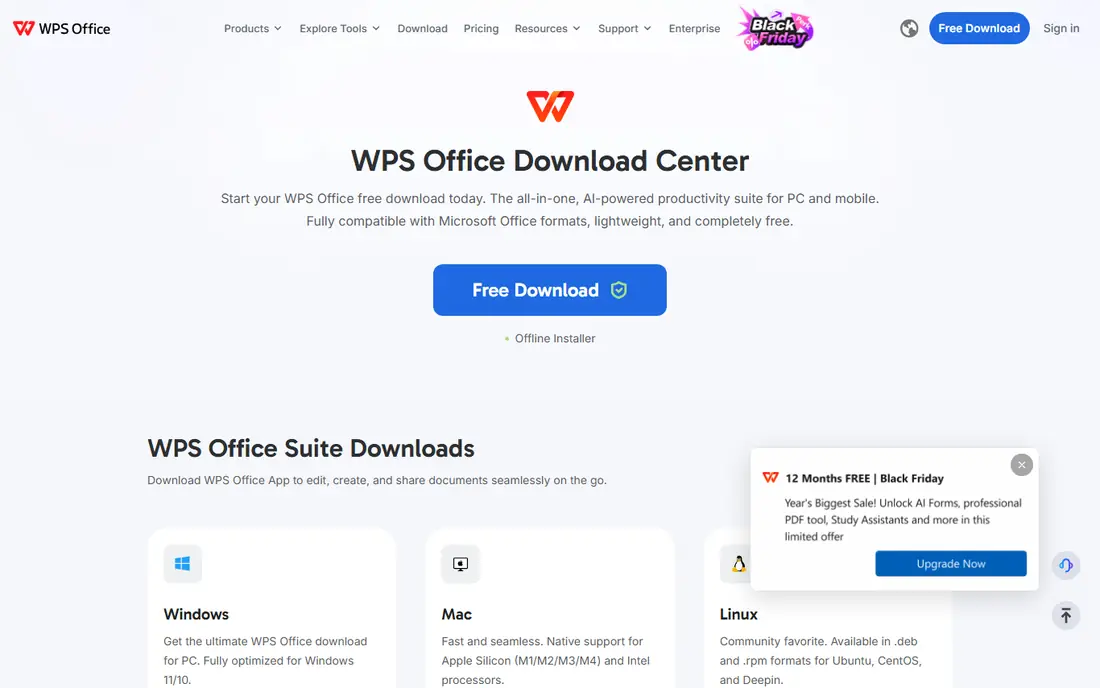
WPS Office was built for free Microsoft-compatible suite. WPS Office is the free suite that looks and feels most like Microsoft Office.
Reasons to shortlist it: Fully free core suite with Writer, spreadsheets.
In practice, the company's own site confirms the core suite is fully free to download and use, with Writer, spreadsheet, presentation, and PDF tools included. This comparison lists no price for WPS Office; ask the vendor. Free access exists with WPS Office. Limits to weigh: Free version contains ads.
- Solid Microsoft format compatibility
- Light and quick
- Advanced AI and premium features need a subscription
LibreOffice Writer targets free offline editing. It opens, edits, and saves DOCX files, runs on Windows, macOS, and Linux, and is free for commercial use under the Mozilla Public License.
The honest catch is the trade-offs of free desktop software. For offline writing, government, and anyone avoiding subscriptions, it is hard to argue with the price. LibreOffice Writer does not show a starting price in this comparison, so check the vendor site for current pricing. Free access exists with LibreOffice Writer.
Limits to weigh: Interface feels dated.
- Fully free and open source with no licensing restrictions
- No forced AI and full privacy
- Cloud collaboration is restricted compared with browser editors
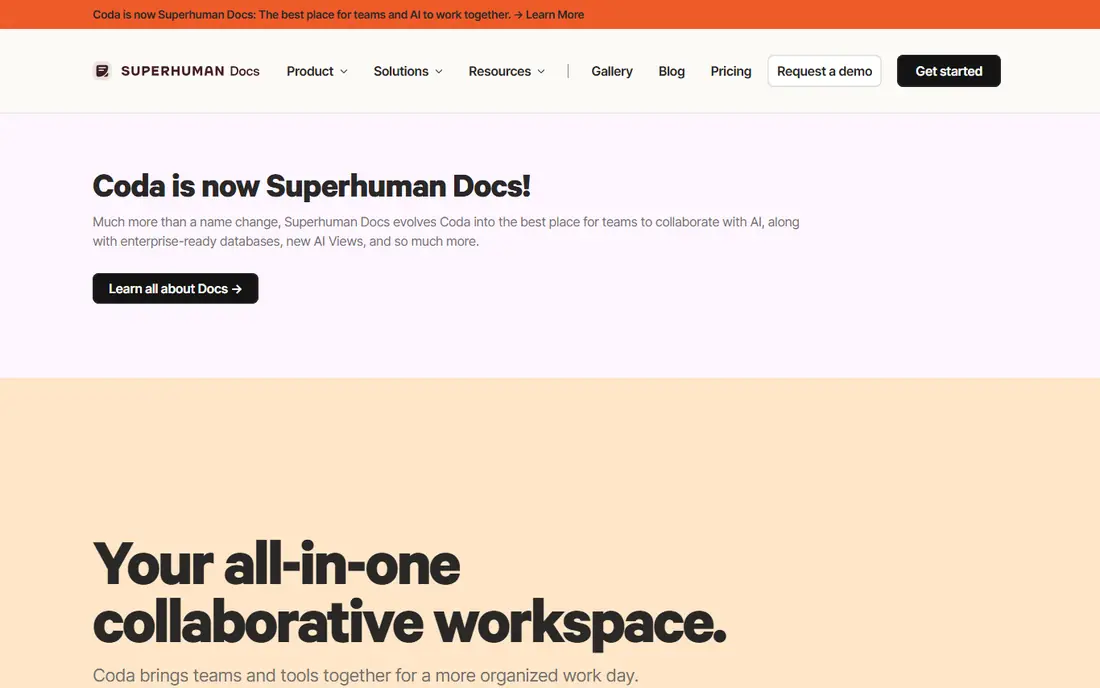
Superhuman Docs (formerly Coda) is aimed squarely at app-like collaborative docs. For operations teams that want documents to run processes, not just record them, it remains the most capable choice.
The product's pitch is unchanged: documents that act like apps, with interactive tables, buttons, automations, and enterprise-ready databases used by 50,000+ teams. For everyday use, Coda rebranded this year as Superhuman Docs, pitching itself as the best place for teams to collaborate with AI. Pricing for Superhuman Docs (formerly Coda) is not stated here, so ask the vendor for current figures. Superhuman Docs (formerly Coda) has no free tier.
- New AI Views for team collaboration
- Docs that behave like apps with buttons, formulas, automations
- Steeper ramp-up time than Notion or Docs
In short, Microsoft Word is for formal business documents. Word is the document format of business, and that gravity still matters. In practice, contracts, proposals, and reports arrive as DOCX files, and Word's track changes remains the review system clients and lawyers expect.
Worth adding: Word for the web is free for anyone with an email address, with live co-authoring and 5 GB of cloud storage. This year's story is Copilot, which Microsoft positions as a coauthor that builds, reads, and edits documents on instruction. Pricing for Microsoft Word is not stated here, so ask the vendor for current figures. Microsoft Word offers a free plan.
Limits to weigh: Advanced AI features are premium.
- Still the standard for professional documents and track changes
- Word for the web is free for anyone
- Desktop apps need a Microsoft 365 subscription
Google Docs is designed for real-time collaboration. The honest catch is depth. Power formatting, long structured documents, and offline work are all weaker than Word.
Google Docs is the tool most teams actually write in. It converts Word files or edits them directly, leaving the original intact. Check the vendor site for Google Docs pricing; none is listed in this comparison. You can start on Google Docs without paying.
Honest limits: Advanced formatting lags Word.
- Free with any Google account
- Edits Word files straight without conversion
- Offline work is a second-class experience
How the list was put together
Pricing pages, product documentation and feature lists were the main sources, and every entry carries at least one honest drawback. Where a vendor does not publish a price, the entry says quote. Where a price depends on seats or billing term, the entry says so. The order reflects how well each tool fits the most common buying scenario for document editing software, then price clarity, then free plan access. It is a starting point, not a verdict.
Questions to settle before buying
- Request quotes from WPS Office, Google Docs and the others; the list shows no fixed prices.
- Check what the free option really includes: WPS Office, LibreOffice Writer, Microsoft Word and Google Docs offer a free plan, and usage caps differ.
- Before choosing WPS Office, weigh its main limit: free version contains ads.
- Pick one real project and run it in LibreOffice Writer first; a small pilot shows fit faster than a checklist.
- Compare total cost, not headline price: for Superhuman Docs (formerly Coda), add extra seats, add-ons and any usage-based charges.
FAQ
Do these tools publish their prices?
No. None of the tools, from WPS Office to Google Docs, shows a fixed starting price here, so budget time for quotes.
Can I try these options before paying?
Often, yes. WPS Office, LibreOffice Writer, Microsoft Word and Google Docs have a free plan. Use your own data and a real task during the test, and check what the free tier or trial limits before you rely on it.
Is WPS Office the right pick for everyone comparing document editing software?
No single tool suits every team. WPS Office comes first because it fits free Microsoft-compatible suite, while LibreOffice Writer suits free offline editing and Superhuman Docs (formerly Coda) suits app-like collaborative docs. Match the tool to your own size, budget and workflow before deciding.
Which options for document editing software have a free plan?
On this list, WPS Office, LibreOffice Writer, Microsoft Word and Google Docs include a free plan. Caps on seats, usage or features are common, so test the free plan against your real workload.
Can I edit Word documents without Microsoft Word?
Yes. Google Docs edits Word files straight without conversion, LibreOffice and WPS Office open and save DOCX files, and Pages imports and exports Word format.