Comparing 6 Document Scanner Software Options in 2026
Best document scanner software: 6 contenders ranked by fit, with entry costs and free tiers. Fit, price and catches for every tool. Pricing and limits included.
- Editor's choice
 Microsoft Lens
Free scanning that feeds straight into Microsoft 365
Starts atFreeVisit microsoft.comFull review - Great alternative
 VueScan
Scanners whose manufacturers abandoned them
Starts atSee websiteVisit hamrick.comFull review - Also consider
 ABBYY FineReader
Turning scans into accurate, editable, searchable documents
Starts atSee websiteVisit abbyy.comFull review
TL;DR:
- Microsoft Lens is the opening pick, best for free scanning that feeds straight into Microsoft 365.
- Free plans exist at 3 of 6 tools (Microsoft Lens, Adobe Scan, NAPS2).
- For VueScan and ABBYY FineReader, you have to request a quote because no starting price is shown.
- NAPS2 is the one to check for free, straightforward desktop scanning without bloat.
- Check the limits for VueScan before you commit: pricing not published on the vendor site at check time.
Direct answer
Our first pick is Microsoft Lens, best for free scanning that feeds straight into Microsoft 365. Alternatives: VueScan for scanners whose manufacturers abandoned them, and ABBYY FineReader for turning scans into accurate, editable, searchable documents. The other 3 tools in the list cover narrower or pricier cases.
Quick comparison
| Tool | Best for | Starts at | Free plan? | |
|---|---|---|---|---|
| Microsoft Lens | Free scanning that feeds straight into Microsoft 365 | Free | Yes | Visit |
| VueScan | Scanners whose manufacturers abandoned them | See website | Free trial | Visit |
| ABBYY FineReader | Turning scans into accurate, editable, searchable documents | See website | Free trial | Visit |
 Adobe Scan | Free, high-quality phone scanning | Free | Yes | Visit |
 Readiris | Desktop OCR and PDF conversion from a scanner specialist | 99 euros (PDF Essential) | Free trial | Visit |
 NAPS2 | Free, straightforward desktop scanning without bloat | Free | Yes | Visit |
Document Scanner Software profiles
This LinkVetted guide covers 6 options for document scanner software. Each profile lists a starting price, free plan details, strengths and drawbacks, so you can drop poor fits quickly.
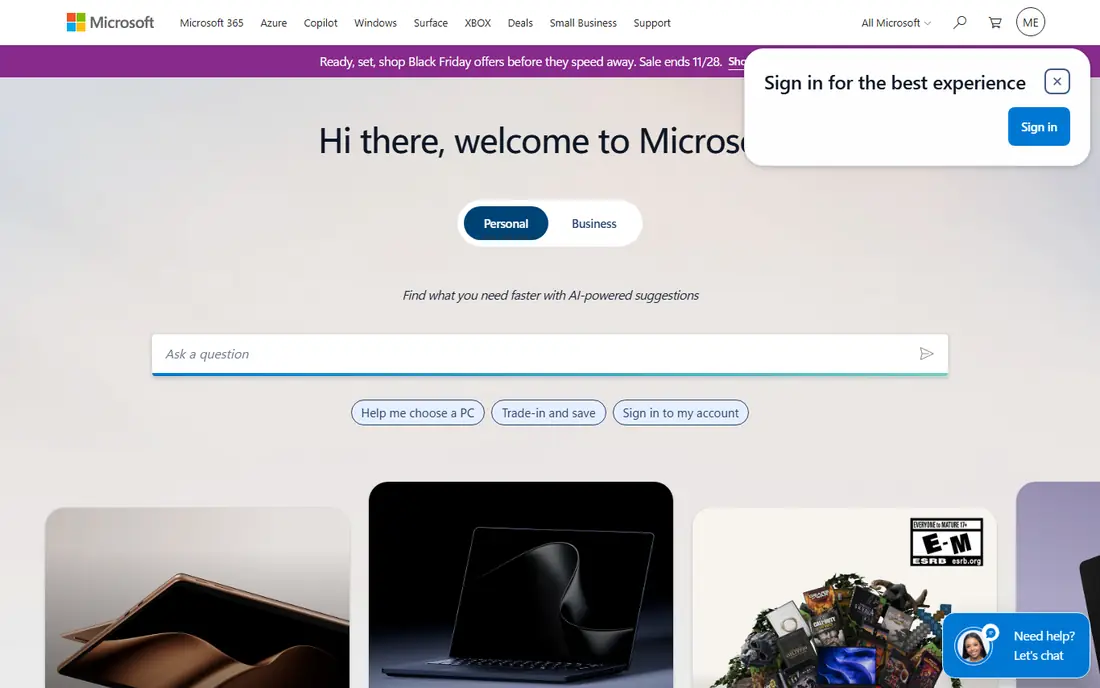
Microsoft Lens targets free scanning that feeds straight into Microsoft 365. Microsoft Lens (formerly Office Lens) is the quiet achiever: free, no watermarks, no upsell. It scans documents, whiteboards, business cards and photos, then sends them where they belong: searchable PDF, editable Word or PowerPoint, or OneNote.
But if your business runs on Microsoft 365, Lens is the frictionless choice: scan a contract, open it in Word, done. In daily use, no subscription, no watermark, no catch. Price to start with Microsoft Lens: Free. Microsoft Lens includes a free tier.
Trade-offs to know: Fewer annotation and sharing features than CamScanner.
- Scans to PDF, Word
- Fully free with no watermarks
- Microsoft account needed for cloud features
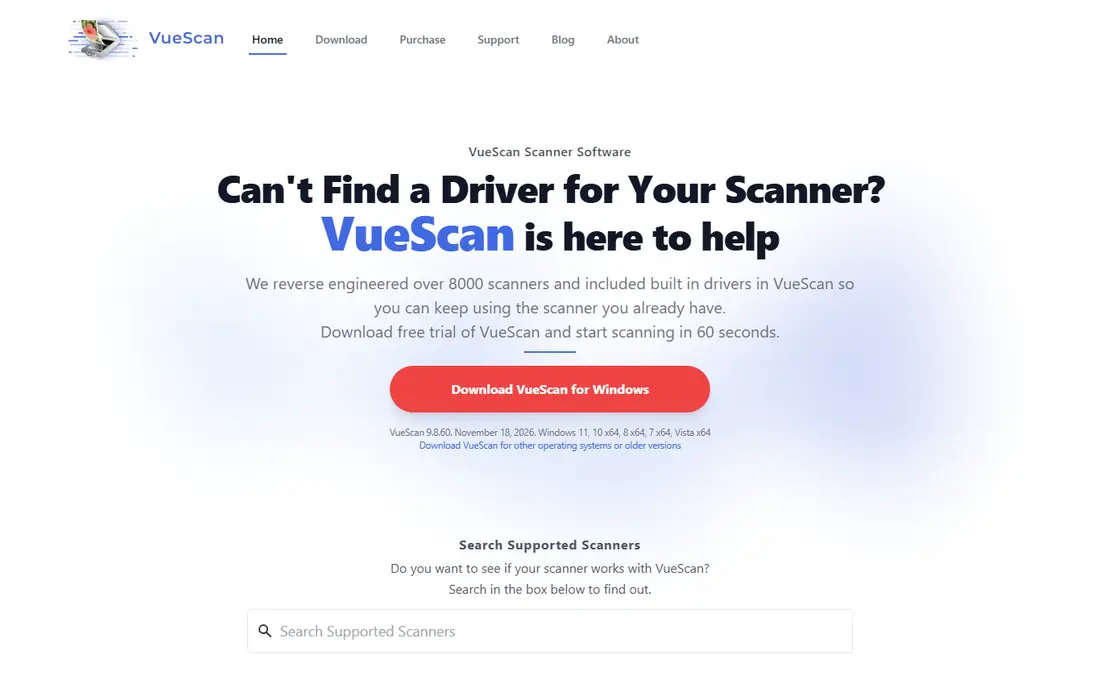
VueScan is designed for scanners whose manufacturers abandoned them. VueScan solves a specific, painful problem: the perfectly decent scanner that stopped working since the manufacturer never released drivers for your OS.
Photographers digitizing film and offices nursing decade-old scanners swear by it. As for the details, Hamrick Software's VueScan drives thousands of flatbed and film scanners across Windows, Mac and Linux, commonly producing better scans than the original software, with batch scanning, infrared dust removal and IT8 color calibration. Check the vendor site for VueScan pricing; none is listed in this comparison. Trial and free access: Free trial.
Watch-outs: Pricing not published on the vendor site at check time.
- OCR and batch scanning built in
- Very good film and slide scanning
- Interface is functional instead of friendly
ABBYY FineReader
Best for: Turning scans into accurate, editable, searchable documents
ABBYY FineReader is designed for turning scans into accurate, editable, searchable documents. ABBYY FineReader is the reference standard for optical character recognition. On top of that, for companies digitizing contracts, invoices and archives where OCR accuracy directly affects work, FineReader is the tool the others are measured against.
What to check first: Pricing not published on the vendor site at check time.
Highlights: Full PDF editing built in.
More specifically, where phone apps produce a picture of a page, FineReader produces the text: it converts scanned documents into editable Word and Excel files and searchable PDFs with layout preserved, in over 190 languages. It is professional software with professional pricing; third-party trackers list subscription levels, but ABBYY does not publish prices on its site, so request a quote or start the free trial. This comparison lists no price for ABBYY FineReader; ask the vendor. Free plan details: Free trial.
- Converts scans to Word
- Excel and searchable PDF
- More than casual users need
Adobe Scan is built with free, high-quality phone scanning in mind. Adobe's text recognition makes scans searchable, and everything syncs to Adobe Document Cloud for access anywhere. It needs a free Adobe account, and serious PDF editing pushes you toward Acrobat.
Trade-offs to know: Advanced PDF editing needs Acrobat.
Worth adding: Adobe Scan is the free phone scanner that embarrasses premium apps. Point your camera at a document, whiteboard or receipt. The app spots edges, crops, cleans up perspective and lighting, and saves a sharp PDF. Adobe Scan cost at the entry level: Free. You can start on Adobe Scan without paying.
- Adobe's OCR makes scans searchable
- Links up with Adobe Document Cloud
- Tied to an Adobe account
Readiris serves desktop OCR and PDF conversion from a scanner specialist. It converts scanned paper and PDFs into editable Word, Excel and searchable PDF files, recognizes over 130 languages, and includes compression technology that produces color PDFs far smaller than the original scans.
Where it falls short: Interface less modern than ABBYY's.
As for the details, per the vendor's own online store, Readiris PDF Essential is priced at 99 euros, with Elite and Corporate levels above it. Starting cost for Readiris: 99 euros. Free options: Free trial.
- PDF compression that shrinks scans dramatically
- Vendor-published pricing starting at 99 euros
- Euro pricing on the vendor store
NAPS2 is a good fit for free, straightforward desktop scanning without bloat. NAPS2 (Not Another PDF Scanner 2) is the free desktop scanner app that does exactly what it says. For offices that require staff to scan documents to PDF all day without training or licenses, NAPS2 is the answer.
Limits to weigh: No mobile app or cloud features.
It respects the classic rule: software should get out of the way. For everyday use, link a scanner, press scan, get a PDF. It supports scanner profiles for one-click repeat jobs, deskew and cleanup, OCR for searchable PDFs, and even command-line automation for batch workflows. The starting price for NAPS2: Free. NAPS2 offers a free plan.
- Free and open source
- Profiles
- Windows and Linux focused
What went into this list
We compared the tools on published pricing, free plan or trial availability, feature coverage for document scanner software, and the limits each vendor documents. Figures are shown as the vendors publish them. Billing terms, seat minimums and add-ons can change the real cost. The ranking is editorial: typical fit first, then clear pricing, then free access. If your needs are unusual, read the profiles rather than relying on position.
What to check before you buy
- Ask VueScan and ABBYY FineReader for a written quote, since no starting price is shown.
- Look at free plan limits closely: Microsoft Lens, Adobe Scan and NAPS2 have one, and the caps decide whether it is usable for real work.
- Take the trial from VueScan, ABBYY FineReader and Readiris and push a live task through it before you pay.
- Before choosing Microsoft Lens, weigh its main limit: fewer annotation and sharing features than CamScanner.
- Ask Readiris how an export works before you move any records in; an easy exit lowers the risk.
- Ask whether ABBYY FineReader integrates with your current software, and whether that comes standard or as an add-on.
FAQ
Which options for document scanner software have a free plan?
On this list, Microsoft Lens, Adobe Scan and NAPS2 include a free plan. Caps on seats, usage or features are common, so test the free plan against your real workload. Several others offer a trial instead.
My old scanner has no Windows 11 drivers. What now?
VueScan. It bundles its own drivers for thousands of discontinued scanners and works on current Windows, Mac and Linux. Try the trial first to confirm your model is supported.
How are the tools for document scanner software ordered?
The order follows typical fit for document scanner software, with Microsoft Lens first and NAPS2 last, then price clarity and free access. It is editorial judgement, not a score, so another team could rank the tools differently.
Can I try these options before paying?
Often, yes. Microsoft Lens, Adobe Scan and NAPS2 have a free plan and VueScan, ABBYY FineReader and Readiris offer a free trial. Use your own data and a real task during the test, and check what the free tier or trial limits before you rely on it.
What is OCR and do I need it?
You need it when scans must be searchable or editable; you can skip it for straightforward record-keeping where the image is enough.
Is Microsoft Lens the right pick for everyone comparing document scanner software?
No single tool suits every team. Microsoft Lens comes first because it fits free scanning that feeds straight into Microsoft 365, while VueScan suits scanners whose manufacturers abandoned them and ABBYY FineReader suits turning scans into accurate, editable, searchable documents. Match the tool to your own size, budget and workflow before deciding.