Clinical Communication Software in 2026: The 5 Best Options Side by Side
Best clinical communication software: 5 contenders ranked by fit, with entry costs and free tiers. The weak spots sit next to the strengths. See which fits.
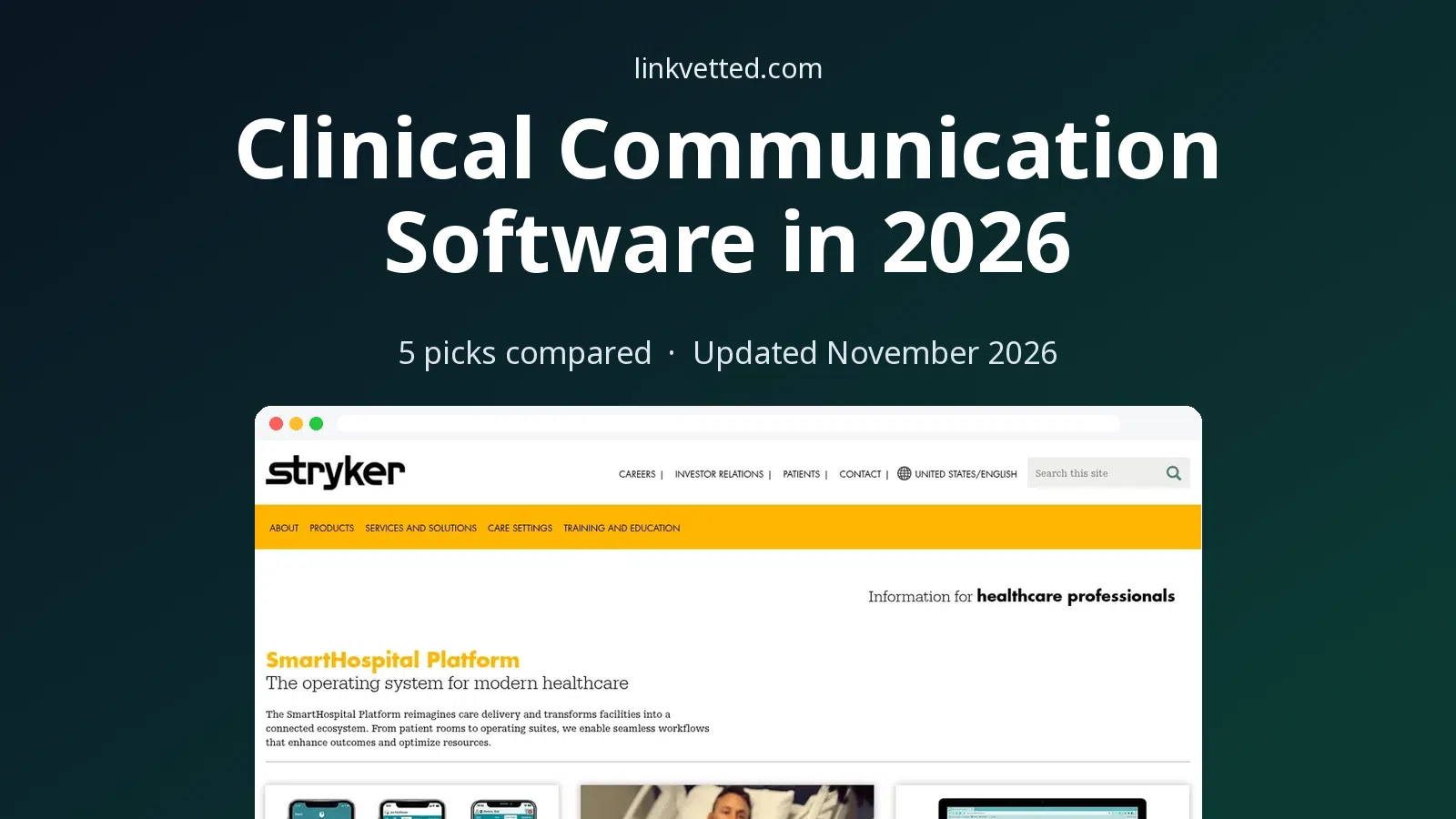
- Editor's choicePerfectServe
Clinical efficiency and patient satisfaction
Starts atPricing on requestVisit perfectserve.comFull review - Great alternativeVocera
Connected hospital-wide workflows
Starts atPricing on requestVisit vocera.comFull review - Also considerEpic Secure Chat
Hospitals already running Epic
Starts atPricing on requestVisit epic.comFull review
Direct answer
For clinical efficiency and patient satisfaction, PerfectServe is where this list starts. Vocera fits connected hospital-wide workflows; Epic Secure Chat fits Hospitals already running Epic. The other 2 tools in the list cover narrower or pricier cases. None of these vendors publish plan prices, so pricing is on request for every option.
TL;DR:
- PerfectServe is the opening pick, best for clinical efficiency and patient satisfaction.
- The main caution on Epic Secure Chat: tied to the Epic ecosystem.
- Every tool from PerfectServe to Microsoft Teams works by quote, with no list price shown.
- PerfectServe, Microsoft Teams and the 3 others all need a premium plan or a trial, since no free plan is listed.
Last checked November 2026. Pricing on request: vendors did not publish plan prices when this guide was last checked (November 2026), so ask each vendor for a written quote.
Quick comparison
| Tool | Best for | Starts at | Free plan? | |
|---|---|---|---|---|
| PerfectServe | Clinical efficiency and patient satisfaction | Pricing on request | Not stated | Visit |
| Vocera | Connected hospital-wide workflows | Pricing on request | Not stated | Visit |
| Epic Secure Chat | Hospitals already running Epic | Pricing on request | Not stated | Visit |
| Spok | Clinical alerting and care team contact | Pricing on request | Not stated | Visit |
 Microsoft Teams | General care team collaboration | Pricing on request | Not stated | Visit |
Clinical Communication Software profiles
LinkVetted compared 5 tools for clinical communication software. The goal is a practical shortlist: published prices, free plan facts, best-fit use cases and honest limits for every entry.
PerfectServe
Best for: Clinical efficiency and patient satisfaction
Pick PerfectServe if this describes you: clinical efficiency and patient satisfaction. PerfectServe describes itself as offering healthcare communication systems meant to boost clinical efficiency and patient satisfaction.
Its healthcare specialization means it is not a fit for non-clinical collaboration, and results rely on how well workflows are configured. Organizations already deep in the Epic ecosystem may prefer Epic Secure Chat, whereas those needing wide office collaboration may lean on Microsoft Teams. No starting price is listed for PerfectServe here; confirm pricing on the vendor site. Free plan details: Not stated.
Drawbacks to consider: Healthcare-only scope.
- Focused on healthcare communication systems
- Aims at clinical efficiency gains
- Configuration relies on care setting
Vocera
Best for: Connected hospital-wide workflows
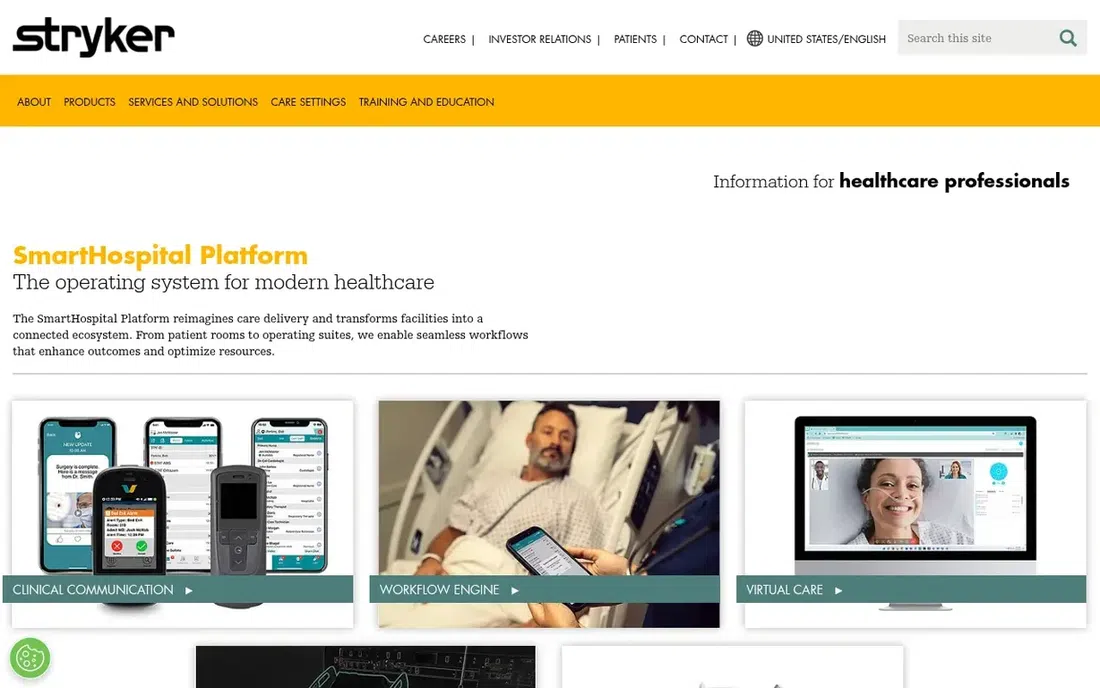
In short, Vocera is for connected hospital-wide workflows. It fits hospitals that want communication tied to care delivery and resource optimization instead of messaging alone.
Trade-offs to know: Enterprise-scale deployment effort.
More specifically, Teams seeking quicker bedside contact and coordinated inpatient response are the core audience. Pricing for Vocera is not stated here, so ask the vendor for current figures. Trial and free access: Not stated.
- System spans rooms to operating suites
- Hands-free style communication focus
- Best value in hospital settings
Epic Secure Chat
Best for: Hospitals already running Epic
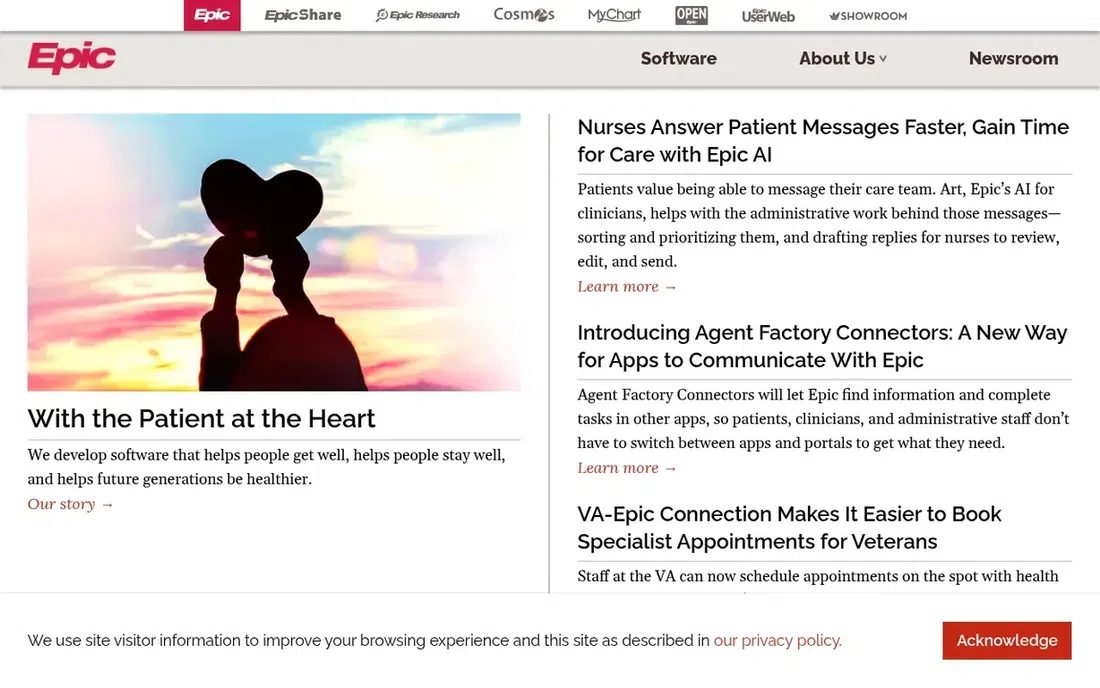
Epic Secure Chat targets Hospitals already running Epic. Epic Secure Chat is a secure messaging capability within Epic, the health record software company whose stated mission centers on helping people get well and stay well. In daily use, the primary limit is ecosystem dependence: value comes from being an Epic customer, and mixed or non-Epic environments may need a standalone tool.
Limits to weigh: Less handy for non-Epic organizations.
As for the details, organizations seeking a vendor-neutral messaging layer across plenty of systems should compare Spok, PerfectServe or Microsoft Teams instead. More specifically, for organizations already on Epic, it keeps clinical conversations close to the patient chart and the workflows staff already use daily. No starting price is listed for Epic Secure Chat here; confirm pricing on the vendor site. Trial and free access: Not stated.
- Suits existing Epic workflows
- Messaging sits inside the clinical record
- Tied to the Epic ecosystem
Spok
Best for: Clinical alerting and care team contact
Where Spok fits: clinical alerting and care team contact. That positioning makes it a fit for organizations prioritizing alerting, paging and steady contact across care teams.
Pricing for Spok is not stated here, so ask the vendor for current figures. Trial and free access: Not stated.
Trade-offs to know: Overlap possible with existing systems.
- Longstanding hospital communications focus
- Provides clinical information to care teams
- Integration planning required
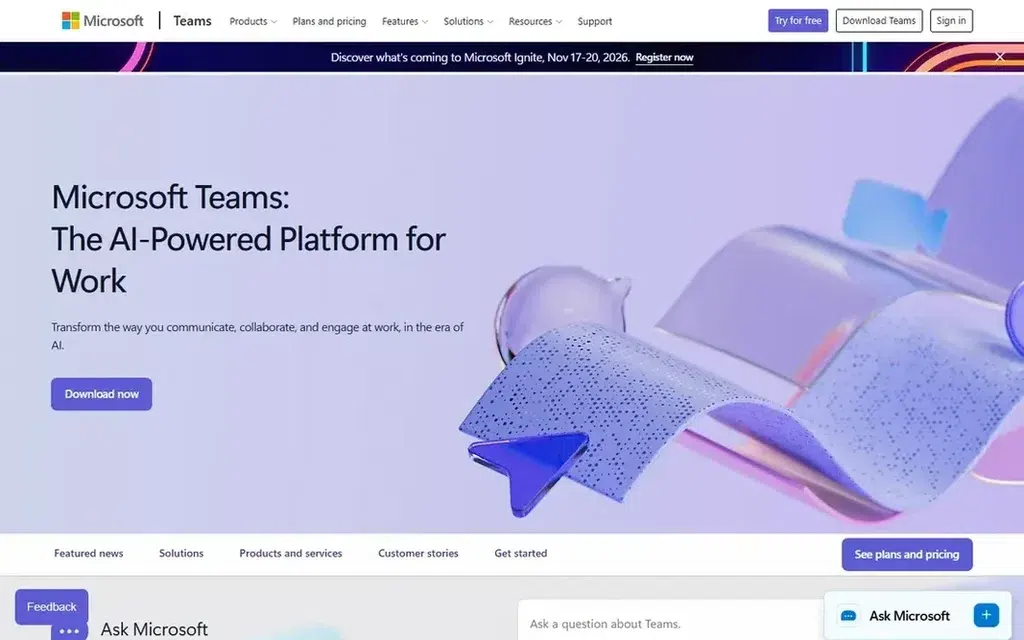
Microsoft Teams is aimed squarely at general care team collaboration. It fits organizations already standardized on Microsoft productivity tools that want one hub for everyday teamwork.
Limits to weigh: Not designed for clinical workflows.
If you need paging, nurse call integration or on-call routing made for care delivery, a clinical specialist like Spok or PerfectServe is the better comparison. Pricing for Microsoft Teams is not stated here, so ask the vendor for current figures. Free options: Not stated.
- Meetings and files in one place
- Familiar productivity interface
- Needs governance for sensitive data
How these tools were picked
What to confirm before you sign up
- Request quotes from PerfectServe, Microsoft Teams and the others; the list shows no fixed prices.
- Before choosing PerfectServe, weigh its main limit: healthcare-only scope.
- Involve the people who will use PerfectServe daily; a short pilot beats a long feature checklist.
- Check the integration list for Spok against the tools you run today, and note which ones need a higher plan.
- Look at which plan of Microsoft Teams unlocks the features you need; entry tiers are often cut down.
FAQ
What should clinical communication software do first?
Start with secure messaging and steady alerting to the right care team member. Then layer in integrations with the health record and on-call scheduling so messages reach people without additional steps.
How are the tools for clinical communication software ordered?
PerfectServe sits first and Microsoft Teams last because the order follows typical fit for clinical communication software, then price clarity and free access. It is a judgement call, so read each profile for fit and limits.
Do these tools publish their prices?
No. None of the tools, from PerfectServe to Microsoft Teams, shows a fixed starting price here, so budget time for quotes.
Is PerfectServe the right pick for everyone comparing clinical communication software?
No single tool suits every team. PerfectServe comes first because it fits clinical efficiency and patient satisfaction, while Vocera suits connected hospital-wide workflows and Epic Secure Chat suits Hospitals already running Epic. Match the tool to your own size, budget and workflow before deciding.
Is Microsoft Teams enough for clinical communication?
Teams takes care of general collaboration well, but it is not purpose-built for clinical alerting or on-call routing. Beyond that, many organizations pair it with a healthcare specialist like Spok or PerfectServe for patient-critical messaging.
Can I try these options before paying?
Not by default. None of the tools, from PerfectServe to Microsoft Teams, lists a free plan or a free trial here, so ask each vendor for a demo before committing.
Sources
- https://www.perfectserve.com
- https://www.vocera.com
- https://www.epic.com
- https://www.spok.com
- https://www.microsoft.com/en-us/microsoft-teams/group-chat-software