5 Best Animation Software for Science Communication for 2026, Vetted and Compared
Weighing the best animation software for science communication? We lined up 5 products by cost, free access and fit. Short verdicts, no fluff. Quick to scan.
- Editor's choice
 Toon Boom Harmony
Studio-grade 2D animation
Starts atSee websiteVisit toonboom.comFull review - Great alternative
 Vyond
Quick template-based explainer videos
Starts at$58 a monthVisit vyond.comFull review - Also considerPowtoon
Fast branded presentations and videos
Starts at$8 a monthVisit powtoon.comFull review
Direct answer
This list puts Toon Boom Harmony first for studio-grade 2D animation. Listed starting prices: Vyond from $58 a month and Powtoon from $8 a month. If your case is different, Vyond suits quick template-based explainer videos and Powtoon suits fast branded presentations and videos. The other 2 tools in the list cover narrower or pricier cases.
TL;DR:
- Top of the list is Toon Boom Harmony, which targets studio-grade 2D animation.
- The cheapest monthly starting price in the list is $8 per month, offered by Powtoon.
- A fair warning about Autodesk Maya: heavy ramp-up time and hardware demands.
- Adobe After Effects is the one to check for motion graphics and data overlays.
- Only Powtoon offers a free plan among these 5 tools.
Last checked November 2026. Prices and plan details were read from the vendors' own pages in November 2026; vendors change plans often, so confirm the current price on the vendor site before you buy.
Quick comparison
| Tool | Best for | Starts at | Free plan? | |
|---|---|---|---|---|
| Toon Boom Harmony | Studio-grade 2D animation | See website | Not stated | Visit |
| Vyond | Quick template-based explainer videos | $58 a month | Free trial | Visit |
| Powtoon | Fast branded presentations and videos | $8 a month | Yes | Visit |
 Autodesk Maya | Complicated 3D science visuals | See website | Not stated | Visit |
 Adobe After Effects | Motion graphics and data overlays | See website | Not stated | Visit |
The full animation software for science communication list
If you are comparing animation software for science communication, this page covers 5 tools in one place: what each is best for, what it costs to start, whether it has a free plan, and the main limit to know about.
In short, Toon Boom Harmony is for studio-grade 2D animation. Harmony lets animators produce art in numerous styles within one end-to-end 2D animation software. On top of that, science communicators use it for character-led explainers, illustrated mechanisms and drawn sequences that require consistent, production-quality motion.
Trade-offs to know: More than solo communicators normally need.
For everyday use, Harmony is a deep production tool, and solo communicators may find its pipeline heavier than necessary. On top of that, more straightforward 2D choices can handle short explainers with less setup. Pricing for Toon Boom Harmony is not stated here, so ask the vendor for current figures. As for free access: Not stated.
- Supports numerous drawing and rigging styles
- Made for production teamwork
- Professional depth means a long ramp-up time
Vyond is a good fit for quick template-based explainer videos. Vyond is an AI video creation product for business that lets teams produce videos in several styles rapidly.
From a buyer's view, pick Vyond when turnaround time and ease of use outweigh custom craft. Beyond that, projects needing accurate 3D or in-depth motion design will outgrow it. Price to start with Vyond: $58 per month. On free options: Free trial.
Watch-outs: Template look can feel generic.
- Fast style variety without animation skills
- AI-assisted video creation for business
- Less control over custom scientific visuals
Powtoon
Best for: Fast branded presentations and videos
Powtoon is aimed squarely at fast branded presentations and videos. Powtoon is a unified AI video product for building branded videos and presentations rapidly, with features like doc-to-video, AI avatars, text-to-speech and translation. For everyday use, for science communication it suits short educational clips, outreach summaries and multilingual versions of the same message.
Drawbacks to consider: Restricted fine control over animation.
Complicated mechanisms or data animation belong in a dedicated tool. From a buyer's view, custom scientific visuals and precise motion are constrained by the product's templates and building blocks. As for the details, choose Powtoon when speed, branding and language reach are the priorities. Entry price for Powtoon: $8 per month. You can start on Powtoon without paying.
- Text-to-speech and translation choices
- Doc-to-video and AI avatar features
- Style can look presentation-like
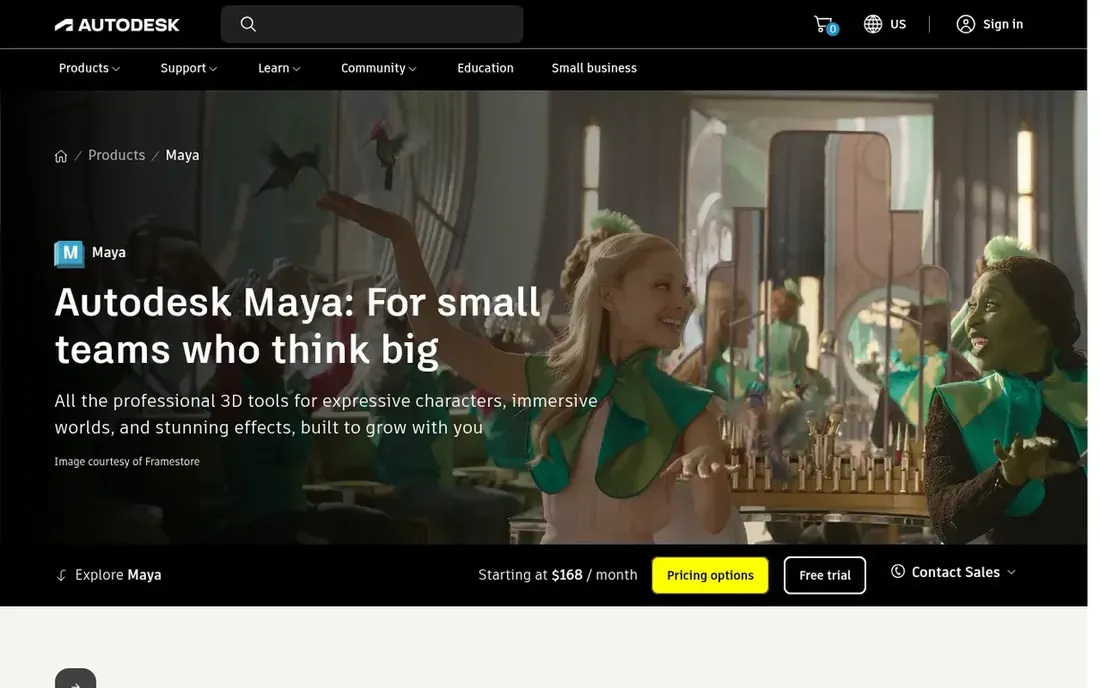
Autodesk Maya is built with complicated 3D science visuals in mind. Maya is professional 3D animation and VFX software for creating expansive worlds, complicated characters and realistic effects. More specifically, for flat diagrams or fast explainers, a 2D or template-based tool is more efficient.
What to check first: Heavy ramp-up time and hardware demands.
On top of that, in science communication it suits projects that require three-dimensional models, for example molecular structures, anatomical animation or simulated environments. In daily use, pick Maya when the science genuinely benefits from 3D space and realistic motion. Maya demands significant training and computing resources, and its depth can slow small projects. Pricing for Autodesk Maya is not stated here, so ask the vendor for current figures. Free options: Not stated.
- Suited to expansive 3D environments
- Manages complicated characters and effects
- Overkill for straightforward 2D explainers
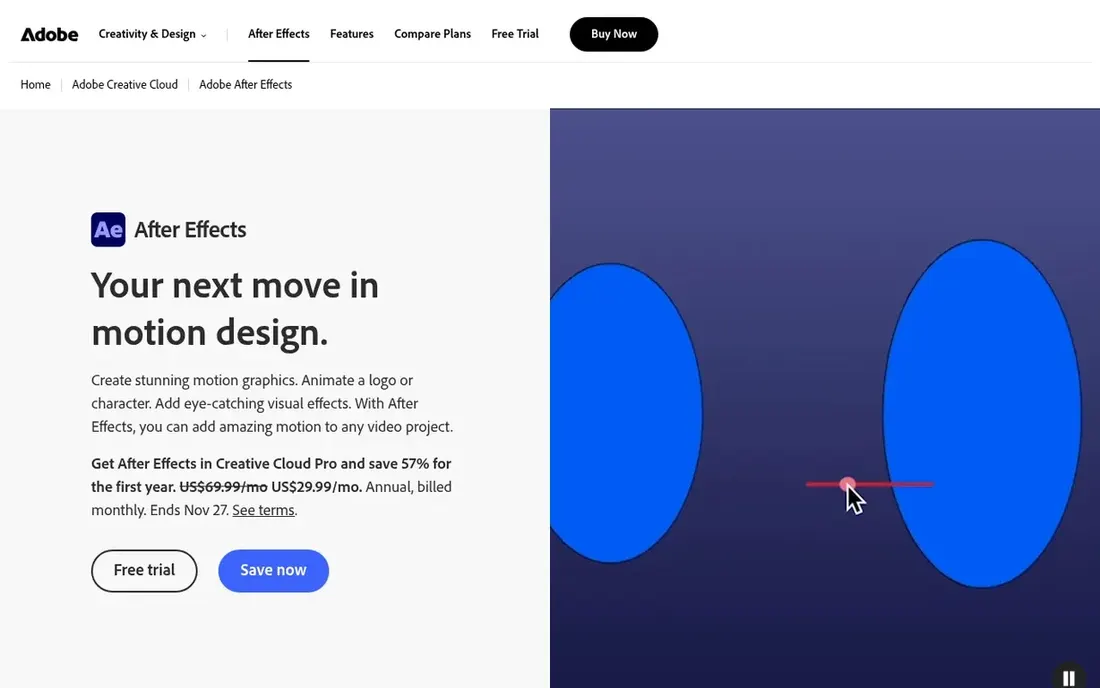
Pick Adobe After Effects if this describes you: motion graphics and data overlays. The interface is dense and complicated scenes take time to build, so it is not the quickest route for template-driven videos.
Where it falls short: 3D work is restricted compared to dedicated 3D tools.
Adobe After Effects shows no starting price here, so confirm the cost on the vendor site. Trial and free access: Not stated.
- Wide ecosystem for video and design workflows
- Solid compositing and motion graphics toolset
- Ramp-up time is steep for beginners
Selection criteria
Selection started from tools commonly considered for animation software for science communication, then narrowed to 5 that have clear pricing information or a clear quote process. Prices and plan limits come from vendor pages and can change, so confirm them on the vendor site before you buy. Tools are placed by general fit for animation software for science communication, with price clarity and free access as tie-breakers. A different team can reasonably rank them differently.
Pre-purchase checklist
- Get a written quote from Toon Boom Harmony, Autodesk Maya and Adobe After Effects; the list shows no starting price for them.
- Test the free plan from Powtoon against your real workload before relying on it.
- Take the trial from Vyond and push a live task through it before you pay.
- Before choosing Toon Boom Harmony, weigh its main limit: professional depth means a long learning curve.
- Pick one real project and run it in Vyond first; a small pilot shows fit faster than a checklist.
- Before you load data into Toon Boom Harmony, check what an export looks like and who can run it.
FAQ
Which animation software is best for explaining complicated science just?
Toon Boom Harmony comes first here and is built for studio-grade 2D animation. Buyers with other needs may prefer Vyond (for quick template-based explainer videos) or Powtoon (for fast branded presentations and videos). Compare costs and limits first.
Which options for animation software for science communication have a free plan?
Powtoon is the only tool in this list with a free plan. Free plans usually cap users, projects or features, so check the limits on the vendor page. One other tool offers a trial instead.
Do these tools publish their prices?
Not all of them. Toon Boom Harmony, Autodesk Maya and Adobe After Effects publish no starting price, so expect a quote request for those. The rest, Vyond included, show a starting price, though seats and billing terms still change the final cost.
Is Toon Boom Harmony the right pick for everyone comparing animation software for science communication?
No single tool suits every team. Toon Boom Harmony comes first because it fits studio-grade 2D animation, while Vyond suits fast template-based explainer videos and Powtoon suits quick branded presentations and videos. Match the tool to your own size, budget and workflow before deciding.
Do I need 3D software for science communication?
Maya and Cinema 4D include those needs at different complexity levels. Numerous explainers work well in 2D and are quicker to produce.
How are the tools for animation software for science communication ordered?
Toon Boom Harmony sits first and Adobe After Effects last because the order follows typical fit for animation software for science communication, then price clarity and free access. It is a judgement call, so read each profile for fit and limits.
Sources
- https://www.toonboom.com/products/harmony
- https://www.vyond.com
- https://www.powtoon.com
- https://www.autodesk.com/products/maya/overview
- https://www.adobe.com/products/aftereffects.html