Best Church Communication Software for Congregations (2026): 5 Picks Checked on Vendor Pages
5 best Church communication software for congregations, compared on pricing, free plans and best-fit use. Where a tool struggles is spelled out. Numbers first.
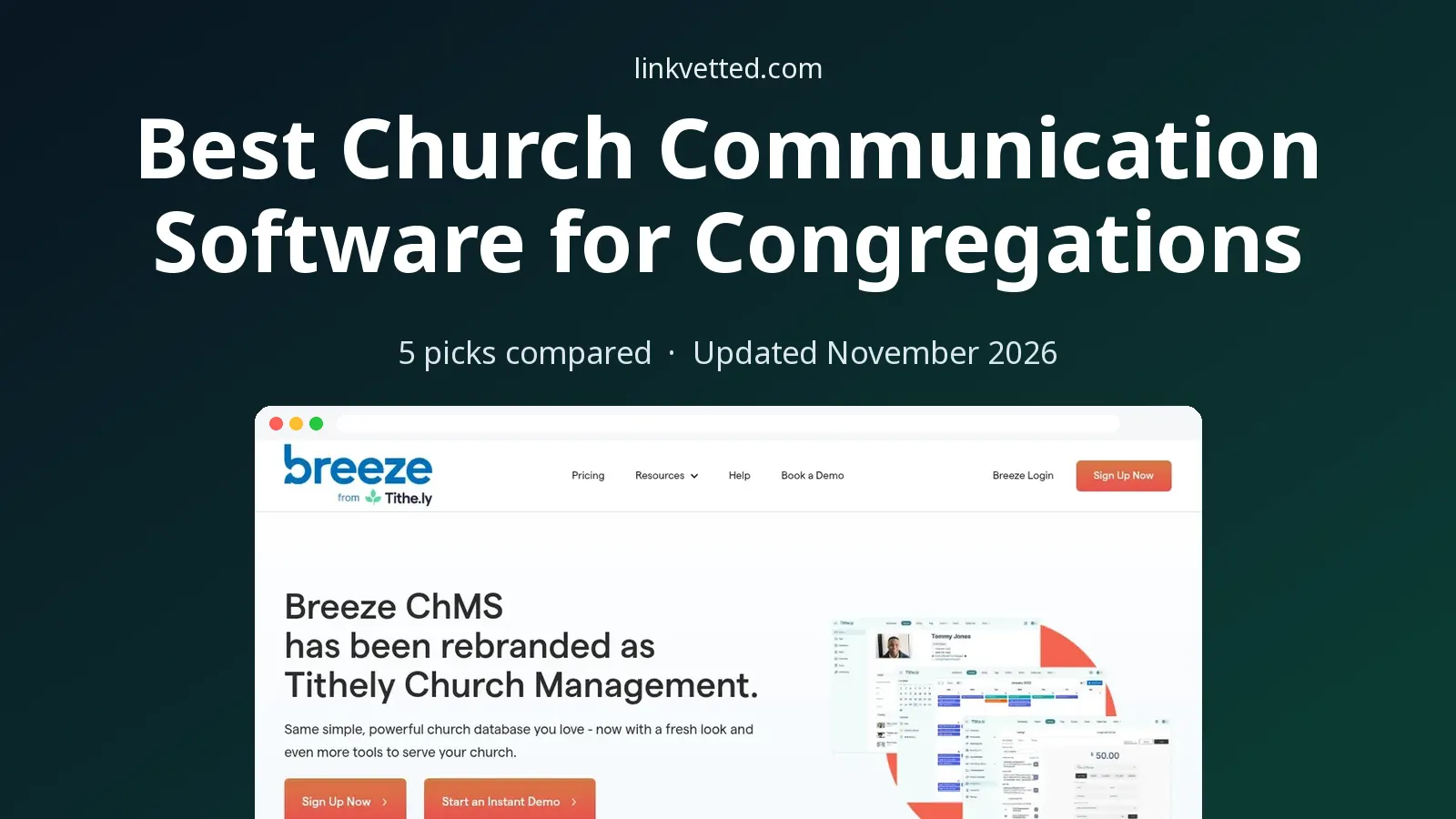
- Editor's choiceText In Church
Church texting and guest follow-up
Starts at$10 per seat a monthVisit textinchurch.comFull review - Great alternativeBreeze ChMS
Small churches wanting straightforward member and event tools
Starts at$72 per monthVisit breezechms.comFull review - Also considerChurch Community Builder
Churches seeking engagement features within Pushpay
Starts atSee websiteVisit churchcommunitybuilder.comFull review
Direct answer
Our first pick is Text In Church, best for Church texting and guest follow-up. Listed starting prices: Text In Church from $10 per seat a month, Breeze ChMS from $72 per month and Planning Center from $5 per month. For a different need, Breeze ChMS covers small churches wanting straightforward member and event tools and Church Community Builder covers churches seeking engagement features within Pushpay. All 5 tools are compared below on price, free plan and limits.
TL;DR:
- Text In Church takes the first slot, best suited to Church texting and guest follow-up.
- Starting prices begin at $5 per month with Planning Center.
- Check the limits for Text In Church before you commit: narrower scope than full church management systems.
- For all-in-one church management and team coordination, Planning Center is worth a look.
- Just one of the 5 tools, Planning Center, has a free plan.
Last checked November 2026. Prices and plan details were read from the vendors' own pages in November 2026; vendors change plans often, so confirm the current price on the vendor site before you buy.
Quick comparison
| Tool | Best for | Starts at | Free plan? | |
|---|---|---|---|---|
| Text In Church | Church texting and guest follow-up | $10 per seat a month | Free trial | Visit |
| Breeze ChMS | Small churches wanting straightforward member and event tools | $72 per month | Free trial | Visit |
| Church Community Builder | Churches seeking engagement features within Pushpay | See website | Free trial | Visit |
| Pushpay | Giving-led engagement and custom church apps | See website | Free trial | Visit |
| Planning Center | All-in-one church management and team coordination | $5 per month | Yes | Visit |
Tool-by-tool breakdown
This LinkVetted guide covers 5 Church communication software for congregations. Each profile lists a starting price, free plan details, strengths and drawbacks, so you can drop poor fits quickly.
Text In Church
Best for: Church texting and guest follow-up
Pick Text In Church if this describes you: Church texting and guest follow-up. Text In Church is a communication system for texting, email and calling your church from one place, with church texting and guest follow-up at its core. Churches needing those records should pair it with a management tool.
Where it is weaker: Centred on communication instead of records.
Churches prioritizing follow-up workflows will find the focus handy. Choose Text In Church when outreach messaging and guest retention are the primary goals. Starting cost for Text In Church: $10 per seat per month. Free plan details: Free trial. Highlights: Built around guest follow-up workflows.
- Email and call from one place
- Unlimited email mentioned on the site
- Narrower scope than full church management systems
Breeze ChMS
Best for: Small churches wanting straightforward member and event tools
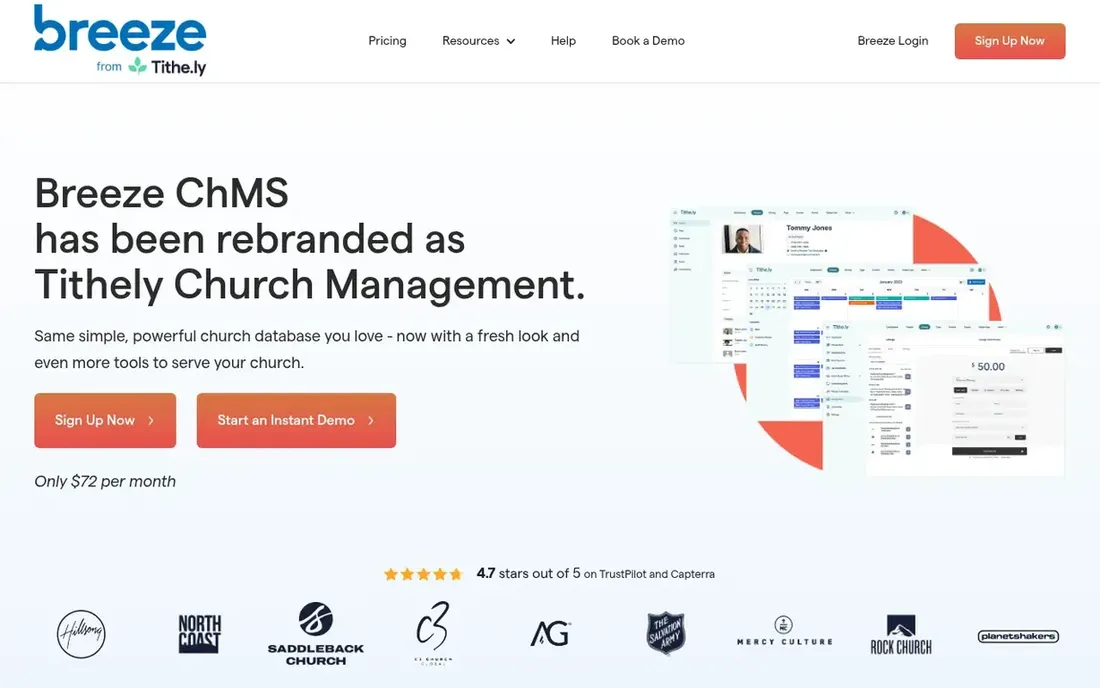
Breeze ChMS targets small churches wanting straightforward member and event tools. Its stated emphasis on simplicity makes it a reasonable fit for smaller congregations or volunteer-run offices that want straightforward records and communication without a steep setup.
Where it falls short: Less depth for complicated multi-ministry scheduling.
Beyond that, pick Breeze when simplicity and everyday administration outweigh deep feature variety. From a buyer's view, churches consolidating member information and entry-level event coordination in one place are the core audience. What you pay to start with Breeze ChMS: $72 per month. As for free access: Free trial.
- Merges member data
- Positions itself as straightforward to use
- Communication features are part of a broader ChMS
Church Community Builder
Best for: Churches seeking engagement features within Pushpay
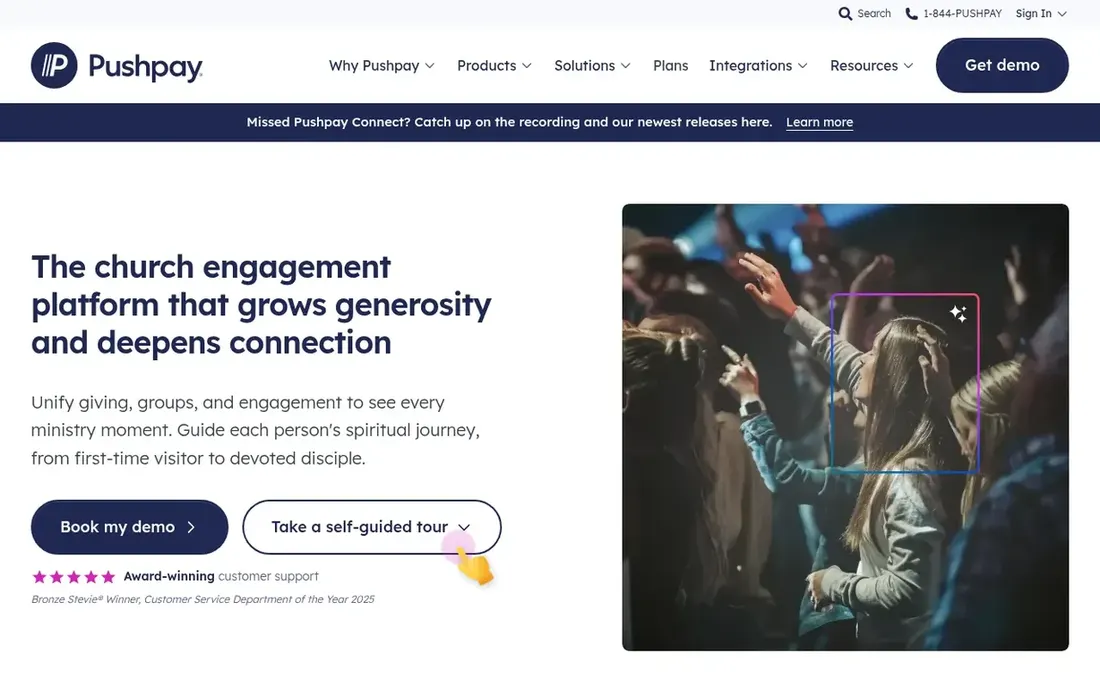
Church Community Builder targets churches seeking engagement features within Pushpay. Church Community Builder now sits within the Pushpay church engagement product, which spans giving, custom apps, analytics and live streaming. Consider it when integrated giving, analytics and app presence are priorities alongside messaging.
What to check first: Positioned around the broader Pushpay product.
As for the details, teams wanting a narrow texting tool may prefer something more straightforward. More specifically, the product orientation toward engagement and giving means communication is one part of a bigger package, which can be more than a small church needs. Church Community Builder does not show a starting price in this comparison, so check the vendor site for current pricing. Free access: Free trial.
- Church engagement product with giving tools
- Live streaming support alongside engagement
- Feature breadth may exceed small church needs
Pushpay
Best for: Giving-led engagement and custom church apps
Pick Pushpay if this describes you: giving-led engagement and custom church apps. Pushpay is a church engagement product centered on giving, custom apps, analytics and live streaming.
More specifically, since Church Community Builder shares the same product positioning, compare the two carefully before committing. Pricing for Pushpay is not stated here, so ask the vendor for current figures. As for free access: Free trial.
Downsides: Wide product may be heavy for entry-level messaging.
- Merges giving with engagement tools
- Provides custom apps and analytics
- Overlaps closely with Church Community Builder
Planning Center
Best for: All-in-one church management and team coordination
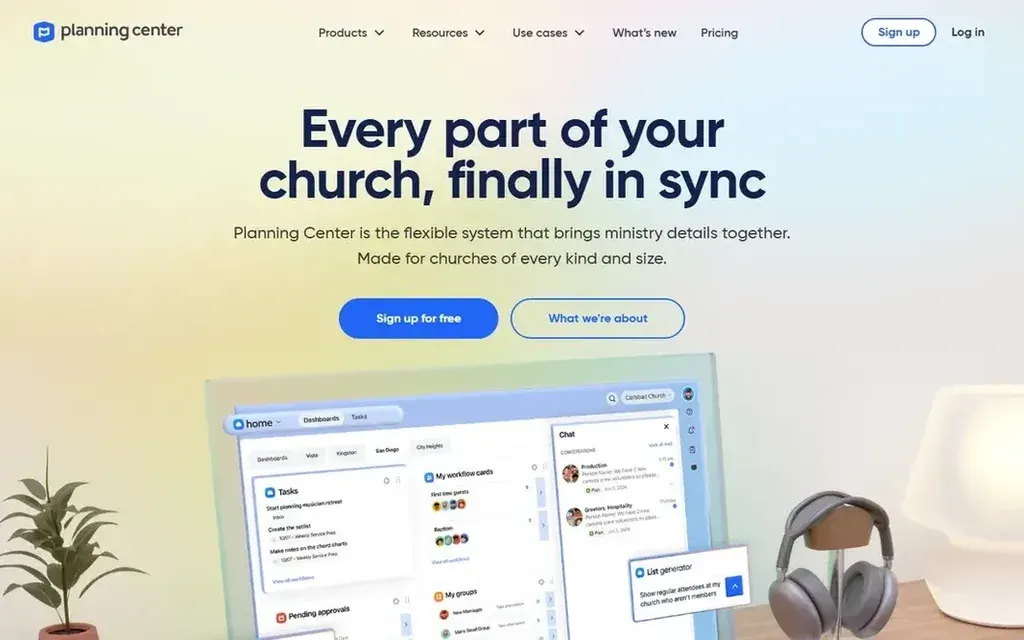
Choose Planning Center for all-in-one church management and team coordination. Planning Center is church management software built around organizing ministries, coordinating events, planning services and communicating with teams whereas connecting the congregation.
Where it falls short: Wide feature set may feel heavy for small groups.
More specifically, since it spans plenty of functions, smaller churches may find the breadth unnecessary and the setup time noticeable. For everyday use, choose Planning Center when coordinated ministry operations matter as much as messaging. What you pay to start with Planning Center: $5 per month. Planning Center offers a free plan.
- Links congregation records with team messaging
- Integrates ministry scheduling with communication
- Several modules can mean a ramp-up time
How we chose
Pricing pages, product documentation and feature lists were the main sources, and every entry carries at least one honest drawback. Where a price is missing, the vendor does not list one publicly or ties it to a quote. Always confirm before budgeting. We ordered the tools by general fit, then by how clearly pricing is shown, then by free access. A buyer with unusual needs may reorder them.
Pre-purchase checklist
- Get a written quote from Church Community Builder and Pushpay; the list shows no starting price for them.
- Test the free plan from Planning Center against your real workload before relying on it.
- Use real work to test the free trial from Text In Church, Breeze ChMS, Church Community Builder and Pushpay, rather than a demo project.
- Read the limits listed for Text In Church first: narrower scope than full church management systems.
- Check the support hours and onboarding help Text In Church offers; smaller vendors vary a lot here.
- A short pilot of Church Community Builder with your real workflow tells you more than a feature table.
FAQ
Which options for Church communication software for congregations have a free plan?
Planning Center is the only tool in this list with a free plan. Free plans usually cap users, projects or features, so check the limits on the vendor page. Several others offer a trial instead.
Do these tools publish their prices?
Not all of them. Church Community Builder and Pushpay publish no starting price, so expect a quote request for those. The rest, Text In Church included, show a starting price, though seats and billing terms still change the final cost.
What is the best church communication software for a congregation?
For most readers this guide would start with Text In Church, built for Church texting and guest follow-up. Breeze ChMS is the alternative for small churches wanting straightforward member and event tools, and Church Community Builder for churches seeking engagement features within Pushpay. The right answer depends on budget and workflow.
How are the tools for Church communication software for congregations ordered?
Text In Church sits first and Planning Center last because the order follows typical fit for Church communication software for congregations, then price clarity and free access. It is a judgement call, so read each profile for fit and limits.
Is Text In Church the right pick for everyone comparing Church communication software for congregations?
No single tool suits every team. Text In Church comes first because it fits Church texting and guest follow-up, while Breeze ChMS suits small churches wanting simple member and event tools and Church Community Builder suits churches seeking engagement features within Pushpay. Match the tool to your own size, budget and workflow before deciding.
Sources
- https://textinchurch.com
- https://www.breezechms.com
- https://www.churchcommunitybuilder.com
- https://pushpay.com
- https://www.planningcenter.com