Best App for Team Communication in 2026: 8 Apps Compared
Looking for the best app for team communication? We compare 8 team chat tools on price, channels, calls, integrations, and ease of use for teams for teams.
- Editor's choice
 Slack
Most teams that need channels and integrations
Starts atFreeVisit slack.comFull review - Great alternative
 Microsoft Teams
Companies already using Microsoft 365
Starts atSee websiteVisit microsoft.comFull review - Also consider
 Google Chat
Google Workspace teams
Starts atSee websiteVisit workspace.google.comFull review
TL;DR:
- Slack is our pick for most teams because it pairs channels, threads, and a huge integration list with a familiar interface.
- Microsoft Teams suits companies already on Microsoft 365, since chat, meetings, and files live in the same suite.
- Google Chat is the simplest choice for Google Workspace teams, with no separate price for business users.
- Discord works well for community and creative teams, but it needs careful setup for business privacy and admin control.
- Pick the tool your team already opens daily, because adoption matters more than a long feature list.
Quick comparison
| Tool | Best for | Starts at | Free plan? | |
|---|---|---|---|---|
| Slack | Most teams that need channels and integrations | Free | Yes | Visit |
| Microsoft Teams | Companies already using Microsoft 365 | See website | Yes | Visit |
| Google Chat | Google Workspace teams | See website | Yes | Visit |
 Discord | Community, gaming, and creative teams | Free | Yes | Visit |
 Zoom Team Chat | Teams that already meet on Zoom | See website | Yes | Visit |
 Mattermost | Self hosted and security focused teams | See website | Yes | Visit |
 Twist | Async teams that want less noise | See website | Free trial | Visit |
 Flock | Small teams on a budget | See website | Yes | Visit |
The best apps for team communication
A team communication app should make it easy to ask a quick question, share a file, start a call, and find an old decision without digging through email. We compared official pricing pages, channel and thread features, call support, and integrations for team chat tools active in October 2026.
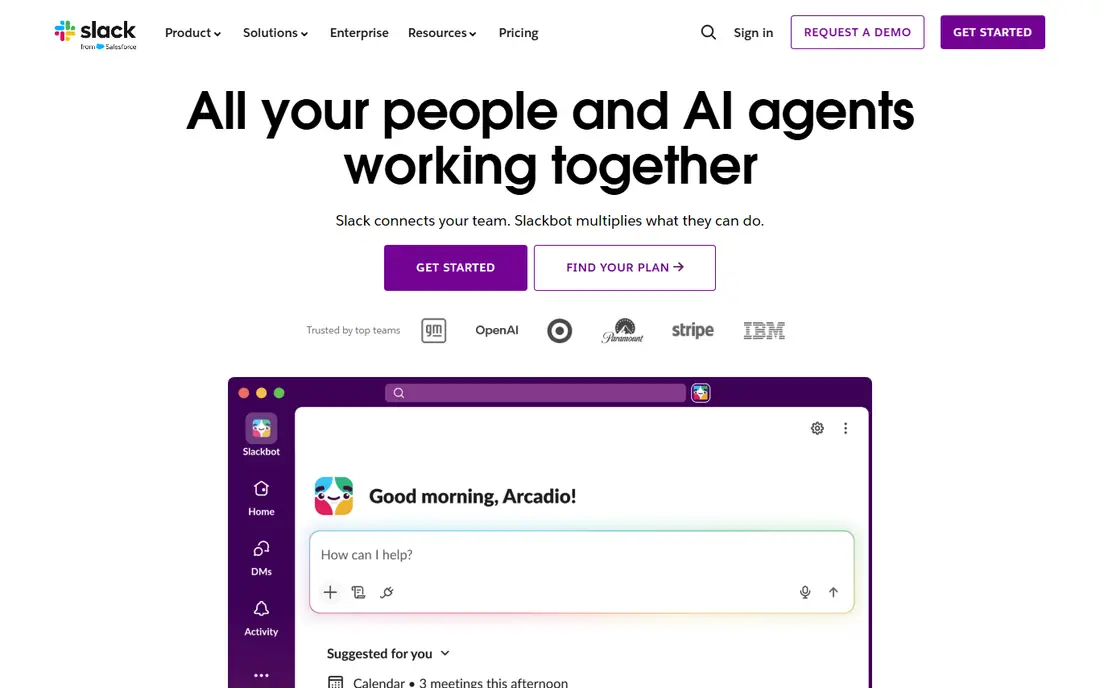
Slack is our pick for most teams because it gets the basics right and scales well. Channels organize work by team, project, or topic, threads keep side discussions tidy, and integrations connect Slack to docs, code, calendars, and support tools. The free plan suits a small team testing chat, while Pro at $7.25 per user per month on annual billing, or $8.75 monthly, adds unlimited history, unlimited apps, and group huddles. Business+ at $15 per user per month annually adds stronger admin and AI features.
The main drawbacks are history and noise. Free workspaces show only the last 90 days of history, so a team that needs a long record must pay for Pro, and busy channels can create notification overload if members do not set preferences. Slack also charges per active user, so a large, part time community can become pricey. For a typical office, product, or support team, Slack remains the easiest default choice.
- Channels and threads
- Huge integration list
- Strong search on paid plans
- Free history limited to 90 days
- Pro costs $7.25 per user per month annually
- Notification overload
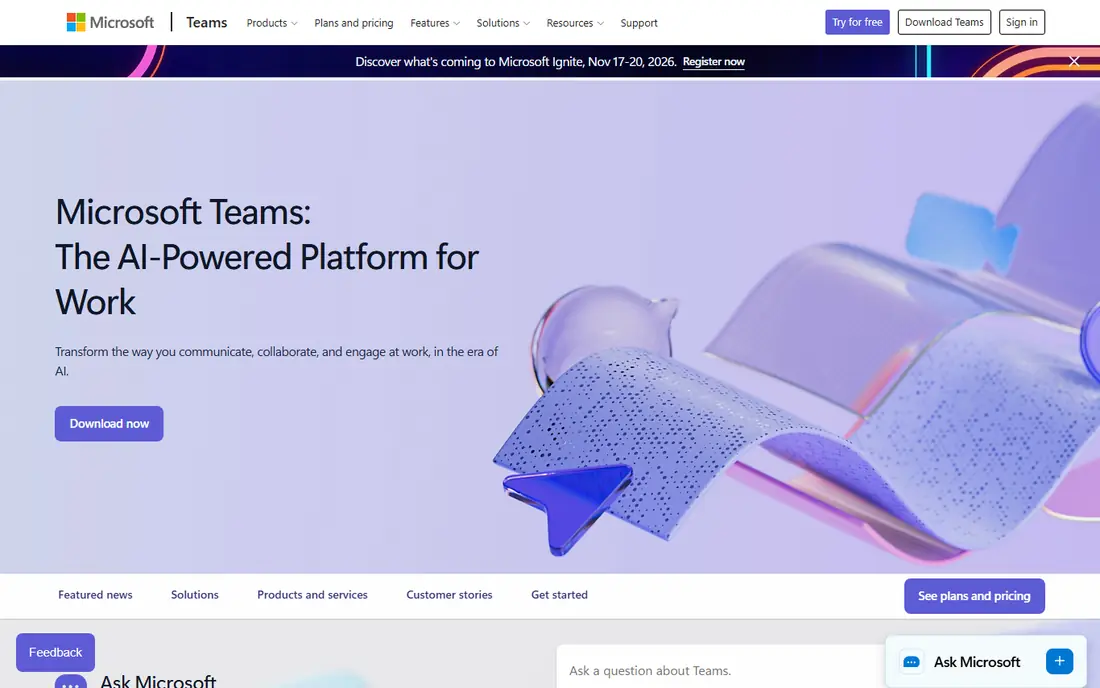
Microsoft Teams suits companies that already use Microsoft 365, because chat, video meetings, file sharing, and Office apps live in the same place. Teams, channels, and chats map well to departments and projects, meetings support large groups and breakout rooms, and files stored in SharePoint and OneDrive stay linked to the conversation. That single suite view saves time for teams that already work in Word, Excel, and Outlook daily.
The trade offs are interface and packaging. Teams can feel busy next to Slack, and Microsoft has changed how it bundles Teams, including selling it separately from Microsoft 365 in some regions, so check the current price for your plan. Teams also works best inside the Microsoft ecosystem, so a Google centric team may find Google Chat simpler. For a Microsoft shop, Teams is the natural, cost effective choice.
- Chat, meetings, and files in one suite
- Strong Office integration
- Good admin controls
- Interface can feel busy
- Pricing changed with unbundling
- Best inside Microsoft ecosystem
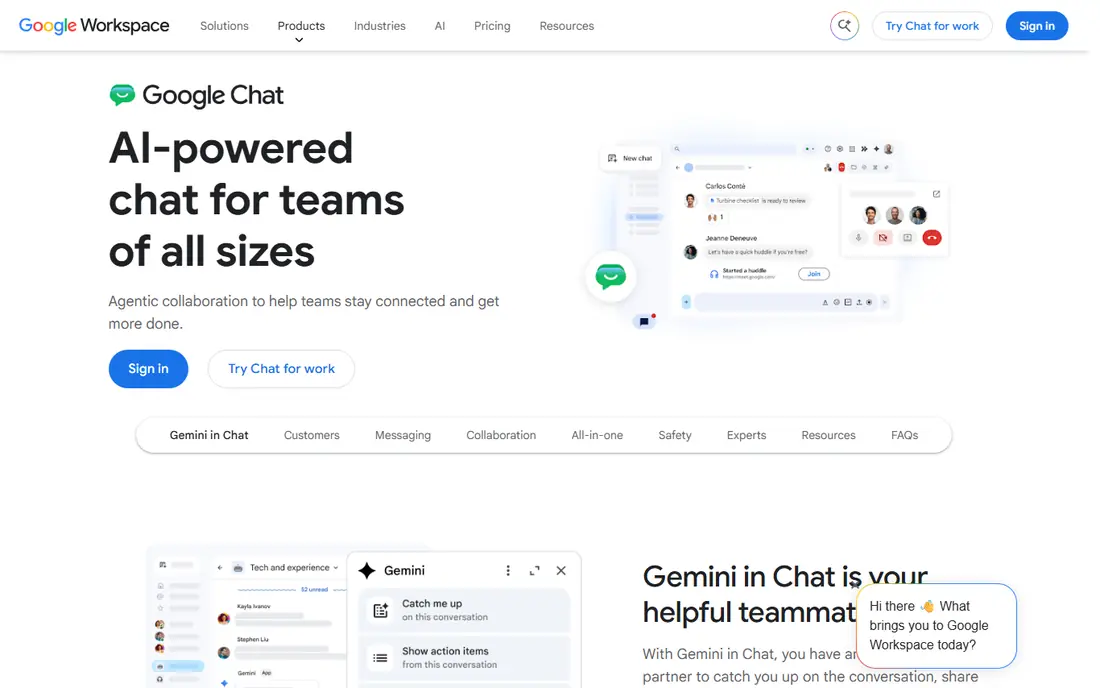
Google Chat is the simplest choice for a team already on Google Workspace, because it comes with every Workspace plan and needs no separate purchase for business users. Spaces organize work by project, threads keep replies tidy, and integration with Gmail, Drive, Calendar, and Meet is natural, since files and meetings link directly from chat. For a small team that already lives in Google tools, Chat adds team messaging without a new bill or a new login.
The limits are depth and integrations. Google Chat has fewer third party integrations than Slack, and its chat features are simpler, with less emphasis on workflow automation and app bots. That simplicity is a plus for many teams, but a product team that needs deep code, support, and project integrations may prefer Slack. Pick Google Chat when your team is already committed to Workspace and wants chat to just work.
- Included with Workspace
- Simple spaces and threads
- Good Google integration
- Fewer integrations than Slack
- No separate business price
- Chat features are simpler
Discord is best known for gaming and communities, but it also works well for creative, open source, and community led teams that need free voice, video, and text in one place. Servers organize work into channels, voice channels allow always on rooms for co-working, and bots and integrations add moderation, polls, and notifications. The free tier is generous, which makes Discord attractive for volunteer teams, student groups, and startups on a tight budget.
The caution is business fit. Discord lacks the admin, compliance, and data controls that Slack, Teams, and Mattermost offer for corporate use, and privacy settings need careful setup for a work server. It is also easy for a work server to feel like a social space, which can blur boundaries. For a community or creative team that values voice and low cost, Discord is excellent. For a regulated company, choose a business focused tool instead.
- Free voice and video
- Flexible servers and channels
- Large community features
- Business admin controls are weaker
- Privacy setup needs care
- Not built for corporate compliance
Zoom Team Chat suits teams that already spend much of their day in Zoom meetings, because chat, channels, and meetings live in the same app. You can move from a chat message to a video call in one click, share files, and keep meeting notes linked to the conversation, which reduces app switching for meeting heavy teams. The free tier covers basic chat and meetings with limits, and paid Zoom plans add more capacity.
The trade off is chat depth. Zoom Team Chat is simpler than Slack for threads, workflows, and integrations, so a team that needs a rich chat ecosystem may still prefer Slack alongside Zoom for meetings. For a team that already pays for Zoom and wants chat without adding another subscription, Zoom Team Chat is a practical, low friction choice.
- Chat plus meetings in one app
- Good video quality
- Simple for meeting heavy teams
- Chat depth is lighter than Slack
- Some features need paid Zoom plans
- Fewer integrations
Mattermost is an open source team chat tool that suits security focused teams, government, healthcare, and engineering groups that need control over their data. You can self host Mattermost on your own servers, set detailed permissions, and keep messages inside your own infrastructure, which matters for teams with strict privacy or compliance rules. Channels, threads, file sharing, and integrations cover the core chat needs, and the interface will feel familiar to Slack users.
The cost is setup and maintenance. Self hosting needs technical skill, updates, and backups, and some advanced features sit on paid plans. Mattermost also has fewer consumer integrations than Slack, though it integrates well with developer tools. For a team that must control its data, or that prefers open source software, Mattermost is the strongest self hosted alternative to Slack.
- Self hosting option
- Open source core
- Strong privacy and admin controls
- Setup needs technical skill
- Fewer consumer integrations
- Paid features for scale
Twist, made by the team behind Todoist, is built for async communication, where threads are the main unit, not a stream of real time messages. That design helps distributed teams across time zones, because a thread keeps a full discussion in one place, with a clear title and outcome, rather than burying it in a fast moving channel. Twist also separates threads from direct messages, which reduces the pressure to reply instantly.
The drawbacks are adoption and integrations. Twist has a smaller user base than Slack or Teams, so new hires may need time to learn its thread first style, and its integration list is narrower. Real time chat also feels slower by design, which frustrates teams that need instant back and forth. For a remote team that wants calmer, more thoughtful communication, Twist is a refreshing alternative worth trialing.
- Thread first design
- Less real time pressure
- Good for distributed teams
- Smaller user base
- Fewer integrations
- Real time chat feels slower
Flock is a team chat app aimed at small businesses, with channels, direct messages, file sharing, video calls, and productivity tools like polls, reminders, and to-dos built in. The free tier suits a very small team, and paid plans add more history and admin features at a lower price than Slack or Teams in many comparisons. Setup is simple, and the interface is easy for non technical teams to learn.
The limits are ecosystem and scale. Flock has fewer integrations than Slack or Teams, and it is less common in large companies, so a team that grows quickly may need to migrate later. For a small team that wants a simple, affordable chat tool with built-in productivity extras, Flock is a sensible budget pick. For a larger team, start with Slack or Teams to avoid a future move.
- Free tier for small teams
- Channels and video calls
- Simple setup
- Smaller ecosystem
- Fewer advanced features
- Less common in large companies
How we picked these
We compared official pricing pages, channel and thread features, call support, and integrations for team communication tools available in October 2026. We favored tools with channels or spaces, threaded replies, file sharing, and a way to start a call from chat. We also weighed free tiers, admin controls, privacy options, and fit for office, remote, and community teams.
How to pick a team chat tool that sticks
Start by listing how your team actually works. A meeting heavy team needs good video, a distributed team needs async threads, and a product team needs integrations with code and docs. Trial the top two tools with a real project for two weeks, and watch whether people post updates, find old decisions, and use threads correctly, rather than only checking feature lists.
Next, set simple norms from day one. Name channels clearly, use threads for side discussions, set notification defaults, and agree on when to use chat versus email versus a meeting. A chat tool without norms becomes noise quickly, no matter how good the app is. Review channel sprawl monthly, archive dead channels, and keep the most important decisions in docs, not only in chat history.
Reducing notification overload in any tool
Turn off notifications for low priority channels, use mentions only when a reply is needed, and set quiet hours for evenings and weekends. Encourage short, clear messages with a decision or question at the top, and use threads so a busy channel does not become a wall of unrelated replies. Those habits matter more than the tool you choose.
FAQ
What is the best app for team communication?
Slack is the best pick for most teams because of its channels, threads, and integrations. Microsoft Teams is best for Microsoft 365 companies, Google Chat is best for Google Workspace teams, and Mattermost is best for self hosted, security focused teams.
Is Slack free for small teams?
Yes, Slack offers a free plan with channels, threads, and basic integrations, but message history is limited to the last 90 days. Pro at $7.25 per user per month on annual billing adds unlimited history and apps, which most growing teams will need.
What is the best free team chat app?
Slack, Discord, Google Chat with a free Google account, and Flock all offer free tiers, but each limits history, storage, or features in different ways. For a small business team, Slack free is a good start, while Discord is best for community teams that need free voice.
Can Microsoft Teams replace Slack?
Yes, for companies already on Microsoft 365, Teams can replace Slack for most chat, meeting, and file needs. Teams that rely on Slack specific integrations or bots should check whether those tools work in Teams before migrating, since some workflows may need rebuilding.
Is Discord safe for business use?
Discord can work for community and creative teams with careful privacy and moderation setup, but it lacks the admin and compliance controls of business tools. Regulated companies, or teams handling sensitive data, should choose Slack, Teams, Google Chat, or Mattermost instead.
How do I reduce chat overload for my team?
Set channel norms, use threads, turn off low priority notifications, and agree on quiet hours. Keep decisions in docs, use mentions sparingly, and archive dead channels regularly. A smaller set of active channels with clear purposes beats a large set of noisy ones.