Best Clinical Communication and Collaboration Software in 2026: Prices, Free Plans and 6 Picks
Best clinical communication and collaboration software: 6 contenders ranked by fit, with entry costs and free tiers. Weaknesses are named for every tool.
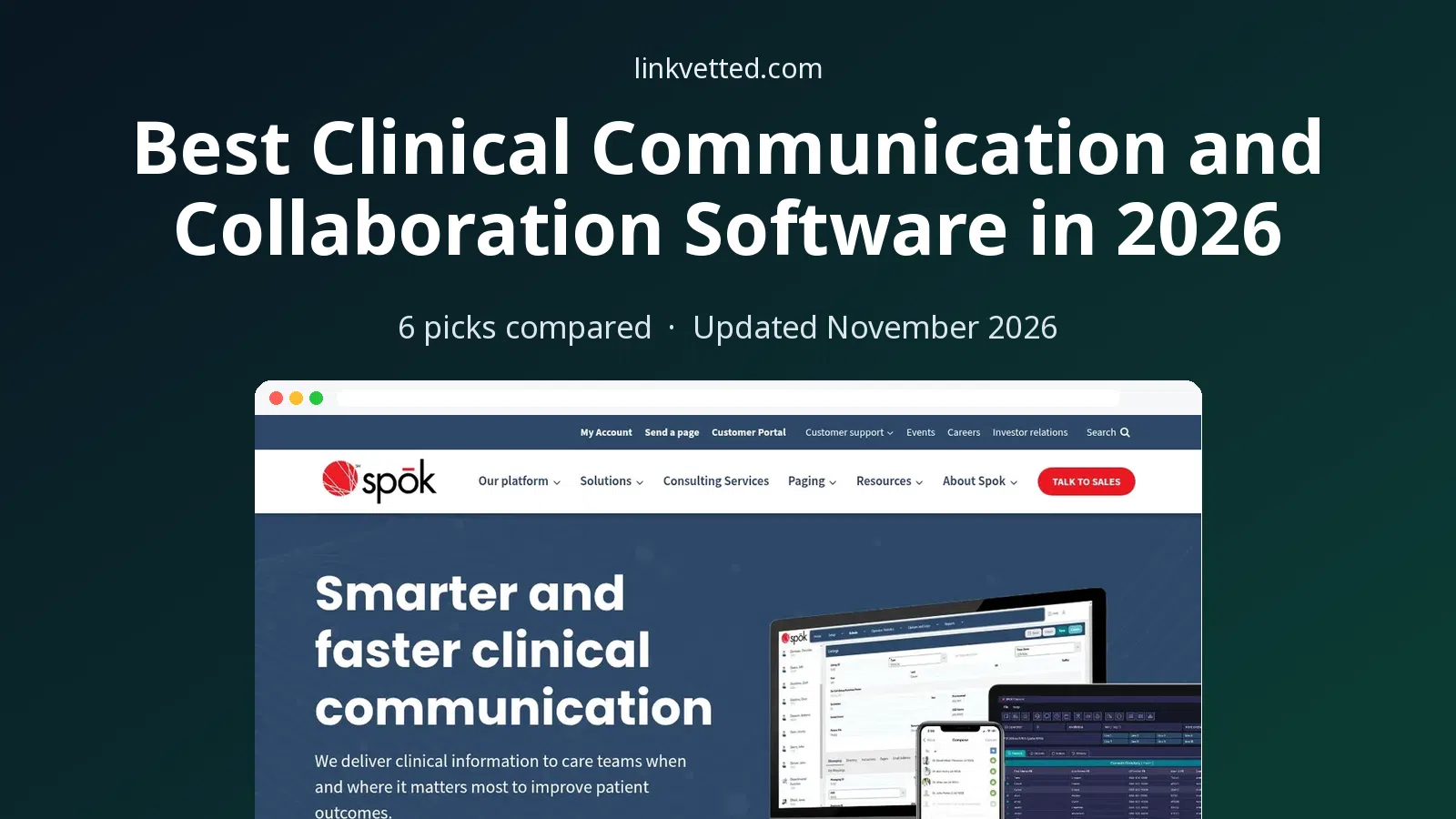
- Editor's choiceSpok
Delivering clinical information to care teams
Starts atPricing on requestVisit spok.comFull review - Great alternativeDoximity
Professional network and clinical tools for physicians
Starts atPricing on requestVisit doximity.comFull review - Also considerPerfectServe
Healthcare communication systems for clinical efficiency
Starts atPricing on requestVisit perfectserve.comFull review
Direct answer
Start with Spok if you need delivering clinical information to care teams. Doximity is the stronger choice for professional network and clinical tools for physicians, while PerfectServe suits Healthcare communication systems for clinical efficiency. The remaining 3 options are covered below with pricing notes and limits. None of these vendors publish plan prices, so pricing is on request for every option.
TL;DR:
- The list opens with Spok, aimed at delivering clinical information to care teams.
- Every tool from Spok to Vocera works by quote, with no list price shown.
- A fair warning about PerfectServe: narrower scope than enterprise collaboration systems.
- Vocera suits connected hospital-wide communication and workflows.
Last checked November 2026. Pricing on request: vendors did not publish plan prices when this guide was last checked (November 2026), so ask each vendor for a written quote.
Quick comparison
| Tool | Best for | Starts at | Free plan? | |
|---|---|---|---|---|
| Spok | Delivering clinical information to care teams | Pricing on request | Not stated | Visit |
| Doximity | Professional network and clinical tools for physicians | Pricing on request | Not stated | Visit |
| PerfectServe | Healthcare communication systems for clinical efficiency | Pricing on request | Not stated | Visit |
| Epic Haiku | Mobile access for Epic-based care teams | Pricing on request | Not stated | Visit |
 Microsoft Teams | General collaboration with healthcare extras | Pricing on request | Not stated | Visit |
| Vocera | Connected hospital-wide communication and workflows | Pricing on request | Not stated | Visit |
Clinical Communication and Collaboration Software compared in detail
Choosing clinical communication and collaboration software usually comes down to price, fit and limits. This LinkVetted guide sets 6 tools side by side on those three points, with the facts kept short and checkable.
Spok
Best for: Delivering clinical information to care teams
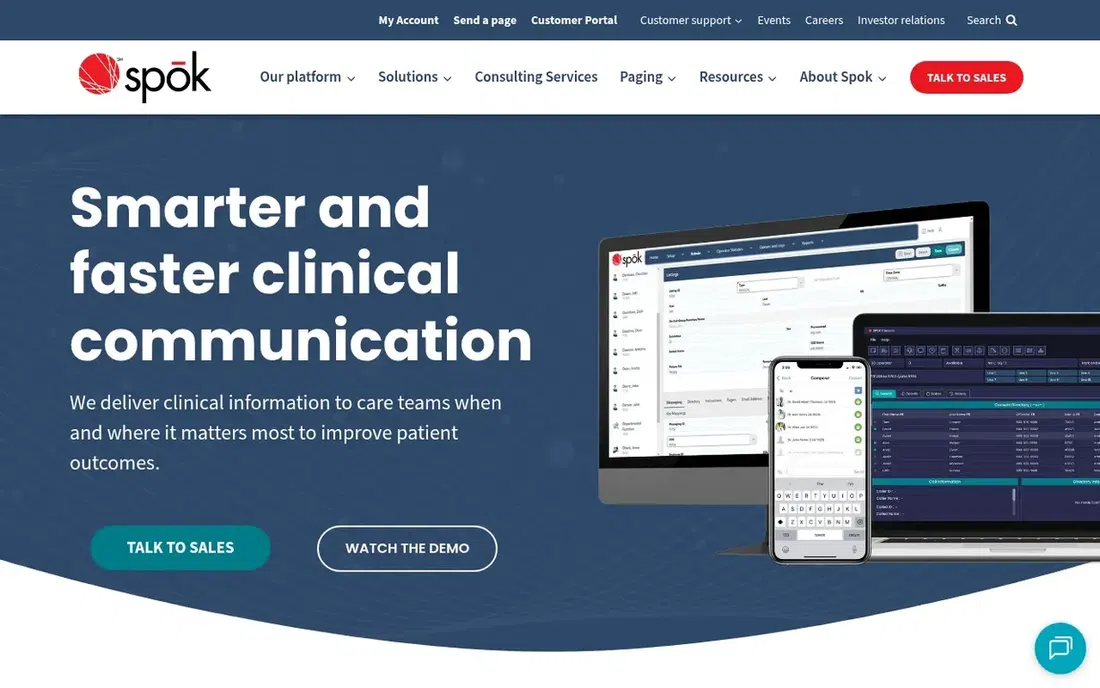
Spok is built with delivering clinical information to care teams in mind. Spok describes its mission as delivering clinical information to care teams when and where it matters most.
Configuration and integration work are part of getting value from it. Spok shows no starting price here, so confirm the cost on the vendor site. On free options: Not stated.
What to check first: Integration planning is required.
- Focus on timely clinical information delivery
- Pitched at improving patient outcomes
- Overlaps with broader collaboration suites
Doximity
Best for: Professional network and clinical tools for physicians
Think of Doximity for professional network and clinical tools for physicians. If your goal is coordinating care teams inside a facility, the other tools here are more straight relevant.
Honest limits: not a hospital messaging system.
In daily use, Doximity describes itself as a product for U.S. Healthcare professionals, supporting everyday clinical work and offering AI tools for doctors. Its value relies on how individual clinicians use the network. Check the vendor site for Doximity pricing; none is listed in this comparison. On free options: Not stated.
- Supports everyday clinical work
- Comes with AI features for doctors
- Value varies by individual clinician use
PerfectServe
Best for: Healthcare communication systems for clinical efficiency
In short, PerfectServe is for Healthcare communication systems for clinical efficiency. Success relies on clinicians actually adopting it in daily routines. Practices and hospitals evaluating dedicated healthcare messaging are the intended audience.
Points against: Adoption relies on clinician engagement.
PerfectServe presents itself as a healthcare communication system designed to boost clinical efficiency and patient satisfaction. Also, if your organization already standardizes on a general system, compare carefully before adding another tool. This comparison lists no price for PerfectServe; ask the vendor. Free plan details: Not stated.
- Made for healthcare communication
- Positions as a communication system rather than a generic app
- Narrower scope than enterprise collaboration products
Epic Haiku
Best for: Mobile access for Epic-based care teams
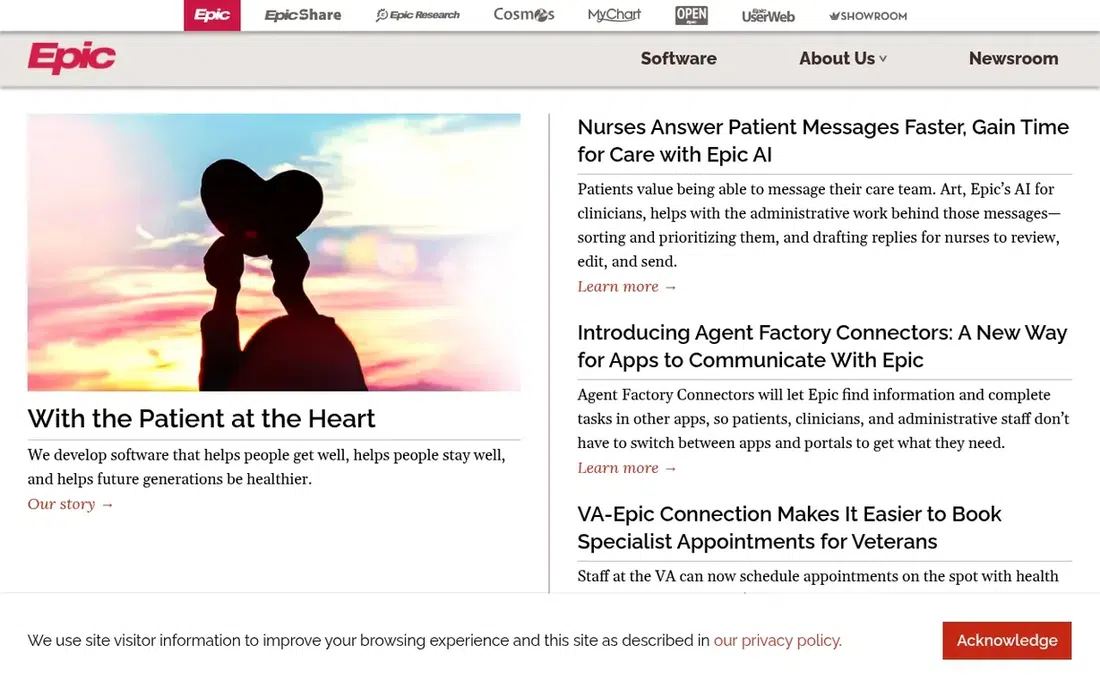
Epic Haiku is designed for mobile access for Epic-based care teams. Teams that live in Epic day to day are the natural audience.
Its usefulness is tied closely to Epic adoption, so organizations on other records will find little reason to choose it. It is not a standalone messaging system for coordinating across unrelated systems. Pricing for Epic Haiku is not stated here, so ask the vendor for current figures. Free access: Not stated.
Watch-outs: Value relies on using Epic as the clinical system.
- Supports communication tied to patient context
- Links clinicians to the Epic record on mobile devices
- Restricted appeal outside Epic organizations
Microsoft Teams serves general collaboration with healthcare extras. Organizations with strict clinical workflow needs should confirm fit with their IT and compliance teams.
It fits healthcare organizations that want a single tool for administrative and multidisciplinary teamwork alongside clinical systems. Microsoft Teams does not show a starting price in this comparison, so check the vendor site for current pricing. On free options: Not stated.
Main advantages: chat and files in one place. Downsides: Not designed specifically for clinical workflows.
- Familiar to numerous office-based staff
- Meetings
- Clinical use needs careful configuration
Vocera
Best for: Connected hospital-wide communication and workflows
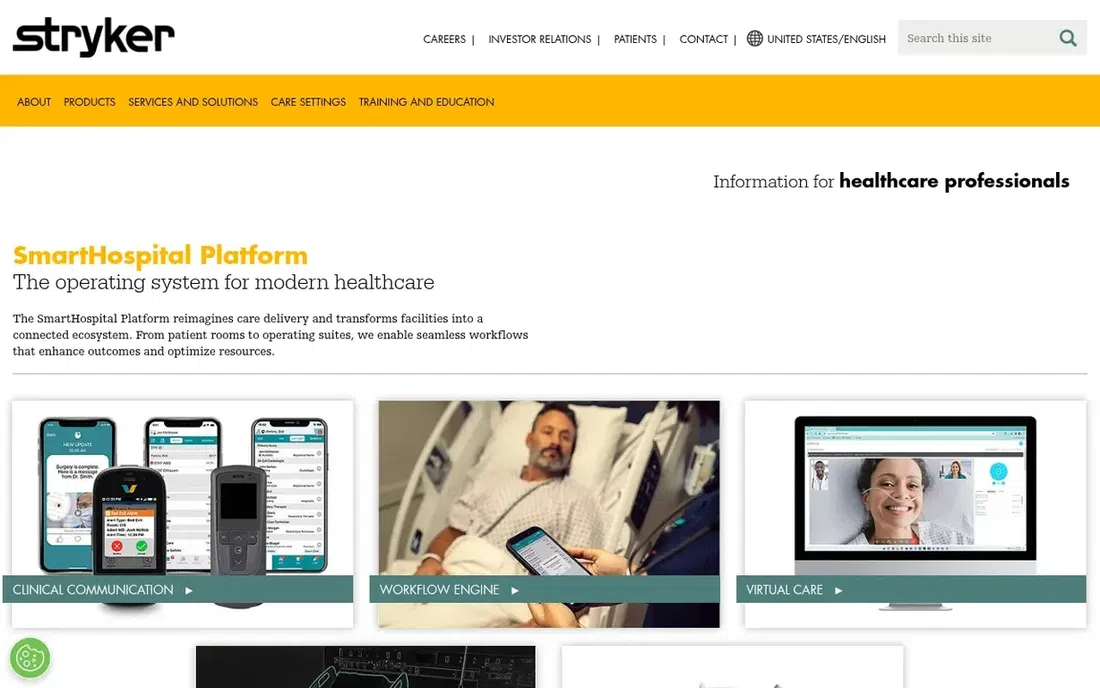
Think of Vocera for connected hospital-wide communication and workflows. Smaller practices may not need that depth.
Trade-offs to know: Wide product may be more than small sites need.
If your priority is a narrow messaging tool instead of a connected hospital system, a more straightforward choice may suit you better. This comparison lists no price for Vocera; ask the vendor. Trial and free access: Not stated.
- SmartHospital system spans rooms to operating suites
- Part of Stryker's healthcare portfolio
- Needs workflow planning across departments
Our selection method
For each of the 6 tools we noted price, free plan or trial, fit for clinical communication and collaboration software and the main limit, using vendor pages and documentation. Prices and plan limits come from vendor pages and can change, so confirm them on the vendor site before you buy. Order on the page follows fit for the typical buyer first, then price transparency and free access. Your own requirements should decide the final pick.
Before you commit
- Ask each vendor, from Spok to Vocera, for a written quote; none of them publishes a starting price.
- Read the limits listed for Spok first: overlaps with broader collaboration suites.
- Price Microsoft Teams for your actual team size; headline prices rarely include add-ons or overage.
- Check how data leaves Vocera: formats, limits and whether exports are available on every plan.
- Read the plan comparison for PerfectServe carefully; key features often start on a higher tier.
FAQ
What should smaller practices look for?
Smaller practices commonly prioritize ease of adoption, mobile support and clear routing of messages to the right person. Wide enterprise platforms may be more than needed, so compare scope against your actual daily workflows.
Can I try these options before paying?
Not by default. None of the tools, from Spok to Vocera, lists a free plan or a free trial here, so ask each vendor for a demo before committing.
Do these tools publish their prices?
No. None of the tools, from Spok to Vocera, shows a fixed starting price here, so budget time for quotes.
How do I evaluate integration with my electronic health record?
Ask each vendor which records and directories it links to and how patient context appears in messages. Confirm the integration approach with your IT team, since fit relies on your current systems and workflows.
How are the tools for clinical communication and collaboration software ordered?
The order follows typical fit for clinical communication and collaboration software, with Spok first and Vocera last, then price clarity and free access. It is editorial judgement, not a score, so another team could rank the tools differently.
Does any tool for clinical communication and collaboration software here have a free plan?
No tool in this list, Spok and Vocera included, has a permanent free plan. Trials and quotes are the usual route, so plan a short evaluation period.
Sources
- https://www.spok.com
- https://www.doximity.com
- https://www.perfectserve.com
- https://www.epic.com
- https://www.microsoft.com/microsoft-teams
- https://www.vocera.com