Best Rated Replit Alternatives for 2026 (5 Compared)
Top rated replit alternatives for enterprise in 2026: 5 tools with starting prices, free plans and limits. Honest caveats for every entry. Read the profiles.
- Editor's choice
 StackBlitz
Instant browser based web development
Starts atPricing on requestVisit stackblitz.comFull review - Great alternativeCoder
Self-hosted governance and control
Starts atPricing on requestVisit coder.comFull review - Also consider
 GitHub Codespaces
Teams standardized on GitHub
Starts atPricing on requestVisit github.comFull review
Direct answer
Start with StackBlitz if you need instant browser based web development. Coder fits self-hosted governance and control; GitHub Codespaces fits teams standardized on GitHub. The full list of 5 tools follows, with free plan facts. None of these vendors publish plan prices, so pricing is on request for every option.
TL;DR:
- StackBlitz sits first on this list: instant browser based web development.
- Every tool from StackBlitz to AWS Cloud9 works by quote, with no list price shown.
- The main caution on CodeSandbox: general-purpose instead of governance-first.
- For browser based AWS development, AWS Cloud9 is worth a look.
- Only Coder offers a free plan among these 5 tools.
Last checked November 2026. Pricing on request: vendors did not publish plan prices when this guide was last checked (November 2026), so ask each vendor for a written quote.
Quick comparison
| Tool | Best for | Starts at | Free plan? | |
|---|---|---|---|---|
| StackBlitz | Instant browser based web development | Pricing on request | Not stated | Visit |
| Coder | Self-hosted governance and control | Pricing on request | Yes | Visit |
| GitHub Codespaces | Teams standardized on GitHub | Pricing on request | Not stated | Visit |
 CodeSandbox | Quick collaborative cloud development | Pricing on request | Not stated | Visit |
| AWS Cloud9 | Browser based AWS development | Pricing on request | Not stated | Visit |
The best Rated Replit Alternatives for Enterprise
If you are comparing Rated Replit Alternatives for Enterprise, this page covers 5 tools in one place: what each is best for, what it costs to start, whether it has a free plan, and the main limit to know about.
StackBlitz is aimed squarely at instant browser based web development. Enterprises with web-focused teams can use it to cut onboarding friction and let developers start coding at once from a browser. Verify the administrative features your organization needs with the vendor.
It is well suited to front-end and web projects where quick startup and sharing matter. StackBlitz centers on web development rather than wide enterprise governance, so organizations needing audit logging, self-hosted control, or agent permission management should look at Coder. This comparison lists no price for StackBlitz; ask the vendor. On free options: Not stated.
Watch-outs: Web development focus.
- Browser-based IDE
- Instant dev environments
- Restricted enterprise governance features
Coder
Best for: Self-hosted governance and control
In short, Coder is for self-hosted governance and control. Coder hands developers a secure, governed environment to run AI coding agents at scale, built on self-hosted infrastructure with full control over agent permissions, audit logging, and compliance.
Limits to weigh: Heavier setup than hosted tools.
More specifically, organizations with regulatory or security constraints commonly find this model compelling. Check the vendor site for Coder pricing; none is listed in this comparison. Coder includes a free tier.
- Controls for AI coding agents
- Self-hosted infrastructure
- Needs infrastructure ownership
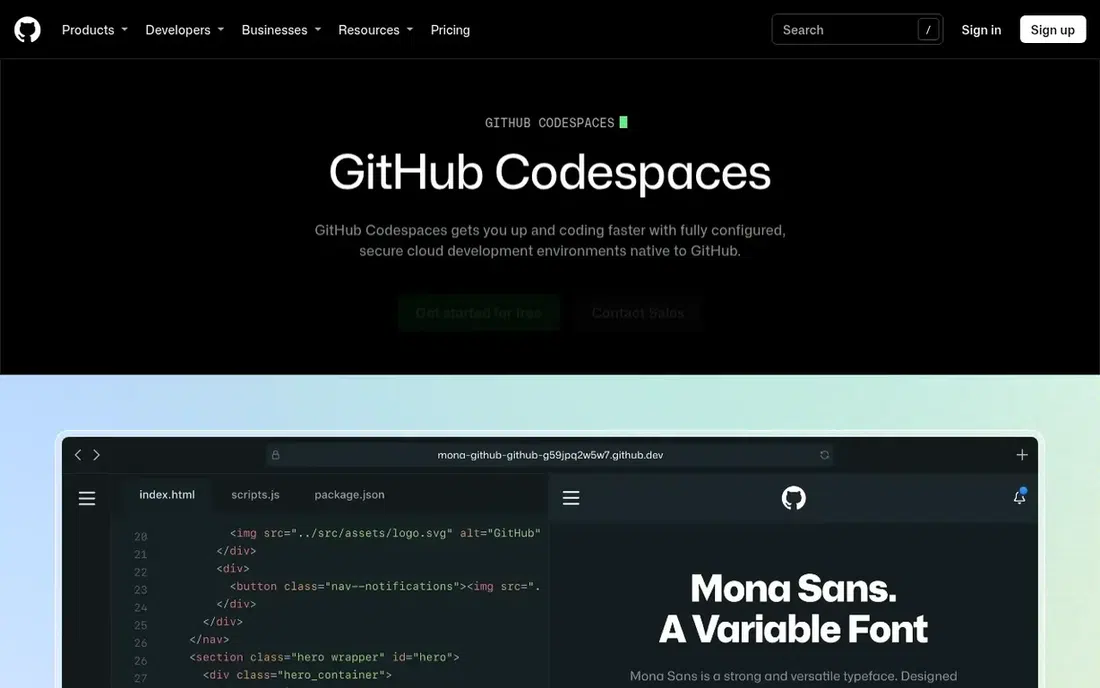
In short, GitHub Codespaces is for teams standardized on GitHub. GitHub Codespaces supplies completely configured, secure cloud development environments that are native to GitHub.
Where it falls short: Tied closely to the GitHub ecosystem.
Confirm repository and policy requirements on the vendor site before committing. Check the vendor site for GitHub Codespaces pricing; none is listed in this comparison. Trial and free access: Not stated.
- Secure by design
- Completely configured cloud environments
- Less handy for teams outside GitHub
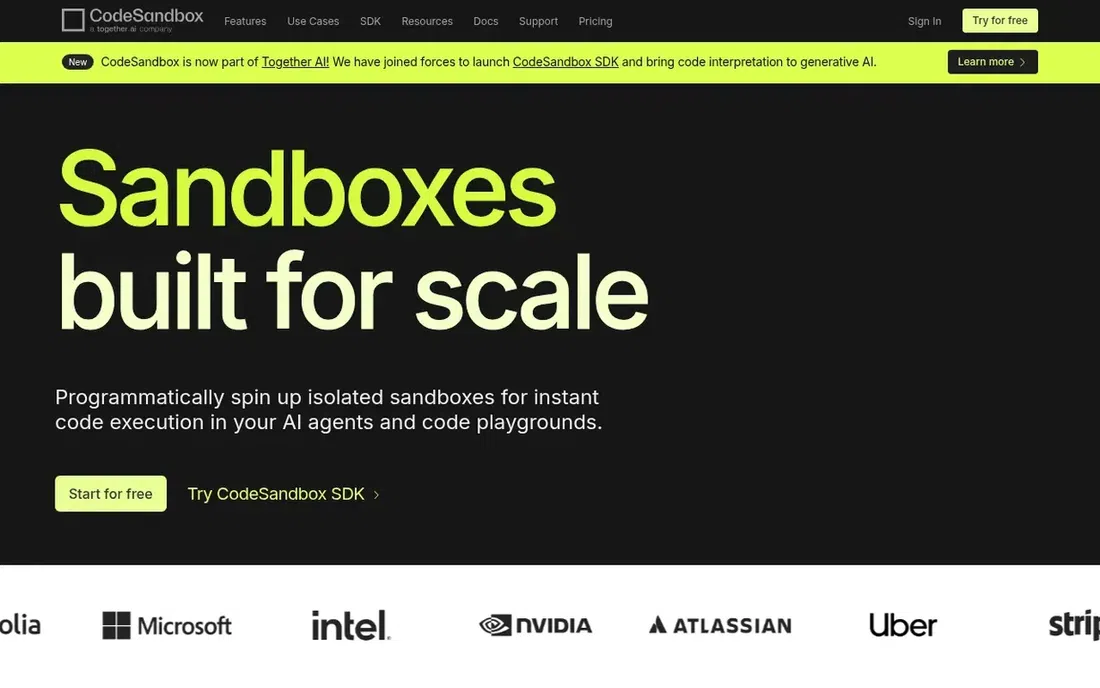
CodeSandbox serves quick collaborative cloud development. Enterprises looking for a collaborative, browser-first workspace can use it to cut setup friction across plenty of developers.
The main drawbacks: Enterprise controls need verification.
More specifically, verify the administrative and security controls your organization needs straight with the vendor. CodeSandbox does not show a starting price in this comparison, so check the vendor site for current pricing. Free access: Not stated.
- Collaboration from any device
- Instant cloud environments
- General-purpose instead of governance-first
AWS Cloud9
Best for: Browser based AWS development
AWS Cloud9 makes the most sense for browser based AWS development. Teams wanting managed environment infrastructure on Google Cloud or GitHub-native workflows should compare those choices.
Where it falls short: Not a governance system.
Organizations seeking a straightforward browser IDE for cloud projects can consider it as a Replit alternative. Check the vendor site for AWS Cloud9 pricing; none is listed in this comparison. Trial and free access: Not stated.
- Suits AWS oriented teams
- Write, run
- Browser IDE model is less adaptable
How these tools were picked
Pricing pages, product documentation and feature lists were the main sources, and every entry carries at least one honest drawback. Prices and plan limits come from vendor pages and can change, so confirm them on the vendor site before you buy. The order reflects how well each tool fits the most common buying scenario for Rated Replit Alternatives for Enterprise, then price clarity, then free plan access. It is a starting point, not a verdict.
What to check before you buy
- Confirm the entry price with every vendor: no tool from StackBlitz to AWS Cloud9 shows a fixed starting price.
- Test the free plan from Coder against your real workload before relying on it.
- Read the limits listed for StackBlitz first: web development focus.
- Read the plan comparison for Coder carefully; key features often start on a higher tier.
- Ask GitHub Codespaces about contract length, onboarding fees and user minimums before you sign.
FAQ
Do these alternatives support AI coding agents?
Other tools focus primarily on cloud development environments and collaboration. Check each vendor page for current AI-related capabilities before relying on them.
Do these tools publish their prices?
No. None of the tools, from StackBlitz to AWS Cloud9, shows a fixed starting price here, so budget time for quotes.
Which Replit alternative is best for enterprises needing governance?
For most readers this guide would start with StackBlitz, built for instant browser based web development. Coder is the alternative for self-hosted governance and control, and GitHub Codespaces for teams standardized on GitHub. The right answer depends on budget and workflow.
Can I try these tools before paying?
Often, yes. Coder has a free plan. Use your own data and a real task during the test, and check what the free tier or trial limits before you rely on it.
How are the tools for Rated Replit Alternatives for Enterprise ordered?
StackBlitz sits first and AWS Cloud9 last because the order follows typical fit for Rated Replit Alternatives for Enterprise, then price clarity and free access. It is a judgement call, so read each profile for fit and limits.
Which options for Rated Replit Alternatives for Enterprise have a free plan?
Coder is the only tool in this list with a free plan. Free plans usually cap users, projects or features, so check the limits on the vendor page.
Sources
- https://stackblitz.com
- https://coder.com
- https://github.com/features/codespaces
- https://codesandbox.io
- https://aws.amazon.com/cloud9