Best Replit Alternatives for 2026 (5 Compared)
Shortlisting replit alternatives coding platforms? 5 products compared on cost, free access and ideal buyer. Every entry states what it lacks. No filler.
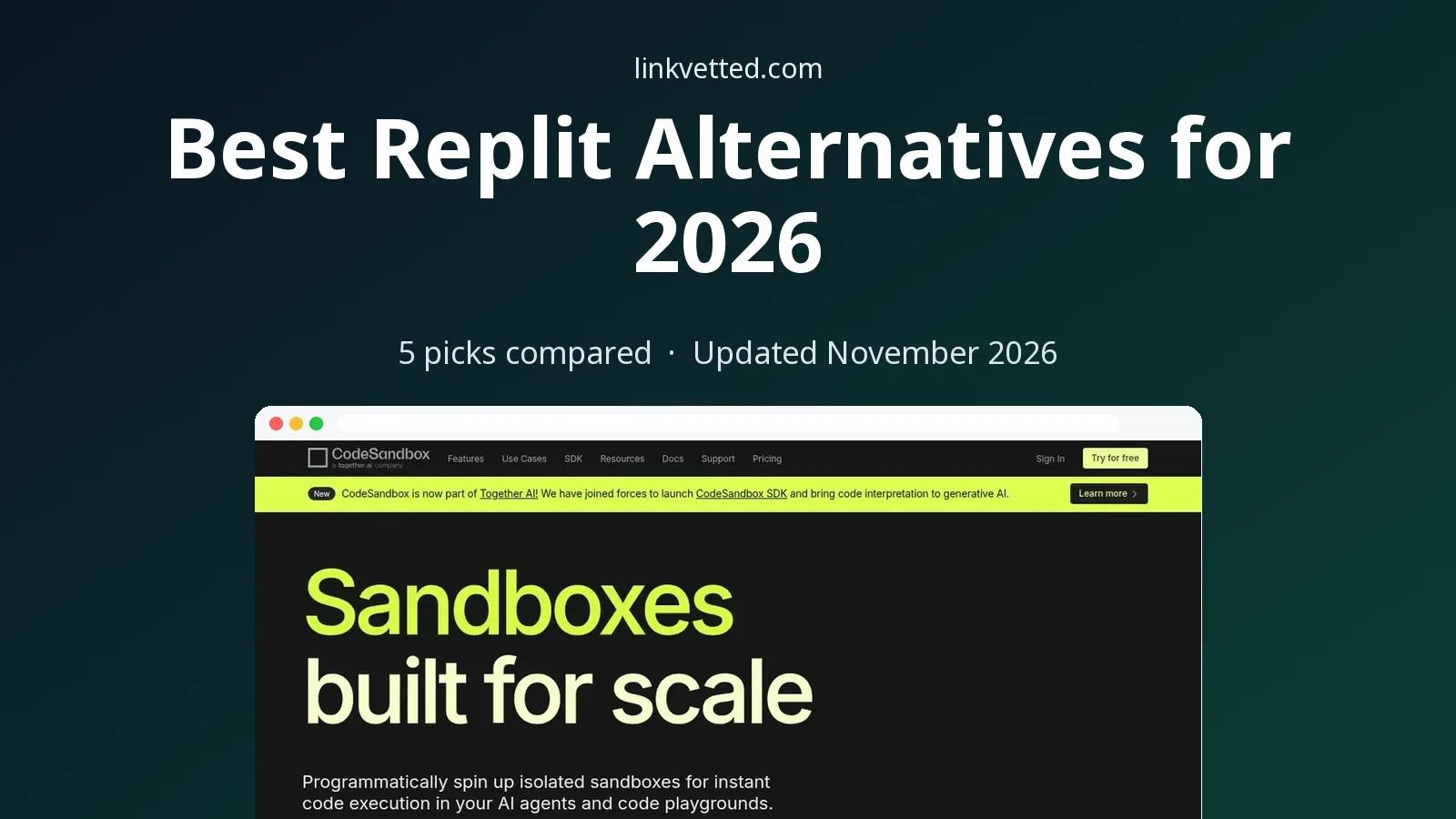
- Editor's choice
 CodeSandbox
Collaborative web projects on any device
Starts atSee websiteVisit codesandbox.ioFull review - Great alternative
 Cursor
AI-assisted coding in the editor
Starts at$8 per monthVisit cursor.comFull review - Also considerCloud9
Browser-based coding on AWS
Starts atSee websiteVisit aws.amazon.comFull review
Direct answer
CodeSandbox leads the list, best for collaborative web projects on any device. Listed starting prices: Cursor from $8 per month. If your case is different, Cursor suits AI-assisted coding in the editor and Cloud9 suits browser-based coding on AWS. The remaining 2 options are covered below with prices and limits.
TL;DR:
- CodeSandbox takes the first slot, best suited to collaborative web projects on any device.
- StackBlitz fits quick browser-based web development.
- The main caution on Cursor: AI-first workflow may not suit everyone.
- Cursor is the only tool of the 5 with a free plan.
- Cursor is the lowest-priced starter here at $8 per month.
Last checked November 2026. Prices and plan details were read from the vendors' own pages in November 2026; vendors change plans often, so confirm the current price on the vendor site before you buy.
Quick comparison
| Tool | Best for | Starts at | Free plan? | |
|---|---|---|---|---|
| CodeSandbox | Collaborative web projects on any device | See website | Not stated | Visit |
| Cursor | AI-assisted coding in the editor | $8 per month | Yes | Visit |
| Cloud9 | Browser-based coding on AWS | See website | Not stated | Visit |
 GitHub Codespaces | Teams already living in GitHub | See website | Not stated | Visit |
 StackBlitz | Quick browser-based web development | See website | Not stated | Visit |
The 5 tools in detail
LinkVetted compared 5 replit alternatives coding platforms. The goal is a practical shortlist: published prices, free plan facts, best-fit use cases and honest limits for every entry.
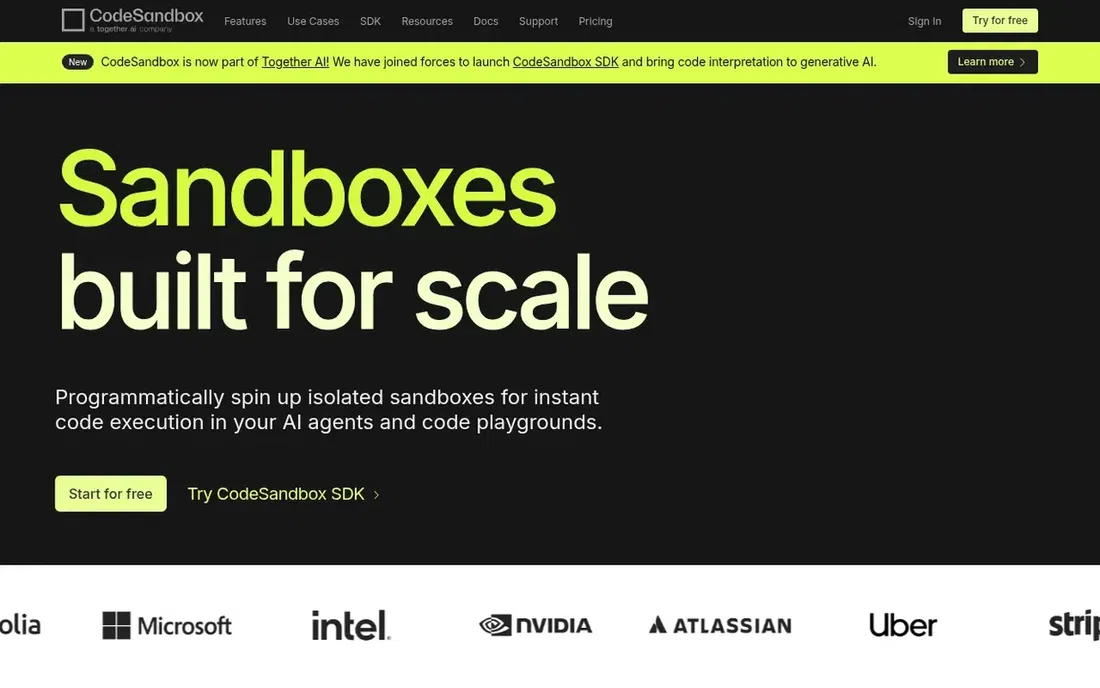
In short, CodeSandbox is for collaborative web projects on any device. CodeSandbox describes itself as a cloud development product that lets developers code, collaborate and ship projects of any size from any device in record time. Its instant environments cut the friction of getting a project running.
Points against: Web-focused instead of general purpose.
The collaboration focus helps teams share work without passing around local setups. As for the details, the product leans toward web development workflows. So teams with heavy backend or native tooling may find it less complete than a general cloud IDE. Beyond that, if you need deep integration with a specific repository host, consider a platform built around that host instead. Also, very large projects can also demand more configuration than small ones. Check the vendor site for CodeSandbox pricing; none is listed in this comparison. On free options: Not stated.
- Instant cloud development environments
- Works from any device
- Large projects may need more setup
Choose Cursor for AI-assisted coding in the editor. Cursor is an AI coding agent for building ambitious software, built to make developers extraordinarily productive. Its agents turn ideas into code, and developers can hand off tasks to accelerate development.
An AI-first editor changes how you work, and some developers prefer full manual control over generated code. More specifically, agent output also needs review, so the product rewards teams with solid testing habits. For everyday use, if your priority is a shared cloud environment instead of in-editor assistance, the browser-based systems here are a more direct fit. Cursor starts at: $8 per month. Cursor offers a free plan.
Highlights: AI agents that turn ideas into code.
Where it is weaker: AI-first workflow may not suit everyone.
- Designed for developer productivity
- Supports handing off tasks
- Needs trust in agent output
Cloud9
Best for: Browser-based coding on AWS
Cloud9 targets browser-based coding on AWS. AWS Cloud9 is a cloud-based integrated development environment that lets you write, run and debug code with just a browser. The value is highest when your infrastructure and services already live on AWS.
Watch-outs: Less appealing outside AWS.
Reasons to shortlist it: Integrated development environment. Teams outside that ecosystem may find the fit less compelling. As for the details, developers avoid maintaining a local toolchain whereas keeping a familiar editor experience in the browser. Beyond that, since it comes from AWS, it suits teams that already build on that system and want an IDE that aligns with their cloud workflow. Cloud9 shows no starting price here, so confirm the cost on the vendor site. On free options: Not stated.
- Suits AWS-centered workflows
- Write
- Most handy inside the AWS ecosystem
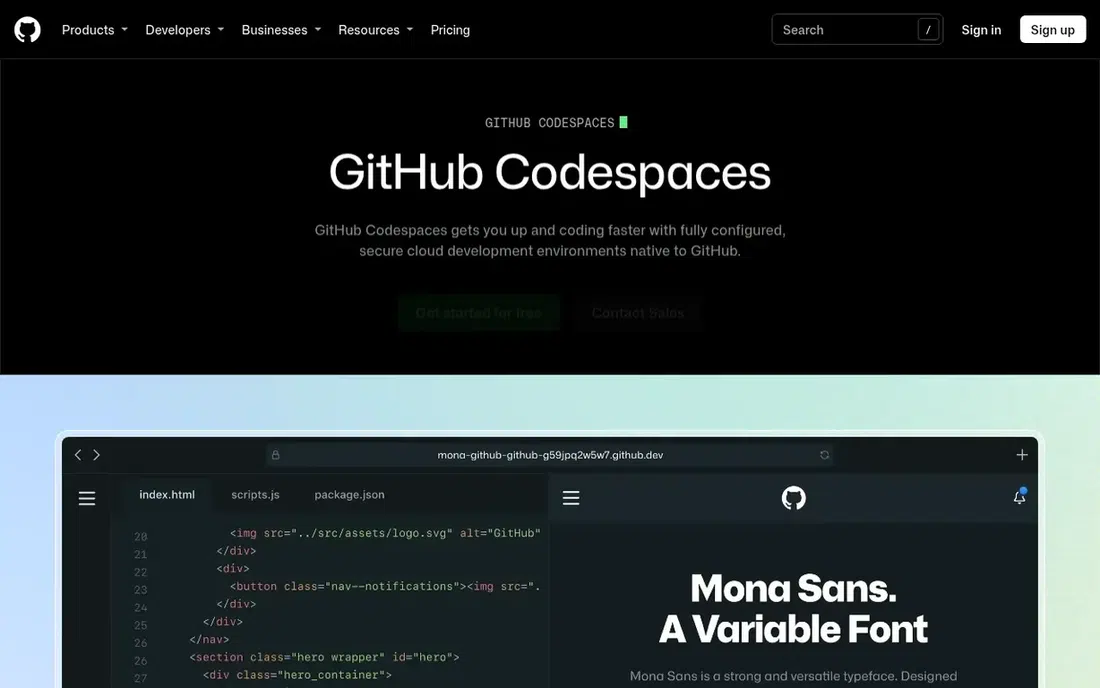
GitHub Codespaces works best for teams already living in GitHub. GitHub Codespaces gives you completely configured, secure cloud development environments that are native to GitHub.
Check the vendor site for GitHub Codespaces pricing; none is listed in this comparison. Free plan details: Not stated.
Drawbacks to consider: Less appealing for non-GitHub projects.
- Secure setup from day one
- Native to GitHub repositories
- Tied closely to the GitHub ecosystem

Pick StackBlitz if this describes you: quick browser-based web development. StackBlitz is a collaborative browser-based IDE for web developers, and its message is straightforward: click, code, done. It removes time-consuming local configuration so developers spend more time building.
That makes it a solid fit for fast prototypes, demos and front-end projects where spinning up a local environment would slow things down, and for teams that want to share a working environment through the browser. In practice, the product is plainly oriented toward web development, so projects outside that scope may not map cleanly onto it. It also assumes a browser-first workflow, which some developers prefer to avoid for long sessions. Check the vendor site for StackBlitz pricing; none is listed in this comparison. Free options: Not stated.
Honest limits: Targeted at web developers.
- Browser-based IDE
- Eliminates local configuration
- Fewer choices for non-web stacks
How we built this list
What to check before you buy
- Confirm the entry price on the vendor page. For CodeSandbox, Cloud9, GitHub Codespaces and StackBlitz that means a quote rather than a fixed price.
- Look at the free plan from Cursor closely: its caps decide whether it is usable for real work.
- Before choosing CodeSandbox, weigh its main limit: web-focused rather than general purpose.
- Look at the renewal terms for Cloud9: auto-renewal, notice periods and price changes can matter more than the first-year price.
- Map your must-have features to a specific GitHub Codespaces plan before you compare prices.
FAQ
Which product is best for quick front-end experiments?
This list starts with CodeSandbox, which fits collaborative web projects on any device. For other needs, Cursor is aimed at AI-assisted coding in the editor, and Cloud9 at browser-based coding on AWS. Check each tool's price and main limit first.
Do these systems replace a local development setup entirely?
Multiple of them aim to cut or remove local configuration, but whether you can go completely browser-based depends on your stack and tooling. Test your specific requirements before switching.
How does an AI coding agent like Cursor compare with cloud IDEs?
Cursor concentrates on AI agents that turn ideas into code inside the editor, which is a different value from a hosted cloud environment. Some teams pair an AI-assisted editor with a cloud environment instead of choosing one over the other.
Can I try these options before paying?
Often, yes. Cursor has a free plan. Use your own data and a real task during the test, and check what the free tier or trial limits before you rely on it. Each of the 5 options in this Replit alternatives coding platforms guide has its own card above with the price, free plan and limits.
How are the replit alternatives coding platforms ordered?
CodeSandbox sits first and StackBlitz last because the order follows typical fit for replit alternatives coding platforms, then price clarity and free access. It is a judgement call, so read each profile for fit and limits.
Is CodeSandbox the right pick for everyone comparing replit alternatives coding platforms?
No single tool suits every team. CodeSandbox comes first because it fits collaborative web projects on any device, while Cursor suits AI-assisted coding in the editor and Cloud9 suits browser-based coding on AWS. Match the tool to your own size, budget and workflow before deciding.
Sources
- https://codesandbox.io
- https://cursor.com
- https://aws.amazon.com/cloud9
- https://github.com/features/codespaces
- https://stackblitz.com