Best Coding Platforms For Beginners in 2026: 8 Options Compared
Best best coding platforms for beginners in 2026: we compared 8 options, checking features, pricing and free plans to help you pick one See our top pick.
- Editor's choice
 Codecademy
Interactive coding courses
Starts atSee websiteVisit codecademy.comFull review - Great alternative
 freeCodeCamp
Free coding curriculum
Starts atFreeVisit freecodecamp.orgFull review - Also consider
 Khan Academy
Free computing basics
Starts atFreeVisit khanacademy.orgFull review
TL;DR:
- Our pick for most people is Codecademy, because it balances interactive coding courses with a usable free or trial option.
- freeCodeCamp stands out for free coding curriculum, while Khan Academy is a strong choice for free computing basics.
- Prices and free plans change often, so check the official pricing page before you buy, and treat See website as a prompt to verify the current price.
- If you need a free start, freeCodeCamp offers a free plan, but check its limits before relying on it for daily work.
- We compared official feature pages, pricing pages and public reviews, and we did not include products that no longer work or do not fit the topic.
Quick comparison
| Tool | Best for | Starts at | Free plan? | |
|---|---|---|---|---|
| Codecademy | Interactive coding courses | See website | Free trial | Visit |
| freeCodeCamp | Free coding curriculum | Free | Yes | Visit |
| Khan Academy | Free computing basics | Free | Yes | Visit |
 Coursera | University coding courses | See website | Free trial | Visit |
 Udemy | Affordable single courses | See website | No | Visit |
 Mimo | Coding on your phone | See website | Free trial | Visit |
 SoloLearn | Free mobile coding lessons | Free | Yes | Visit |
 Code.org | Coding for school-age learners | Free | Yes | Visit |
The best best coding platforms for beginners
We compared official feature pages, pricing pages, app store listings and public reviews for best coding platforms for beginners, best coding software for beginners and best platform to learn coding. The products below all work in October 2026, and each one is judged on fit, price and honest limits rather than on marketing claims alone.
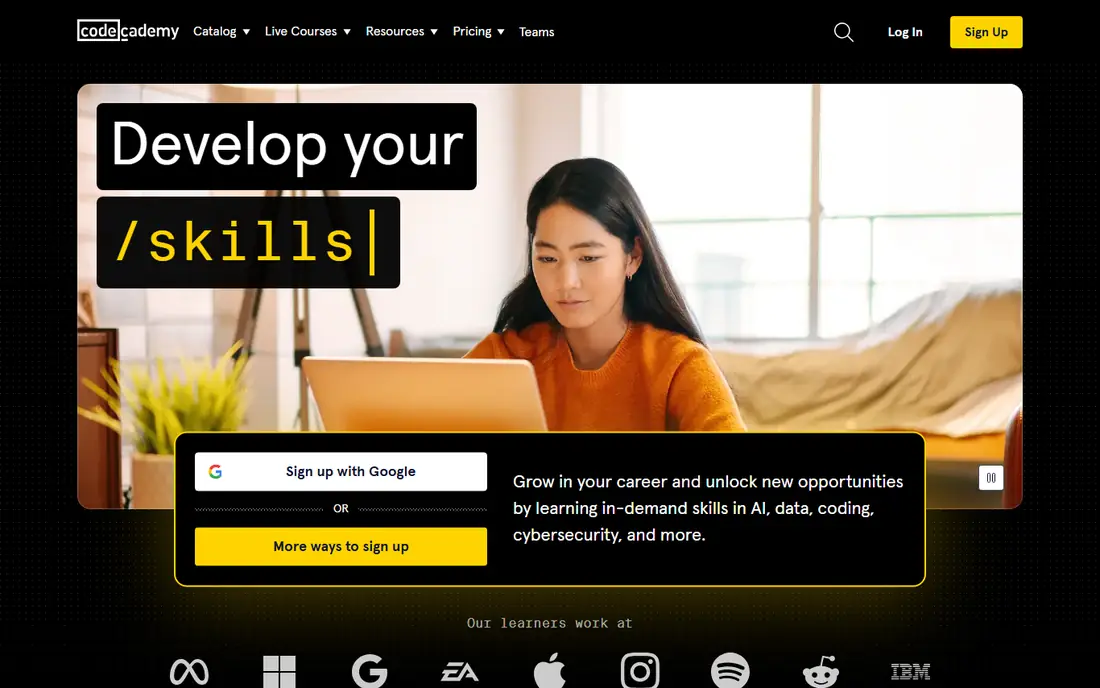
Codecademy is a strong fit for interactive coding courses. Its strengths include interactive lessons in Python, web and data, Guided paths for beginners, Practice in the browser. It offers a free trial, with a starting price of See website, so you can test it on real work before committing. In practice, Codecademy works best when you start with one clear task, such as the most common job you need it for, and judge it on that task rather than on its full feature list.
The main drawbacks are full paths need a paid plan and Less depth than a degree course. Try Codecademy on that same task first, and check exports, support response and total cost at your team or household size before you commit. If interactive coding courses matters most to you, Codecademy deserves a place on your shortlist, provided the limits above fit your budget and workflow.
- Interactive lessons in Python, web and data
- Guided paths for beginners
- Practice in the browser
- Full paths need a paid plan
- Less depth than a degree course
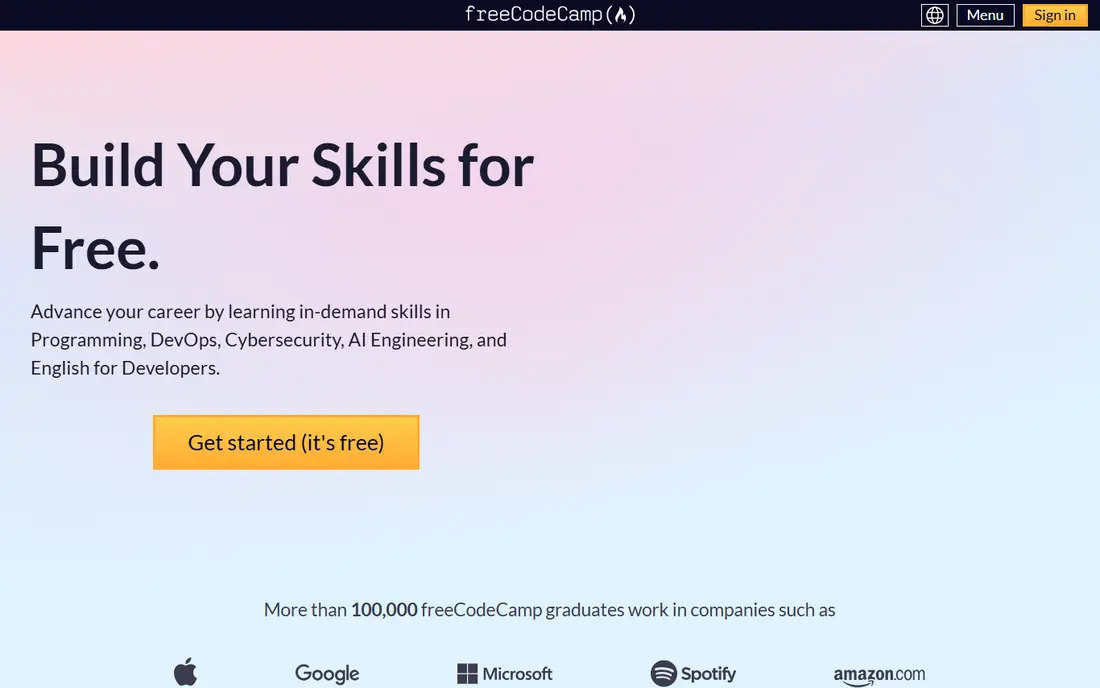
If free coding curriculum is your priority, freeCodeCamp deserves a close look. Its strengths include completely free curriculum and certifications, Large community and forum, Projects for a portfolio. It offers a free plan, with a starting price of Free, so you can test the core features before paying for more. In practice, freeCodeCamp works best when you start with one clear task, such as the most common job you need it for, and judge it on that task rather than on its full feature list.
The main drawbacks are self-paced with no tutor and Curriculum breadth can feel overwhelming. Try freeCodeCamp on that same task first, and check exports, support response and total cost at your team or household size before you commit. If free coding curriculum matters most to you, freeCodeCamp deserves a place on your shortlist, provided the limits above fit your budget and workflow.
- Completely free curriculum and certifications
- Large community and forum
- Projects for a portfolio
- Self-paced with no tutor
- Curriculum breadth can feel overwhelming
For readers focused on free computing basics, Khan Academy is a practical choice. Its strengths include free computing and maths courses, Short videos and practice, Good for younger learners. It offers a free plan, with a starting price of Free, so you can test the core features before paying for more. In practice, Khan Academy works best when you start with one clear task, such as the most common job you need it for, and judge it on that task rather than on its full feature list.
The main drawbacks are coding depth is introductory and No job-focused career paths. Try Khan Academy on that same task first, and check exports, support response and total cost at your team or household size before you commit. If free computing basics matters most to you, Khan Academy deserves a place on your shortlist, provided the limits above fit your budget and workflow.
- Free computing and maths courses
- Short videos and practice
- Good for younger learners
- Coding depth is introductory
- No job-focused career paths
Coursera suits people who need university coding courses without a steep learning curve. Its strengths include courses from universities and companies, Certificates for career use, Structured deadlines. It offers a free trial, with a starting price of See website, so you can test it on real work before committing. In practice, Coursera works best when you start with one clear task, such as the most common job you need it for, and judge it on that task rather than on its full feature list.
The main drawbacks are certificates cost extra and Quality varies by course. Try Coursera on that same task first, and check exports, support response and total cost at your team or household size before you commit. If university coding courses matters most to you, Coursera deserves a place on your shortlist, provided the limits above fit your budget and workflow.
- Courses from universities and companies
- Certificates for career use
- Structured deadlines
- Certificates cost extra
- Quality varies by course
When affordable single courses matters most, Udemy is worth shortlisting. Its strengths include huge catalogue of coding courses, Lifetime access to bought courses, Frequent sales. It has no free plan, with a starting price of See website, so check the trial, demo or refund terms before buying. In practice, Udemy works best when you start with one clear task, such as the most common job you need it for, and judge it on that task rather than on its full feature list.
The main drawbacks are quality varies widely by instructor and No structured path by default. Try Udemy on that same task first, and check exports, support response and total cost at your team or household size before you commit. If affordable single courses matters most to you, Udemy deserves a place on your shortlist, provided the limits above fit your budget and workflow.
- Huge catalogue of coding courses
- Lifetime access to bought courses
- Frequent sales
- Quality varies widely by instructor
- No structured path by default
Mimo is built around coding on your phone, and that focus shows in daily use. Its strengths include bite-size mobile lessons, Python, web and SQL paths, Daily practice streaks. It offers a free trial, with a starting price of See website, so you can test it on real work before committing. In practice, Mimo works best when you start with one clear task, such as the most common job you need it for, and judge it on that task rather than on its full feature list.
The main drawbacks are mobile format limits deep projects and Full content needs a paid plan. Try Mimo on that same task first, and check exports, support response and total cost at your team or household size before you commit. If coding on your phone matters most to you, Mimo deserves a place on your shortlist, provided the limits above fit your budget and workflow.
- Bite-size mobile lessons
- Python, web and SQL paths
- Daily practice streaks
- Mobile format limits deep projects
- Full content needs a paid plan
Readers who want free mobile coding lessons will find SoloLearn easy to test. Its strengths include free mobile lessons and community, Many languages covered, Quizzes and challenges. It offers a free plan, with a starting price of Free, so you can test the core features before paying for more. In practice, SoloLearn works best when you start with one clear task, such as the most common job you need it for, and judge it on that task rather than on its full feature list.
The main drawbacks are ads and limits on free tier and Less project depth than web platforms. Try SoloLearn on that same task first, and check exports, support response and total cost at your team or household size before you commit. If free mobile coding lessons matters most to you, SoloLearn deserves a place on your shortlist, provided the limits above fit your budget and workflow.
- Free mobile lessons and community
- Many languages covered
- Quizzes and challenges
- Ads and limits on free tier
- Less project depth than web platforms
Code.org rounds out this list for coding for school-age learners. Its strengths include free courses for schools and beginners, Block and text coding, Teacher resources. It offers a free plan, with a starting price of Free, so you can test the core features before paying for more. In practice, Code.org works best when you start with one clear task, such as the most common job you need it for, and judge it on that task rather than on its full feature list.
The main drawbacks are aimed mainly at younger learners and Not a career training platform. Try Code.org on that same task first, and check exports, support response and total cost at your team or household size before you commit. If coding for school-age learners matters most to you, Code.org deserves a place on your shortlist, provided the limits above fit your budget and workflow.
- Free courses for schools and beginners
- Block and text coding
- Teacher resources
- Aimed mainly at younger learners
- Not a career training platform
How we picked these
We started from the topic and the related searches readers actually use, then checked each product on its official feature page, pricing page, app store listing and privacy policy where relevant. We kept only products that exist and work in October 2026, that truly fit the topic, and that offer a clear way to try, buy or cancel. Where we could not verify a current price from the vendor, we wrote See website rather than guessing a figure.
We also weighed public reviews and known limits, such as free plan caps, platform limits and support quality. A product with a strong feature list but a poor fit for ordinary users did not make the list ahead of a simpler tool that does the core job well. Our pick for most people reflects that balance, not a paid placement.
How to choose the right one for you
Start with budget and trial terms. A free plan or trial lets you test the core job before paying, but check what the free tier actually includes, such as export limits, user limits or watermark rules. If the price is listed as See website, open the pricing page and check for per-user fees, add-ons and renewal terms, because the headline price is rarely the full cost.
Next, match the tool to your situation rather than to the longest feature list. Check platform support, such as Windows, Mac, iOS, Android or browser use, and check whether it works with tools you already use. For teams, check admin controls, support hours and data export, because switching later is harder than choosing well now.
Finally, test privacy and support before you rely on a product for important work. Read the privacy policy for data use and retention, check how to delete your data, and try support with a real question during the trial. If a product cannot answer clearly on price, privacy or cancellation, that is a useful signal on its own.
FAQ
What is the best best coding platforms for beginners for most people?
Our pick for most people is Codecademy, because it covers interactive coding courses with a usable free or trial option and a clear upgrade path. Most readers do not need the most advanced tool, they need one that handles the core job reliably. Try it first on a real task, then compare it with freeCodeCamp if you need a different strength.
Is there a free best coding platforms for beginners option?
Yes, freeCodeCamp offers a free plan, and several others offer a free trial. Free plans usually limit features, storage, exports or user numbers, so they work best for testing or light use. If you plan to use the tool daily, budget for a paid plan and check what the free tier leaves out.
How much does best coding platforms for beginners cost?
Costs vary widely by product, plan and team size, and many vendors price by user or by usage. Where we verified a starting point from the vendor, we listed it in the comparison table, and where we could not verify a current price, we wrote See website. Always check the official pricing page for add-ons, renewal terms and per-user fees before buying.
What should I check before choosing best coding platforms for beginners?
Check platform support, free plan limits, export options, privacy terms and support quality. Also check whether the tool fits your existing workflow, such as your phone, computer or team tools, and whether you can cancel or export your data easily. A short trial on a real task will reveal more than a feature list alone.
How does best coding software for beginners compare with best coding platforms for beginners?
best coding software for beginners is a closely related search, and most products in this list cover both needs, though their strengths differ. Codecademy is our general pick, while freeCodeCamp may suit readers who prioritise free coding curriculum. Compare the best_for column in the table, then test your top two choices on the same task before deciding.