6 Vibe Coding Platforms for Beginners Worth Shortlisting in 2026
6 best vibe coding platforms for beginners, with entry costs, free tiers and the buyer each one serves. Concise write-ups of every option. Numbers first.
- Editor's choice
 Bubble
Visual editing with AI speed
Starts atSee websiteVisit bubble.ioFull review - Great alternative
 v0
Designing and iterating web apps
Starts at$30 per user a monthVisit v0.devFull review - Also consider
 Replit
No-code app and website building
Starts at$18 per month, billed annuallyVisit replit.comFull review
Direct answer
Bubble leads the list, best for visual editing with AI speed. v0 fits designing and iterating web apps; Replit fits no-code app and website building. Listed starting prices: v0 from $30 per user a month, Replit from $18 per month, billed annually and Glide from $25 per month. The remaining 3 options are covered below with prices and limits.
TL;DR:
- This list starts with Bubble, which is built for visual editing with AI speed.
- What to know about Bubble first: more concepts to learn upfront.
- For agent-assisted coding for ambitious software, Cursor is worth a look.
- For the cheapest start, look at Cursor: $8 per month.
Last checked November 2026. Prices and plan details were read from the vendors' own pages in November 2026; vendors change plans often, so confirm the current price on the vendor site before you buy.
Quick comparison
| Tool | Best for | Starts at | Free plan? | |
|---|---|---|---|---|
| Bubble | Visual editing with AI speed | See website | Not stated | Visit |
| v0 | Designing and iterating web apps | $30 per user a month | Yes | Visit |
| Replit | No-code app and website building | $18 per month, billed annually | Not stated | Visit |
 Glide | Business apps from a spreadsheet or prompt | $25 per month | Yes | Visit |
 GitHub Copilot | AI help across the coding workflow | See website | Not stated | Visit |
 Cursor | Agent-assisted coding for ambitious software | $8 per month | Yes | Visit |
The 6 tools in detail
This LinkVetted guide covers 6 vibe coding platforms for beginners. Each profile lists a starting price, free plan details, strengths and drawbacks, so you can drop poor fits quickly.
Bubble is built with visual editing with AI speed in mind. Pick Bubble when you want room to edit visually and control how your app is put together. More specifically, beginners who want to understand how an app is structured whereas still moving rapidly will find the combination of AI generation and visual editing handy.
From a buyer's view, Bubble describes itself as a no-code AI app builder where you can build with AI for speed and edit visually for precision. It handles design, database, logic, and privacy rules, taking you from idea to launched app. Since Bubble exposes design, database, logic, and privacy rules, beginners should expect to learn multiple concepts instead of only describing an app. This comparison lists no price for Bubble; ask the vendor. Trial and free access: Not stated.
Upsides: Build with AI or edit visually; Privacy rules included. Points against: Visual precision takes practice.
- Logic in one
- Design, database
- More concepts to learn upfront
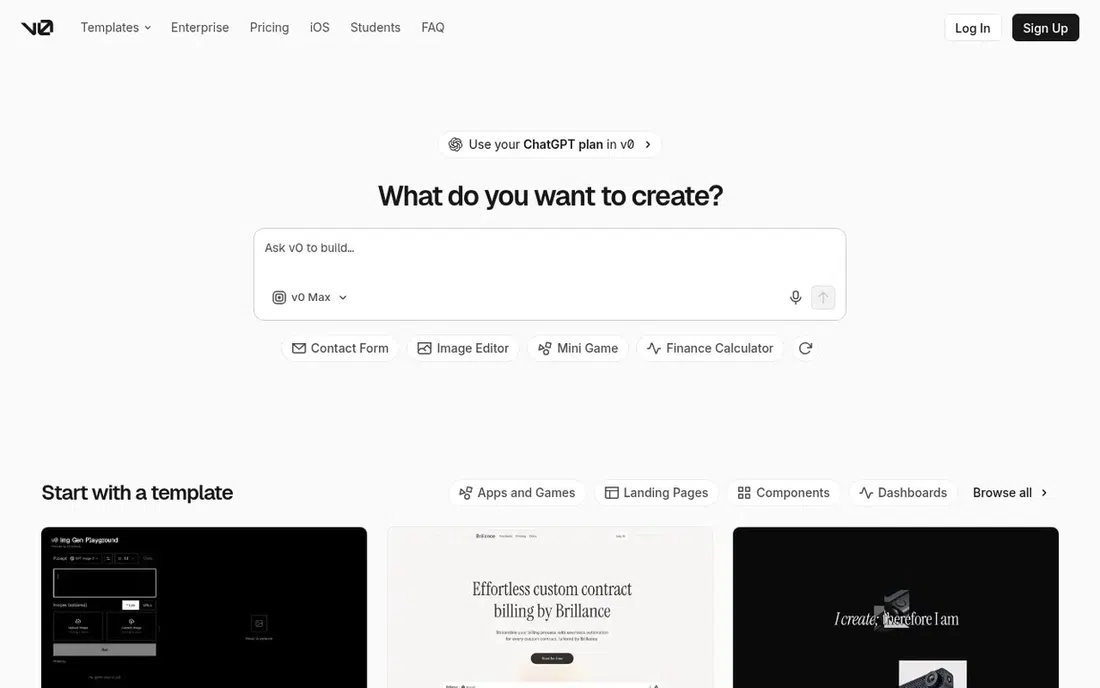
Pick v0 if this describes you: designing and iterating web apps. Pick v0 when your goal is a web app you can design and scale with an AI assistant. In daily use, the homepage frames v0 around full-stack web applications, so beginners with non-web projects or purely internal business tools may prefer a different system.
Beginners who want to shape a web app through conversation and repeated refinement will find the design-and-iterate loop central to the product. In daily use, v0 by Vercel is described as a collaborative AI assistant to design, iterate, and scale full-stack applications for the web. Starting cost for v0: $30 per user per month. A free plan is available with v0.
Drawbacks to consider: Beginners may have to learn app structure.
- Collaborative AI assistant workflow
- Centred on full-stack web apps
- Web-focused instead of general purpose
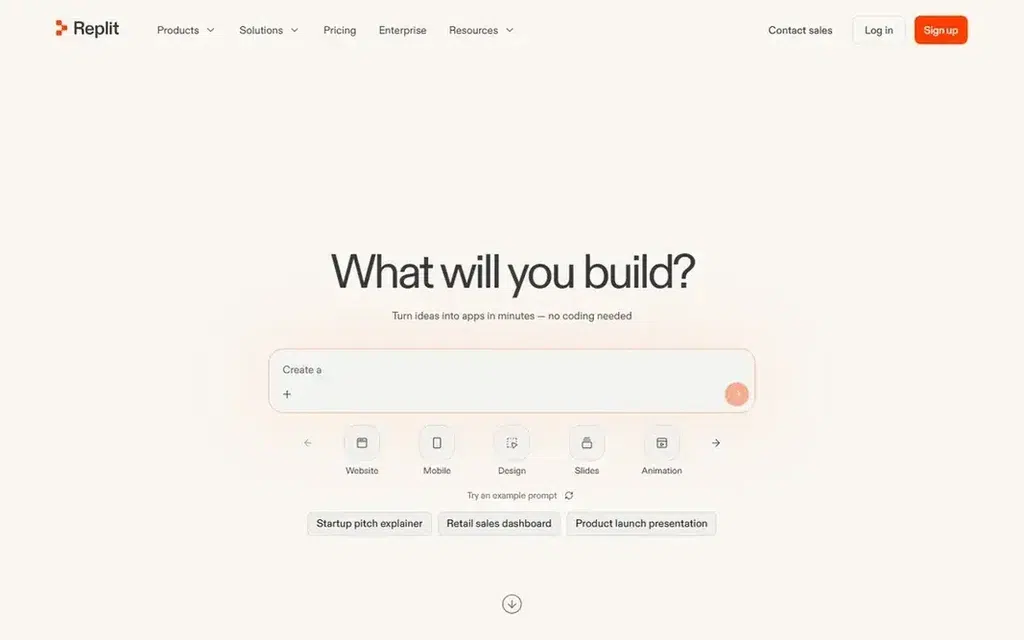
For no-code app and website building, Replit is a natural candidate. Replit presents itself as an AI app and website builder where you describe what you want and it builds it. In practice, choose Replit when quick, description-first building matters most.
Where it falls short: Complicated logic may need manual edits.
The homepage emphasizes getting a working app or website in minutes with no coding required. That makes it a natural starting point for beginners who want to see results rapidly and learn by iterating on a running project instead of configuring a development environment first. Price to start with Replit: $18 per month, billed annually. On free options: Not stated.
- No coding required to start
- Builds from a plain-language description
- Less control over fine details
Glide is built with business apps from a spreadsheet or prompt in mind. The homepage says apps are ready in minutes, not months. As for the details, choose Glide when your first project is a business app built from data you already have.
For everyday use, beginners who already keep data in a spreadsheet will appreciate a starting point they recognize. The prompt option provides a description-first path as well. Those who want a broader visual builder might look at Bubble. Glide cost at the entry level: $25 per month. You can start on Glide without paying.
Honest limits: Pitched at internal business apps.
- Ready in minutes
- Build custom business apps and agents
- Less focus on consumer products
GitHub Copilot targets AI help across the coding workflow. It can be used in the editor, the terminal, on the desktop, and on GitHub. Pick Copilot when you want guidance inside a real development workflow instead of a description-first builder.
Honest limits: Needs a coding environment.
Also, Copilot assumes a coding workflow and does not present itself as a no-code app builder, so beginners who want to describe an app and have it built may find other options more direct. It is best paired with a learning plan. Also, for beginners already learning to code, it provides assistance embedded in the tools they are likely to use. Pricing for GitHub Copilot is not stated here, so ask the vendor for current figures. Free plan details: Not stated.
- Suits existing GitHub workflows
- Works in editor and terminal
- Not a no-code app builder
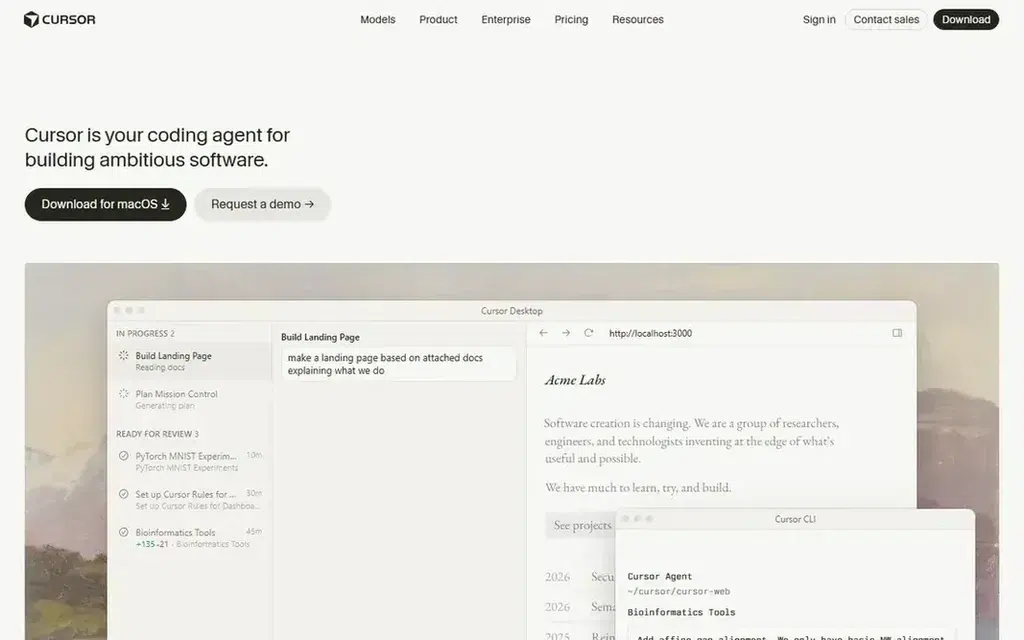
Cursor was built for agent-assisted coding for ambitious software. Cursor is an AI coding agent for building ambitious software, with agents that turn ideas into code and let you hand off tasks.
Honest limits: Better for software than straightforward pages.
Worth adding: Cursor is geared toward building software instead of describing a straightforward app and receiving a finished result, so absolute beginners may find the ramp-up time steeper than with no-code builders. Also, the homepage positions it around extraordinary productivity, suggesting a workflow where you direct the agent and review what it produces. On cost, Cursor starts like this: $8 per month. A free plan is available with Cursor.
- Agents turn ideas into code
- Hand off tasks to the agent
- Assumes some coding familiarity
Our selection method
Pre-purchase checklist
- Get a written quote from Bubble and GitHub Copilot; the list shows no starting price for them.
- Read the fine print on the free plans from v0, Glide and Cursor; seat, project and feature caps differ.
- Before choosing Bubble, weigh its main limit: more concepts to learn upfront.
- Ask whether Bubble integrates with your current software, and whether that comes standard or as an add-on.
- Total up the real monthly cost of Glide, including add-ons, extra users and usage-based fees.
FAQ
How are the tools for vibe coding platforms for beginners ordered?
The order follows typical fit for vibe coding platforms for beginners, with Bubble first and Cursor last, then price clarity and free access. It is editorial judgement, not a score, so another team could rank the tools differently.
Is Bubble the right pick for everyone comparing vibe coding platforms for beginners?
No single tool suits every team. Bubble comes first because it fits visual editing with AI speed, while v0 suits designing and iterating web apps and Replit suits no-code app and website building. Match the tool to your own size, budget and workflow before deciding.
Which options for vibe coding platforms for beginners have a free plan?
v0, Glide and Cursor offer a free plan in this list. Free plans usually cap users, projects or features, so check the limits on the vendor page.
Can I move to code later?
Some systems are built around code and agents, like Cursor and GitHub Copilot, whereas others emphasize visual or description-first building. In practice, if you expect to grow into code, consider starting with a tool that keeps you close to the underlying project.
Can I try these tools before paying?
Often, yes. v0, Glide and Cursor have a free plan. Use your own data and a real task during the test, and check what the free tier or trial limits before you rely on it.
Sources
- https://bubble.io
- https://v0.dev
- https://replit.com
- https://www.glideapps.com
- https://github.com/features/copilot
- https://cursor.com