Enterprise Vibe Coding Tools in 2026: The 6 Best Options Side by Side
Best enterprise vibe coding tools: 6 contenders ranked by fit, with entry costs and free tiers. Every pick gets a straight assessment. Compare quickly.
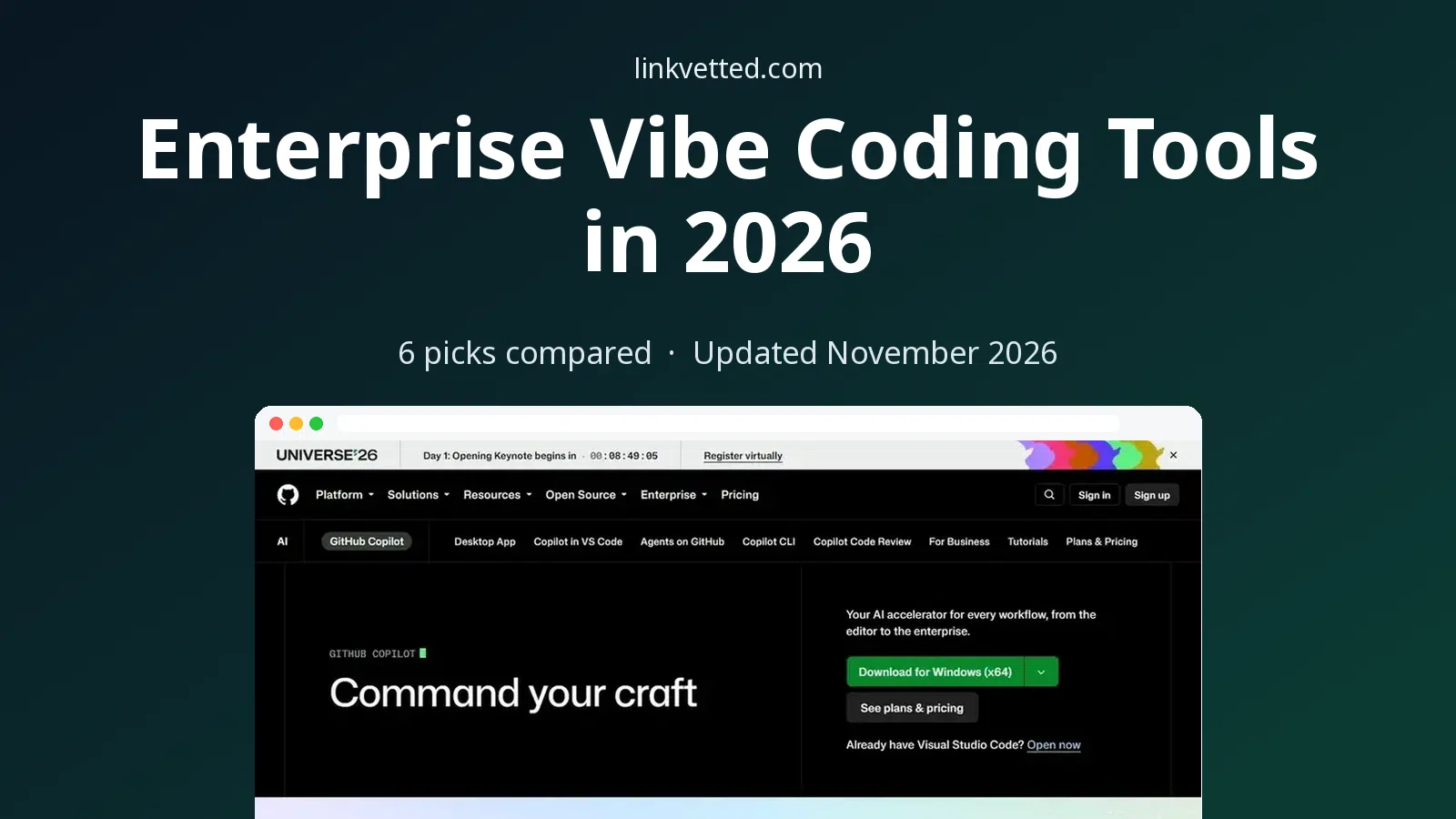
- Editor's choice
 Amazon Q Developer
AWS-centric development teams
Starts atSee websiteVisit aws.amazon.comFull review - Great alternative
 Replit
Rapid app and website prototyping
Starts at$18 a month, billed annuallyVisit replit.comFull review - Also consider
 GitHub Copilot
Wide workflow coverage across the SDLC
Starts atSee websiteVisit github.comFull review
Direct answer
Our first pick is Amazon Q Developer, best for AWS-centric development teams. Listed starting prices: Replit from $18 a month, billed annually, Claude Code from $17 per month and Cursor from $8 per month. Replit is the stronger choice for rapid app and website prototyping, while GitHub Copilot suits wide workflow coverage across the SDLC. The remaining 3 options are covered below with prices and limits.
TL;DR:
- Amazon Q Developer takes the first slot, best suited to AWS-centric development teams.
- A free plan is available from 3 of the 6 tools: Claude Code, Cursor, v0.
- Starting prices begin at $8 per month with Cursor.
- v0 is the one to check for full-stack web app design and iteration.
Last checked November 2026. Prices and plan details were read from the vendors' own pages in November 2026; vendors change plans often, so confirm the current price on the vendor site before you buy.
Quick comparison
| Tool | Best for | Starts at | Free plan? | |
|---|---|---|---|---|
| Amazon Q Developer | AWS-centric development teams | See website | Not stated | Visit |
| Replit | Rapid app and website prototyping | $18 a month, billed annually | Not stated | Visit |
| GitHub Copilot | Wide workflow coverage across the SDLC | See website | Not stated | Visit |
 Claude Code | Agentic coding in terminal and IDE | $17 per month | Yes | Visit |
 Cursor | Agent-first editing for ambitious software teams | $8 per month | Yes | Visit |
 v0 | Full-stack web app design and iteration | $30 per user a month | Yes | Visit |
The best enterprise vibe coding tools
Short on time? The summary and table above give the quick view of 6 enterprise vibe coding tools, and the profiles that follow give the detail behind each entry.
Amazon Q Developer works best for AWS-centric development teams. Amazon Q Developer is an AI coding assistant that writes, debugs and refactors code natively in the IDE.
Watch-outs: IDE-native scope instead of full workflow.
Its scope is IDE-centric, so teams wanting agent coverage across issues and pull requests may need extra tooling. From a buyer's view, organizations not invested in AWS should weigh whether the assistant's ecosystem alignment matters for their stack. This comparison lists no price for Amazon Q Developer; ask the vendor. Free plan details: Not stated.
Best features of Amazon Q Developer: Works natively in the IDE.
- Writes
- Aligned with AWS development
- Most solid fit inside AWS environments
Where Replit fits: rapid app and website prototyping. Replit is an AI app and website builder where you describe what you want and it builds it, producing a working app or website rapidly.
Points against: Prototypes need hardening before production.
More specifically, enterprises should treat Replit output as a starting point and plan for review and hardening before production use. Price to start with Replit: $18 per month, billed annually. On free options: Not stated.
- Working app in minutes
- No coding required to start
- Less suited to complicated enterprise codebases
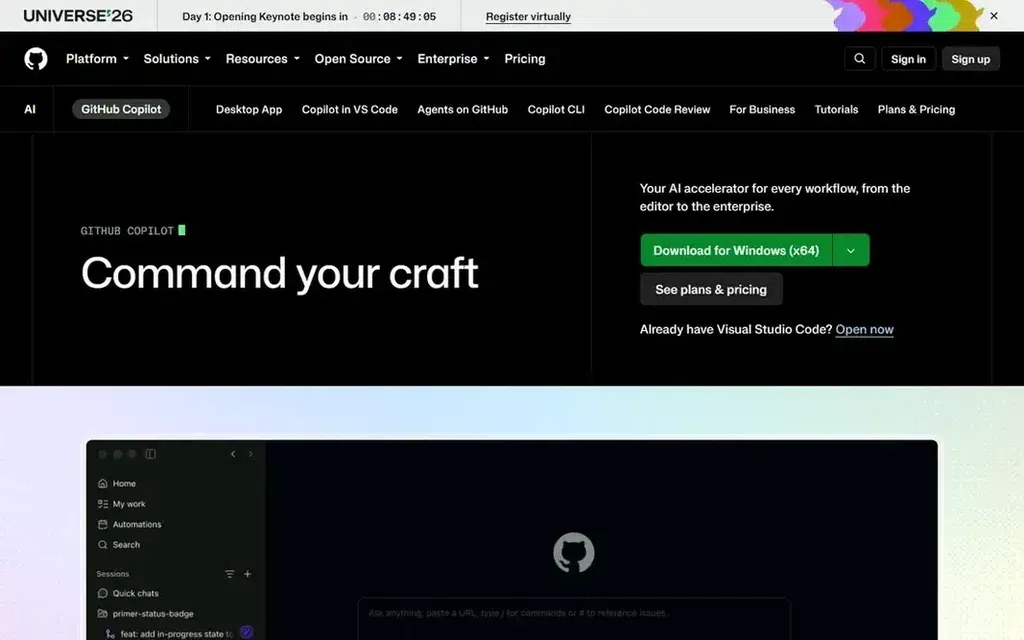
GitHub Copilot works best for broad workflow coverage across the SDLC. Its strengths are tied to GitHub workflows, so teams using other hosting products may see less benefit.
This comparison lists no price for GitHub Copilot; ask the vendor. Trial and free access: Not stated.
Upsides: desktop and GitHub. Where it falls short: Feature depth varies by surface.
- Assists from open issue to pull request review
- Suits teams already on GitHub
- Value relies on GitHub-centric workflows

Choose Claude Code for agentic coding in terminal and IDE. It understands a codebase, edits files, runs commands and is aimed at helping teams ship faster, which suits engineering groups comfortable with command-line workflows and code review discipline.
Its terminal-first orientation can be a hurdle for developers who prefer graphical editors. Claude Code pricing: $17 per month. Claude Code has a free plan.
What to check first: Needs clear review practices.
- Works from terminal and IDE
- Edits files and runs commands
- Terminal-centric workflow may not suit everyone
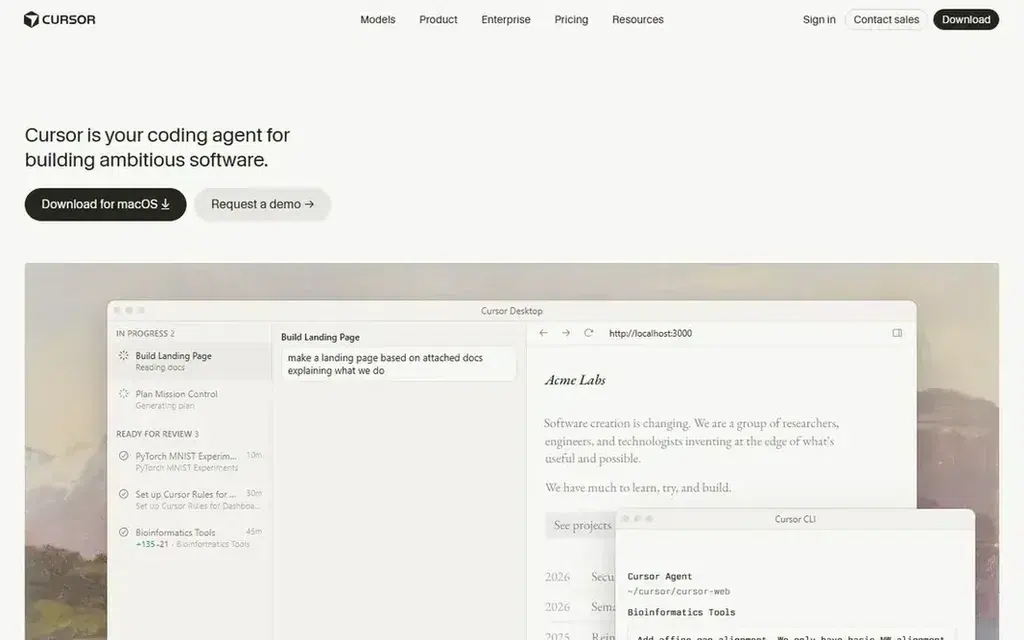
Pick Cursor if this describes you: agent-first editing for ambitious software teams. Adopting Cursor means standardizing on a separate editor, which can complicate environments with strict tooling rules.
Drawbacks to consider: Needs adopting a separate editor.
In practice, teams that need AI embedded in existing IDE and repository workflows may prefer a platform-native assistant instead. Starting cost for Cursor: $8 per month. Cursor offers a free plan.
- Task handoff to accelerate development
- Made for high developer productivity
- Agent output still needs review
v0 is designed for full-stack web app design and iteration. v0 by Vercel is a collaborative AI assistant to design, iterate and scale full-stack applications for the web.
What to check first: Generated code needs review.
What users get: Collaborative AI assistant for web apps. Its focus is the web, so teams building beyond web applications will need other tools. Generated output should pass through normal code review, and organizations with strict front-end standards should validate results against their conventions. Price to start with v0: $30 per user per month. v0 includes a free tier.
- Centred on full-stack web output
- Design
- Web-focused scope
Our selection method
For each of the 6 tools we noted price, free plan or trial, fit for enterprise vibe coding tools and the main limit, using vendor pages and documentation. Where a price is missing, the vendor does not list one publicly or ties it to a quote. Always confirm before budgeting. Tools are placed by general fit for enterprise vibe coding tools, with price clarity and free access as tie-breakers. A different team can reasonably rank them differently.
Before you commit
- Ask Amazon Q Developer and GitHub Copilot for a written quote, since no starting price is shown.
- Read the fine print on the free plans from Claude Code, Cursor and v0; seat, project and feature caps differ.
- Read the limits listed for Amazon Q Developer first: most solid fit inside AWS environments.
- Check the integration list for Claude Code against the tools you run today, and note which ones need a higher plan.
- Before you load data into Amazon Q Developer, check what an export looks like and who can run it.
FAQ
Which options for enterprise vibe coding tools have a free plan?
Claude Code, Cursor and v0 offer a free plan in this list. Free plans usually cap users, projects or features, so check the limits on the vendor page.
Can prototyping tools like Replit or v0 replace a full development stack?
They are strongest for quick prototypes, internal tools and web application iteration. For large or regulated codebases, treat their output as a starting point and route it through standard review, testing and hardening before production.
What is the cheapest option for enterprise vibe coding tools in this list?
On published monthly entry prices, Cursor is the lowest here at $8 per month. Entry price is only part of the cost, because seats, add-ons and billing terms can change the total. All 6 picks in this enterprise Vibe coding tools comparison list a starting price, free plan details and the main limits on their cards above.
Do these tools publish their prices?
Not all of them. Amazon Q Developer and GitHub Copilot publish no starting price, so expect a quote request for those. The rest, Replit included, show a starting price, though seats and billing terms still change the final cost.
What makes a vibe coding tool enterprise-ready?
Enterprise readiness typically means support for existing repositories, review workflows and cloud environments, plus clear governance over how generated code is handled.
Should enterprises choose an editor-based or platform-native assistant?
Editor-based tools like Cursor appeal to teams wanting agent-first development, whereas platform-native choices like Gemini Code Assist and Amazon Q Developer align with existing cloud investments.
Sources
- https://aws.amazon.com/q/developer
- https://replit.com
- https://github.com/features/copilot
- https://www.anthropic.com/claude-code
- https://cursor.com
- https://v0.dev