Best Coding Software in 2026: 8 Tools Compared
Looking for the best coding software? We compared 8 code editors and IDEs for beginners, Python, web development, mobile and large projects. Pick your best fit.
- Editor's choice
 Visual Studio Code
Most developers
Starts atFreeVisit code.visualstudio.comFull review - Great alternative
 IntelliJ IDEA
Java and Kotlin projects
Starts atFreeVisit jetbrains.comFull review - Also consider
 PyCharm
Python development
Starts atFreeVisit jetbrains.comFull review
TL;DR:
- Visual Studio Code is the best coding software for most people, thanks to its free price, huge extension library and broad language support.
- JetBrains IDEs such as IntelliJ IDEA and PyCharm are best for large Java and Python projects where smart refactoring and debugging pay off.
- Xcode and Android Studio are required picks for native iOS and Android development, while Sublime Text suits fast, lightweight editing.
- Beginners should start free with VS Code, then move to a full IDE only when a project grows complex enough to need it.
Quick comparison
| Tool | Best for | Starts at | Free plan? | |
|---|---|---|---|---|
| Visual Studio Code | Most developers | Free | Yes | Visit |
| IntelliJ IDEA | Java and Kotlin projects | Free | Yes | Visit |
| PyCharm | Python development | Free | Yes | Visit |
 Sublime Text | Fast lightweight editing | See website | Free trial | Visit |
 Eclipse | Java and enterprise projects | Free | Yes | Visit |
 Xcode | Apple app development | Free | Yes | Visit |
 Android Studio | Android app development | Free | Yes | Visit |
 Visual Studio | Windows and .NET projects | Free | Yes | Visit |
The best coding software
We compared official feature pages, pricing pages and public reviews for editors and IDEs that are still actively maintained in 2026, covering beginners, web developers and mobile developers.
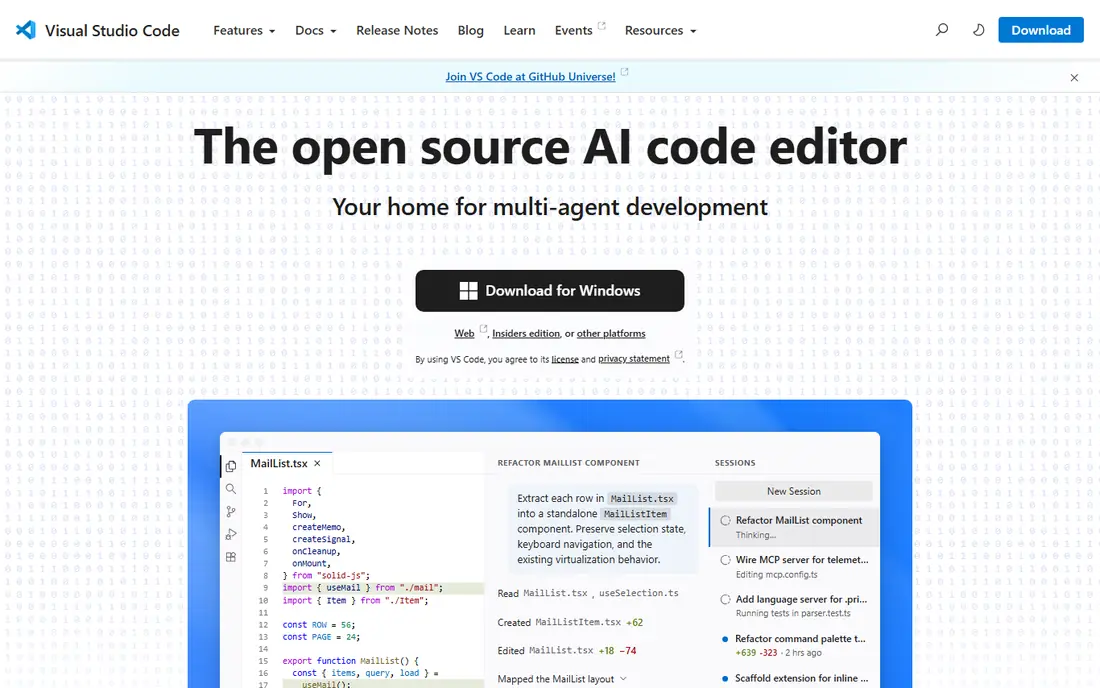
Visual Studio Code, from Microsoft, is the default code editor for most developers in 2026, and its popularity is earned. It supports nearly every language through extensions, includes Git, a terminal and debugging built in, and runs on Windows, Mac and Linux. Extensions add Python, Java, web, remote development and AI assistance, so one editor can cover many projects. The trade-off is setup. Out of the box, VS Code is an editor, not a full IDE, so Java or Python developers will install extensions and configure tools before it feels complete. That flexibility is also its strength: you build the environment you need and nothing more. For beginners and professionals alike, VS Code is the first tool to install.
- Free and open source
- Huge extension library
- Built-in Git, terminal and debugging
- Needs extensions for full IDE features
- Can feel heavy with many extensions installed
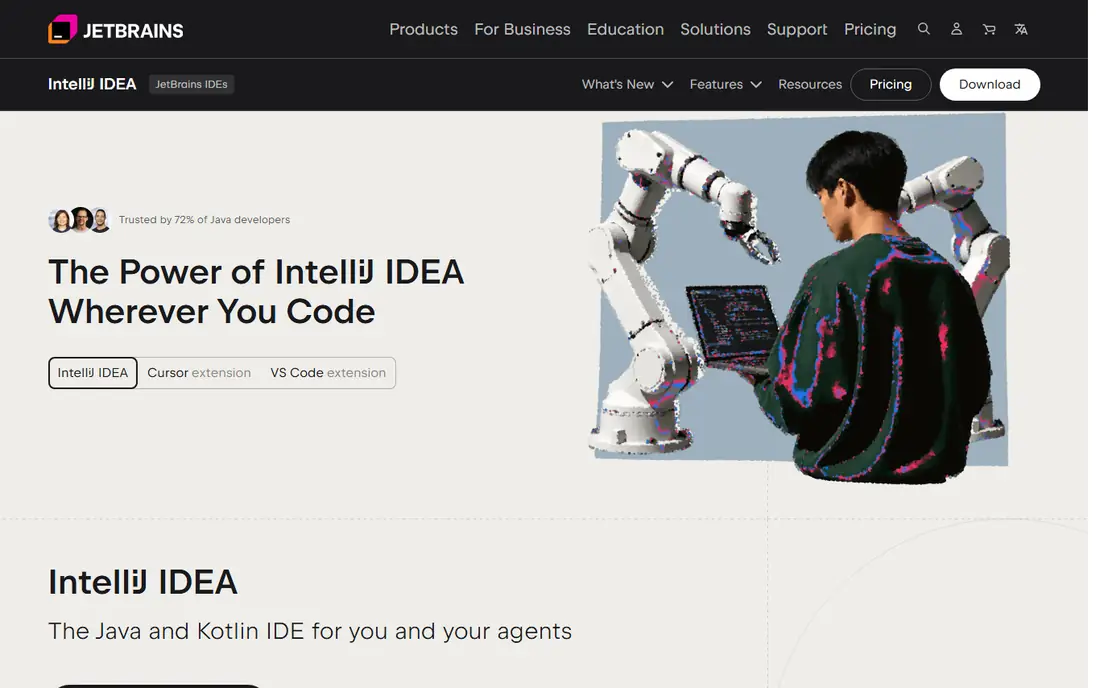
IntelliJ IDEA, from JetBrains, is the leading IDE for Java and Kotlin, and it shows in large projects. Its code completion understands context, its refactoring tools rename and restructure code safely, and its debugger and test tools are built in rather than bolted on. The Community edition is free and covers Java and Kotlin well, while Ultimate adds web, database and enterprise frameworks. IntelliJ uses more memory than a light editor, and Ultimate needs a paid subscription for full features. For a student or a professional working on a serious Java or Kotlin project, that cost in resources is repaid in fewer errors and faster refactoring.
- Smart code completion and refactoring
- Strong debugging
- Excellent for large Java and Kotlin codebases
- Ultimate edition is paid
- Heavier on system resources than VS Code
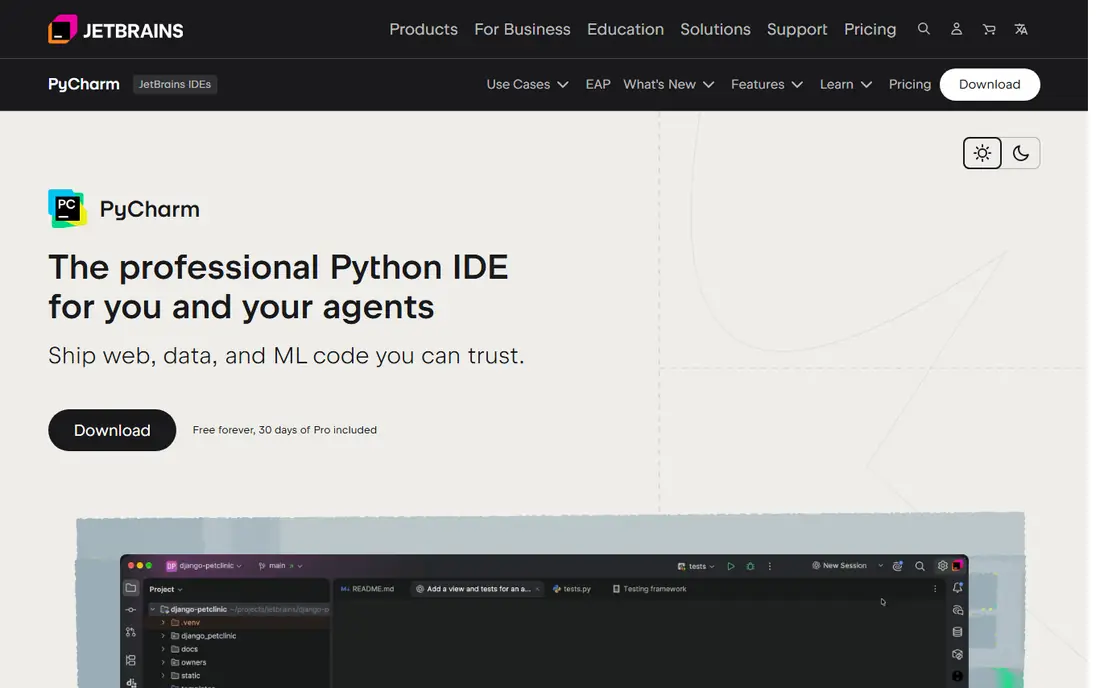
PyCharm, also from JetBrains, is the Python equivalent of IntelliJ IDEA. It understands Python code deeply, with smart completion, refactoring, a visual debugger and integrated testing, plus support for Django, Flask, data science libraries and Jupyter notebooks in the Professional edition. The Community edition is free and covers pure Python well. For a quick script, VS Code is lighter and faster to open. For a larger Python project, a Django app or data science work, PyCharm's focused tools save time and catch errors earlier. Choose Community for learning and small projects, and Professional when web or scientific features matter.
- Python-focused tools
- Scientific and web support
- Strong debugger and test runner
- Professional edition is paid
- Heavier than VS Code for small scripts
Sublime Text is the speed pick. It opens in a second, handles huge files without slowing down, and offers multi-cursor editing, a command palette and a package system for extra languages. Many developers keep Sublime Text alongside a full IDE, using it for quick edits, notes and log files. It is not free in the same way as VS Code: the evaluation version is free to try, but continued use needs a paid license. Built-in Git, debugging and terminal features are also thinner than VS Code. If speed and simplicity matter most, Sublime Text remains a worthy purchase.
- Very fast startup
- Clean interface
- Handles large files well
- Paid license for continued use
- Fewer built-in tools than VS Code or JetBrains IDEs
Eclipse has been a mainstay of Java development for two decades, and it remains free, open source and widely used in enterprise and academic settings. Its plugin ecosystem covers Java, C++, PHP and more, and many companies standardize on Eclipse for large Java projects. It runs on Windows, Mac and Linux. The interface feels older than IntelliJ IDEA or VS Code, and setup can confuse beginners who just want to write code. But for enterprise Java teams, university courses and developers who already know Eclipse, it is a solid, free and dependable choice.
- Free and open source
- Huge plugin ecosystem
- Long history in enterprise Java
- Interface feels dated
- Setup can be fiddly for beginners
Xcode is Apple's official IDE, and it is required for native iPhone, iPad, Mac, Watch and TV apps. It includes Swift and SwiftUI tools, interface builders, simulators for Apple devices, and direct publishing to the App Store. For Apple development, there is no real alternative for the full workflow. The limits are platform and size. Xcode runs only on Mac, the download is large, and it is not a general-purpose editor for other languages. If you build Apple apps, install Xcode first. If you build cross-platform apps, VS Code with a framework such as Flutter or React Native may fit better.
- Required for native iOS and Mac apps
- Swift and SwiftUI tools
- Simulator and App Store publishing built in
- Mac only
- Large download
- Best only for Apple platforms
Android Studio, built on IntelliJ IDEA, is Google's official IDE for Android apps. It includes an emulator to test on virtual devices, layout editors, Kotlin and Java support, and tools for publishing to Google Play. For native Android development, it is the standard tool, and most Android tutorials assume it. It needs a capable computer with plenty of memory, and the first setup, including SDK downloads, takes time. Cross-platform developers may prefer VS Code with Flutter. For native Android work, though, Android Studio is the tool to learn.
- Official Android IDE
- Emulator and layout tools
- Kotlin and Java support
- Needs a powerful computer
- Large download
- Android only
Visual Studio, not to be confused with Visual Studio Code, is Microsoft's full IDE for Windows development. It excels at C#, .NET, C++ and Azure projects, with a powerful debugger, profiler and designer tools. The Community edition is free for individuals, students and small teams, while Professional and Enterprise add team and testing features. It is heavier than VS Code and mainly Windows-focused, so web developers on Mac or Linux will prefer VS Code. For a .NET developer on Windows, or a team building desktop or enterprise Windows software, Visual Studio is the natural home base.
- Best for C# and .NET
- Strong debugger and profiler
- Community edition is free for many users
- Windows-focused, Mac version has limited scope
- Heavier than VS Code
How we picked these
We compared official feature pages, pricing pages and public reviews for coding tools that are still actively maintained in 2026. We included free editors, full IDEs and platform-specific tools, so readers can match the tool to their language and project type. We left out discontinued editors and tools that only support a single niche language with no broader use.
How to choose coding software as a beginner
Start with Visual Studio Code, since it is free, well documented and used in most beginner tutorials. Learn one language well before you worry about IDE features: a good editor will not teach you programming, but a confusing setup can slow you down. Add extensions only as you need them, such as a Python or Java extension, rather than installing dozens at once. Move to a full IDE when your project grows: PyCharm for a large Python app, IntelliJ IDEA for Java, Xcode for iOS or Android Studio for Android. That progression keeps learning simple at the start and gives you powerful tools when they actually help. For any tool, check that it runs well on your computer, since a heavy IDE on a low-memory laptop will frustrate you more than a light editor will.
FAQ
What is the best coding app for beginners?
Visual Studio Code is the best coding app for beginners, because it is free, runs on all major systems, and has tutorials and extensions for almost every language. Start there, then add a full IDE later if your project needs it.
What are the best apps to learn coding?
Visual Studio Code plus a free learning site or course is the best combination for learning coding. PyCharm Community is also good for Python learners, and Xcode Playgrounds helps beginners learn Swift on a Mac.
What is the best coding tool for Python?
PyCharm is the best dedicated Python tool for large projects, while Visual Studio Code is the best free all-round tool for Python scripts and small apps. Beginners can start with VS Code and move to PyCharm as projects grow.
What is the best free coding app?
Visual Studio Code, IntelliJ IDEA Community, PyCharm Community, Eclipse, Xcode, Android Studio and Visual Studio Community are all free for many users. VS Code is the most versatile free choice across languages.
Is Visual Studio the same as Visual Studio Code?
No. Visual Studio is a full IDE mainly for Windows and .NET development, while Visual Studio Code is a lighter, free editor that runs on Windows, Mac and Linux and supports many languages through extensions.