Best Remote Monitoring & Management Software for Startups for 2026: Our 6 Vetted Picks
Best remote monitoring & management software for startups in 2026: 6 contenders with entry costs and free tiers. Where a tool struggles is spelled out.
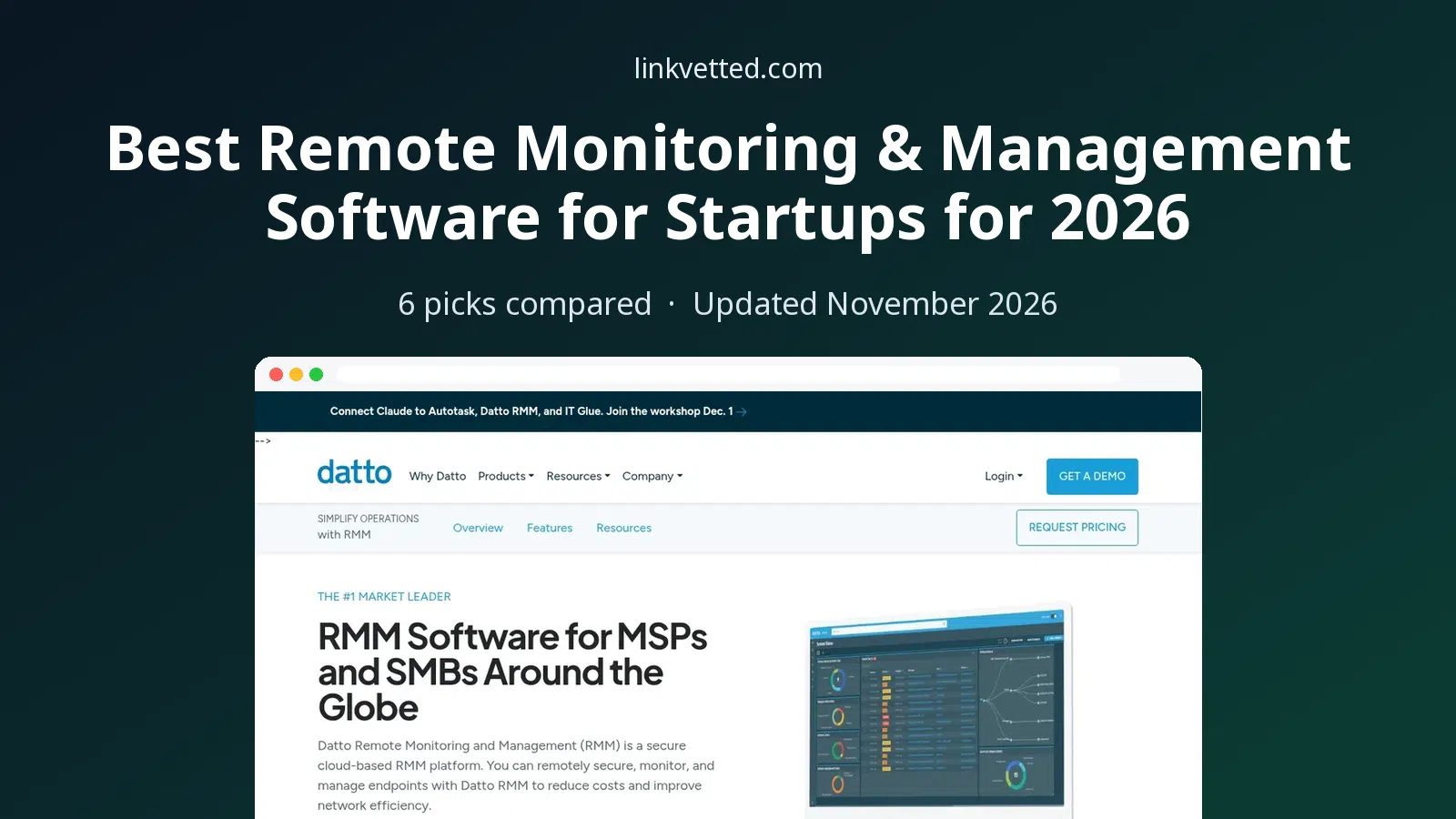
- Editor's choiceDatto RMM
Cloud-based endpoint management
Starts atSee websiteVisit datto.comFull review - Great alternativeConnectWise Automate
Automating repetitive technical work
Starts atSee websiteVisit connectwise.comFull review - Also consider
 Action1
Patching and vulnerability remediation
Starts atSee websiteVisit action1.comFull review
Direct answer
Datto RMM comes first here, mainly for cloud-based endpoint management. Listed starting prices: NinjaOne from $1.50 per device a month. Look at ConnectWise Automate for automating repetitive technical work, and at Action1 for patching and vulnerability remediation. The other 3 tools in the list cover narrower or pricier cases.
TL;DR:
- Datto RMM sits first on this list: cloud-based endpoint management.
- NinjaOne fits unified IT operations in one product.
- The lowest published monthly entry price here is $1.50 per device per month, from NinjaOne.
- The main caution on N-able N-central: pitched at complicated setups, not simple ones.
Last checked November 2026. Prices and plan details were read from the vendors' own pages in November 2026; vendors change plans often, so confirm the current price on the vendor site before you buy.
Quick comparison
| Tool | Best for | Starts at | Free plan? | |
|---|---|---|---|---|
| Datto RMM | Cloud-based endpoint management | See website | Not stated | Visit |
| ConnectWise Automate | Automating repetitive technical work | See website | Not stated | Visit |
| Action1 | Patching and vulnerability remediation | See website | Yes | Visit |
| N-able N-central | Managing complicated environments at scale | See website | Not stated | Visit |
| Kaseya VSA | Automating monitoring and remediation | See website | Not stated | Visit |
 NinjaOne | Unified IT operations in one system | $1.50 per device a month | Free trial | Visit |
The best remote monitoring & management software for startups
Choosing remote monitoring & management software for startups usually comes down to price, fit and limits. This LinkVetted guide sets 6 tools side by side on those three points, with the facts kept short and checkable.
Datto RMM
Best for: Cloud-based endpoint management
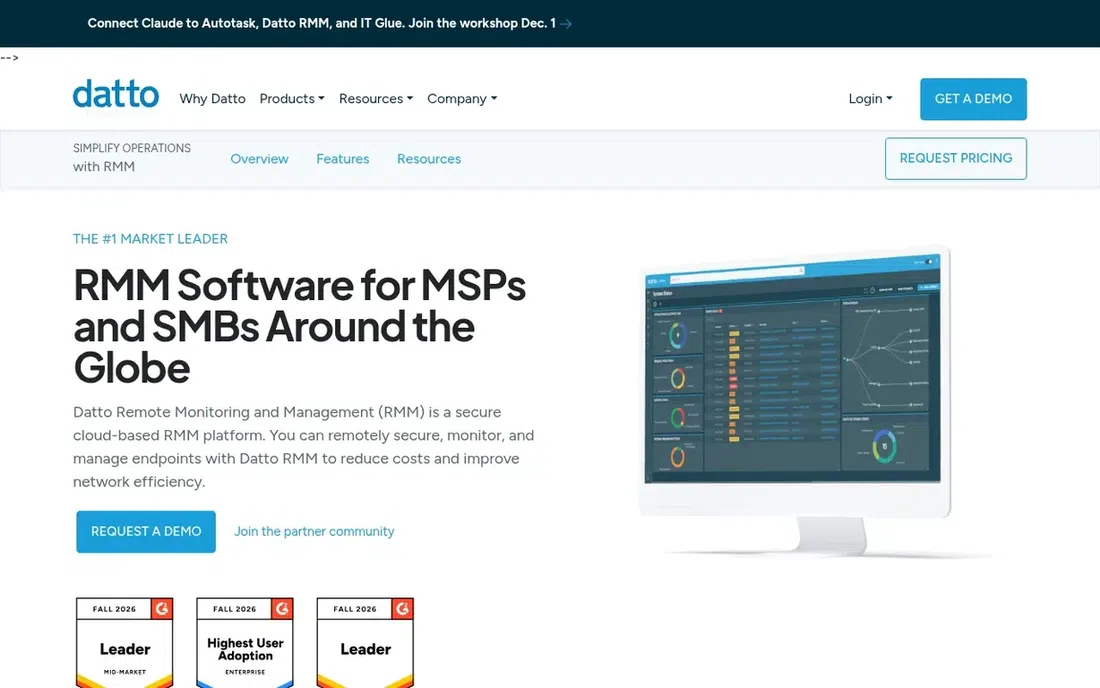
Datto RMM is aimed squarely at cloud-based endpoint management. The feature set is wide enough that a startup with only entry-level monitoring needs may not use all of it. On top of that, choose Datto RMM when cloud delivery and remote endpoint control are priorities, and look at a more straightforward choice if you only need patching.
Watch-outs: Cloud model relies on stable connectivity.
On top of that, Datto RMM is remote monitoring and management software that lets IT teams handle, monitor and secure endpoints from the cloud. It includes monitoring and security tasks in a single interface, so a lean team can watch endpoint health and respond from anywhere. This comparison lists no price for Datto RMM; ask the vendor. Free options: Not stated.
- Cloud-hosted remote management
- Monitoring and security in one place
- Feature depth may exceed entry-level needs
ConnectWise Automate
Best for: Automating repetitive technical work
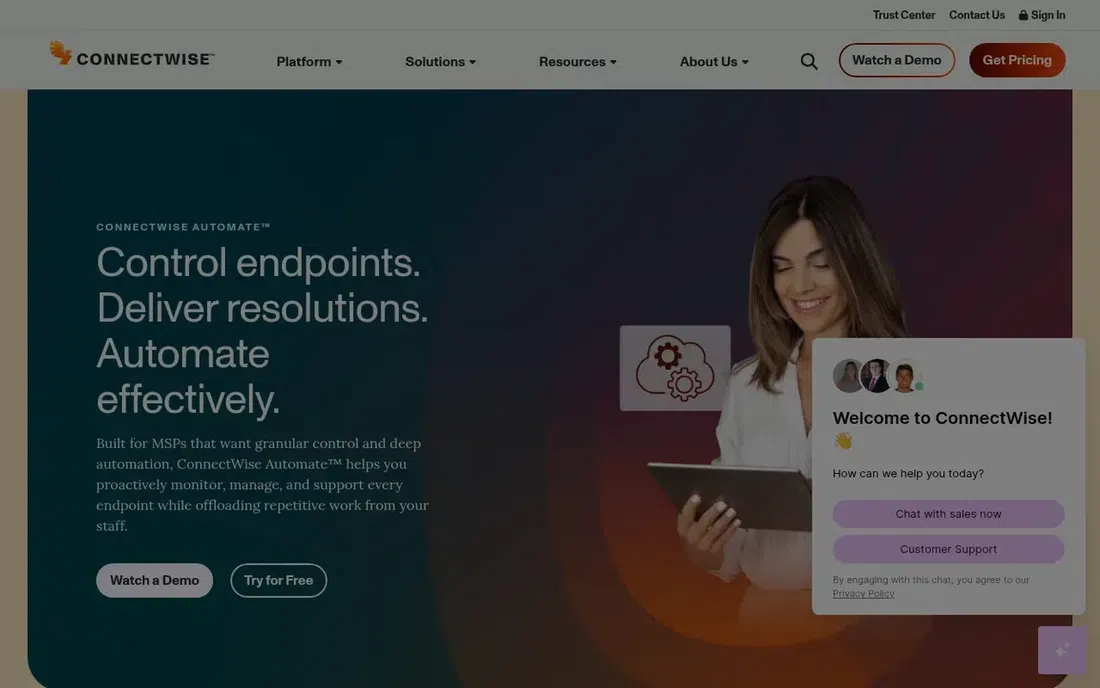
ConnectWise Automate was built for automating repetitive technical work. Startups wanting a fast, straightforward rollout may prefer a lighter tool. More specifically, pick ConnectWise Automate when automation depth matters more than quick setup and you have someone who can build and maintain the workflows.
Its focus is efficiency: scripting and automation cut manual steps across monitoring and maintenance. Worth adding: the automation-first design can demand initial configuration and continuing tuning, which may be more than a very small team can absorb. Pricing for ConnectWise Automate is not stated here, so ask the vendor for current figures. Trial and free access: Not stated.
Downsides: May be heavy for very small teams.
- Capable RMM automation
- Suits service provider workflows
- Automation depth can need setup effort
In short, Action1 is for patching and vulnerability remediation. Its scope is narrower than a full RMM suite, so remote monitoring, ticketing and broader IT operations may need separate tools.
Points against: Narrower focus than full RMM suites.
This comparison lists no price for Action1; ask the vendor. Free access exists with Action1. Reasons to shortlist it: Autonomous patch management.
- Includes Windows
- MacOS and Linux
- Restricted coverage of broader IT operations
N-able N-central
Best for: Managing complicated environments at scale
In short, N-able N-central is for managing complicated environments at scale. Choose N-central when your environment is already varied or you expect rapid growth and want a product aimed at that complexity from the start. As for the details, N-able N-central is described as unified endpoint management with RMM capabilities aimed at scale and complicated environments.
Honest limits: Scale focus may be more than early startups need.
It targets organizations that require to secure endpoints and automate IT operations across an expanding and varied estate. Startups with mixed devices, several locations or compliance pressure may find that depth handy as they expand. Its emphasis on scale and complicated environments means the product can feel like more than an early startup needs. Check the vendor site for N-able N-central pricing; none is listed in this comparison. As for free access: Not stated.
- Automates IT operations
- Unified endpoint management with RMM
- Targeted at complicated setups, not straightforward ones
Kaseya VSA
Best for: Automating monitoring and remediation
Think of Kaseya VSA for automating monitoring and remediation. Kaseya VSA is RMM software that aims to let teams run more endpoints with less manual work. Its stated strengths are automating monitoring, patching, remediation and remote support while connecting IT workflows.
Startups needing only entry-level patching may find it heavier than necessary. In daily use, for startups, that means routine maintenance can run with less practical attention, freeing a small team for higher-value work. Kaseya VSA does not show a starting price in this comparison, so check the vendor site for current pricing. Free access: Not stated.
Points against: Workflow setup takes effort.
- Automates monitoring
- Patching and remediation
- Wide scope may overwhelm small teams
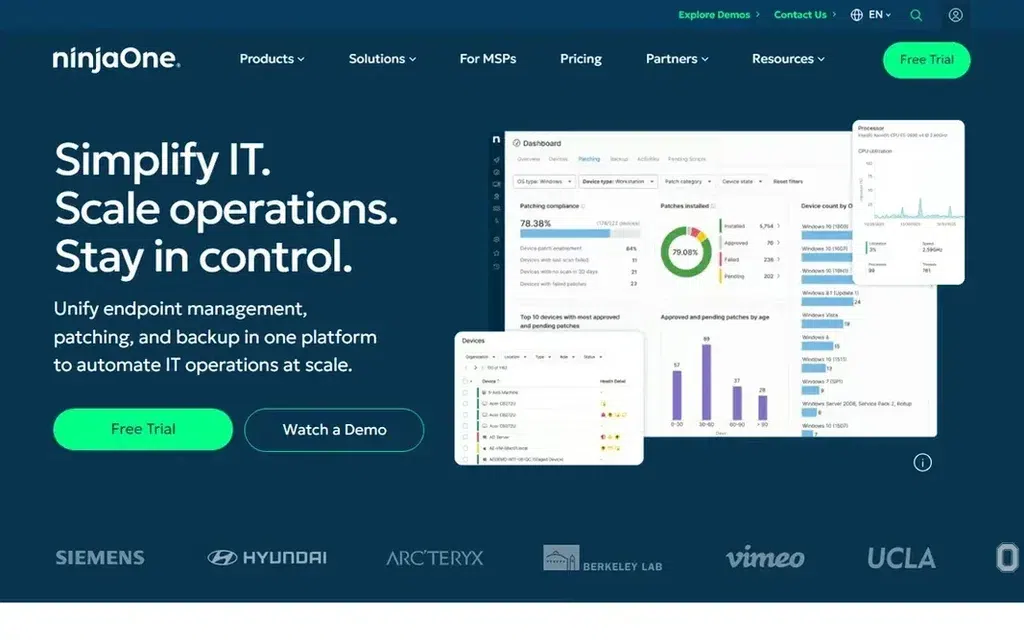
Think of NinjaOne for unified IT operations in one system. NinjaOne presents itself as a unified IT operations system handling endpoint management, autonomous patching, backup and remote access.
Drawbacks to consider: Wide feature set may exceed very small teams.
Startups with a narrow patching-only requirement may find a more straightforward tool quicker to adopt. The starting price for NinjaOne: $1.50 per device per month. Free plan details: Free trial.
What NinjaOne does well: Designed for IT teams and managed service providers.
- Backup and remote access
- Merges endpoint management, patching
- Setup needs planning
Selection criteria
Pre-purchase checklist
- Ask Datto RMM, ConnectWise Automate, Action1 and others for a written quote, since no starting price is shown.
- Look at the free plan from Action1 closely: its caps decide whether it is usable for real work.
- Use real work to test the free trial from NinjaOne, rather than a demo project.
- Before choosing Datto RMM, weigh its main limit: cloud model relies on stable connectivity.
- Test how quickly Action1 answers a pre-sales question; it hints at how support will feel later.
- Ask N-able N-central how an export works before you move any records in; an easy exit lowers the risk.
FAQ
How are the tools for remote monitoring & management software for startups ordered?
The order follows typical fit for remote monitoring & management software for startups, with Datto RMM first and NinjaOne last, then price clarity and free access. It is editorial judgement, not a score, so another team could rank the tools differently.
Which options for remote monitoring & management software for startups have a free plan?
Action1 is the only tool in this list with a free plan. Free plans usually cap users, projects or features, so check the limits on the vendor page. One other tool offers a trial instead. Each of the 6 options in this remote monitoring & management software for startups guide has its own card above with the price, free plan and limits.
Do these tools publish their prices?
Not all of them. Datto RMM, ConnectWise Automate, Action1 and others publish no starting price, so expect a quote request for those. The rest, NinjaOne included, show a starting price, though seats and billing terms still change the final cost.
Is a full RMM suite too much for a small IT team?
Wide systems for example NinjaOne or Kaseya VSA reward setup effort with automation, but a very small team may not use every feature. Startups with straightforward needs frequently do better starting with a focused tool and expanding later.
How do patching-focused tools differ from full RMM products?
Tools like Action1 center on patch management and vulnerability remediation across operating systems. Full RMM systems add monitoring, remote support and at times ticketing and billing.
Is Datto RMM the right pick for everyone comparing remote monitoring & management software for startups?
No single tool suits every team. Datto RMM comes first because it fits cloud-based endpoint management, while ConnectWise Automate suits automating repetitive technical work and Action1 suits patching and vulnerability remediation. Match the tool to your own size, budget and workflow before deciding.
Sources
- https://www.datto.com/products/rmm
- https://www.connectwise.com/platform/automate
- https://www.action1.com
- https://www.n-able.com/products/n-central
- https://www.kaseya.com/products/vsa
- https://www.ninjaone.com