Best RAD Tools for Software Testing in 2026: Prices, Free Plans and 6 Picks
Shortlisting the best RAD tools for software testing? 6 products compared on cost, free access and ideal buyer. Short verdicts, no fluff. Reviewed this month.
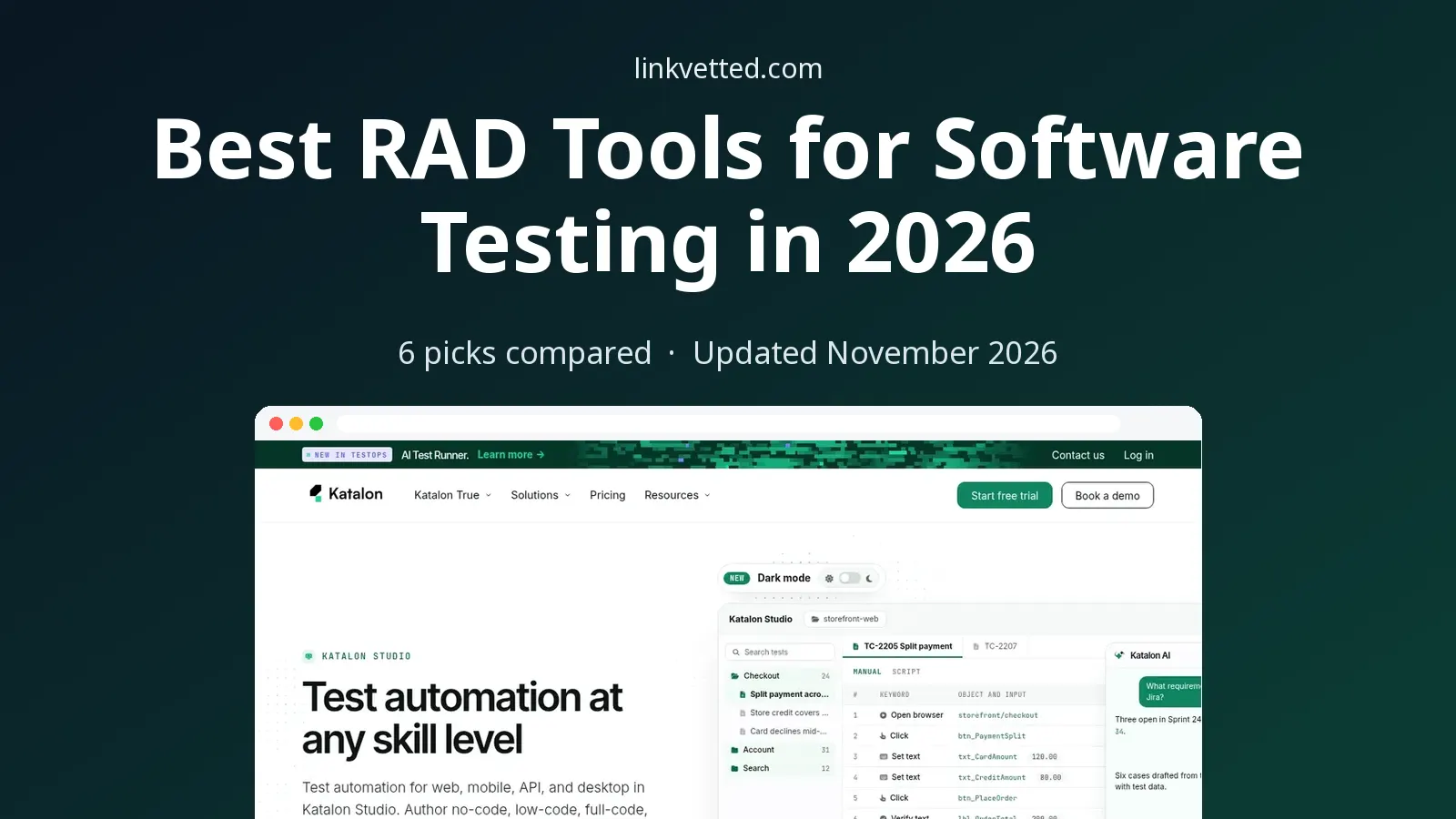
- Editor's choice
 Katalon Studio
One IDE for web, mobile, API, and desktop
Starts at$150 per seat a monthVisit katalon.comFull review - Great alternativeRanorex Studio
GUI testing with advanced object recognition
Starts atSee websiteVisit ranorex.comFull review - Also considerMicro Focus UFT One
Functional automatic testing in enterprise settings
Starts atSee websiteVisit microfocus.comFull review
Direct answer
Katalon Studio is the first pick on this list for One IDE for web, mobile, API, and desktop. Listed starting prices: Katalon Studio from $150 per seat a month. Alternatives: Ranorex Studio for GUI testing with advanced object recognition, and Micro Focus UFT One for functional automatic testing in enterprise settings. All 6 tools are compared below on price, free plan and limits.
TL;DR:
- Top of the list is Katalon Studio, which targets One IDE for web, mobile, API, and desktop.
- Starting prices begin at $150 per seat per month with Katalon Studio.
- TestComplete suits desktop, web, and mobile test automation.
- One limit worth knowing about Katalon Studio: feature depth may vary by test type.
Last checked November 2026. Prices and plan details were read from the vendors' own pages in November 2026; vendors change plans often, so confirm the current price on the vendor site before you buy.
Quick comparison
| Tool | Best for | Starts at | Free plan? | |
|---|---|---|---|---|
| Katalon Studio | One IDE for web, mobile, API, and desktop | $150 per seat a month | Free trial | Visit |
| Ranorex Studio | GUI testing with advanced object recognition | See website | Free trial | Visit |
| Micro Focus UFT One | Functional automatic testing in enterprise settings | See website | Not stated | Visit |
 Testim | AI-powered stable UI and functional testing | See website | Yes | Visit |
 Leapwork | Continuous validation with governance | See website | Not stated | Visit |
 TestComplete | Desktop, web, and mobile test automation | See website | Not stated | Visit |
6 options for RAD tools for software testing in detail
If you are comparing RAD tools for software testing, this page covers 6 tools in one place: what each is best for, what it costs to start, whether it has a free plan, and the main limit to know about.
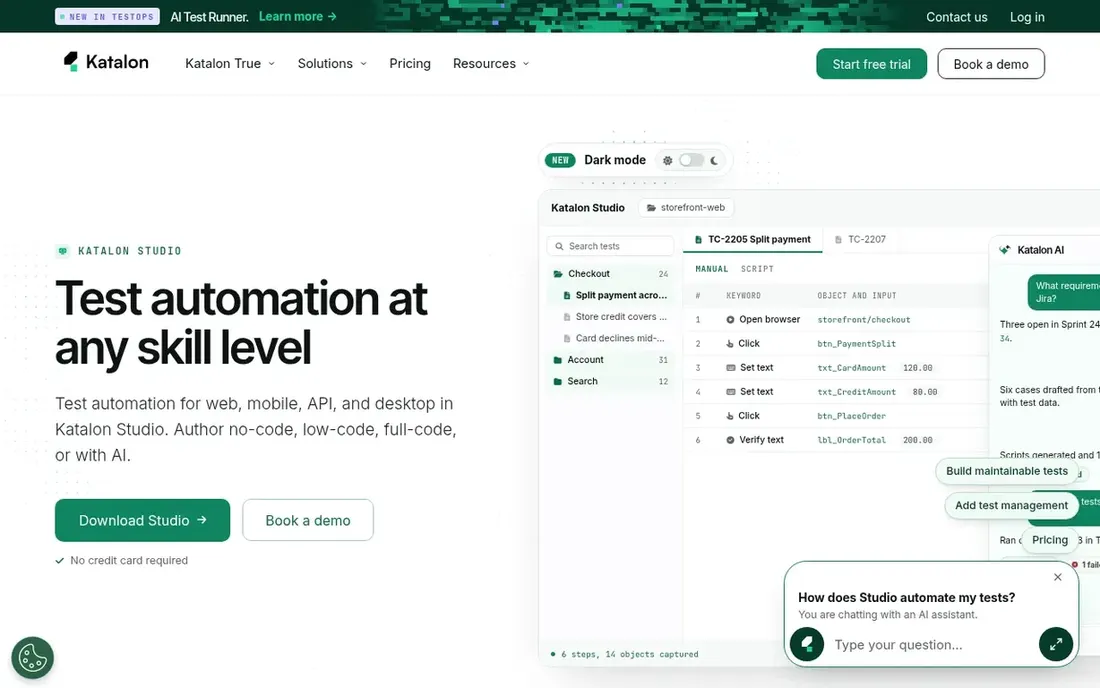
Katalon Studio is aimed squarely at One IDE for web, mobile, API, and desktop. Whereas Katalon Studio includes numerous test types, teams with highly specialized needs may find that some areas are less deep than dedicated tools.
Where Katalon Studio stands out: Single IDE for several test types.
Where it is weaker: Feature depth may vary by test type.
It is a solid fit when a unified IDE is more valuable than best-of-breed depth in one area. Price to start with Katalon Studio: $150 per seat per month. Free plan details: Free trial.
- Full-code authoring
- No-code, low-code
- Advanced use may need scripting knowledge
Ranorex Studio
Best for: GUI testing with advanced object recognition
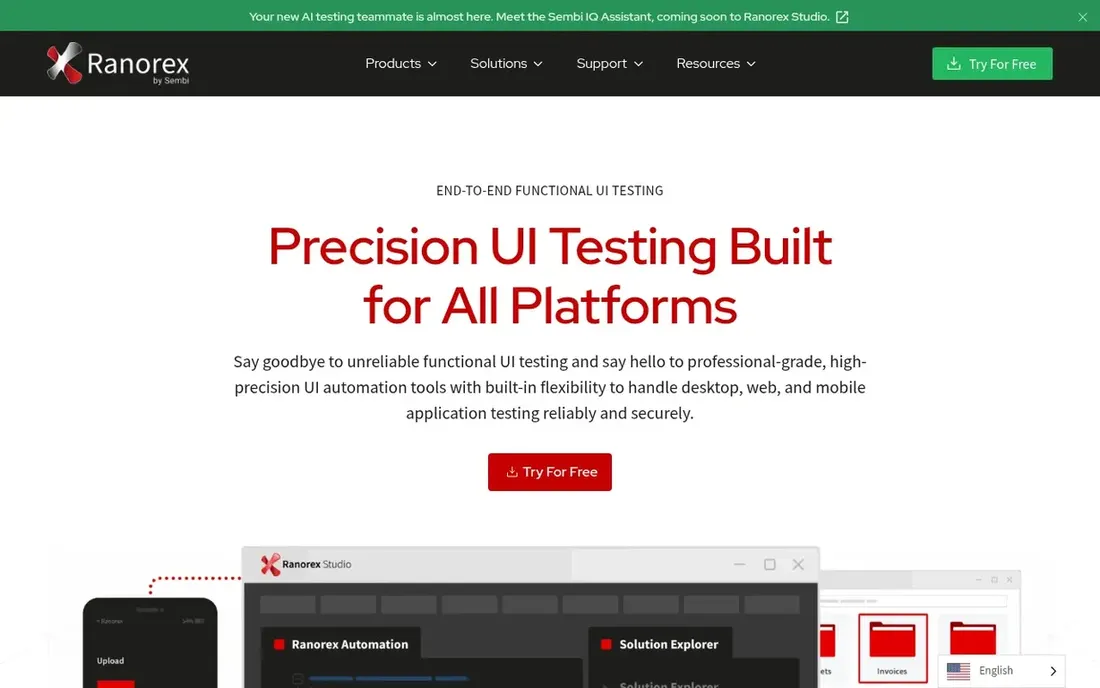
Ranorex Studio targets GUI testing with advanced object recognition. The product is positioned for enterprise environments, making it a fit for teams that require structured GUI automation across several application types and want tooling that supports maintainable test suites.
Points against: GUI focus may not include every API testing need.
Check the vendor site for Ranorex Studio pricing; none is listed in this comparison. On free options: Free trial.
- Advanced object recognition for stable tests
- Steady GUI testing for desktop, web, mobile
- Setup and maintenance can need training
Micro Focus UFT One
Best for: Functional automatic testing in enterprise settings
Micro Focus UFT One is aimed squarely at functional automatic testing in enterprise settings. Micro Focus UFT One is a unified functional automatic testing product now presented within the OpenText information management portfolio. It is pitched at enterprise teams that require functional test automation across applications.
On top of that, consider it when enterprise integration and functional testing depth matter more than a lightweight setup. From a buyer's view, the tool can be complicated to set up and administer for smaller teams. More specifically, since UFT One is part of a bigger portfolio, finding current product details may require navigating OpenText resources. No starting price is listed for Micro Focus UFT One here; confirm pricing on the vendor site. Free access: Not stated.
Points against: Product information may be found under OpenText.
- Unified functional automatic testing product
- Part of the OpenText information management portfolio
- Can be complicated to administer
Testim is built with AI-powered stable UI and functional testing in mind. It is built for teams that want to produce stable automatic tests rapidly and scale their quality efforts.
Honest limits: Primarily concentrated on UI and functional testing.
Also, the system emphasizes reducing flakiness through AI-assisted locators, making it a fit for web teams that require to maintain dependable test suites as applications change often. Testim shows no starting price here, so confirm the cost on the vendor site. Free access exists with Testim.
- Tools to help scale quality
- AI-powered test stability
- Advanced needs may need extra tooling
Leapwork is a good fit for continuous validation with governance. The breadth of Leapwork, including governance and performance testing, can be complicated for small teams or straightforward projects.
Downsides: Governance focus may be more than small teams need.
It is made for organizations that require to trust software delivery through continuous validation. Also, choose it when continuous validation and governance are central to your delivery process. This comparison lists no price for Leapwork; ask the vendor. Trial and free access: Not stated.
- Governance features for software delivery
- Contains performance testing
- Wide system may be complicated to adopt
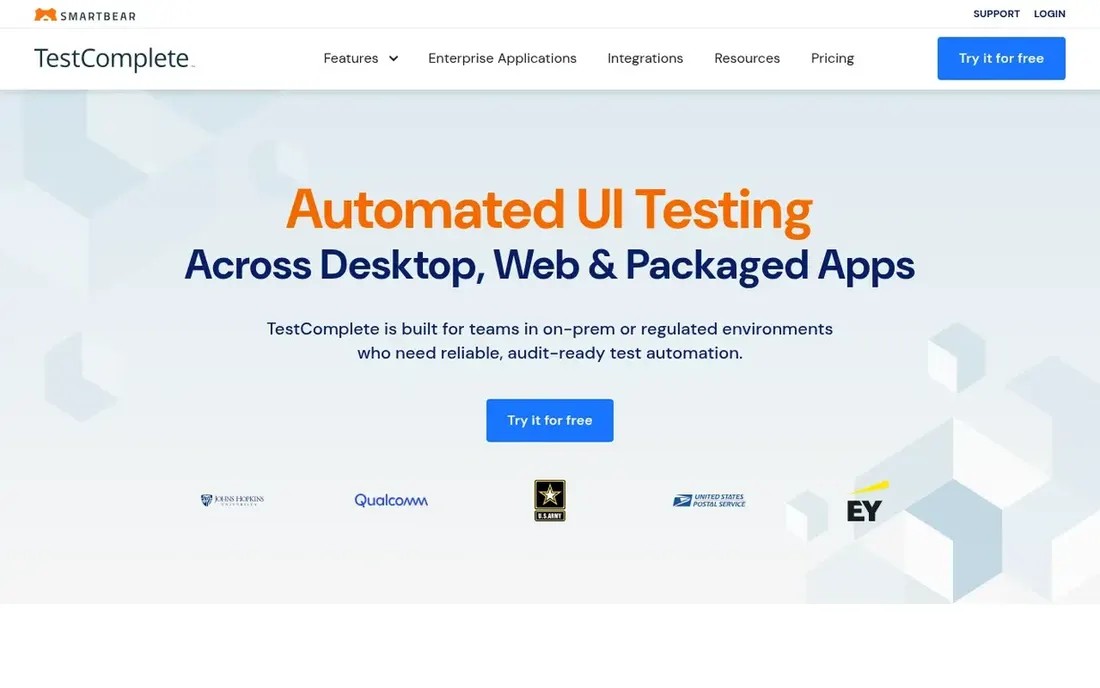
TestComplete is built with desktop, web, and mobile test automation in mind. TestComplete is a test automation product from SmartBear that targets desktop, web, and mobile applications. It is made for teams that want one environment to automate functional tests across several interfaces.
Downsides: Can be complicated for very small teams.
Highlights: Handles desktop, web.
On top of that, the system can be heavy for teams that only need light API checks or straightforward browser scripts. Its breadth may need time to learn. In practice, consider TestComplete when cross-platform functional coverage is a priority. No starting price is listed for TestComplete here; confirm pricing on the vendor site. Free access: Not stated.
- Backed by SmartBear product documentation
- Supports scripted and scriptless test creation
- May need licensing for full use
Our selection method
Things to verify first
- Ask Ranorex Studio, Micro Focus UFT One, Testim and others for a written quote, since no starting price is shown.
- Test the free plan from Testim against your real workload before relying on it.
- Use real work to test the free trial from Katalon Studio and Ranorex Studio, rather than a demo project.
- Before choosing Katalon Studio, weigh its main limit: feature depth may vary by test type.
- Find out whether the entry plan of Testim covers your must-haves or only a trimmed-down version.
- The entry price of Leapwork is only the starting point; model the full cost with seats and extras.
FAQ
Do these tools publish their prices?
Not all of them. Ranorex Studio, Micro Focus UFT One, Testim and others publish no starting price, so expect a quote request for those. The rest, Katalon Studio included, show a starting price, though seats and billing terms still change the final cost.
Is open-source testing automation a choice?
Yes, multiple open-source frameworks exist, but they are not covered in this comparison. The tools listed here are commercial products with vendor support.
Is Katalon Studio the right pick for everyone comparing RAD tools for software testing?
No single tool suits every team. Katalon Studio comes first because it fits One IDE for web, mobile, API, and desktop, while Ranorex Studio suits GUI testing with advanced object recognition and Micro Focus UFT One suits functional automated testing in enterprise settings. Match the tool to your own size, budget and workflow before deciding.
Which options for RAD tools for software testing have a free plan?
Testim is the only tool in this list with a free plan. Free plans usually cap users, projects or features, so check the limits on the vendor page. Several others offer a trial instead.
How are the tools for RAD tools for software testing ordered?
The order follows typical fit for RAD tools for software testing, with Katalon Studio first and TestComplete last, then price clarity and free access. It is editorial judgement, not a score, so another team could rank the tools differently.
Sources
- https://katalon.com/katalon-studio
- https://www.ranorex.com
- https://www.microfocus.com/en-us/products/unified-functional-automated-testing/overview
- https://www.testim.io
- https://www.leapwork.com
- https://smartbear.com/product/testcomplete