Best Text Editor on Windows (2026): 6 Picks Checked on Vendor Pages
Best text editor on Windows in 2026: 6 contenders with entry costs and free tiers. The weak spots sit next to the strengths. Built for quick decisions.
- Editor's choiceUltraEdit
Large files and complicated data
Starts at$94.96 a yearVisit ultraedit.comFull review - Great alternativeEditPad Pro
Convenient everyday text editing
Starts atSee websiteVisit editpadpro.comFull review - Also considerEmEditor
Large files, CSV and code on Windows
Starts atSee websiteVisit emeditor.comFull review
Direct answer
For large files and complex data, UltraEdit is where this list starts. Listed starting prices: UltraEdit from $94.96 a year. Look at EditPad Pro for convenient everyday text editing, and at EmEditor for large files, CSV and code on Windows. All 6 tools are compared below on price, free plan and limits.
TL;DR:
- UltraEdit sits first on this list: large files and complex data.
- One limit worth knowing about UltraEdit: heavier than straightforward editors.
- Sublime Text is the one to check for refined editing of code and prose.
- Pricing for EditPad Pro, EmEditor, BBEdit and others is quote-based, which adds a sales step before you can compare cost.
Last checked November 2026. Prices and plan details were read from the vendors' own pages in November 2026; vendors change plans often, so confirm the current price on the vendor site before you buy.
Quick comparison
| Tool | Best for | Starts at | Free plan? | |
|---|---|---|---|---|
| UltraEdit | Large files and complicated data | $94.96 a year | No | Visit |
| EditPad Pro | Convenient everyday text editing | See website | Not stated | Visit |
| EmEditor | Large files, CSV and code on Windows | See website | Not stated | Visit |
| BBEdit | Mac users needing a solid text editor | See website | Not stated | Visit |
| Notepad++ | Quick everyday code and text edits | See website | Not stated | Visit |
 Sublime Text | Refined editing of code and prose | See website | Not stated | Visit |
The best text editor on Windows
If you are comparing text editor on Windows, this page covers 6 tools in one place: what each is best for, what it costs to start, whether it has a free plan, and the main limit to know about.
UltraEdit
Best for: Large files and complicated data
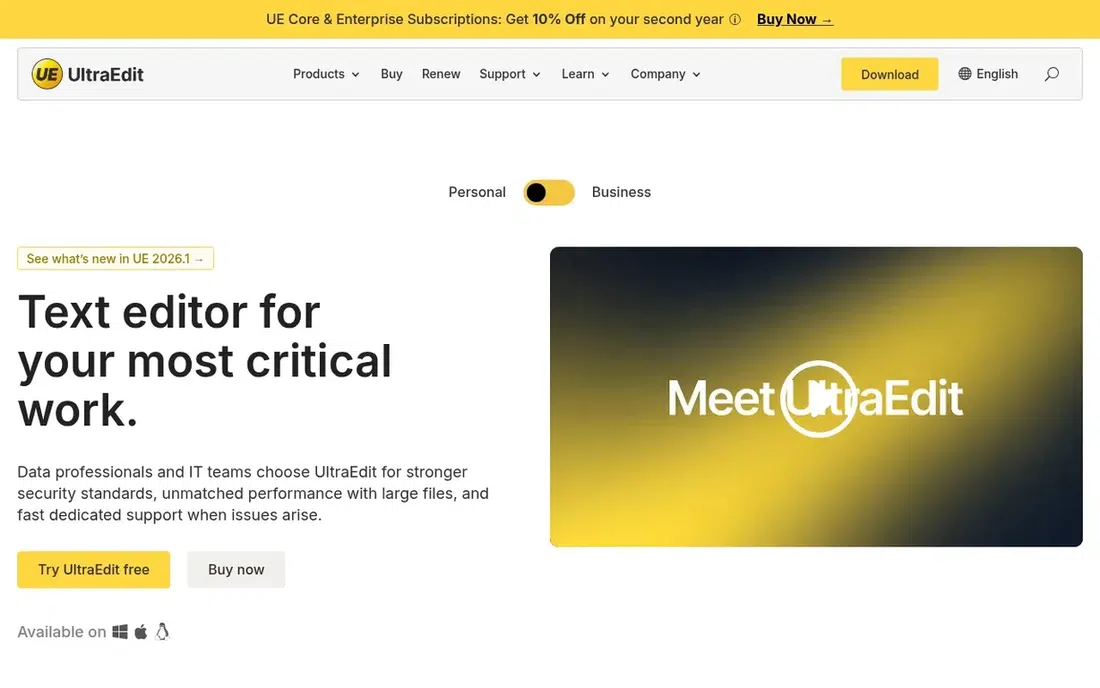
Where UltraEdit fits: large files and complicated data. UltraEdit is a professional text and code editor targeted at large files, complicated data and sensitive workflows. It is available for Windows, macOS and Linux.
Trade-offs to know: Commercial product to evaluate.
What works well: Available on Windows.
Its professional focus means it is more than numerous casual users need, and more straightforward editors feel lighter for fast edits. In practice, evaluate UltraEdit when large files and mixed text, code and hex editing are routine. On top of that, if your work is largely short scripts, Notepad++ or Sublime Text may be simpler to live with. What you pay to start with UltraEdit: $94.96 per year. UltraEdit does not include a free plan.
- Aimed at large files
- MacOS and Linux
- Heavier than straightforward editors
EditPad Pro
Best for: Convenient everyday text editing
EditPad Pro works best for convenient everyday text editing. EditPad Pro is presented as a feature-rich and versatile text editor or word processor for Windows, meant to make text editing as convenient as possible. It sits between a plain editor and a word processor.
Consider EditPad Pro when comfortable, everyday text editing matters more than specialized data handling. On top of that, for routine text work, though, its convenience focus is the draw. Check the vendor site for EditPad Pro pricing; none is listed in this comparison. Free access: Not stated.
Watch-outs: Windows focused.
- Aims to save editing time
- Built for convenient text editing
- Less known for large-file work
EmEditor
Best for: Large files, CSV and code on Windows
EmEditor is a good fit for large files, CSV and code on Windows. For Windows users whose day involves large files and CSV, EmEditor is a good fit, whereas straightforward editing tasks may not need its specialization. For everyday use, since it is Windows focused and edition features differ, buyers should check which capabilities they need before committing.
Trade-offs to know: Editions differ in features.
On top of that, EmEditor is described as a fast, light text editor for Windows with capable support for large files, CSV and code. Its focus on large files and CSV makes it a practical alternative to general editors for data-heavy tasks. EmEditor shows no starting price here, so confirm the cost on the vendor site. Free access: Not stated.
- Solid large-file support
- Quick and light
- Windows focused
BBEdit
Best for: Mac users needing a solid text editor
BBEdit makes the most sense for Mac users needing a solid text editor. BBEdit from Bare Bones Software is a well-known text editor with a long history among technical users, valued for editing code and prose with a deep feature set.
Trade-offs to know: Not a Windows application.
It is widely used by writers, web developers and system administrators who want a dependable editor for text-heavy work. Pricing for BBEdit is not stated here, so ask the vendor for current figures. Free access: Not stated.
- Well regarded by technical users
- Long-established text editor
- Not pitched at Windows workflows
Notepad++
Best for: Quick everyday code and text edits
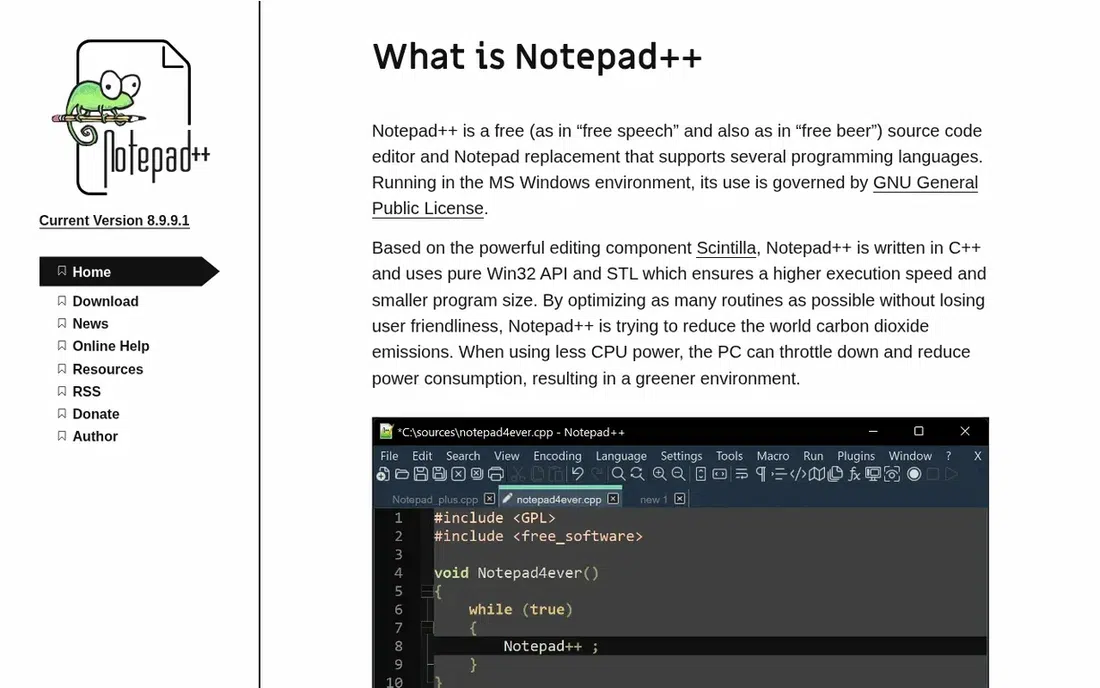
Notepad++ is designed for quick everyday code and text edits. Notepad++ is a long-standing Windows text editor built around fast, tabbed editing of plain text and source code.
Watch-outs: Interface feels dated to some users.
It opens quick and manages the everyday jobs most people need: viewing logs, tweaking config files, and writing short scripts. Notepad++ shows no starting price here, so confirm the cost on the vendor site. Free plan details: Not stated.
- Widely used on Windows
- Tabbed editing for plenty of files
- Windows only
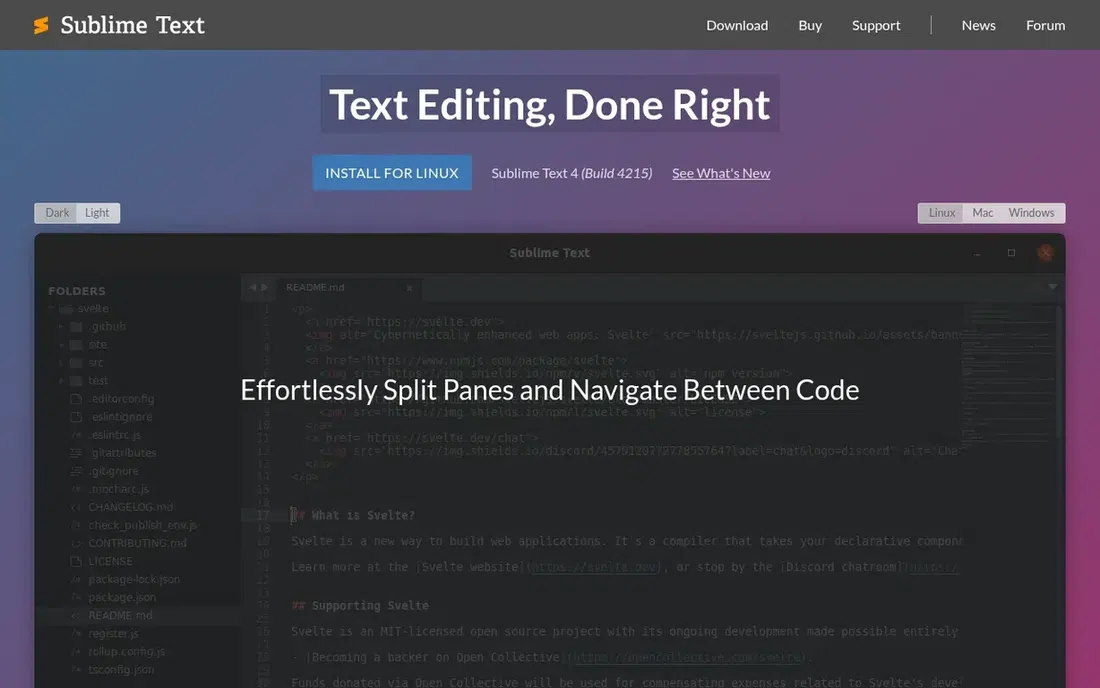
Sublime Text is aimed squarely at refined editing of code and prose. Sublime Text describes itself as a sophisticated text editor for code, markup and prose. Its appeal is a fast, refined editing experience that stays out of the way, which fits developers and writers who spend long hours in a single window.
What to check first: Some advanced features need extras.
It does well for multi-file projects and fast edits alike, and the interface is built to keep focus on the text. For very large files or CSV-heavy work, UltraEdit and EmEditor are more targeted. Worth adding: choose Sublime Text when speed and a clean editing surface matter most. Sublime Text does not show a starting price in this comparison, so check the vendor site for current pricing. Trial and free access: Not stated.
Reasons to shortlist it: responsive editing; markup and prose.
- Focused interface
- Quick
- Less built-in collaboration
How we built this list
LinkVetted used vendor pricing pages and product documentation as the base, then compared plans, free access and documented limits for 6 tools. Where a price is missing, the vendor does not list one publicly or ties it to a quote. Always confirm before budgeting. The order reflects how well each tool fits the most common buying scenario for text editor on Windows, then price clarity, then free plan access. It is a starting point, not a verdict.
Pre-purchase checklist
- Ask EditPad Pro, EmEditor, BBEdit and others for a written quote, since no starting price is shown.
- Read the limits listed for UltraEdit first: heavier than straightforward editors.
- Before rolling out BBEdit, verify the integrations your workflow depends on.
- Find out what support UltraEdit includes on your plan, and whether onboarding help costs extra.
- Confirm minimum seats and billing terms with EditPad Pro before you commit to an annual plan.
FAQ
Which Windows text editor is a good match for very large files?
The first pick on this list is UltraEdit, because it suits large files and complicated data. EditPad Pro is better for convenient everyday text editing, and EmEditor for large files, CSV and code on Windows. Check price and limits against your own needs before choosing.
How are the tools for text editor on Windows ordered?
The order follows typical fit for text editor on Windows, with UltraEdit first and Sublime Text last, then price clarity and free access. It is editorial judgement, not a score, so another team could rank the tools differently.
Is UltraEdit the right pick for everyone comparing text editor on Windows?
No single tool suits every team. UltraEdit comes first because it fits large files and complex data, while EditPad Pro suits convenient everyday text editing and EmEditor suits large files, CSV and code on Windows. Match the tool to your own size, budget and workflow before deciding.
Can I try these tools before paying?
Not by default. None of the tools, from UltraEdit to Sublime Text, lists a free plan or a free trial here, so ask each vendor for a demo before committing.
Does any tool for text editor on Windows here have a free plan?
A permanent free plan is not offered by UltraEdit, Sublime Text or the other tools here. Plan a short evaluation period instead.
Sources
- https://www.ultraedit.com
- https://www.editpadpro.com
- https://www.emeditor.com
- https://www.barebones.com
- https://notepad-plus-plus.org
- https://www.sublimetext.com