Best Ticket Software for Bug Tracking (2026): 6 Picks Checked on Vendor Pages
Shortlisting the best ticket software for bug tracking? 6 products compared on cost, free access and ideal buyer. Real limits included. Pick with confidence.
- Editor's choice
 MantisBT
Small teams needing a free, self-hosted bug tracker
Starts atSee websiteVisit mantisbt.orgFull review - Great alternative
 GitHub Issues
Teams already hosting code on GitHub
Starts atSee websiteVisit github.comFull review - Also consider
 YouTrack
Teams wanting task tracking with a knowledge base
Starts atSee websiteVisit jetbrains.comFull review
Direct answer
MantisBT is the first pick on this list for small teams needing a free, self-hosted bug tracker. Listed starting prices: Linear from $10 per user per month. If your case is different, GitHub Issues suits teams already hosting code on GitHub and YouTrack suits teams wanting task tracking with a knowledge base. Prices, free plans and limits for all 6 tools follow.
TL;DR:
- Number one here is MantisBT, a fit for small teams needing a free, self-hosted bug tracker.
- Linear has the lowest monthly starting price in this list: $10 per user per month.
- YouTrack comes with a trade-off: feature set may exceed straightforward bug tracking.
- Linear stands alone as the one tool in this list with a free plan.
- Bugzilla is the one to check for open source projects needing a self-hosted tracker.
Last checked November 2026. Prices and plan details were read from the vendors' own pages in November 2026; vendors change plans often, so confirm the current price on the vendor site before you buy.
Quick comparison
| Tool | Best for | Starts at | Free plan? | |
|---|---|---|---|---|
| MantisBT | Small teams needing a free, self-hosted bug tracker | See website | Not stated | Visit |
| GitHub Issues | Teams already hosting code on GitHub | See website | Not stated | Visit |
| YouTrack | Teams wanting task tracking with a knowledge base | See website | Not stated | Visit |
 Jira | Teams wanting AI-assisted project and bug tracking | See website | Not stated | Visit |
 Linear | Product teams wanting a quick, simplified workflow | $10 per user per month | Yes | Visit |
 Bugzilla | Open source projects needing a self-hosted tracker | See website | Not stated | Visit |
The best ticket software for bug tracking
Short on time? The summary and table above give the quick view of 6 tools for ticket software for bug tracking, and the profiles that follow give the detail behind each entry.
Where MantisBT fits: small teams needing a free, self-hosted bug tracker. MantisBT is a free, web-based bug tracking system written in PHP that works with MySQL, MS SQL, and PostgreSQL databases.
It has been installed on Windows, Linux, Mac OS, OS/2, and other systems, making it an adaptable choice for teams that want to self-host a straightforward tracker. More specifically, running it needs a PHP environment and database administration. MantisBT does not show a starting price in this comparison, so check the vendor site for current pricing. Free access: Not stated.
Honest limits: Entry-level feature set.
- Free and open source
- Straightforward web-based bug tracking
- Needs PHP and database setup
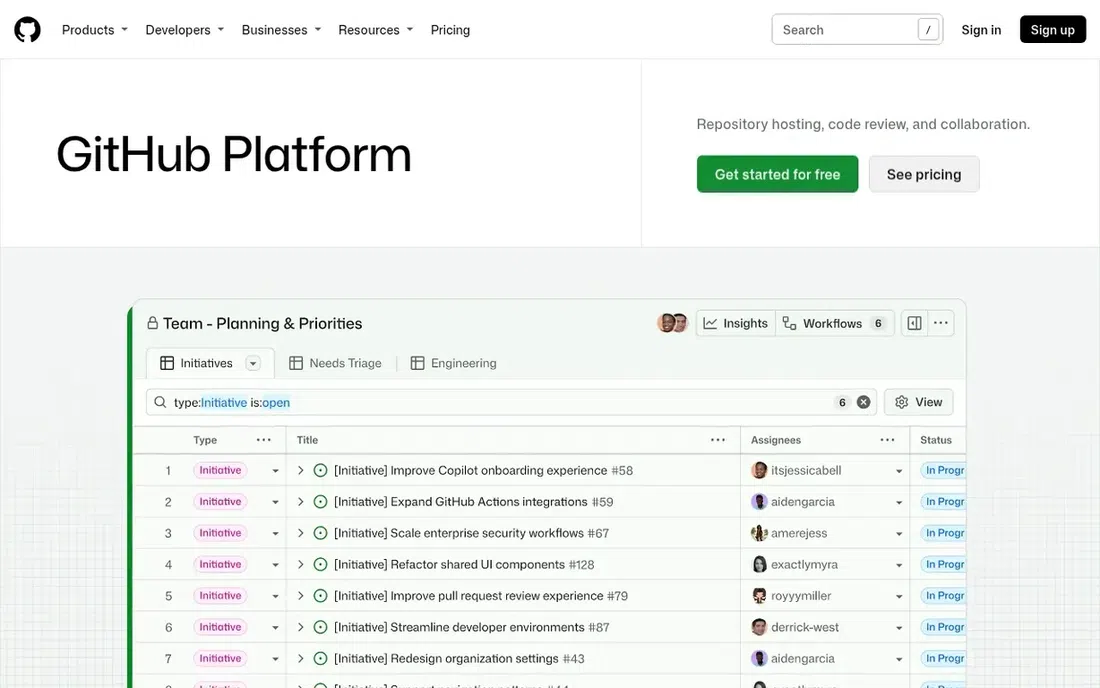
Pick GitHub Issues if this describes you: teams already hosting code on GitHub. For complicated planning, dependencies, or in-depth reporting, you may need extra tools.
Beyond that, bug reports live alongside repositories, pull requests, and automation workflows, which keeps development context in one place. More specifically, issue tracking is tied closely to GitHub, so teams using other code hosts may find it less convenient. This comparison lists no price for GitHub Issues; ask the vendor. Free access: Not stated.
Where it falls short: Restricted outside the GitHub ecosystem.
- Familiar to open source contributors
- Supports automation workflows
- Advanced planning needs additional tooling
For teams wanting task tracking with a knowledge base, YouTrack is a natural candidate. It is designed with every team member in mind, so bug tracking can sit alongside other work without switching tools.
Upsides: Supports customer support workflows.
On top of that, since YouTrack spans plenty of areas, teams that only need entry-level bug tracking may find more features than necessary. YouTrack shows no starting price here, so confirm the cost on the vendor site. As for free access: Not stated.
Drawbacks to consider: Feature set may exceed straightforward bug tracking.
- Built for all team members
- Knowledge base
- Customization needs learning

Jira is built with teams wanting AI-assisted project and bug tracking in mind. Jira is a project management system from Atlassian that teams use to plan, track, and release software.
In daily use, the breadth of configuration choices can slow down small teams or those new to issue tracking. Jira performs best when you can dedicate effort to workflow design and continuing administration. Jira does not show a starting price in this comparison, so check the vendor site for current pricing. Trial and free access: Not stated.
Trade-offs to know: Can be complicated to configure.
- Scales across plenty of project types
- Solid ecosystem of integrations
- May feel heavy for small teams
Linear was built for product teams wanting a quick, simplified workflow. Linear is a system for product development, purpose-built for planning and building products with AI agents.
Where it is weaker: Less suited to non-product teams.
Linear is oriented toward product development, so teams outside that context may find it less adaptable. It supplies fewer deep customization choices than bigger products. Linear cost at the entry level: $10 per user per month. A free plan is available with Linear.
- Focused interface
- Clean
- Fewer customization choices than some rivals
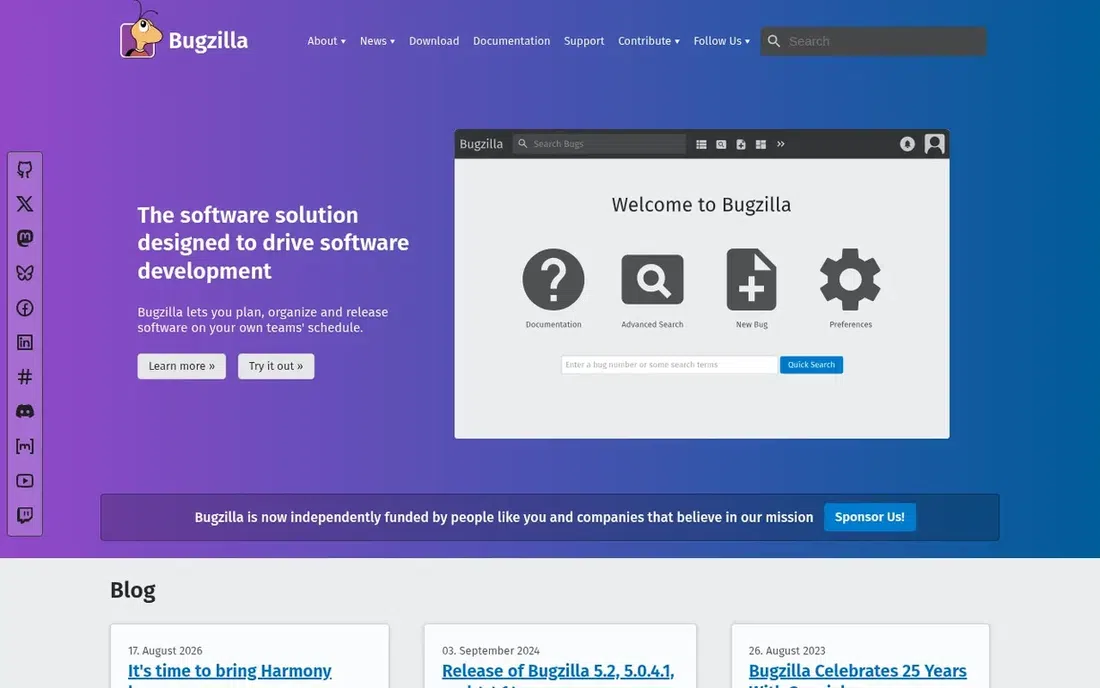
Choose Bugzilla for open source projects needing a self-hosted tracker. Its interface is functional rather than modern, and it concentrates on bug tracking instead of broader project management.
Consider a hosted or more integrated product if you lack administrative resources. No starting price is listed for Bugzilla here; confirm pricing on the vendor site. Trial and free access: Not stated.
Limits to weigh: Needs server administration.
- Mature bug tracking workflow
- Self-hosted and open source
- Interface feels dated to some users
How we built this list
We compared the tools on published pricing, free plan or trial availability, feature coverage for ticket software for bug tracking, and the limits each vendor documents. Plan names, prices and limits change often. Treat the figures here as a starting point and verify them with the vendor. We ordered the tools by general fit, then by how clearly pricing is shown, then by free access. A buyer with unusual needs may reorder them.
What to confirm before you sign up
- Ask MantisBT, GitHub Issues, YouTrack and others for a written quote, since no starting price is shown.
- Test the free plan from Linear against your real workload before relying on it.
- Read the limits listed for MantisBT first: entry-level feature set.
- Ask whether YouTrack integrates with your current software, and whether that comes standard or as an add-on.
- Ask MantisBT how an export works before you move any records in; an easy exit lowers the risk.
FAQ
Which options for ticket software for bug tracking have a free plan?
Linear is the only tool in this list with a free plan. Free plans usually cap users, projects or features, so check the limits on the vendor page. Each of the 6 options in this ticket software for Bug tracking guide has its own card above with the price, free plan and limits.
Is MantisBT the right pick for everyone comparing ticket software for bug tracking?
No single tool suits every team. MantisBT comes first because it fits small teams needing a free, self-hosted bug tracker, while GitHub Issues suits teams already hosting code on GitHub and YouTrack suits teams wanting task tracking with a knowledge base. Match the tool to your own size, budget and workflow before deciding.
What should I look for in bug tracking ticket software?
Focus on how well the tool suits your workflow, whether it links up with your code host and delivery pipeline, and how much administration it needs. Consider whether you need just bug tracking or broader project planning. Hosting model and customization depth are also key factors.
Can I use GitHub Issues for bug tracking without other tools?
That said, for advanced planning, dependencies, or in-depth reporting, you may need extra tooling. It is most useful for teams already centered on GitHub.
Do these tools publish their prices?
Not all of them. MantisBT, GitHub Issues, YouTrack and others publish no starting price, so expect a quote request for those. The rest, Linear included, show a starting price, though seats and billing terms still change the final cost.
What is the cheapest option for ticket software for bug tracking in this list?
On published monthly entry prices, Linear is the lowest here at $10 per user per month. Entry price is only part of the cost, because seats, add-ons and billing terms can change the total. All 6 picks in this ticket software for Bug tracking comparison list a starting price, free plan details and the main limits on their cards above.
Sources
- https://www.mantisbt.org
- https://github.com/features/issues
- https://www.jetbrains.com/youtrack
- https://www.atlassian.com/software/jira
- https://linear.app
- https://www.bugzilla.org