Best Tmux Alternatives in 2026: 9 Tools Compared
We compared 9 tmux alternatives for sessions, panes, layouts and remote work, so you can find a terminal multiplexer that fits your habits. for daily work.

- Editor's choice
 Zellij
Modern sessions with visible shortcuts
Starts atFreeVisit zellij.devFull review - Great alternative
 GNU Screen
Sessions on older servers
Starts atFreeVisit gnu.orgFull review - Also consider
 Byobu
Friendly tmux and Screen front end
Starts atFreeVisit byobu.orgFull review
TL;DR:
- Zellij is the easiest move from tmux, with on-screen hints, layouts and floating panes built in.
- GNU Screen remains the safe pick on old servers where you cannot install new software.
- Byobu adds a friendly status bar and function-key shortcuts on top of tmux or Screen.
- WezTerm, Kitty and Alacritty suit people who want tabs and panes inside the terminal itself.
- iTerm2 and Warp are the main Mac-focused options, while Terminator fits Linux desktop users.
Quick comparison
| Tool | Best for | Starts at | Free plan? | |
|---|---|---|---|---|
| Zellij | Modern sessions with visible shortcuts | Free | Yes | Visit |
| GNU Screen | Sessions on older servers | Free | Yes | Visit |
| Byobu | Friendly tmux and Screen front end | Free | Yes | Visit |
 WezTerm | Terminal with built-in multiplexing | Free | Yes | Visit |
 Kitty | Fast GPU terminal with tabs | Free | Yes | Visit |
 Alacritty | Light, fast terminal | Free | Yes | Visit |
 iTerm2 | Mac terminal with panes and profiles | Free | Yes | Visit |
 Terminator | Tiled terminals on Linux | Free | Yes | Visit |
 Warp | Modern Mac terminal with AI help | Free | Yes | Visit |
The best tmux alternatives
Tmux is a strong standard, but it asks you to learn its prefix keys and configuration before it feels natural. The tools below take different paths to the same goal: split panes, lasting sessions, and a workspace you can return to after a disconnect.

Zellij is the first tool to try if tmux felt hard to learn. A status bar shows which keys are available in each mode, so you do not need to memorise a long list before you can split a pane. Layout files let you define a workspace once, with an editor, a server and a shell side by side, then reopen that layout with one command.
It also handles detach and reattach in the way tmux users expect, so work survives a dropped SSH connection. The plugin system, based on WebAssembly, adds extras without changing the core tool. The catch is maturity. Zellij is newer, so a complex tmux setup with years of scripts may not transfer directly, and you should test it on a real project before switching fully.
- On-screen key hints
- Built-in layouts
- Floating panes and plugins
- Younger project than tmux
- Some advanced tmux scripts need rework
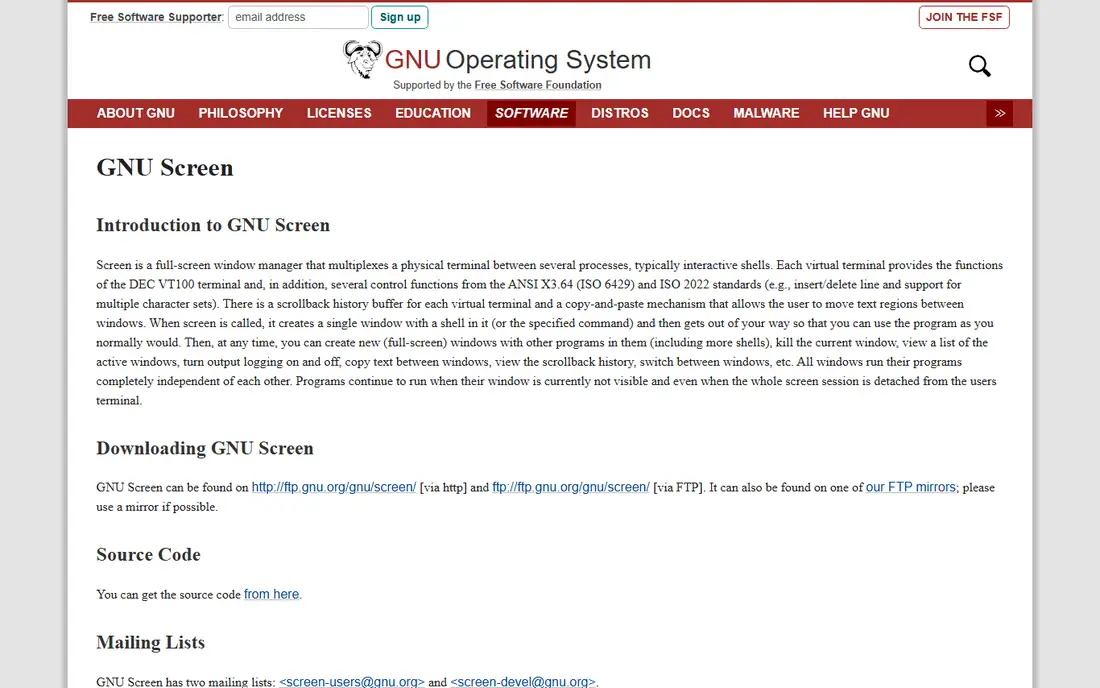
GNU Screen is the original terminal multiplexer, first released in 1987, and it is still useful for one reason: it is often already installed. On an old server where you cannot install packages, Screen lets you start a long job, detach, log out, and reattach later. That reliability matters more than modern features in that setting.
Screen windows work well for switching between tasks, but splitting a window into panes feels limited next to tmux or Zellij. Configuration also uses an older style. Still, if your main need is session persistence on a machine you do not control, Screen is a dependable choice, and learning its basic commands takes only a short session.
- Available on many older systems
- Stable session handling
- Simple window model
- Older interface
- Pane support is basic compared with tmux
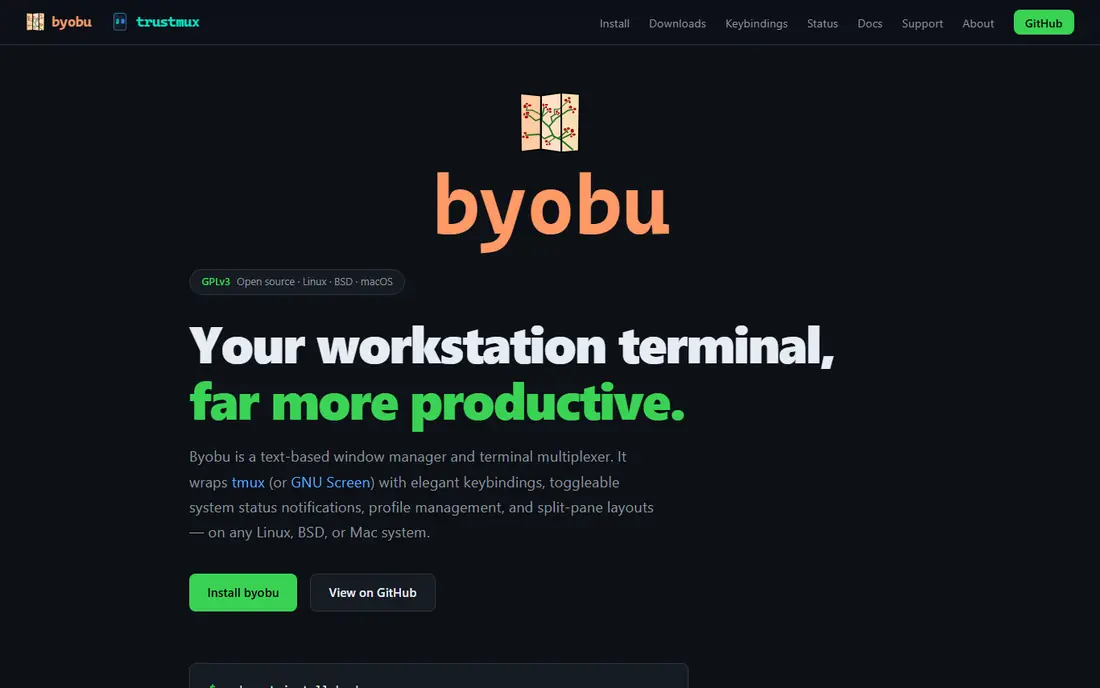
Byobu sits on top of tmux or Screen and makes both easier to use. It adds a status bar with system load, time and session info, and it maps common actions to function keys, so you can switch windows and split panes without learning prefix keys first. For a new terminal user, that lower barrier is a real benefit.
Because Byobu is a front end, you still get the session persistence of the tool underneath. You can also switch backends later without relearning the whole interface. The trade-off is control. Power users who tune tmux in detail may find Byobu's defaults in the way, but for daily remote work, it is a calm and readable setup.
- Clear status bar
- Function-key shortcuts
- Works over tmux or Screen
- Adds a layer over the underlying tool
- Less control than raw tmux config
WezTerm is a terminal emulator that also acts as a multiplexer, so you may not need a separate tool at all. It offers tabs and panes, GPU-accelerated rendering, and multiplexing over SSH, which lets you run panes on a remote machine inside a local window. That combination suits developers who work across local and remote machines each day.
Configuration is written in Lua, which gives fine control over fonts, colours, key bindings and layouts. That power comes with a learning step, and a simple setup still needs a config file. If you want one program for terminal and multiplexing, and you are happy to edit Lua, WezTerm is a strong tmux alternative.
- Tabs, panes and SSH multiplexing built in
- GPU acceleration
- Lua configuration
- Configuration uses Lua, which takes time to learn
- Heavier than a plain terminal
Kitty is a fast, GPU-based terminal that handles tabs and window layouts inside the terminal itself. It starts quickly, renders text cleanly, and lets you split a window, tile panes, and switch layouts with keyboard shortcuts. Small extensions, called kittens, add features such as image viewing and remote file transfer.
The main limit is persistence. Kitty does not keep a session alive after you close it in the way tmux does, unless you pair it with tmux or Zellij inside it. Many users do exactly that: Kitty for speed and display, plus a multiplexer for sessions. If your priority is a responsive terminal on Linux or Mac, Kitty is worth a close look.
- Very fast rendering
- Tabs, windows and layouts
- Extensible with kittens
- No built-in session persistence like tmux
- Linux and Mac focused
Alacritty takes a minimal path. It is a GPU-accelerated terminal with no tabs, no panes and no session handling, and that restraint is the point. It launches fast, uses little memory, and stays out of the way while you work. Configuration is a plain text file, which is easy to version and share.
Because Alacritty has no multiplexing, you pair it with tmux, Zellij or Screen for panes and sessions. That split can be a strength: you pick the best terminal and the best multiplexer separately. If you want one program that does everything, Alacritty alone will disappoint. If you want a fast window for your multiplexer, it is an excellent base.
- Minimal and fast
- Cross-platform
- Simple config file
- No tabs or panes built in
- Needs a multiplexer for sessions
iTerm2 is the long-standing Mac terminal for power users. It offers split panes, tabs, profiles for different hosts, a searchable scrollback, and a mode that works with tmux sessions on a remote server. That tmux integration is useful: you can use native iTerm2 windows and tabs while the session itself lives on the server.
The feature list is long, from triggers and badges to Python scripting, so first setup can take time. Most users only need a few features, though, and the defaults work well for daily use. For Mac users who want panes without leaving a familiar terminal, iTerm2 is a natural alternative to running tmux alone.
- Split panes and tabs on Mac
- Profiles and search
- Tmux integration mode
- Mac only
- Large feature set can feel busy at first
Terminator is a Linux terminal that makes tiling simple. You can split a window into many terminals, group them, and type the same command into a whole group at once, which helps when you manage several servers. Layouts can be saved, so a common workspace opens in the same shape each time.
It does not replace tmux for remote sessions, because closing Terminator ends its terminals unless a multiplexer is running inside. Pair it with tmux or Zellij for remote work, and use Terminator for local tiling. For a Linux desktop user who wants many visible terminals at once, it is a practical and free choice.
- Easy tiling and grouping
- Broadcast typing to many terminals
- Linux desktop fit
- No remote session persistence
- Linux focused
Warp rethinks the terminal as a modern app, with commands grouped into blocks, a searchable history, and workflows you can save and share. It includes AI help for explaining commands and fixing errors, which can speed up work for developers who are still learning shell tools. The interface feels closer to a modern editor than to a classic terminal.
Warp does not aim to be a direct tmux clone, and session persistence still benefits from a multiplexer inside it. Some features ask for an account, which may not suit every team. If you want a polished terminal with modern conveniences, and you work mainly on Mac, Warp is a good complement to, or replacement for, a plain tmux setup.
- Modern interface
- Command blocks and history search
- Built-in AI assistance
- Account sign-in for some features
- Mac and Linux focused, Windows support varies
How we picked these
We compared official project pages, documentation and package listings for tools that provide panes, tabs, layouts or session persistence in 2026. We kept only projects that are live and maintained, run on common desktop or server systems, and fit the job tmux does. We mixed direct multiplexers with terminal emulators that include multiplexing, because many users solve the same problem with either path.
We did not claim hands-on testing that did not happen. Instead, we weighed published features, platform support and configuration style, and noted where a tool needs a multiplexer inside it. That distinction matters, because a fast terminal alone is not a session tool.
How to choose between a multiplexer and a terminal
Ask first where your sessions live. If you work over SSH and need work to survive a disconnect, pick a true multiplexer such as Zellij, Screen or Byobu. If you work locally and mainly want visible panes, a terminal such as WezTerm, Kitty or iTerm2 may be enough on its own.
Next, think about learning time. Zellij and Byobu lower the first-week cost, while tmux, WezTerm and Kitty reward users who invest in configuration. Try one tool for a full week on real work, not just a demo. Note which shortcuts you actually remember, and whether your layout returns after a reboot or a dropped connection.
A practical migration path
Start by installing the new tool beside tmux, not instead of it. Recreate one common layout, such as an editor plus a test runner, and use it for a small project. Keep tmux for long-running jobs until the new tool has proved it can detach and reattach cleanly on your servers.
Also, save your configuration in version control from day one. That habit makes it easy to move between machines and to roll back a change that breaks a shortcut. If you manage servers, check that the tool is available in your package manager, or that you can install a static binary without admin rights.
FAQ
What are the best alternatives to tmux?
Zellij is the closest modern alternative, GNU Screen is the safest on old servers, and Byobu is the friendliest front end. WezTerm and iTerm2 suit users who want multiplexing inside the terminal. The best pick depends on whether you need remote sessions, local panes, or both.
Is Zellij better than tmux?
Zellij is easier to learn, with visible shortcuts and built-in layouts, while tmux is older, more widely installed, and has a larger script ecosystem. For a new user, Zellij often feels faster to adopt. For a team with years of tmux scripts, staying with tmux may save work.
Can I use tmux inside another terminal?
Yes. Many users run tmux or Zellij inside Kitty, Alacritty, iTerm2 or Warp. That pairing gives you a fast terminal for display plus a multiplexer for sessions. It is a common setup, and it lets you change either part without losing the other.
Does GNU Screen still work in 2026?
Yes, GNU Screen remains maintained and available on many Linux and Unix systems. It is basic compared with modern tools, but it still handles detach and reattach well. It is a good fallback on servers where you cannot install newer software.
Which tmux alternative works on Mac?
iTerm2, WezTerm, Kitty, Alacritty, Warp and Zellij all run on Mac. iTerm2 and Warp are Mac-focused, while the others are cross-platform. Pick iTerm2 for deep Mac integration, or Zellij for a multiplexer that also works on Linux servers.
Do I need a multiplexer if I use tabs in my terminal?
Tabs help locally, but they do not keep work alive after a disconnect. If you close a terminal tab, its process ends. A multiplexer keeps the session on the server, so you can reattach later. For remote work, that difference is the main reason to use one.