The 6 Best CAD Libraries for Startups in 2026, Ranked
Best CAD libraries for startups in 2026: 6 contenders with entry costs and free tiers. Each listing flags where it falls short. A comparison table is included.

- Editor's choice
 Onshape
Cloud-native collaboration and PDM
Starts at$1,500 per user per yearVisit onshape.comFull review - Great alternative
 Fusion 360
Integrated CAD/CAM/CAE for small teams
Starts atSee websiteVisit autodesk.comFull review - Also considerInventor
Professional-grade mechanical design
Starts atSee websiteVisit autodesk.comFull review
Direct answer
If you need cloud-native collaboration and PDM, Onshape is the first tool to look at here. Listed starting prices: Onshape from $1,500 per user per year. Look at Fusion 360 for integrated CAD/CAM/CAE for small teams, and at Inventor for professional-grade mechanical design. All 6 tools are compared below on price, free plan and limits.
TL;DR:
- Onshape takes the first slot, best suited to cloud-native collaboration and PDM.
- One limit worth knowing about Onshape: needs dependable internet connection.
- AutoCAD is the one to check for startups needing deep block libraries.
- Onshape is the lowest-priced starter here at $1,500 per user per year.
Last checked November 2026. Prices and plan details were read from the vendors' own pages in November 2026; vendors change plans often, so confirm the current price on the vendor site before you buy.
Quick comparison
| Tool | Best for | Starts at | Free plan? | |
|---|---|---|---|---|
| Onshape | Cloud-native collaboration and PDM | $1,500 per user per year | Yes | Visit |
| Fusion 360 | Integrated CAD/CAM/CAE for small teams | See website | Not stated | Visit |
| Inventor | Professional-grade mechanical design | See website | Not stated | Visit |
| IronCAD | Adaptable design with dual modeling | See website | Not stated | Visit |
| Solid Edge | Mechanical design with electrical integration | See website | Not stated | Visit |
 AutoCAD | Startups needing deep block libraries | See website | Not stated | Visit |
The 6 tools in detail
This LinkVetted guide covers 6 CAD libraries for startups. Each profile lists a starting price, free plan details, strengths and drawbacks, so you can drop poor fits quickly.
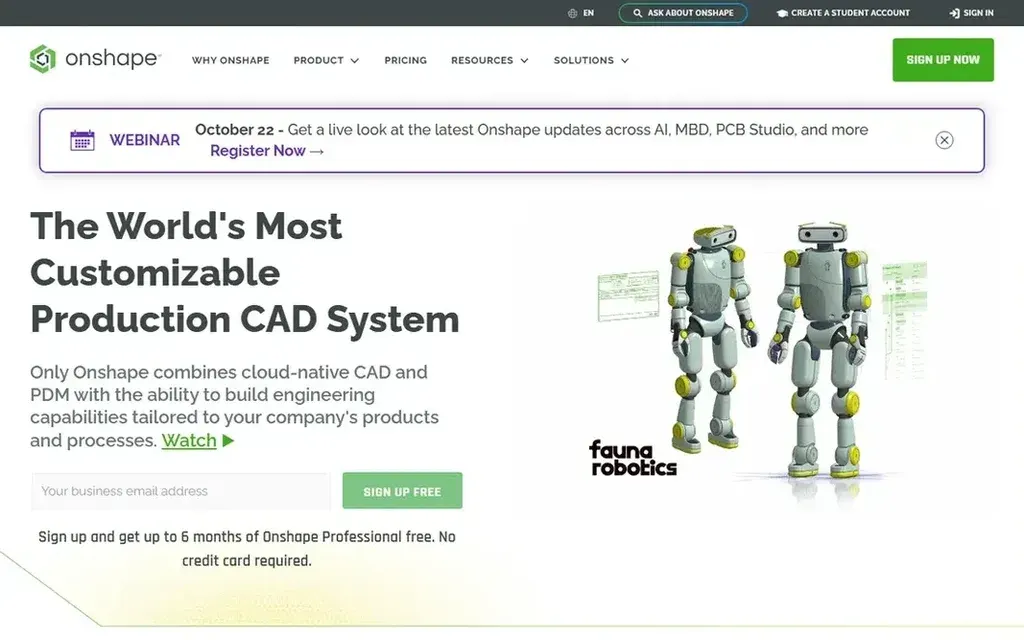
Where Onshape fits: cloud-native collaboration and PDM. Onshape is a cloud-native CAD and product development product with built-in PDM. Beyond that, startups with sensitive data may have concerns about cloud storage.
More specifically, since Onshape runs entirely in the browser, performance relies on internet quality. Startups with distributed teams or those prioritizing version control will find its zero-install approach appealing. In daily use, pick Onshape if smooth collaboration and automatic data management are top priorities. What you pay to start with Onshape: $1,500 per user per year. Onshape has a free plan.
Limits to weigh: Requires steady internet connection.
- Live collaboration on any device
- Built-in PDM and version control
- Restricted offline access
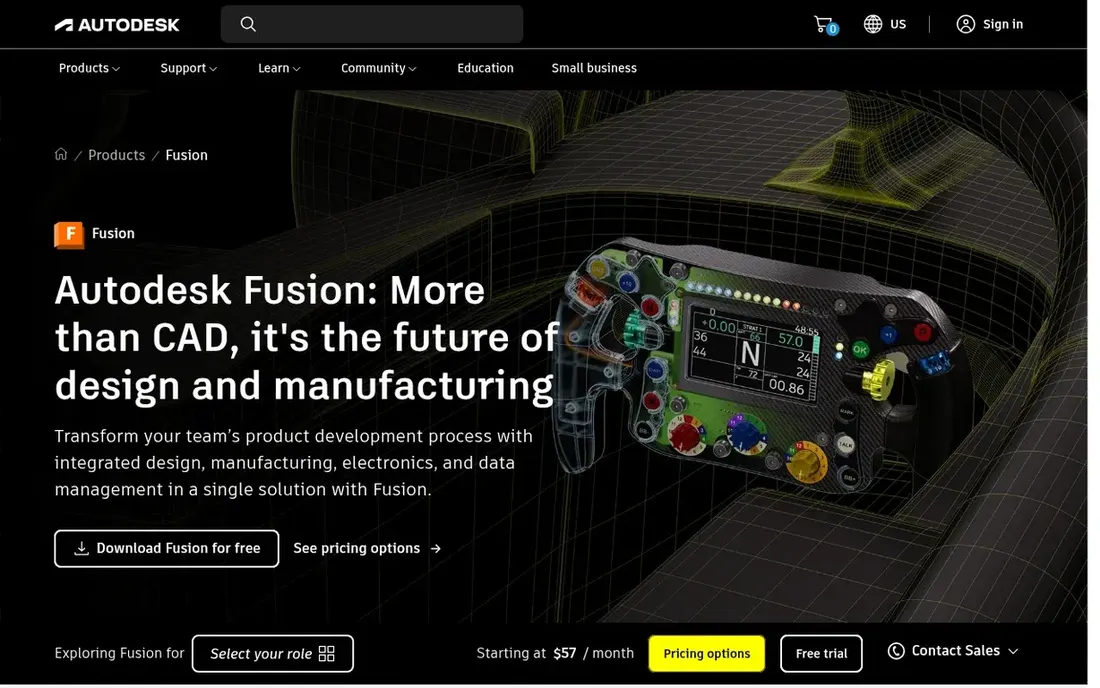
Pick Fusion 360 if this describes you: integrated CAD/CAM/CAE for small teams. Startups with strict data security policies might prefer on-premise options.
As for the details, the integrated environment cuts the need for several software tools, helping small teams stay efficient. This comparison lists no price for Fusion 360; ask the vendor. Trial and free access: Not stated.
Limits to weigh: Cloud dependency for full functionality.
- Comes with PCB design tools
- Cloud-based collaboration
- Can be resource-intensive for large assemblies
Inventor
Best for: Professional-grade mechanical design
Inventor is designed for professional-grade mechanical design. It is well-suited for startups that require a full-featured toolset to develop in-depth product designs.
Its cost can be a barrier for very early startups. Pricing for Inventor is not stated here, so ask the vendor for current figures. On free options: Not stated.
Where it falls short: Windows-only.
- Solid interoperability with other Autodesk tools
- Integrated simulation and documentation
- Higher cost than some alternatives
IronCAD
Best for: Adaptable design with dual modeling
IronCAD works best for adaptable design with dual modeling. IronCAD supplies a unique combination of direct and parametric modeling, allowing designers to switch between approaches smoothly. It is built for speed and adaptability, making it a solid fit for startups that require to iterate rapidly.
Downsides: Less third-party library content.
IronCAD has a smaller community and fewer available libraries compared with major CAD systems. The software emphasizes simplicity for mixed modeling workflows. Pricing for IronCAD is not stated here, so ask the vendor for current figures. Free plan details: Not stated.
- Dual direct and parametric modeling
- Quick design changes
- Smaller user community
Solid Edge
Best for: Mechanical design with electrical integration
Solid Edge was built for mechanical design with electrical integration. Solid Edge is Siemens' professional CAD option for mechanical and electrical design. It supplies a solid set of tools for product development, including synchronous technology for quicker edits.
As for the details, startups aiming for advanced design capabilities and future scalability may find it a good fit. As for the details, Solid Edge can be more complicated to learn than more straightforward tools, and its library ecosystem is smaller than some rivals. This comparison lists no price for Solid Edge; ask the vendor. Trial and free access: Not stated.
Where it falls short: Steeper ramp-up time.
- Scalable for expanding teams
- Full mechanical design tools
- Less community content than some competitors
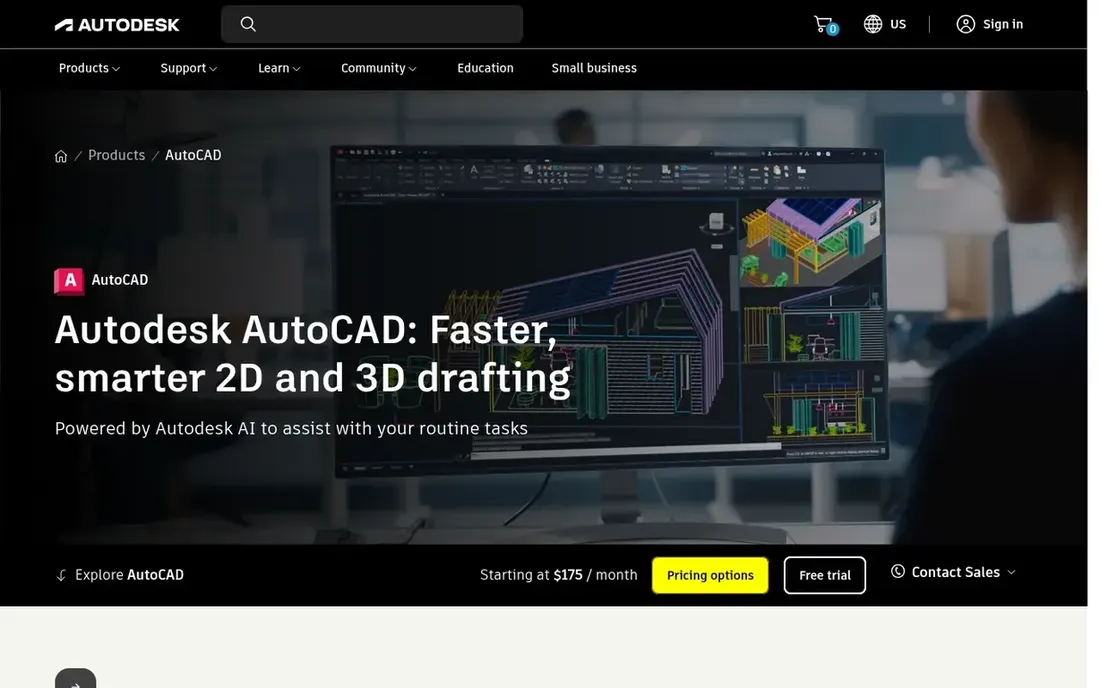
Where AutoCAD fits: startups needing deep block libraries. AutoCAD is a widely used design and drafting tool with a massive ecosystem of blocks and libraries.
Its DWG format ensures compatibility with numerous partners and manufacturers, making it a safe choice for collaboration. In daily use, consider it if your work depends on 2D layouts or you have to exchange drawings with legacy systems. Pricing for AutoCAD is not stated here, so ask the vendor for current figures. Free options: Not stated.
Watch-outs: Needs subscription for full features.
- Wide compatibility and support
- Industry-standard DWG format
- Primarily 2D-focused for mechanical design
Selection criteria
Selection started from tools commonly considered for CAD libraries for startups, then narrowed to 6 that have clear pricing information or a clear quote process. Treat prices as a snapshot: vendors change plans often, so check the vendor site for the figure that applies today. Order on the page follows fit for the typical buyer first, then price transparency and free access. Your own requirements should decide the final pick.
Pre-purchase checklist
- Get a written quote from Fusion 360, Inventor, IronCAD and others; the list shows no starting price for them.
- Test the free plan from Onshape against your real workload before relying on it.
- Before choosing Onshape, weigh its main limit: needs dependable internet connection.
- Pick one real project and run it in Fusion 360 first; a small pilot shows fit faster than a checklist.
- Map your must-have features to a specific AutoCAD plan before you compare prices.
FAQ
How are the tools for CAD libraries for startups ordered?
Onshape sits first and AutoCAD last because the order follows typical fit for CAD libraries for startups, then price clarity and free access. It is a judgement call, so read each profile for fit and limits.
Is Onshape the right pick for everyone comparing CAD libraries for startups?
No single tool suits every team. Onshape comes first because it fits cloud-native collaboration and PDM, while Fusion 360 suits integrated CAD/CAM/CAE for small teams and Inventor suits professional-grade mechanical design. Match the tool to your own size, budget and workflow before deciding.
What is the cheapest option for CAD libraries for startups in this list?
On published monthly entry prices, Onshape is the lowest here at $1,500 per user per year. Entry price is only part of the cost, because seats, add-ons and billing terms can change the total. Each of the 6 options in this CAD libraries for startups guide has its own card above with the price, free plan and limits.
Is cloud-based CAD secure for startup data?
Cloud CAD providers generally implement solid security measures, but startups should review their data policies. Some industries have strict compliance requirements that may favor on-premise options.
Do these tools publish their prices?
Not all of them. Fusion 360, Inventor, IronCAD and others publish no starting price, so expect a quote request for those. The rest, Onshape included, show a starting price, though seats and billing terms still change the final cost.
How do I choose between AutoCAD and Fusion 360 for my startup?
If your work is primarily 2D or you need broad standard parts, AutoCAD may suffice. For integrated 3D design and manufacturing, Fusion 360 is commonly more efficient.
Sources
- https://www.onshape.com
- https://www.autodesk.com/products/fusion-360
- https://www.autodesk.com/products/inventor
- https://www.ironcad.com
- https://solidedge.siemens.com
- https://www.autodesk.com/products/autocad