Best CAD Software for Startups in 2026: 5 Tools Compared
Searching for the best CAD software for startups? Here are 5 options with prices and free plans. Price notes and drawbacks come with each one. Decide faster.

- Editor's choice
 FreeCAD
Open-source parametric modeling
Starts atSee websiteVisit freecad.orgFull review - Great alternative
 Onshape
Browser-based team collaboration
Starts at$1,500 per user a yearVisit onshape.comFull review - Also consider
 Fusion 360
Integrated design and manufacturing
Starts atSee websiteVisit autodesk.comFull review
Direct answer
FreeCAD comes first here, mainly for open-source parametric modeling. Listed starting prices: Onshape from $1,500 per user a year. Onshape is the stronger choice for browser-based team collaboration, while Fusion 360 suits integrated design and manufacturing. All 5 tools are compared below on price, free plan and limits.
TL;DR:
- The list opens with FreeCAD, aimed at open-source parametric modeling.
- One limit worth knowing about FreeCAD: less refined user experience.
- AutoCAD fits 2D drafting and DWG workflows.
- Onshape stands alone as the one tool in this list with a free plan.
- Starting prices begin at $1,500 per user per year with Onshape.
Last checked November 2026. Prices and plan details were read from the vendors' own pages in November 2026; vendors change plans often, so confirm the current price on the vendor site before you buy.
Quick comparison
| Tool | Best for | Starts at | Free plan? | |
|---|---|---|---|---|
| FreeCAD | Open-source parametric modeling | See website | Not stated | Visit |
| Onshape | Browser-based team collaboration | $1,500 per user a year | Yes | Visit |
| Fusion 360 | Integrated design and manufacturing | See website | Not stated | Visit |
| Creo | Advanced parametric 3D design | See website | Not stated | Visit |
 AutoCAD | 2D drafting and DWG workflows | See website | Not stated | Visit |
CAD Software for Startups, one by one
LinkVetted compared 5 CAD software for startups. The goal is a practical shortlist: published prices, free plan facts, best-fit use cases and honest limits for every entry.
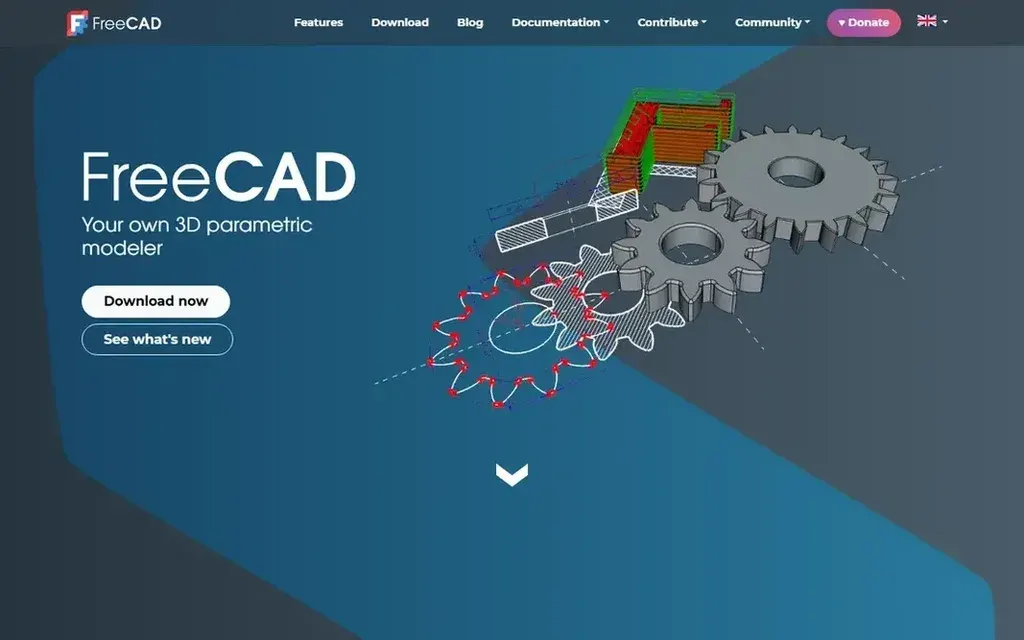
Pick FreeCAD if this describes you: open-source parametric modeling. It is suited to budget-conscious teams, students, and makers who are comfortable learning a community-driven tool and want full access to the source code.
The interface and documentation are less refined than commercial offerings, and official support is restricted. Check the vendor site for FreeCAD pricing; none is listed in this comparison. Free plan details: Not stated.
Watch-outs: Less refined user experience.
- Free and open source
- Parametric modeling workflow
- Limited official support
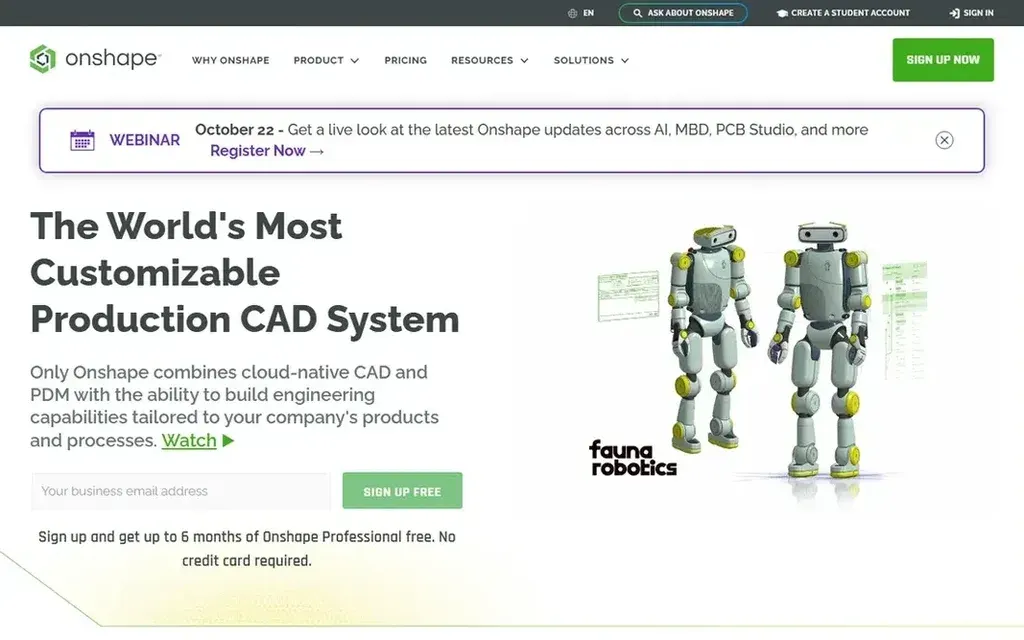
For browser-based team collaboration, Onshape is a natural candidate. Onshape is a cloud-native CAD and product development product that runs in a web browser. It comes with built-in product data management and supports customization, making it a solid fit for distributed startups that require live collaboration without managing local servers.
The zero-IT setup appeals to small teams without dedicated IT staff. More specifically, Onshape relies on internet access, so teams in low-connectivity environments may find it limiting. Onshape starts at: $1,500 per user per year. A free plan is available with Onshape.
Points against: Less suited to offline work.
- Built-in PDM and version control
- Runs on any device via browser
- Needs a stable internet connection
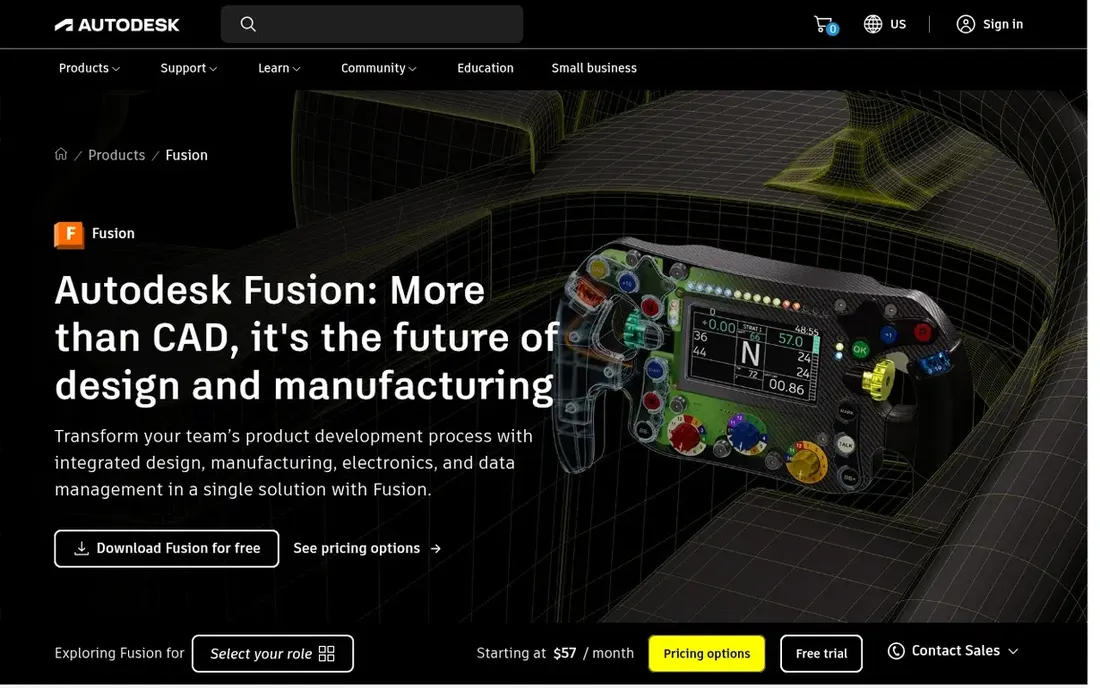
Fusion 360 is aimed squarely at integrated design and manufacturing. Fusion 360, now branded Autodesk Fusion, is a cloud-connected system that brings 3D CAD, CAM, CAE, and PCB design into one environment.
It suits startups that want to move from concept to manufacturing preparation without stitching together separate tools. Check the vendor site for Fusion 360 pricing; none is listed in this comparison. Free access: Not stated.
The main drawbacks: Advanced simulation may need extras.
- Merges CAD, CAM, CAE, PCB
- Cloud-based collaboration
- Cloud dependency for some workflows
Creo
Best for: Advanced parametric 3D design
Creo targets advanced parametric 3D design. The toolset supports in-depth design and documentation.
Trade-offs to know: Higher complexity for straightforward projects.
Worth adding: Creo has a steeper ramp-up time and can be overkill for straightforward projects or very small teams. Creo does not show a starting price in this comparison, so check the vendor site for current pricing. Free options: Not stated.
- Capable parametric modeling
- Scalable for complicated products
- Steeper ramp-up time
Choose AutoCAD for 2D drafting and DWG workflows. AutoCAD is a long-standing design and drafting product widely used for 2D drawings and DWG collaboration.
It suits startups whose work centers on architectural, mechanical, or electrical documentation and who require to exchange files with partners using standard DWG formats. AutoCAD does not show a starting price in this comparison, so check the vendor site for current pricing. Free access: Not stated.
Trade-offs to know: Subscription required for full features.
- Available on desktop and web
- Industry-standard DWG compatibility
- 3D modeling less integrated than dedicated MCAD
Our selection method
The comparison looks at four things: starting price, free access, how well the feature set matches CAD software for startups, and the main limit of each tool. Prices and plan limits come from vendor pages and can change, so confirm them on the vendor site before you buy. Tools are placed by general fit for CAD software for startups, with price clarity and free access as tie-breakers. A different team can reasonably rank them differently.
Before you commit
- Ask FreeCAD, Fusion 360, Creo and AutoCAD for a written quote, since no starting price is shown.
- Look at the free plan from Onshape closely: its caps decide whether it is usable for real work.
- Read the limits listed for FreeCAD first: less refined user experience.
- Before rolling out Creo, verify the integrations your workflow depends on.
- Check how data leaves AutoCAD: formats, limits and whether exports are available on every plan.
FAQ
Can I try these tools before paying?
Often, yes. Onshape has a free plan. Use your own data and a real task during the test, and check what the free tier or trial limits before you rely on it. For the full picture, the cards above cover all 5 entries of this CAD software for startups list, including price, free plan and limits.
How are the tools for CAD software for startups ordered?
FreeCAD sits first and AutoCAD last because the order follows typical fit for CAD software for startups, then price clarity and free access. It is a judgement call, so read each profile for fit and limits.
Which CAD software is a good match for a hardware startup on a tight budget?
This list starts with FreeCAD, which fits open-source parametric modeling. For other needs, Onshape is aimed at browser-based team collaboration, and Fusion 360 at integrated design and manufacturing. Check each tool's price and main limit first.
Do these tools publish their prices?
Not all of them. FreeCAD, Fusion 360, Creo and AutoCAD publish no starting price, so expect a quote request for those. The rest, Onshape included, show a starting price, though seats and billing terms still change the final cost.
Can cloud-based CAD tools like Onshape replace desktop software for a startup?
Onshape is designed as a full cloud-native CAD system with built-in PDM, so it can replace desktop tools for plenty of teams.
Which options for CAD software for startups have a free plan?
Onshape is the only tool in this list with a free plan. Free plans usually cap users, projects or features, so check the limits on the vendor page. Prices, free plan details and limits for all 5 tools in this CAD software for startups roundup sit on the individual cards above.
Sources
- https://www.freecad.org
- https://www.onshape.com
- https://www.autodesk.com/products/fusion-360
- https://www.ptc.com/en/products/creo
- https://www.autodesk.com/products/autocad