The 5 Best General-Purpose CAD Software for Startups in 2026, Ranked
5 best General-Purpose CAD software for startups, compared on pricing, free plans and best-fit use. Caveats come with every verdict. Current for November 2026.
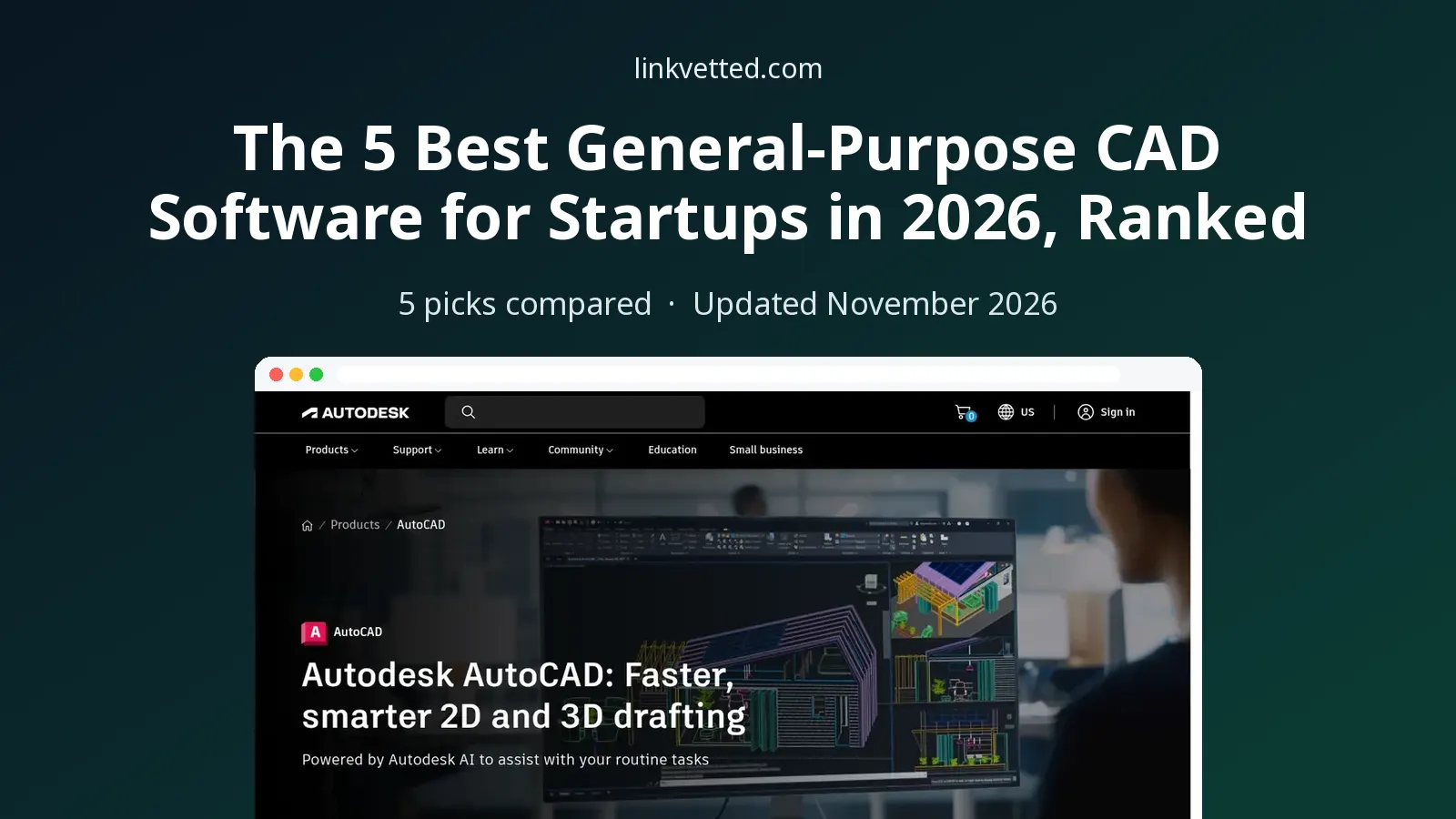
- Editor's choiceCreo
Scalable parametric design
Starts atSee websiteVisit ptc.comFull review - Great alternative
 AutoCAD
2D drafting and DWG workflows
Starts atSee websiteVisit autodesk.comFull review - Also consider
 Onshape
Cloud-native team collaboration
Starts at$1,500 per user a yearVisit onshape.comFull review
Direct answer
This list puts Creo first for scalable parametric design. Listed starting prices: Onshape from $1,500 per user a year. For a different need, AutoCAD covers 2D drafting and DWG workflows and Onshape covers cloud-native team collaboration. All 5 tools are compared below on price, free plan and limits.
TL;DR:
- Creo takes the first slot, best suited to scalable parametric design.
- Check the limits for Onshape before you commit: needs dependable internet access.
- Inventor is the one to check for professional mechanical design.
- Onshape is the lowest-priced starter here at $1,500 per user per year.
Last checked November 2026. Prices and plan details were read from the vendors' own pages in November 2026; vendors change plans often, so confirm the current price on the vendor site before you buy.
Quick comparison
| Tool | Best for | Starts at | Free plan? | |
|---|---|---|---|---|
| Creo | Scalable parametric design | See website | Not stated | Visit |
| AutoCAD | 2D drafting and DWG workflows | See website | Not stated | Visit |
| Onshape | Cloud-native team collaboration | $1,500 per user a year | Yes | Visit |
 Fusion 360 | Integrated design and manufacturing | See website | Not stated | Visit |
| Inventor | Professional mechanical design | See website | Not stated | Visit |
The full General-Purpose CAD software for startups list
Short on time? The summary and table above give the quick view of 5 General-Purpose CAD software for startups, and the profiles that follow give the detail behind each entry.
Creo
Best for: Scalable parametric design
Where Creo fits: scalable parametric design. Creo is PTC's 3D CAD software, known for solid parametric modeling and a modular approach to design, simulation, and manufacturing.
Limits to weigh: Can be resource-intensive.
For those planning long-term, complex product development, Creo is a solid contender. Beyond that, Creo's parametric foundation supports in-depth design control and reuse. Creo shows no starting price here, so confirm the cost on the vendor site. Free options: Not stated.
- Solid parametric modeling
- Scalable for complicated products
- Steep ramp-up time
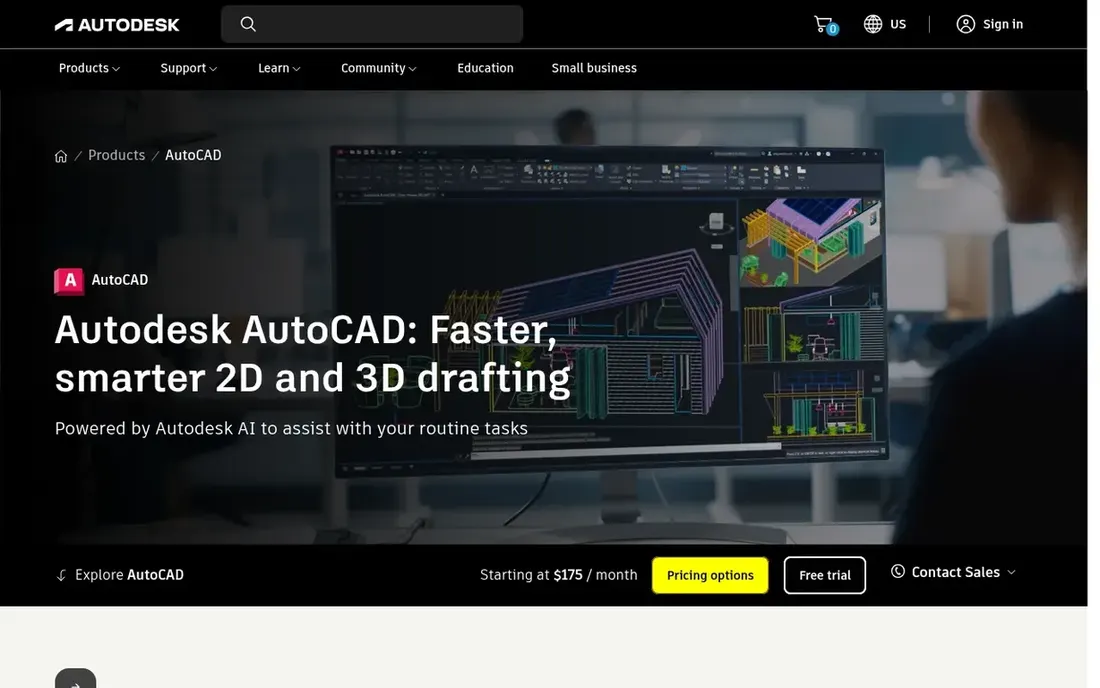
Where AutoCAD fits: 2D drafting and DWG workflows. For product development that relies on parametric 3D modeling and simulation, AutoCAD may feel less integrated than dedicated mechanical CAD products. Also, AutoCAD is Autodesk's long-standing design and drafting software, widely used for 2D documentation and 3D modeling.
Honest limits: Subscription required for continued use.
Startups that often exchange DWG files with clients, contractors, or manufacturers will find it a dependable common language. It supports desktop and web workflows, and recent versions include automation features that can accelerate repetitive drafting tasks. Beyond that, teams focused purely on mechanical design might pair it with another tool or choose a parametric-first system. It remains a capable pick when 2D drafting and DWG collaboration are central. This comparison lists no price for AutoCAD; ask the vendor. As for free access: Not stated.
- Wide file exchange with partners
- Industry-standard DWG compatibility
- Parametric 3D modeling less integrated than dedicated MCAD
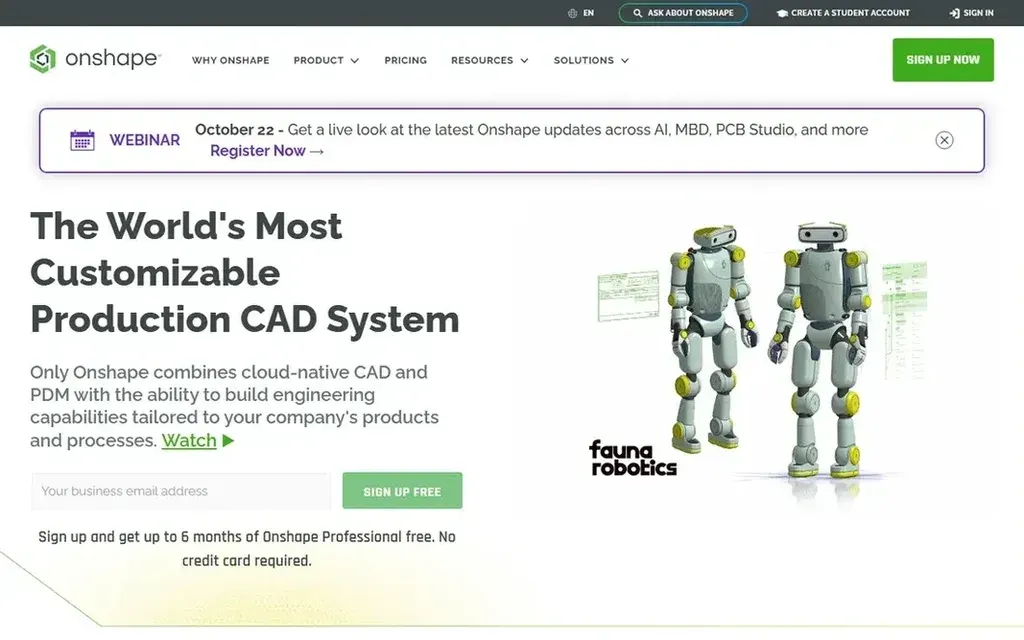
Where Onshape fits: cloud-native team collaboration. Onshape is a cloud-native product development system that merges CAD with built-in product data management. More specifically, startups that work in secure or offline environments should weigh this carefully.
More specifically, the browser-first model means a stable internet connection is essential, and some advanced customization may be restricted compared to desktop-native tools. In practice, startups with distributed or hybrid teams commonly appreciate that Onshape manages version control and data management automatically, reducing administrative overhead. Price to start with Onshape: $1,500 per user per year. Onshape has a free plan.
Points against: Less a good match for heavy offline work.
- Built-in PDM and version control
- No local IT setup required
- Needs steady internet access
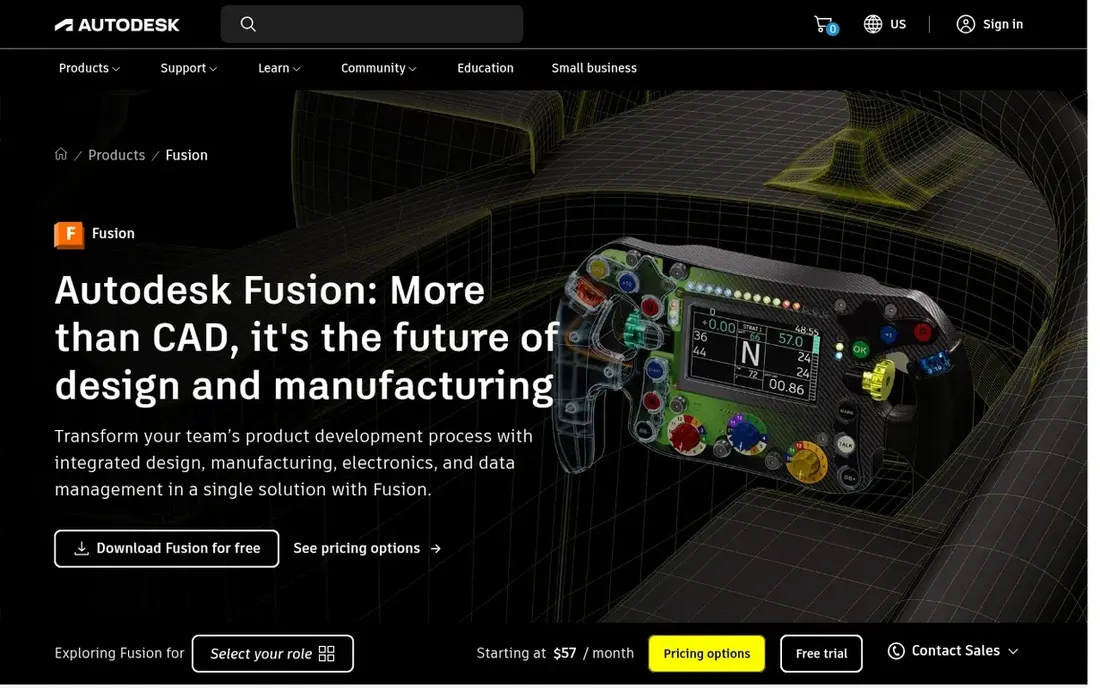
Fusion 360 works best for integrated design and manufacturing. Fusion 360, now branded Autodesk Fusion, is a cloud-connected product that brings 3D CAD, CAM, CAE, and PCB design into one environment.
What Fusion 360 does well: Wide ecosystem of tutorials and extras.
Watch-outs: Advanced simulation and CAM may need extras.
Otherwise, Fusion 360 is a sensible starting point for general-purpose product development. No starting price is listed for Fusion 360 here; confirm pricing on the vendor site. Free plan details: Not stated.
- PCB in one system
- Cloud-based collaboration and data management
- Cloud dependency for full functionality
Inventor
Best for: Professional mechanical design
Inventor is aimed squarely at professional mechanical design. Startups seeking straightforward collaboration or lighter workflows might prefer a cloud-native system.
Inventor is desktop-centric and can be more complicated for newcomers than cloud-first alternatives. Inventor shows no starting price here, so confirm the cost on the vendor site. Free plan details: Not stated.
Drawbacks to consider: Desktop-centric workflow.
- Solid interoperability with Autodesk ecosystem
- Thorough parametric modeling
- Higher complexity for beginners
How we compared the tools
The comparison looks at four things: starting price, free access, how well the feature set matches General-Purpose CAD software for startups, and the main limit of each tool. Where a vendor does not publish a price, the entry says quote. Where a price depends on seats or billing term, the entry says so. The ranking is editorial: typical fit first, then clear pricing, then free access. If your needs are unusual, read the profiles rather than relying on position.
Before you commit
- Get a written quote from Creo, AutoCAD, Fusion 360 and Inventor; the list shows no starting price for them.
- Look at the free plan from Onshape closely: its caps decide whether it is usable for real work.
- Before choosing Creo, weigh its main limit: steep ramp-up time.
- Confirm the exact Fusion 360 plan that includes your must-have features.
- Confirm that Creo connects to the apps your team already uses, on the plan you would actually buy.
FAQ
What is the cheapest option for General-Purpose CAD software for startups in this list?
On published monthly entry prices, Onshape is the lowest here at $1,500 per user per year. Entry price is only part of the cost, because seats, add-ons and billing terms can change the total. Prices, free plan details and limits for all 5 tools in this General-Purpose CAD software for startups roundup sit on the individual cards above.
Can I try these tools before paying?
Often, yes. Onshape has a free plan. Use your own data and a real task during the test, and check what the free tier or trial limits before you rely on it. Each of the 5 options in this General-Purpose CAD software for startups guide has its own card above with the price, free plan and limits.
Which options for General-Purpose CAD software for startups have a free plan?
Onshape is the only tool in this list with a free plan. Free plans usually cap users, projects or features, so check the limits on the vendor page. All 5 picks in this General-Purpose CAD software for startups comparison list a starting price, free plan details and the main limits on their cards above.
Should a startup choose cloud-native CAD like Onshape over desktop software?
Cloud-native CAD like Onshape eases collaboration and data management, which fits distributed teams. Desktop tools like Inventor or Creo may be preferable if you need heavy offline work or deep parametric control. Beyond that, consider your team's workflow and internet reliability.
What is the best general-purpose CAD software for a startup on a tight budget?
Creo is the pick this page puts first, mainly for scalable parametric design. If your situation differs, AutoCAD suits 2D drafting and DWG workflows, and Onshape suits cloud-native team collaboration. Compare price and limits before you decide.
Is Creo the right pick for everyone comparing General-Purpose CAD software for startups?
No single tool suits every team. Creo comes first because it fits scalable parametric design, while AutoCAD suits 2D drafting and DWG workflows and Onshape suits cloud-native team collaboration. Match the tool to your own size, budget and workflow before deciding.
Sources
- https://www.ptc.com/en/products/creo
- https://www.autodesk.com/products/autocad
- https://www.onshape.com
- https://www.autodesk.com/products/fusion-360
- https://www.autodesk.com/products/inventor