Best CAE Software for 2026: Our 5 Vetted Picks
Searching for the best CAE software? Here are 5 options with prices and free plans. Price notes and drawbacks come with each one. Quick comparison inside.

- Editor's choiceAltair HyperWorks
Integrated CAE suite
Starts atPricing on requestVisit altair.comFull review - Great alternative
 COMSOL Multiphysics
Multiphysics simulation
Starts atPricing on requestVisit comsol.comFull review - Also considerANSYS Mechanical
Structural FEA analysis
Starts atPricing on requestVisit ansys.comFull review
Direct answer
Altair HyperWorks leads the list, best for integrated CAE suite. Alternatives: COMSOL Multiphysics for Multiphysics simulation, and ANSYS Mechanical for structural FEA analysis. All 5 tools are compared below on fit, free plan and limits. None of these vendors publish plan prices, so pricing is on request for every option.
TL;DR:
- Top of the list is Altair HyperWorks, which targets integrated CAE suite.
- Before buying ANSYS Mechanical, weigh this: may require training for advanced features.
- For CAD-integrated simulation, Creo Simulation is worth a look.
- Neither Altair HyperWorks nor Creo Simulation, nor any of the other 3 tools, has a permanent free plan; trials and quotes are the norm.
Last checked November 2026. Pricing on request: vendors did not publish plan prices when this guide was last checked (November 2026), so ask each vendor for a written quote.
Quick comparison
| Tool | Best for | Starts at | Free plan? | |
|---|---|---|---|---|
| Altair HyperWorks | Integrated CAE suite | Pricing on request | Not stated | Visit |
| COMSOL Multiphysics | Multiphysics simulation | Pricing on request | Not stated | Visit |
| ANSYS Mechanical | Structural FEA analysis | Pricing on request | Not stated | Visit |
| Siemens Simcenter 3D | Multidisciplinary product performance | Pricing on request | Not stated | Visit |
| Creo Simulation | CAD-integrated simulation | Pricing on request | Not stated | Visit |
5 options for CAE software in detail
This LinkVetted guide covers 5 options for CAE software. Each profile lists a starting price, free plan details, strengths and drawbacks, so you can drop poor fits quickly.
Altair HyperWorks
Best for: Integrated CAE suite
Altair HyperWorks is aimed squarely at integrated CAE suite. The suite's breadth can mean a more complicated setup, and the recent acquisition may result in changes in packaging and support. Users looking for an integrated environment for diverse simulations may find HyperWorks appealing.
Where Altair HyperWorks stands out: Supports several engineering disciplines.
More specifically, Altair HyperWorks is a full CAE suite that handles a mix of simulation disciplines. In daily use, with its acquisition by Siemens, it is positioned within a broader ecosystem of industrial software. On top of that, for focused structural analysis, a dedicated tool might be more straightforward. This comparison lists no price for Altair HyperWorks; ask the vendor. Free options: Not stated.
Trade-offs to know: Integration changes under Siemens.
- Now part of Siemens portfolio
- Full suite of simulation tools
- May require several modules for full functionality
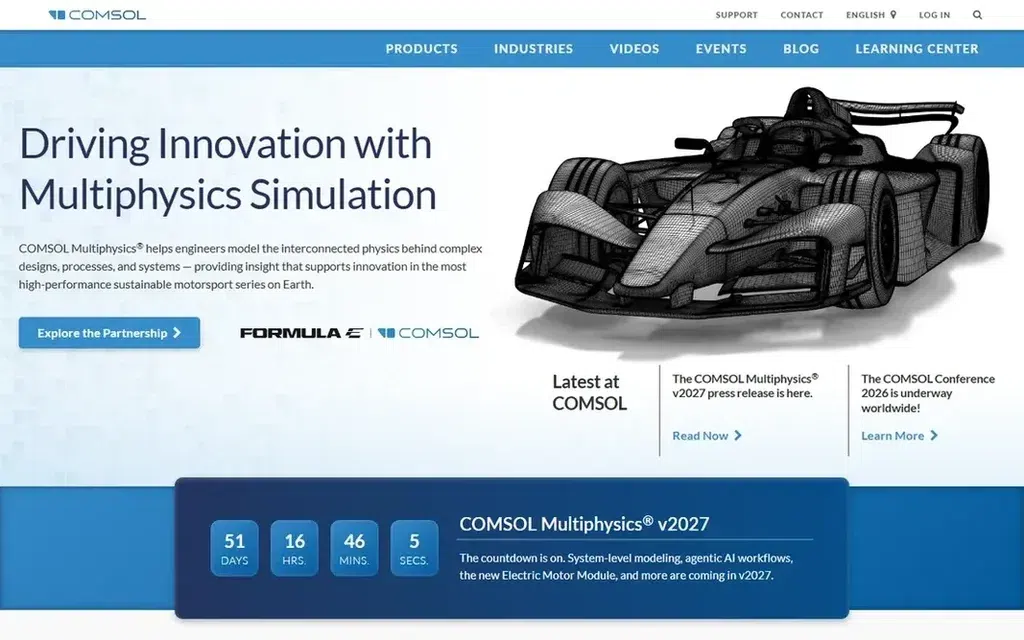
COMSOL Multiphysics is a good fit for Multiphysics simulation. It permits engineers to couple different physics in a single model, making it a strong match for applications involving thermal, electrical, and mechanical interactions.
Where it falls short: May be less specialized for pure structural FEA.
Beyond that, whereas solid in multiphysics, COMSOL may not offer the same depth in specialized structural analysis as dedicated FEA tools. No starting price is listed for COMSOL Multiphysics here; confirm pricing on the vendor site. Trial and free access: Not stated.
- Simulates coupled physics phenomena
- User-friendly interface for multiphysics
- Needs understanding of several physics
ANSYS Mechanical
Best for: Structural FEA analysis
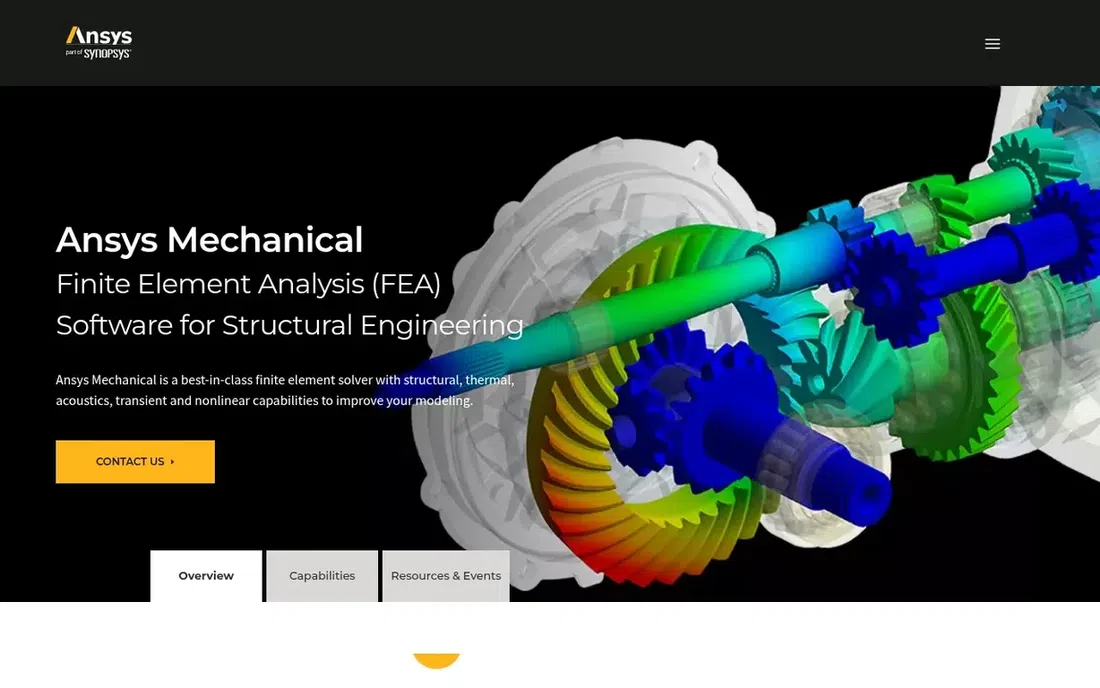
ANSYS Mechanical is aimed squarely at structural FEA analysis. That said, ANSYS Mechanical may have a steep ramp-up time for new users, and advanced simulations can demand significant computational resources.
Check the vendor site for ANSYS Mechanical pricing; none is listed in this comparison. Free plan details: Not stated.
Downsides: May need training for advanced features.
- Solves complicated engineering problems
- Manages implicit and explicit structural analysis
- Can be computationally intensive
Siemens Simcenter 3D
Best for: Multidisciplinary product performance
Siemens Simcenter 3D is designed for Multidisciplinary product performance. Teams seeking a standalone CAE option might prefer alternatives. Worth adding: Siemens Simcenter 3D is a thorough, completely integrated CAE option for complicated, multidisciplinary product performance engineering, including electromagnetic and structural analysis.
Points against: Tight integration with Siemens ecosystem.
It is meant to work smoothly with other Siemens tools, making it a solid fit for organizations already using the Siemens ecosystem. From a buyer's view, for those not invested in Siemens software, the integration benefits may be less relevant. The tool can be complicated to learn. Siemens Simcenter 3D does not show a starting price in this comparison, so check the vendor site for current pricing. As for free access: Not stated.
- Part of Siemens Xcelerator portfolio
- Completely integrated CAE option
- May be complicated for new users
Creo Simulation
Best for: CAD-integrated simulation
Creo Simulation is designed for CAD-integrated simulation. Creo Simulation software permits engineers to enhance their product design with simulation and analysis.
This makes it a convenient choice for teams already using Creo. As a CAD-integrated tool, Creo Simulation may not offer the depth of specialized CAE software for complicated multiphysics or highly nonlinear problems. Creo Simulation does not show a starting price in this comparison, so check the vendor site for current pricing. Free options: Not stated.
Downsides: Restricted to Creo ecosystem.
- Smooth integration with Creo CAD
- Accessible for design engineers
- May lack advanced FEA features
Our selection method
What to confirm before you sign up
- Ask each vendor, from Altair HyperWorks to Creo Simulation, for a written quote; none of them publishes a starting price.
- Read the limits listed for Altair HyperWorks first: may need several modules for full functionality.
- Find out whether the entry plan of Creo Simulation covers your must-haves or only a trimmed-down version.
- Find out what support Altair HyperWorks includes on your plan, and whether onboarding help costs extra.
- The entry price of ANSYS Mechanical is only the starting point; model the full cost with seats and extras.
FAQ
How do I choose between implicit and explicit solvers?
Implicit solvers are usually used for static and low-speed dynamic problems, whereas explicit solvers are suited for high-speed events like crashes. Your analysis type will determine the appropriate solver.
How are the tools for CAE software ordered?
The order follows typical fit for CAE software, with Altair HyperWorks first and Creo Simulation last, then price clarity and free access. It is editorial judgement, not a score, so another team could rank the tools differently.
Can I try these options before paying?
Not by default. None of the tools, from Altair HyperWorks to Creo Simulation, lists a free plan or a free trial here, so ask each vendor for a demo before committing.
Do these tools publish their prices?
No. None of the tools, from Altair HyperWorks to Creo Simulation, shows a fixed starting price here, so budget time for quotes.
Does any tool for CAE software here have a free plan?
A permanent free plan is not offered by Altair HyperWorks, Creo Simulation or the other tools here. Plan a short evaluation period instead.
Sources
- https://altair.com/hyperworks
- https://www.comsol.com/comsol-multiphysics
- https://www.ansys.com/products/structures/ansys-mechanical
- https://plm.sw.siemens.com/en-US/simcenter/mechanical-simulation/simcenter-3d
- https://www.ptc.com/en/products/creo/simulation