Best Caller ID App in 2026: 8 Apps Compared
Compare the best caller id app options for 2026, with spam blocking, live caller names, free plans, and privacy notes for Android and iPhone users today.
- Editor's choice
 Truecaller
Widest free caller ID on Android
Starts atFreeVisit truecaller.comFull review - Great alternative
 Hiya
Privacy-first spam blocking
Starts atFreeVisit hiya.comFull review - Also consider
 Whoscall
Offline caller lookup
Starts atFreeVisit whoscall.comFull review
TL;DR:
- Truecaller has the broadest free caller identification on Android, while Hiya is a strong privacy-first choice that does not ask for contact access.
- Whoscall stands out for offline lookup, which helps when signal is weak or you travel.
- Most free plans block common spam, but automatic blocking of every unknown call and extra lookup tools usually sit behind a paid plan.
- No app can stop spoofed numbers completely, so pair an app with your carrier spam tools and healthy caution about unknown callers.
- Our pick for most people is Truecaller on Android and Hiya on iPhone, with Whoscall as a solid second choice for offline use.
Quick comparison
| Tool | Best for | Starts at | Free plan? | |
|---|---|---|---|---|
| Truecaller | Widest free caller ID on Android | Free | Yes | Visit |
| Hiya | Privacy-first spam blocking | Free | Yes | Visit |
| Whoscall | Offline caller lookup | Free | Yes | Visit |
 CallApp | Caller ID with call recording extras | Free | Yes | Visit |
 Nomorobo | Landline and mobile robocall blocking | See website | No | Visit |
 RoboKiller | Aggressive spam call answering | See website | Free trial | Visit |
 YouMail | Voicemail with caller ID | Free | Yes | Visit |
 TrapCall | Unmasking blocked numbers | See website | Free trial | Visit |
The best caller id apps
We compared official feature pages, app store listings, pricing pages, and privacy notes for the leading caller identification apps. The list below covers Android and iPhone, free and paid options, and different levels of spam control.
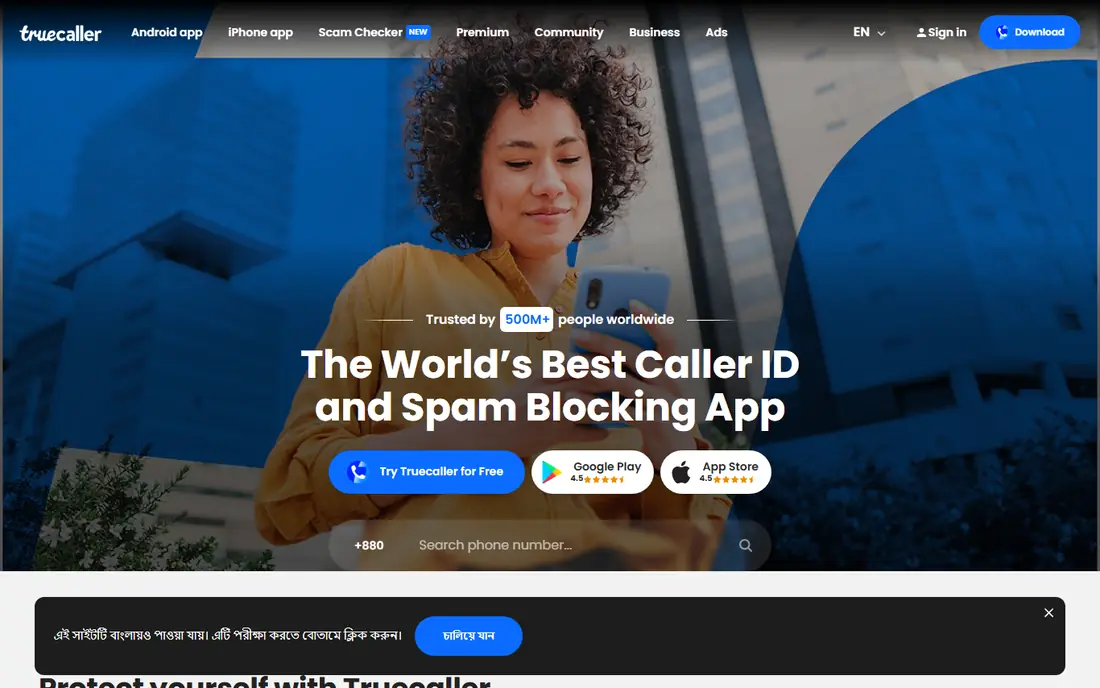
Truecaller is the default choice for many Android users, and for good reason. It identifies incoming calls in real time, flags numbers reported as spam, and lets you block numbers by hand or with automatic rules. On Android, the free tier does most of the daily work, including caller identification and spam detection, plus filtering for spam text messages.
The catch is the trade-off between coverage and privacy. Truecaller builds part of its database from community reports and other sources, and it asks for broad permissions. If that bothers you, review the permissions after setup and turn off anything you do not need. Paid plans remove ads and add extras such as profile view alerts and tighter automatic blocking, but most people should start free and pay only if ads or missing iPhone features become a problem.
- Very large caller database
- Strong spam flagging
- Message filtering on Android
- Free version shows ads
- IPhone features are more limited without Premium
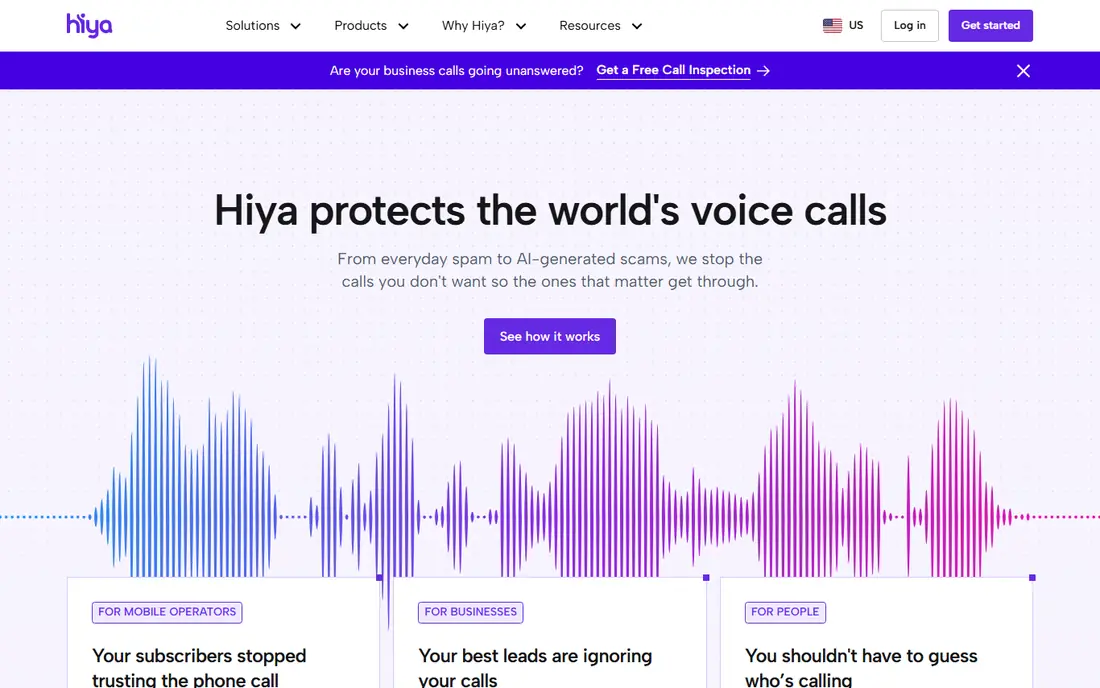
Hiya takes a different path from Truecaller. It blocks spam and fraud calls without asking for access to your contact list, which is a real privacy advantage. Free users get spam detection, spam reporting, and blocking, with spam list updates on a regular cycle. On many Samsung phones, Hiya protection is already built in through the carrier or device software.
Premium adds a downloaded caller database for offline-style lookup, more frequent spam updates, and a set number of premium lookups each month for lesser known numbers. Prices vary by plan and platform, so check the price inside the app store before you pay. For iPhone users who want solid blocking with fewer permissions, Hiya is our top pick among the free caller id app options.
- Blocks spam without requiring contact access
- Daily spam list updates
- Built into many Samsung phones
- Some automatic blocking sits behind Premium
- Android availability varies by carrier

Whoscall is the app to pick if you often lose signal. It downloads a local database to your phone, so it can flag known spam numbers even when you have no data connection. That helps on rural roads, in large buildings, and when you travel abroad and keep data off. The free version covers basic caller identification and spam blocking.
The paid tier adds automatic call blocking and a larger, more frequently updated offline database. Whoscall covers more than a billion numbers in its database, according to its own materials, so coverage for common spam is strong. The interface is less polished than Truecaller, but the offline strength makes up for that if reliable identification matters more than extras.
- Offline database works without data
- Large number database
- Simple blocking tools
- Premium needed for the fullest offline database
- Design feels plain next to rivals
CallApp blends caller identification with a fuller phone toolkit. You get caller names for unknown numbers, community-based spam reports, and tools to build a personal block list. On supported Android devices, it also offers call recording, which some people want for work calls or for keeping a record of important conversations.
Check local rules before you record any call, since consent rules differ by state and country. CallApp is best for Android users who want one app for identification, blocking, and recording, rather than three separate tools. The free tier is usable for daily identification, while paid options remove ads and add deeper controls.
- Caller ID plus call recording on supported devices
- Community spam reports
- Custom blocking rules
- Call recording rules vary by location
- Some features are paid only
Nomorobo is less of a caller name app and more of a robocall shield. It is well known for landline protection, where it uses simultaneous ring to screen calls before your home phone rings for long. Mobile users can use it too, with blocking based on a large list of known robocall numbers.
That focus is both its strength and its limit. If your main pain is a landline ringing all day with scams, Nomorobo is one of the few tools built for that job. If you mainly want to see a name for every unknown mobile call, Truecaller or Hiya will serve you better. Check current pricing on the vendor site, since plans differ for landline and mobile.
- Works on landlines as well as mobiles
- Simultaneous ring blocking
- Simple setup
- No free plan for most users
- Caller name lookup is not its main job
RoboKiller takes an aggressive stance. Instead of only blocking spam calls, it can answer them with recorded answer bots that keep the caller busy, which reduces the chance that your number gets marked as a live target. It also predicts spam risk for incoming calls and blocks spam texts.
That approach suits people who get a high volume of spam and want active defense rather than quiet blocking. The trade-off is cost, since RoboKiller is a paid service after a trial period, and the answer bot feature is not for everyone. If you prefer a calm phone, a standard blocker may suit you better, but if spam volume is your top problem, RoboKiller is worth a trial.
- Answer bots waste spam callers time
- Strong spam prediction
- Spam text blocking
- Paid after the trial
- Answer bots can feel gimmicky for some users
YouMail started as a visual voicemail service, and it still shines there. You get transcribed voicemail messages you can read at a glance, custom greetings for different callers, and spam call blocking built in. That mix is useful if you miss calls often and want to triage voicemail fast without listening to each message in full.
The free tier covers basic voicemail and blocking, while paid plans add longer transcription, more storage, and business features such as auto attendant greetings. Setup requires forwarding unanswered calls to YouMail, which takes a few minutes with your carrier. Once it is set, it quietly improves both voicemail and caller screening.
- Visual voicemail with transcription
- Spam call blocking
- Custom greetings
- Best features need a paid plan
- Setup takes a few steps with your carrier
TrapCall serves a narrow but real need: finding out who is behind a blocked or private number. It routes declined calls through its service to reveal the number where possible, then lets you block it for good. It also offers a spam blacklist and voicemail transcription for calls you send its way.
This is not a general caller ID app for daily use, and it is not free long term. It fits people who get repeated blocked-number calls and want to identify the source before blocking. For most readers, a free blocker will be enough, but TrapCall is the specialist pick when blocked calls are the main problem.
- Can reveal numbers behind blocked calls
- Spam blacklist
- Voicemail transcription
- Paid service after trial
- Unmasking does not work for every blocked call type
How we picked these
We compared official feature pages, pricing pages, and app store listings, and we weighed free tier strength, spam blocking quality, privacy permissions, and platform coverage. We favored apps that still work in October 2026, that publish clear pricing or a usable free tier, and that fit the core job of identifying callers and cutting spam. We left out apps that only reverse lookup one number at a time with no live call screening, since that is a different job.
We also checked the privacy angle closely. Some apps ask for contact access and build databases from user data, while others, such as Hiya, avoid that request. We note that difference in each write-up so you can pick based on comfort, not only on database size. Prices change by region and store, so treat any paid price here as a starting point and confirm it in the app before you subscribe.
What to check before you pick a caller ID app
Start with your phone and your spam problem. Android users get the fullest free experience from most apps, because Android allows live caller identification in a way iPhone restricts. iPhone users should expect more limits on free plans and should check whether automatic blocking needs a paid tier. Your carrier may already offer free spam protection, so check that first before you pay for a second layer.
Free versus paid
Free plans usually cover caller names for common numbers and flagging for known spam. Paid plans add ad removal, automatic blocking of all unknown calls, offline databases, and lookup limits that are higher. Try a free plan for two weeks and count how many spam calls still get through. If the number is low, you may not need to pay at all.
Privacy and permissions
Read the permissions screen before you accept it. An app does not need full contact access to flag spam, and you can often deny optional permissions and still get core blocking. Check the privacy policy for how your number and contacts are used, and turn off any feature that shares your profile or number with other users if you do not want that exposure.
Spoofing limits
No app can fully stop spoofed numbers, where a scammer fakes a local or trusted number. Treat any urgent call asking for money, codes, or personal details with suspicion, even if a name looks familiar. Hang up and call the organization back on a number from its official site. An app reduces noise, but judgment still does the final screening.
FAQ
What is the best free caller id app?
For Android, Truecaller offers the widest free caller identification and spam flagging. For iPhone, Hiya is a strong free choice because it blocks spam without requiring contact access. Whoscall is a good free second choice if you need offline lookup.
Do caller ID apps work on iPhone as well as Android?
They work on both, but Android allows fuller live identification. On iPhone, Apple limits how apps can screen calls in real time, so some features need a paid plan or work through a downloaded caller list. Check the App Store listing for your exact iPhone model and iOS version before you pay.
Can a caller ID app block all spam calls?
No app blocks every spam call, because scammers rotate numbers and spoof trusted numbers. A good app cuts most known spam, and pairing it with carrier spam protection and silence for unknown callers reduces the rest. Report numbers that slip through, since community reports improve the database for everyone.
Is Truecaller safe for my privacy?
Truecaller asks for broad permissions and uses community data, so it is less private than Hiya by design. You can limit permissions and turn off profile sharing features, but if privacy is your top concern, pick an app that does not request contact access. Read the current privacy policy before you install any caller ID app.
What is the best caller id app for blocking robocalls on a landline?
Nomorobo is the specialist pick for landlines, using simultaneous ring to screen robocalls before your home phone rings for long. Mobile-first apps such as Truecaller and RoboKiller do not cover a traditional landline in the same way, so check Nomorobo pricing for landline versus mobile plans.
Do I need to pay for caller ID if my carrier already blocks spam?
Often you do not. Many carriers include free spam flagging and blocking, and phones such as Pixel offer built-in call screening. Try those free tools first, then add an app only if spam still gets through at a level that bothers you. A paid app makes sense when you want offline lookup, answer bots, or unmasking features your carrier does not offer.