Best CAFM Software in 2026: 8 Platforms Compared
Compare the best CAFM software in 2026 for space planning, work orders, and asset tracking, with 8 platforms, pricing notes, and guidance for facilities teams.
- Editor's choice
 Planon
Large workplace portfolios
Starts atSee websiteVisit planonsoftware.comFull review - Great alternative
 Eptura
Space and workplace management
Starts atSee websiteVisit eptura.comFull review - Also consider
 Accruent
Broad facility operations
Starts at$499 per monthVisit accruent.comFull review
TL;DR:
- CAFM software covers space, assets, and maintenance in one system, while a pure maintenance tool may only cover work orders.
- Most CAFM pricing is quote-based, so a demo and a written quote matter more than a headline price on a comparison page.
- Small and mid-size teams should favor fast setup and mobile work orders, while large portfolios need space planning, leases, and reporting depth.
- Plan for data cleanup before you buy, since asset lists, floor plans, and space records decide how useful the software is on day one.
Quick comparison
| Tool | Best for | Starts at | Free plan? | |
|---|---|---|---|---|
| Planon | Large workplace portfolios | See website | No | Visit |
| Eptura | Space and workplace management | See website | No | Visit |
| Accruent | Broad facility operations | $499 per month | No | Visit |
 FMX | Schools and multi-site teams | See website | Free trial | Visit |
 MaintainX | Mobile maintenance teams | Free | Yes | Visit |
 Limble | Easy preventive maintenance | $28 per user per month | No | Visit |
 UpKeep | Small team work orders | $20 per user per month | Free trial | Visit |
 Facilio | Connected multi-site portfolios | See website | No | Visit |
The best CAFM software
Computer-aided facility management, or CAFM, software helps teams manage buildings, spaces, assets, and maintenance requests from one place. We included dedicated CAFM platforms alongside strong maintenance tools that facilities teams often compare with them, and we note where each one fits best.
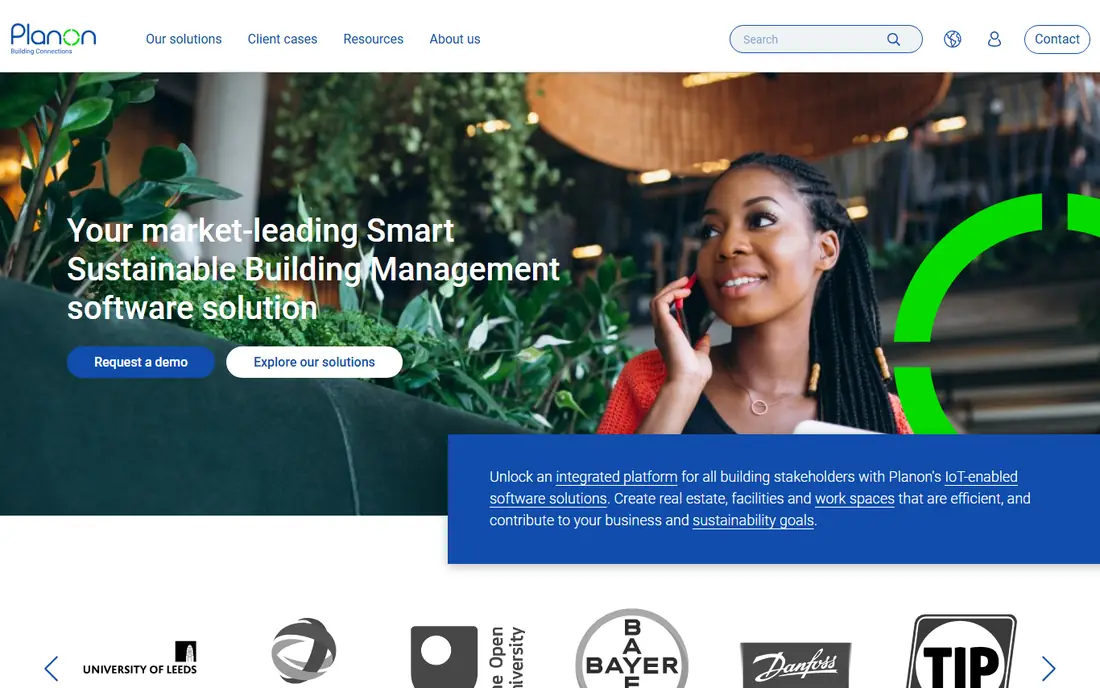
Planon is built for organizations with large, complex portfolios, where real estate, workplace, maintenance, and sustainability data need to live together. It covers space planning, lease management, asset tracking, and service requests, which suits corporate real estate teams, universities, and public sector portfolios. Its reporting helps managers show occupancy, costs, and maintenance trends across many buildings.
That breadth comes with weight. Pricing is quote-based, setup can be a project in itself, and a small team with one building will find much of it unused. Choose Planon when you manage many sites and need one system of record, not when you only need a work order app.
- Deep real estate and workplace coverage
- Space, lease, and maintenance in one system
- Strong reporting
- Quote-only pricing
- Implementation often needs consultants
- Heavy for a single site

Eptura combines workplace management with asset and maintenance tools, which makes it a natural fit for hybrid workplaces. Teams can manage rooms, desks, visitors, and maintenance requests together, and leaders get data on how space is actually used. That combined view helps when you are deciding whether to keep, shrink, or reconfigure office space.
The trade-off is that a suite this broad can feel complex, and some users report gaps in mobile use and support. Eptura fits best when space and workplace decisions are as important as maintenance, and when you have staff to run the system properly.
- Space booking, desk booking, and maintenance in one suite
- Workplace analytics
- Broad integrations
- Quote-only pricing
- Mobile and support gaps appear in some reviews
- Suite can feel large
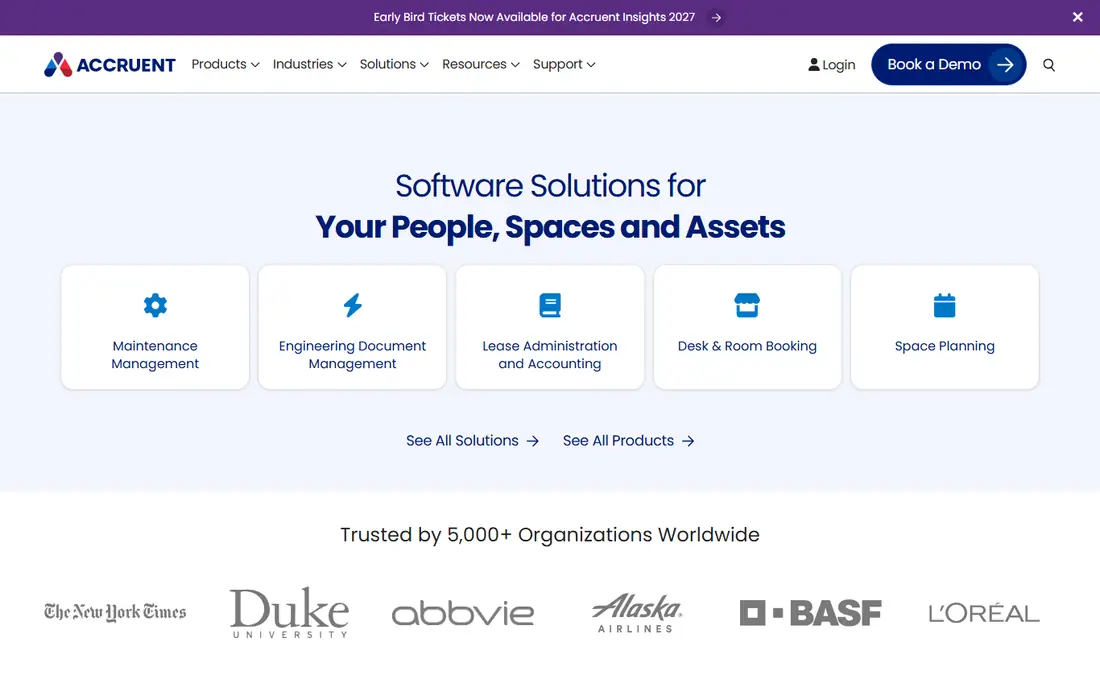
Accruent covers a wide span of facility work, from work orders and asset management to space planning, contract tracking, and key control, with versions shaped for different industries. Its links to ERP and CAD systems matter when facility data must match finance and drawing records. Published comparisons list a starting price around $499 per month, though your final quote will depend on scope.
Users often praise its breadth and criticize its interface and reporting flexibility, so a demo with your own data is essential. Accruent suits large operations that want one vendor for many facility tasks and can live with a steeper learning curve.
- Wide facility coverage, including space and maintenance
- Industry versions for healthcare and education
- ERP and CAD links
- Interface feels dated to some users
- Licensing can feel rigid
- Reporting can be hard to shape
FMX is a practical choice for schools, local government, and multi-facility teams that need staff to submit requests easily and managers to schedule work without fuss. Its request portal, calendar, and work order tools fit organizations where many non-technical staff raise issues, from a broken light to a room booking clash. The system is easier to adopt than a full enterprise suite.
It is less suited to a corporate real estate team that needs deep lease and portfolio analytics. If your main job is keeping buildings running and responding to requests on time, FMX gives you that without enterprise complexity or a long rollout.
- Clear request portal for staff
- Scheduling and maintenance in one place
- Popular in education and government
- Pricing is quote-based in most listings
- Reporting depth is less than enterprise CAFM suites
MaintainX is the most mobile-friendly option here, and its free tier lets a small team start without a purchase. Technicians get work orders, checklists, and procedures on a phone, managers see progress in real time, and the setup is fast compared with enterprise CAFM. That speed matters for distributed teams in manufacturing, property, and field services.
It is a maintenance tool first, not a full CAFM suite, so space planning and lease management are thinner. Choose MaintainX when the core job is keeping assets running and getting technicians to adopt the system quickly, and pair it with other tools if you also need deep space analytics.
- Mobile-first work orders
- Free starter tier
- Digital procedures and checklists
- Space planning is thinner than dedicated CAFM
- Key features sit in higher tiers
Limble wins on ease of use for preventive maintenance. You can set up assets, build recurring maintenance schedules, and give technicians a clear mobile workflow without a long implementation. Its entry price around $28 per user per month makes it accessible to mid-size teams, and its adoption rates tend to be high because the app is simple.
The limits appear when you need highly customized reports or deep space and lease management. Limble is a strong pick for maintenance-led teams that want reliable preventive schedules and fast rollout, rather than a corporate real estate suite.
- Fast setup
- Strong preventive maintenance scheduling
- Clear mobile app for technicians
- Reporting customization has limits
- Asset depth is less than enterprise platforms
UpKeep is built for small to mid-size teams that need work orders, asset tracking, and preventive maintenance without enterprise overhead. Its mobile app is straightforward, its entry price is low, and a team can be running in days rather than months. That makes it a good first system for a business moving off spreadsheets.
As with other maintenance tools, space planning and portfolio analytics are not its strength, and some useful features sit in higher tiers. UpKeep fits when maintenance is the main job and budget is tight, and it is easy to outgrow if your portfolio later needs full CAFM depth.
- Easy mobile work orders
- Low entry price
- Quick deployment for small teams
- Costs climb as features are tier-gated
- Space and lease tools are limited
Facilio is aimed at enterprises and facility service providers managing many sites, with a connected view across buildings, vendors, and occupants. It links to building systems and sensors, supports vendor and occupant portals, and gives executives a portfolio picture rather than a site-by-site list. That scope suits retail chains, large property portfolios, and outsourced facility providers.
For a single building, Facilio is more system than you need, and pricing is based on portfolio scope rather than a simple per-user rate. Choose it when you manage many sites and need one operating picture, and budget time for implementation and data setup.
- Multi-site portfolio view
- IoT and building system links
- Stakeholder portals for vendors and occupants
- Quote-based portfolio pricing
- Heavier than a single small site needs
- Implementation takes planning
How we picked these
We compared official product pages, published CAFM and maintenance comparisons from October 2026, and public pricing where vendors publish it. We favored platforms that cover space, assets, or maintenance in a way facilities teams actually use, and we included both full CAFM suites and maintenance-led tools because buyers compare them side by side. Where pricing is quote-only, we say so rather than inventing a figure.
How to buy CAFM software without regret
Start with the job list, not the demo. Write down how requests arrive, who approves work, how assets are tracked, and which reports leaders ask for each month. A vendor demo should then use your scenarios, not a polished script, so you can see whether request intake, scheduling, and reporting match your real workflow.
Data, floor plans, and rollout
Gather your asset list, floor plans, and space records before you sign, since poor data will limit even the best system. Ask how floor plans import, how spaces link to assets, and how long a pilot with one building takes. A phased rollout, one site first, then the rest, catches problems early and builds trust with technicians and requesters.
Total cost and support
Quote-based pricing hides the full bill, so ask for implementation, training, integrations, and annual support in the same quote. Check mobile offline access for technicians in basements or remote sites, and ask how support responds when a work order system stops. The cheapest license can become expensive if setup and support are billed separately.
FAQ
What does CAFM stand for?
CAFM stands for computer-aided facility management, which means software that helps manage buildings, spaces, assets, and maintenance work in one system. It differs from a basic work order app by adding space planning and asset records alongside maintenance.
Is CAFM the same as CMMS?
Not quite. A CMMS, or computerized maintenance management system, focuses on maintenance and assets, while CAFM adds space management and often real estate data. Many modern tools blend both, so check the feature list rather than relying on the label alone.
How much does CAFM software cost?
Small team tools start around $20 to $28 per user per month, while enterprise CAFM suites are quote-based and often cost far more once implementation is included. Always ask for the full quote, including setup, training, and support.
Can small businesses use CAFM software?
Yes, but a small team should usually start with a maintenance-led tool such as MaintainX, Limble, or UpKeep, which are faster to set up. Full CAFM suites such as Planon and Eptura suit larger portfolios with dedicated facilities staff.
How long does implementation take?
A small maintenance tool can go live in days or weeks, while an enterprise CAFM rollout can take months, especially if floor plans and asset data need cleanup. A pilot in one building is the safest way to test timing and adoption.