Best Canary Deployment Tools in 2026: 8 Tools Compared
Best canary deployment tools compared for 2026: Kubernetes rollouts, feature flags, and controlled releases that help teams ship safely with less risk.
- Editor's choice
 Argo Rollouts
Kubernetes canary rollouts
Starts atFreeVisit argoproj.github.ioFull review - Great alternative
 Flagger
Flux based progressive delivery
Starts atFreeVisit flagger.appFull review - Also consider
 LaunchDarkly
Feature flag rollouts
Starts atSee websiteVisit launchdarkly.comFull review
TL;DR:
- Argo Rollouts and Flagger are free and open source, so Kubernetes teams can start without a license cost.
- Feature flag tools such as LaunchDarkly and Unleash separate deployment from release, which makes rollback instant.
- Harness, Spinnaker, and Octopus Deploy add governance and approvals that larger teams often need.
- Start with a 1 to 5 percent canary, clear error and latency gates, and an automatic rollback rule.
Quick comparison
| Tool | Best for | Starts at | Free plan? | |
|---|---|---|---|---|
| Argo Rollouts | Kubernetes canary rollouts | Free | Yes | Visit |
| Flagger | Flux based progressive delivery | Free | Yes | Visit |
| LaunchDarkly | Feature flag rollouts | See website | Free trial | Visit |
 Harness | Governed progressive delivery | See website | Free trial | Visit |
 Spinnaker | Multi-cloud canary releases | Free | Yes | Visit |
 Octopus Deploy | Controlled releases for mixed stacks | See website | Free trial | Visit |
 Flagsmith | Self-hosted feature flags | See website | Yes | Visit |
 Unleash | Open source feature flags | See website | Yes | Visit |
The best Canary Deployment Tools
A canary release sends a new version to a small share of traffic first, so a bad change affects a few users instead of everyone. The tools below cover two related jobs: traffic based canary rollouts for Kubernetes, and flag based rollouts that let you switch a feature on or off without a redeploy. Our pick for most Kubernetes teams is Argo Rollouts, while LaunchDarkly is the safer pick when the release decision is about people, not pods.
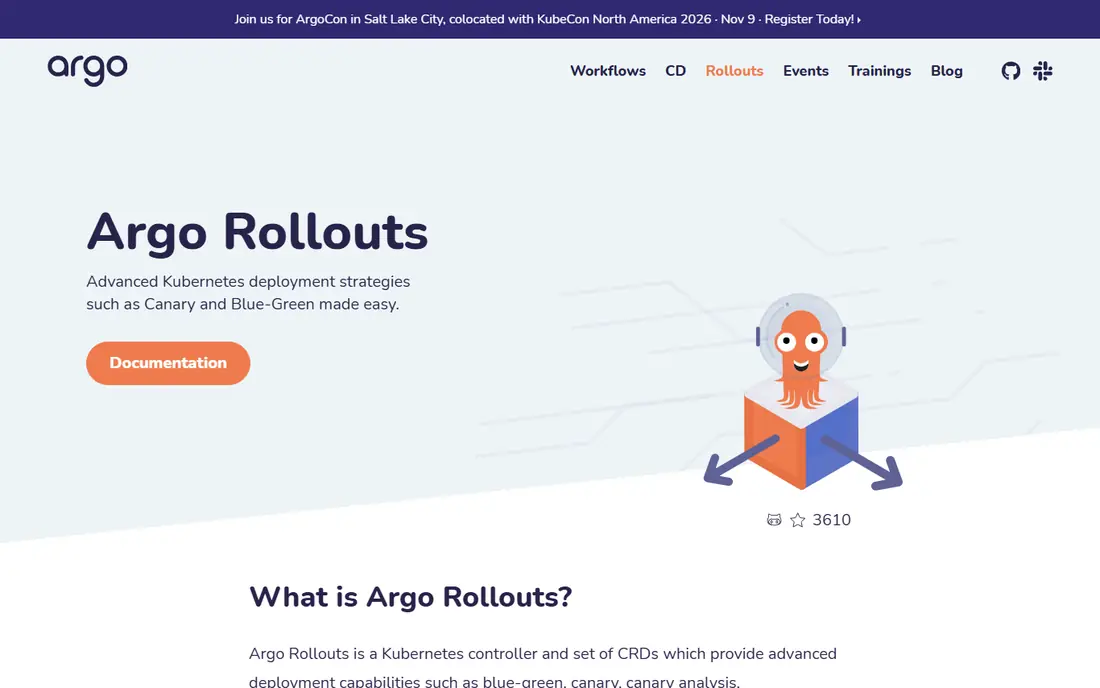
Argo Rollouts fits Kubernetes teams that already use GitOps. Its clearest strength is step based canary promotion with analysis gates, which matters when you need traffic to shift in small, checked steps. For teams that want automated promotion or rollback based on metrics, this focus keeps the day to day work simpler than a broad platform that tries to cover every related job at once.
The catch is it only runs on Kubernetes and needs a traffic routing setup. That does not rule it out, but it does mean you should check which ingress or mesh your cluster already uses before you commit, and run a small pilot with a real project rather than a demo file. If that pilot passes, Argo Rollouts is a sound pick for kubernetes canary rollouts.
We compared Argo Rollouts on its official feature and pricing pages, public documentation, and user reviews. What stood out was its analysis runs that can pause or roll back a rollout on failed metrics. What held it back in our comparison was the learning curve for first time GitOps teams.
- Free and open source
- Canary and blue-green strategies
- Works with common traffic routers
- Kubernetes only
- Setup needs care with service mesh or ingress routing
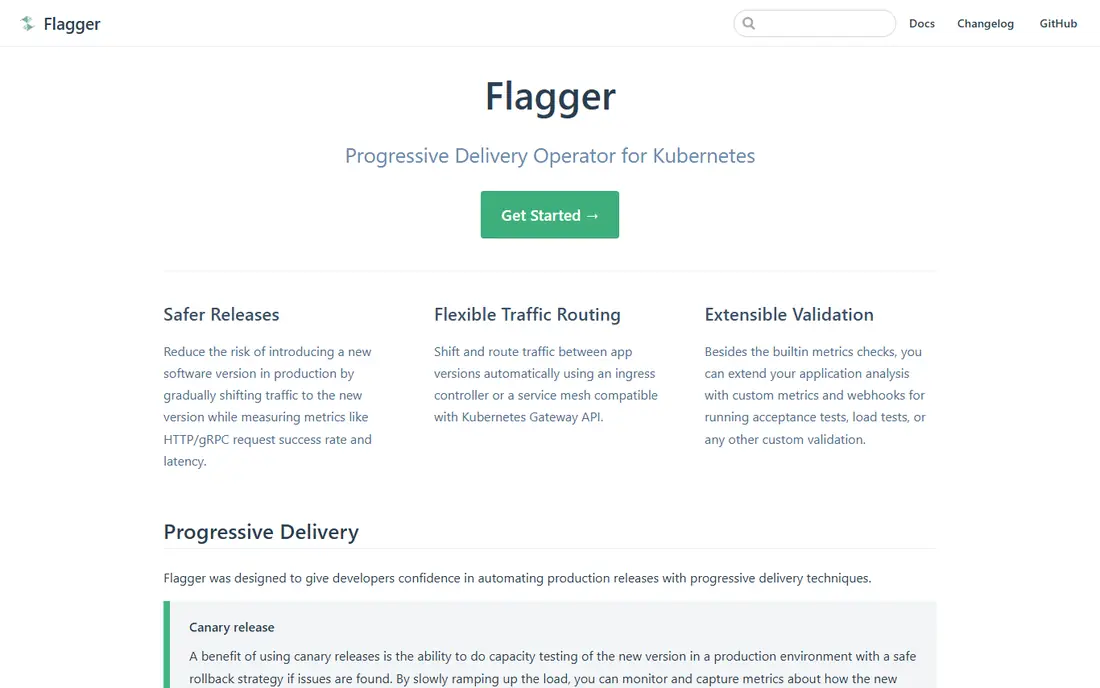
Flagger fits teams already running Flux CD. Its clearest strength is tight integration with Flux and Prometheus based decisions, which matters when your delivery pipeline is already built around Flux. For teams that want canary analysis without adding a second control plane, this focus keeps the day to day work simpler than a broad platform that tries to cover every related job at once.
The catch is it fits your mesh and observability stack. That does not rule it out, but it does mean you should check how your metrics are exposed to Flagger before you commit, and run a small pilot with a real project rather than a demo file. If that pilot passes, Flagger is a sound pick for flux based progressive delivery.
We compared Flagger on its official feature and pricing pages, public documentation, and user reviews. What stood out was its hands off promotion once metrics pass. What held it back in our comparison was its narrower fit outside Flux shops.
- Free and open source
- Automated canary analysis with Prometheus metrics
- Blue-green support
- Tied closely to Flux and service mesh choices
- Smaller vendor support path

LaunchDarkly fits product and engineering teams that release features often. Its clearest strength is separation of code deployment from feature release, which matters when a feature must reach some users before others. For teams that need fast rollback for a risky feature, this focus keeps the day to day work simpler than a broad platform that tries to cover every related job at once.
The catch is its limits on the plan you would actually buy. That does not rule it out, but it does mean you should check your expected flag evaluations and seat count before you commit, and run a small pilot with a real project rather than a demo file. If that pilot passes, LaunchDarkly is a sound pick for feature flag rollouts.
We compared LaunchDarkly on its official feature and pricing pages, public documentation, and user reviews. What stood out was its targeting rules and audit history. What held it back in our comparison was its cost growth at high evaluation volumes.
- Real time flag control
- Targeting by user and context
- Instant rollback without redeploy
- Pricing rises with usage
- Flag sprawl needs governance
Harness fits platform teams that need approval and audit trails. Its clearest strength is governed pipelines with automated verification, which matters when releases need sign off and a paper trail. For teams that want one delivery platform across services, this focus keeps the day to day work simpler than a broad platform that tries to cover every related job at once.
The catch is its limits on the plan you would actually buy. That does not rule it out, but it does mean you should check which modules are included in your quote before you commit, and run a small pilot with a real project rather than a demo file. If that pilot passes, Harness is a sound pick for governed progressive delivery.
We compared Harness on its official feature and pricing pages, public documentation, and user reviews. What stood out was its verification checks tied to each rollout step. What held it back in our comparison was its price and setup effort for small teams.
- Pipeline based canary and blue-green releases
- Verification and approvals in one place
- Broad cloud support
- Quote based enterprise pricing
- Setup is heavier for small teams
Spinnaker fits large teams with multi-cloud estates and platform staff. Its clearest strength is multi-cloud canary analysis at scale, which matters when you deploy the same service to several clouds. For teams that need deep canary scoring across providers, this focus keeps the day to day work simpler than a broad platform that tries to cover every related job at once.
The catch is its limits on the plan you would actually buy. That does not rule it out, but it does mean you should check whether your team can run its control plane before you commit, and run a small pilot with a real project rather than a demo file. If that pilot passes, Spinnaker is a sound pick for multi-cloud canary releases.
We compared Spinnaker on its official feature and pricing pages, public documentation, and user reviews. What stood out was its mature canary analysis for cloud services. What held it back in our comparison was its operational weight compared with lighter tools.
- Free and open source
- Strong canary analysis
- Multi-cloud deployment support
- Large control plane to run
- Needs real operations effort
Octopus Deploy fits teams with mixed .NET, VM, and container workloads. Its clearest strength is a clear model for environments, tenants, and releases, which matters when you ship to many customers or sites from one pipeline. For teams that need repeatable releases across environments, this focus keeps the day to day work simpler than a broad platform that tries to cover every related job at once.
The catch is its limits on the plan you would actually buy. That does not rule it out, but it does mean you should check how canary traffic splitting is handled for your stack before you commit, and run a small pilot with a real project rather than a demo file. If that pilot passes, Octopus Deploy is a sound pick for controlled releases for mixed stacks.
We compared Octopus Deploy on its official feature and pricing pages, public documentation, and user reviews. What stood out was its environment and tenant model. What held it back in our comparison was its weaker native Kubernetes canary story.
- Clear release and environment model
- Tenanted deployments
- Strong .NET and container support
- Quote and tier pricing can grow
- Kubernetes canary work needs extra tooling
Flagsmith fits teams that want flag control without a large SaaS bill. Its clearest strength is self-hosted flag management with a clear open source base, which matters when data control or cost control matters more than a huge marketplace. For teams that want to run flags inside your own infrastructure, this focus keeps the day to day work simpler than a broad platform that tries to cover every related job at once.
The catch is its limits on the plan you would actually buy. That does not rule it out, but it does mean you should check which features need a paid plan before you commit, and run a small pilot with a real project rather than a demo file. If that pilot passes, Flagsmith is a sound pick for self-hosted feature flags.
We compared Flagsmith on its official feature and pricing pages, public documentation, and user reviews. What stood out was its self-hosting option. What held it back in our comparison was its smaller integration catalog.
- Open source core with self-hosting
- Flag targeting and remote config
- Lower cost path for small teams
- Enterprise features sit on paid plans
- Smaller ecosystem than LaunchDarkly
Unleash fits engineering teams that prefer open source flag tooling. Its clearest strength is gradual rollout strategies in an open source tool, which matters when you want flags you can host and extend yourself. For teams that need simple percentage and strategy based rollouts, this focus keeps the day to day work simpler than a broad platform that tries to cover every related job at once.
The catch is its limits on the plan you would actually buy. That does not rule it out, but it does mean you should check your hosting and scale plan before you commit, and run a small pilot with a real project rather than a demo file. If that pilot passes, Unleash is a sound pick for open source feature flags.
We compared Unleash on its official feature and pricing pages, public documentation, and user reviews. What stood out was its strategy based rollout controls. What held it back in our comparison was its paid tier for advanced governance.
- Open source flag service
- Gradual rollouts and strategies
- Self-host or cloud hosting
- Advanced governance is paid
- Setup needs planning for scale
How we picked these
We compared official feature pages, pricing pages, documentation, and public reviews for each product, and we kept only products that exist, work in October 2026, and fit the topic on their own terms. We checked starting prices on vendor sites and used See website where a vendor does not publish a simple starting price or prices by quote. We favored products with clear controls for safety, privacy, and rollback, and we noted limits plainly instead of hiding them behind praise.
What to check before you choose a canary tool
Check the limits that matter most
Free plans, credit caps, seat minimums, export limits, and quote-only pricing change the real cost fast. Read the pricing page for the plan you would actually buy, not the cheapest headline price, and confirm what happens when you hit a limit mid-project.
Plan for the day something goes wrong
The best tool in this kind of list is often the one that makes it easy to pause, roll back, export your work, or cancel. Keep a copy of your work outside the tool, note who owns the account, and confirm support hours before a deadline depends on it.
Start with the smallest real test
Pick one real project, one real audience, and one clear success measure before you pay for a full plan. A short pilot shows whether setup, limits, and support match the sales page, and it gives you a clean comparison point if you try a second tool later.
FAQ
What is a canary deployment?
A canary deployment sends a new version to a small share of users or traffic first, then expands that share if error rates, latency, and business metrics stay healthy. If metrics fail, traffic shifts back to the stable version.
How is a canary different from blue-green?
Blue-green runs two full versions side by side and switches all traffic at once, while a canary shifts traffic in small steps. Canary releases expose problems more slowly, and blue-green releases give a faster full switch when the new version is ready.
Do I need Kubernetes to use these tools?
No. Argo Rollouts, Flagger, and Spinnaker suit Kubernetes work, while LaunchDarkly, Flagsmith, and Unleash work through feature flags in almost any stack. Pick the model that matches how your app is already deployed.
What metrics should gate a canary?
Error rate, latency, and a business signal such as checkout success are a sound starting set. Add saturation or cost signals for services where load matters, and set a rollback rule before the release starts.
How small should the first canary be?
One to five percent is a common starting point for user facing services, with larger steps only after metrics pass. Internal tools can start larger, but the first step should still be small enough to limit harm if the change is bad.