Best Automated Deployment Platform for Cloud Infrastructure in 2026: 9 Tools Compared
Searching for the best automated deployment platform cloud infrastructure option? We compared nine CI and CD tools on GitOps, rollbacks, and cost today.
- Editor's choice
 Harness
Managed enterprise delivery
Starts atSee websiteVisit harness.ioFull review - Great alternative
 Argo CD
Kubernetes GitOps
Starts atFreeVisit argoproj.github.ioFull review - Also consider
 Spinnaker
Multi cloud delivery at scale
Starts atFreeVisit spinnaker.ioFull review
TL;DR:
- Argo CD is the best starting point for Kubernetes teams that want GitOps, because the Git repo becomes the source of truth for what runs.
- Harness suits enterprises that want managed progressive delivery with automated verification and rollback.
- Spinnaker fits very large multi cloud estates, but it needs dedicated staffing to run well.
- GitHub Actions, GitLab CI/CD, Jenkins, and CircleCI cover the build to deploy path, with deployment strength added through workflows or plugins.
- License price is a poor guide alone. Add staffing, infrastructure, and support time before you choose.
Quick comparison
| Tool | Best for | Starts at | Free plan? | |
|---|---|---|---|---|
| Harness | Managed enterprise delivery | See website | Free trial | Visit |
| Argo CD | Kubernetes GitOps | Free | Yes | Visit |
| Spinnaker | Multi cloud delivery at scale | Free | Yes | Visit |
 GitHub Actions | GitHub centered teams | Free | Yes | Visit |
 GitLab CI/CD | Full DevOps in one platform | See website | Yes | Visit |
 Jenkins | Flexible self hosted pipelines | Free | Yes | Visit |
 CircleCI | Cloud CI and CD workflows | See website | Yes | Visit |
 Octopus Deploy | Deployment focused teams | See website | Free trial | Visit |
 Azure DevOps | Microsoft centered delivery | See website | Yes | Visit |
The best automated deployment platforms for cloud infrastructure
A deployment platform should move code from a repo to production with checks, rollbacks, and a clear audit trail. We compared official docs, pricing pages, and public reviews to find tools that fit Kubernetes teams, multi cloud estates, and general cloud infrastructure work.
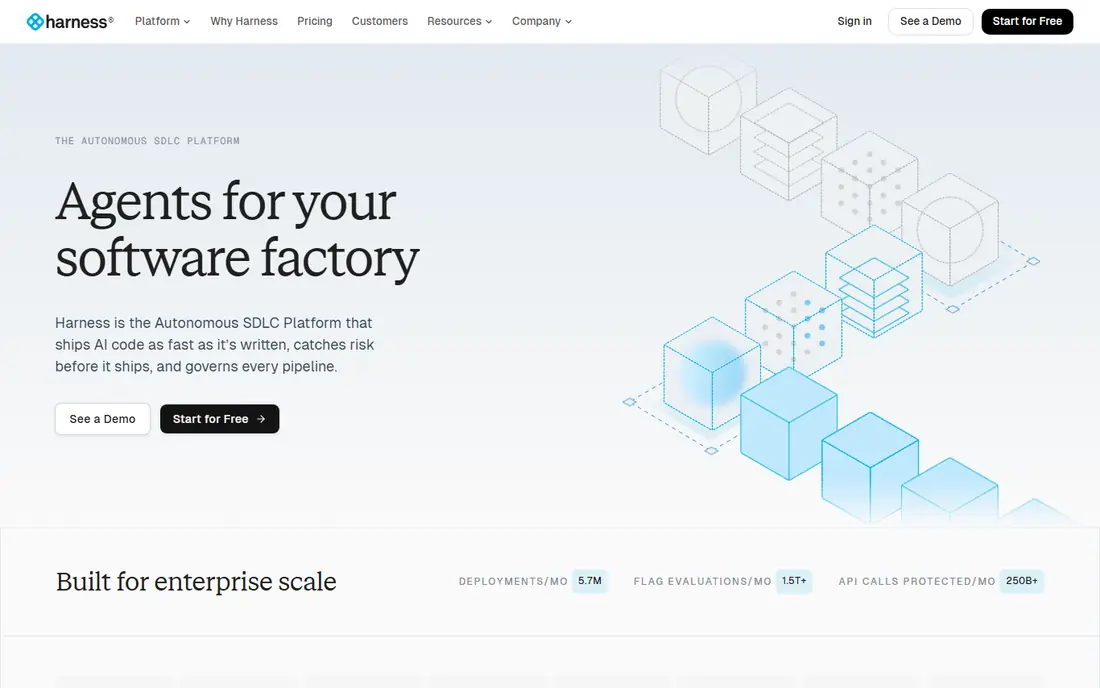
Harness suits enterprises that want deployment intelligence without running the platform themselves. Its continuous delivery module supports canary and blue green strategies, checks metrics during a rollout, and can roll back automatically when a check fails. That verification step is the main reason teams pay for Harness instead of building the same checks into scripts.
The catch is price and packaging. Most enterprise pricing is by quote, and the full feature set sits on higher tiers, so a small team may find it hard to justify. Harness also works best when a team commits to its pipeline model across services. For a large team with frequent, risky releases, the managed experience and rollback quality are worth a quote request.
- Canary and blue green delivery
- Automated verification and rollback
- Managed SaaS option
- Pricing is quote based for most enterprises
- Advanced features sit on higher tiers
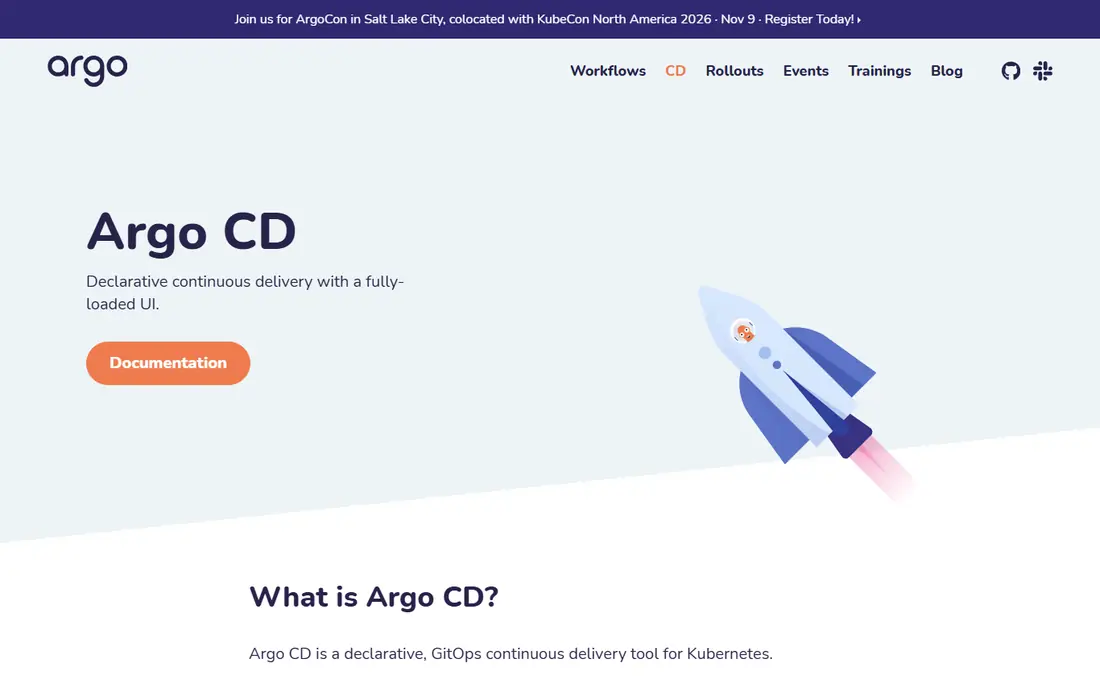
Argo CD is our pick for most Kubernetes teams because its model is simple and easy to audit. You store application manifests in Git, and Argo CD syncs the cluster to match that desired state. Drift detection shows when a live cluster differs from Git, and a rollback is a Git revert rather than a manual cluster edit. That clarity helps platform teams, auditors, and on call engineers alike.
The limit is scope. Argo CD is built for Kubernetes, so teams with virtual machines, serverless functions, or non Kubernetes targets need another tool beside it. Progressive delivery also needs Argo Rollouts, which is a separate project to install and learn. For a Kubernetes first team, Argo CD remains the cleanest starting point in this list.
- Free and open source
- Git as source of truth
- Sync, drift detection, and rollback by Git revert
- Kubernetes only focus
- Progressive delivery needs Argo Rollouts as a separate piece
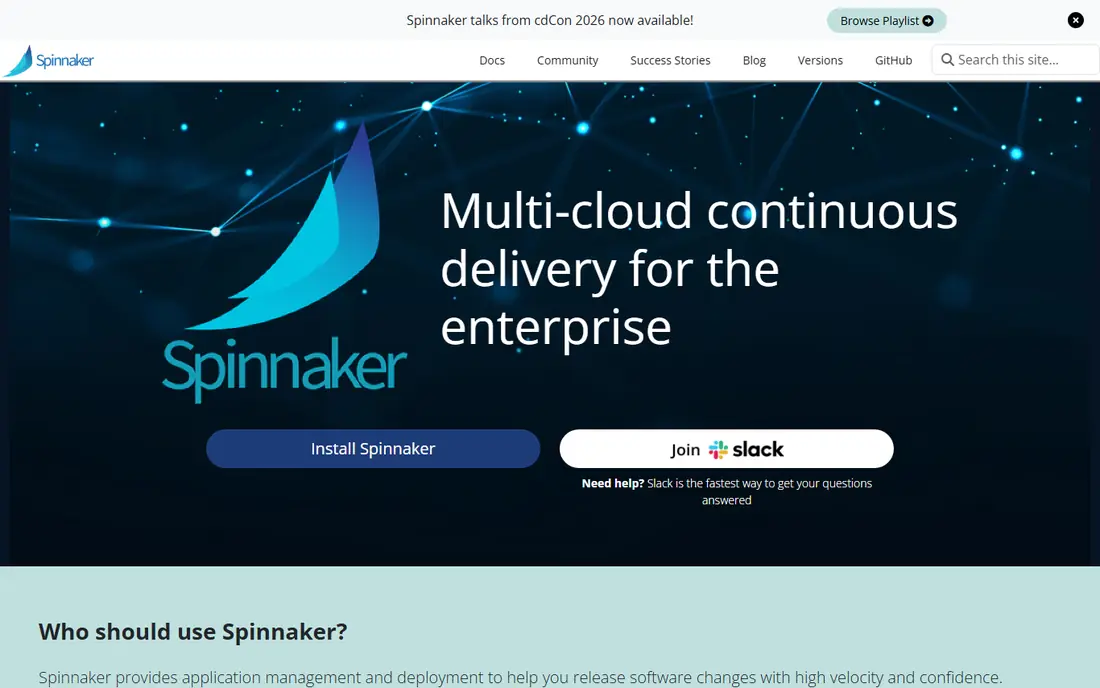
Spinnaker fits very large organizations that deploy across several clouds and need one delivery system for all of them. Its pipelines support canary analysis, blue green deploys, manual approvals, and complex multi stage rollouts across AWS, Google Cloud, Azure, and Kubernetes. That breadth is why large platform teams adopted it in the first place.
The trade-off is operational weight. Spinnaker itself is free, but running it well needs infrastructure, upgrades, and dedicated staff, and that total cost can exceed a paid SaaS license. The learning curve is also steep for a small team. Choose Spinnaker only when multi cloud scale justifies a platform team, not for a single cloud startup.
- Free and open source
- Multi cloud pipelines
- Native canary and blue green strategies
- High operational cost
- Steep learning curve
- Needs dedicated platform staff
GitHub Actions suits teams whose code, reviews, and issues already live on GitHub. Workflows run on push, pull request, or schedule, and the marketplace offers actions for building, testing, and deploying to most clouds. For a team that wants CI and CD in the same place as code review, that closeness removes a whole tool from the stack.
The catch is that deployment depth is workflow dependent. Blue green and canary strategies need careful workflow design or a third party action, rather than a built in progressive delivery engine. Private repo minutes, larger runners, and storage also add cost at scale. For GitHub native teams with moderate deployment needs, it is a fast and familiar choice.
- Built into GitHub
- Huge marketplace of actions
- Free minutes for public repos
- Deployment depth depends on workflows and third party actions
- Costs rise with private repo usage
GitLab CI/CD fits teams that want one platform for code, pipelines, security scanning, and deployment. Pipelines are defined in YAML, environments support approvals and manual gates, and templates cover common cloud targets. That single platform view helps a team trace a deploy from a merge request to production without switching tools.
The downside is weight. GitLab has many features, and a small team may use only a fraction of them. Self hosting also needs upgrades and care, while the SaaS tiers vary by feature. For a team that wants DevOps in one place and is willing to learn the GitLab way, it is a strong and complete option.
- Code, CI, CD, and security in one platform
- Environments with approvals
- Strong pipeline templates
- Full feature set can feel heavy
- Self hosted setup needs care
Jenkins remains a workhorse for teams that want full control over pipelines. It is free and open source, runs on almost any infrastructure, and its plugin library covers nearly every cloud, tool, and test framework. A team with unusual build needs or strict on premises rules can shape Jenkins to fit, rather than fitting its workflow to a SaaS product.
The catch is maintenance. Jenkins needs upgrades, plugin management, and security care, and plugin quality varies. The interface also feels dated next to Harness or GitLab. For a team with platform skills and a need for flexibility, Jenkins is still a capable and free deployment path. For a team without that staffing, a managed platform will cost less in time.
- Free and open source
- Huge plugin library
- Runs almost anywhere
- Needs maintenance and upgrades
- Plugin quality varies
- UI feels dated
CircleCI suits teams that want fast, cloud hosted pipelines without managing build servers. Configuration lives in code, orbs package common steps for cloud deploys, and runners scale on demand. That speed helps teams that deploy often and want feedback in minutes rather than after a queue wait.
The limit is deployment depth. Like GitHub Actions, CircleCI covers CI well and CD through workflows, but blue green and canary strategies need deliberate design rather than a built in engine. Pricing depends on credits, runner types, and usage, so a busy team should model a month of real pipelines before committing. For cloud first teams that value speed, it is a solid pick.
- Fast cloud runners
- Config as code
- Orbs for common cloud deploys
- Deployment strategies need workflow design
- Pricing depends on credits and runners
Octopus Deploy is built for deployment, not for building code, and that focus shows. Environments, approvals, variables, and release promotion are handled with care, which helps teams that deploy the same package to many targets with different settings. It also has strong support for .NET, Windows, and multi target estates that Kubernetes only tools handle poorly.
The trade-off is that Octopus needs a CI tool beside it for builds and tests, so it adds a second product to the stack. Pricing is also by quote for larger teams, with a free trial for evaluation. For a team whose main pain is reliable, audited releases rather than fast builds, Octopus is a strong specialist choice.
- Deployment first design
- Environments, approvals, and variables done well
- Strong for .NET and multi target deploys
- Needs a CI tool beside it for builds
- Pricing is by quote for larger teams
Azure DevOps fits teams already built around Microsoft and Azure. Pipelines cover build and release, environments support approvals and checks, and boards, repos, and artifacts sit in the same platform. For an Azure centered product, that integration reduces glue work and keeps deployment history close to work items.
The downside is breadth outside Azure. While Azure DevOps can deploy elsewhere, its strengths show most inside Microsoft tooling, and the interface can feel complex for a team that only needs pipelines. A free tier is available for small teams, with paid pricing to confirm on the vendor site. For a Microsoft shop, it is a natural and complete delivery platform.
- Pipelines, repos, boards, and artifacts together
- Environments with approvals
- Strong Azure integration
- Azure centered strengths
- Interface can feel complex for new teams
How we picked these
We compared official docs, deployment strategies, rollback options, cloud support, and pricing models, with weight on whether a tool handles production deploys safely rather than just building code. We favored tools with clear audit trails, approval gates, and rollback paths, and we treated CI only tools as deployment platforms only where their workflows cover real production releases. Self hosted tools were judged on total staffing cost, not license price alone.
How to run a safe rollout
Start with staging that matches production as closely as you can, including data shape, config, and permissions. Use a canary or blue green strategy for risky changes, so only a small share of traffic sees the new version first. Watch error rates, latency, and business metrics during the rollout, not just CPU and memory, and define a rollback trigger before you start.
Keep deploys small and reversible
Small, frequent deploys are easier to roll back than a large monthly release with many changes inside it. Keep database changes backward compatible where possible, so an old version can still run if you revert. Record who approved a deploy, which version went out, and what changed, because that audit trail is what turns a bad deploy into a fixable incident rather than a mystery.
FAQ
What is the difference between CI and CD?
Continuous integration builds and tests code on every change, while continuous delivery and deployment move tested code to production. A CI tool can trigger a deploy, but a CD platform adds environments, approvals, progressive strategies, and rollback controls that make production releases safer.
Is Argo CD enough for production Kubernetes deploys?
Yes, for many Kubernetes teams, especially when paired with Argo Rollouts for progressive delivery. Argo CD handles sync, drift detection, and Git based rollback well. Teams that need multi cloud virtual machine deploys as well will need another tool beside it.
Why is Spinnaker hard to run?
Spinnaker is a set of services, not a single app, so it needs infrastructure, upgrades, monitoring, and staff who understand its pipeline model. That operational cost is the main reason smaller teams choose a managed platform such as Harness or a simpler GitOps tool such as Argo CD.
Can GitHub Actions do blue green deployments?
Yes, through workflows, third party actions, or cloud specific deploy actions, but it does not offer the same built in progressive delivery engine as Harness or Spinnaker. For occasional blue green releases, workflows are enough. For frequent, verified rollouts, a dedicated CD platform is a better fit.
How should a team choose between free and paid deployment tools?
Compare total cost, not license price. Add staffing time for self hosted tools, infrastructure costs, and support needs, then compare that total with a managed platform quote. A free tool with high staffing cost is often more expensive than a paid tool that a small team can run.