8 Best Cloud App Deployment Platforms in 2026
Compare the best cloud app deployment in cloud infrastructure for web apps, APIs, and full-stack projects, with free tiers and clear pricing in October 2026.

- Editor's choice
 Heroku
Simple deploys for startups and small teams
Starts at$5 per monthVisit heroku.comFull review - Great alternative
 Render
Modern Heroku-style hosting with databases
Starts at$7 per monthVisit render.comFull review - Also consider
 Vercel
Frontend and Next.js deployment at speed
Starts at$20 per user per monthVisit vercel.comFull review
TL;DR:
- Render and Railway are the simplest Heroku-style picks for full-stack apps with databases in one dashboard.
- Vercel and Netlify suit frontend-led apps, with fast deploys, previews, and generous free tiers for personal projects.
- Google Cloud Run and AWS Elastic Beanstalk suit teams already in those clouds that want scale without managing servers directly.
- Watch usage-based billing closely, since free tiers help at launch but bandwidth, build minutes, and database costs grow with traffic.
Quick comparison
| Tool | Best for | Starts at | Free plan? | |
|---|---|---|---|---|
| Heroku | Simple deploys for startups and small teams | $5 per month | No | Visit |
| Render | Modern Heroku-style hosting with databases | $7 per month | Yes | Visit |
| Vercel | Frontend and Next.js deployment at speed | $20 per user per month | Yes | Visit |
 Netlify | Sites and full-stack apps from git | $9 per month | Yes | Visit |
 Fly.io | Global container apps close to users | See website | Free trial | Visit |
 DigitalOcean App Platform | Predictable app hosting with managed databases | $5 per month | Yes | Visit |
 Railway | Fast full-stack deploys for indie teams | $5 per month | Yes | Visit |
 Google Cloud Run | Serverless containers in Google Cloud | See website | Yes | Visit |
The best cloud app deployment platforms
Cloud app deployment covers the step from code in a repository to a live app that users can open, with hosting, databases, and scaling handled for you. The platforms below range from simple git-push deploys to full cloud services, so you can match the tool to your app type and your ops experience.
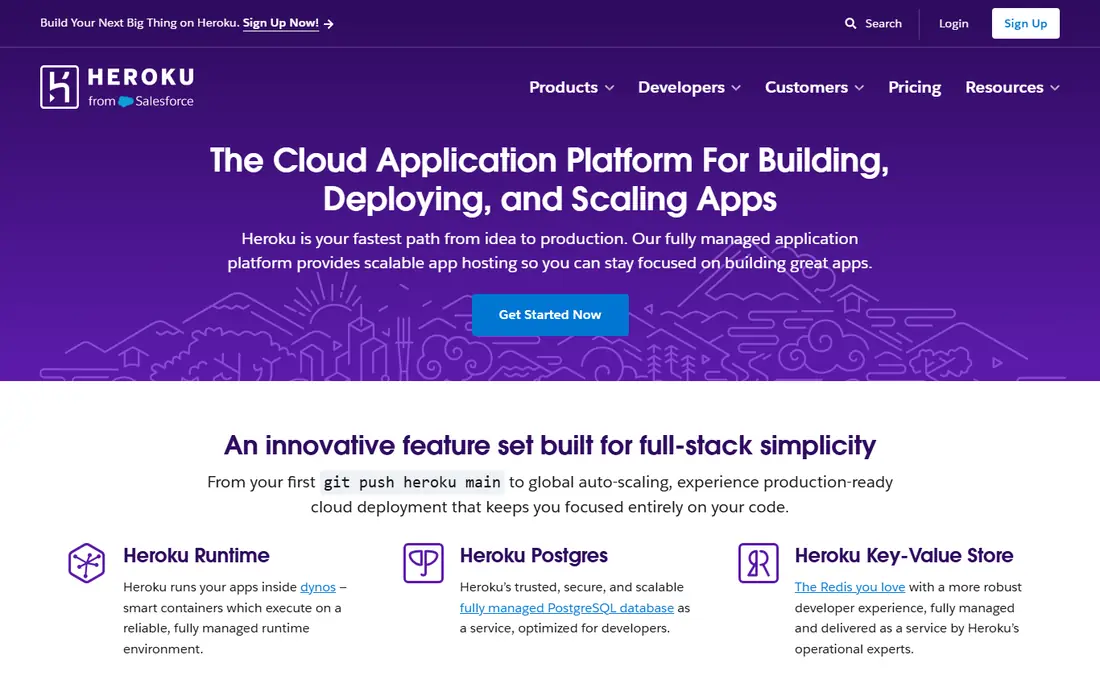
Heroku set the pattern for simple app deployment, and it still suits teams that want to push code and have it run without server work. Eco dynos start at $5 per month, Basic dynos at $7 per month, and a large add-on marketplace covers databases, caching, and monitoring. The workflow is short, which helps solo developers and small startups. The loss of the free tier in 2022 raised the entry cost, and add-on prices can push a small app higher than the headline dyno price. Heroku also adds fewer new features than newer rivals, so teams that want the latest platform tools may look elsewhere. Choose it when a proven, simple deploy loop matters more than a free tier. In practice, Heroku suits simple deploys for startups and small teams best when the work is regular rather than occasional, because the setup pays off over repeated use and the routine becomes easy to repeat.
- Git-push deploys
- Large add-on marketplace
- Simple scaling
- No free tier since 2022
- Costs grow with add-ons
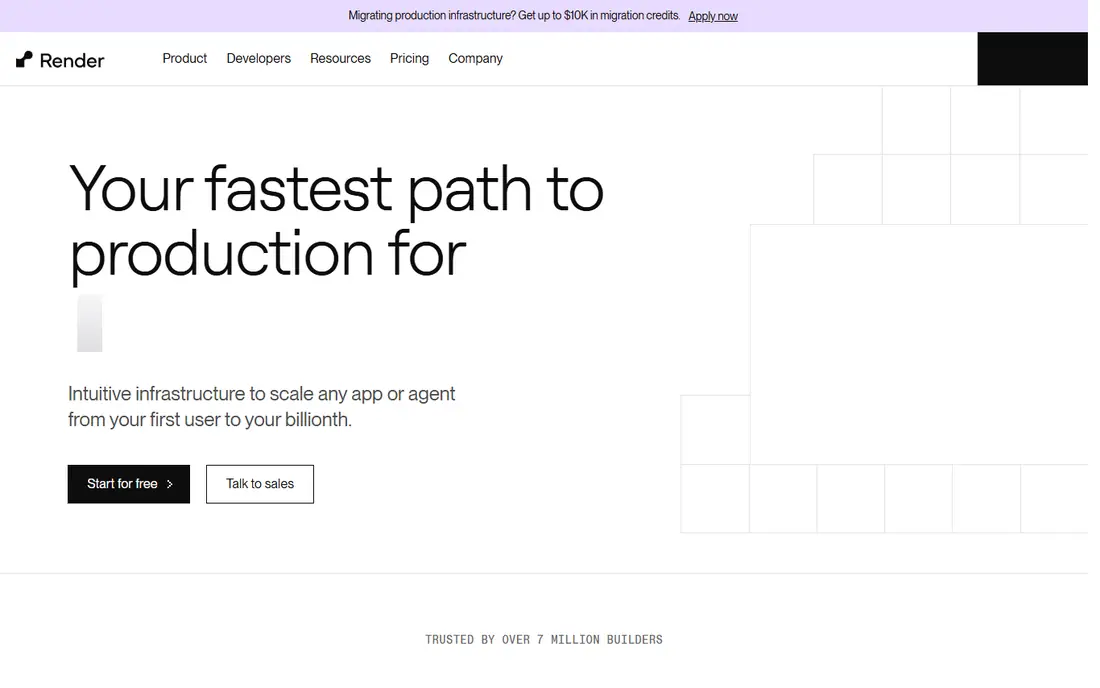
Render is a popular Heroku alternative that hosts web services, background workers, static sites, and managed Postgres in one dashboard. Free web services suit prototypes, and Starter instances start at $7 per month for always-on apps. Preview deploys for pull requests help teams review changes before merging. Free services spin down after 15 minutes idle, so the first load after a pause is slow, which matters for a live product. Workspace and per-service pricing also needs care when you compare totals. For full-stack apps that want a modern Heroku-style workflow, Render is a strong pick. Day to day, the main test is simple: does Render save time on the next job, or does it add steps that slow you down when you are in a hurry and need a result fast.
- Free web services
- Managed Postgres
- Preview deploys
- Free services sleep after inactivity
- Workspace pricing can confuse
Vercel is built by the team behind Next.js, and it offers the shortest path from a git push to a live frontend app. The Hobby plan is free for personal, non-commercial use, and Pro starts at $20 per user per month. Preview deployments for every pull request make team review easy, and the edge network keeps pages fast worldwide. Per-user pricing adds up for larger teams, and backend-heavy apps with long-running processes fit less well than on Render or Railway. Commercial use needs a paid plan, so check the Hobby limits before launch. For frontend-led apps, Vercel is hard to beat. If price is the deciding factor, start on the free option where one is listed, run one real task through it, and only pay when a limit or a missing feature gets in the way.
- Fast Next.js deploys
- Preview for every change
- Global edge network
- Pro pricing is per user
- Backend-heavy apps fit less well
Netlify hosts sites and full-stack apps from git, with deploy previews, serverless functions, and forms in one place. The free plan includes 300 credits per month, Personal starts at $9 per month, and Pro starts at $20 per month. That range suits portfolios, docs, marketing sites, and small apps alike. Credit-based billing can confuse users who expect a flat price, since usage beyond credits adds cost. Backend-heavy apps may also need separate services for databases and workers. Choose Netlify when your app is frontend-led and you want fast, preview-driven deploys. A good test is to try Netlify with a real file, a real schedule, or a real question from your own work, since demo examples often hide the awkward parts of a tool.
- Free plan with credits
- Deploy previews
- Forms and functions included
- Credit-based billing can confuse
- Backend-heavy apps need extra services
Fly.io runs your app as containers in regions around the world, which suits APIs, workers, and full-stack apps that need low latency. You deploy with a command-line tool, scale machines per region, and pay for resources used, with small always-on apps costing only a few dollars per month. That control appeals to developers who like Docker. Pay-as-you-go pricing needs careful estimates, since resource use, not a flat plan, sets the bill. There is a short trial for new organizations, but no ongoing free tier. Pick Fly.io when you want global container hosting and you are comfortable with a command-line workflow. Before you commit, check the current pricing page and the cancellation terms, because plans change and the cheapest starting price is not always the cheapest over a year.
- Run containers in many regions
- Fast global deploys
- Good for APIs and workers
- Pay-as-you-go pricing needs care
- No ongoing free tier
DigitalOcean App Platform
Best for: Predictable app hosting with managed databases
DigitalOcean App Platform lets you deploy apps from git or containers, with static sites free and containers from $5 per month. Managed databases, preview apps, and simple scaling keep the workflow short, and pricing is more predictable than hyperscaler billing. That clarity suits startups and small teams that want cloud hosting without surprise bills. The platform is less mature than AWS or Google Cloud for complex enterprise workloads, and some advanced services need separate DigitalOcean products. For typical web apps, though, the balance of price and simplicity is strong. Choose it when predictable pricing and a clean dashboard matter. The clearest fit for DigitalOcean App Platform is predictable app hosting with managed databases, and that focus is also its limit, so pair it with a second tool if your work regularly crosses into a different kind of task.
- Containers from $5 per month
- Static sites free
- Managed databases
- Less mature than hyperscalers for complex enterprise needs
Railway offers a Heroku-like experience with a modern dashboard, templates, and databases beside your app. The Hobby plan is $5 per month including $5 of usage, and a free plan follows a trial with limited credits. That setup suits indie hackers and small teams that want to ship a full-stack app quickly. Pricing has changed over time, so check the current plan page before you budget, and the free plan is limited for live products. Usage-based costs can also grow with traffic and database size. For rapid prototyping and small full-stack apps, Railway is a pleasant, fast pick. What stands out after a few uses is how Railway handles the boring parts, such as repeats, exports, and reminders, because those details decide if you keep using it.
- Hobby plan includes usage credits
- Databases in one dashboard
- Templates
- Pricing changed over time, so check current plan
- Free plan is limited
Google Cloud Run runs container apps without managing servers, scaling to zero when idle and up when traffic grows. The free tier covers 2 million requests per month, and new Google Cloud customers receive welcome credit, which helps with testing. It links well with other Google Cloud services for databases, storage, and auth. Setup needs more Google Cloud knowledge than a PaaS such as Render, and pricing is usage-based, so bills vary with traffic. Teams already in Google Cloud will find it natural, while newcomers may prefer a simpler platform first. Pick Cloud Run when you want serverless containers with Google Cloud scale. On a busy week, Google Cloud Run earns its place by keeping the workflow short, and that matters more than a long feature list that you may never open after the first day.
- Pay only for resources used
- Scales to zero
- Strong Google Cloud links
- Needs Google Cloud setup
- Pricing is usage-based and varies
How we picked these
We reviewed official pricing pages, documentation, and feature pages for platforms that deploy web apps from a repository or container. We kept platforms that are still offered, support common languages and frameworks, and publish clear deployment workflows. We favored platforms with git-based deploys, preview environments, and honest free tier limits. We left out raw server rental without a deployment layer, and platforms whose pricing or free tier was unclear.
How to choose a deployment platform
Match the platform to the app type
Frontend sites and static apps fit Vercel, Netlify, and Cloudflare Pages, while full-stack apps with APIs and databases fit Render, Railway, Fly.io, and Heroku. Container apps fit Fly.io and Cloud Run, and apps already in AWS or Azure fit Elastic Beanstalk and App Service. Picking by app type avoids paying for features you will not use.
Test the deploy loop before you commit
Connect a test repository, push a change, and watch how long a deploy takes, how previews work, and how rollbacks feel. A smooth loop matters more than a long feature list, since you will repeat it every day. Check database setup too, since managed databases save time but add cost.
Watch the usage meters
Free tiers often limit compute hours, bandwidth, build minutes, or database size, and overage rates vary widely. Estimate traffic, database size, and build frequency, then compare the paid tier that covers them. A platform with a low entry price can still cost more if its overage rates are high.
FAQ
What is the easiest way to deploy a web app?
For most small apps, a git-push platform such as Render, Railway, Vercel, or Netlify is easiest, since you connect a repository and the platform builds and hosts the app. You do not manage servers, and previews let you test changes before they go live. Larger apps may need a cloud-native service such as Cloud Run.
Is there a free way to deploy an app?
Yes, Render, Vercel, Netlify, Railway, and Cloudflare offer free tiers or trials, though limits apply to compute hours, bandwidth, or commercial use. Free services may sleep after inactivity, which causes a slow first load. For a hobby project, a free tier is often enough.
What is the difference between a PaaS and a cloud service?
A platform as a service such as Heroku or Render hides server management and offers simple deploys, while a cloud service such as Cloud Run or Elastic Beanstalk gives more control over scaling and configuration. PaaS suits small teams that want speed, while cloud services suit teams that need fine control.
Can I deploy a database with my app?
Yes, most platforms in this list offer managed databases or simple database add-ons, including Postgres on Render, Railway, and Heroku. Check database pricing separately, since it is often billed apart from app compute. Backups and scaling options also vary by plan.
How do I move from one platform to another?
Moving is easier if your app uses standard containers or common frameworks, and harder if you rely on platform-specific features. Keep configuration in code, use a portable database, and test the new platform with a staging deploy before switching traffic. A trial period helps you compare deploy speed and cost.