Best CI CD Tools for Cloud Infrastructure in 2026: 8 Tools Compared
Compare the best CI CD tools for cloud infrastructure in 2026, with pipelines, cloud support, and honest trade-offs for teams before you choose a tool.
- Editor's choice
 GitHub Actions
GitHub teams and cloud deploys
Starts atFreeVisit github.comFull review - Great alternative
 GitLab CI/CD
All in one DevOps platform
Starts atFreeVisit about.gitlab.comFull review - Also consider
 Jenkins
Self-hosted pipeline control
Starts atFreeVisit jenkins.ioFull review
TL;DR:
- Tools tied to a code host start fastest, while standalone tools offer more control across hosts.
- Pipeline as code makes reviews, rollbacks, and audits easier than click-based setup.
- Self-hosted runners give control but add maintenance that cloud runners avoid.
- Check build minutes, concurrency, and cloud permissions before you commit.
Quick comparison
| Tool | Best for | Starts at | Free plan? | |
|---|---|---|---|---|
| GitHub Actions | GitHub teams and cloud deploys | Free | Yes | Visit |
| GitLab CI/CD | All in one DevOps platform | Free | Yes | Visit |
| Jenkins | Self-hosted pipeline control | Free | Yes | Visit |
 CircleCI | Fast cloud pipelines for teams | See website | Free trial | Visit |
 AWS CodePipeline | AWS native deployments | See website | Free trial | Visit |
 Azure DevOps | Microsoft and Azure teams | See website | Free trial | Visit |
 Google Cloud Build | Google Cloud native builds | See website | Free trial | Visit |
 Argo CD | GitOps for Kubernetes | Free | Yes | Visit |
The best CI CD tools for cloud infrastructure
We compared CI and CD tools that build, test, and deploy code to cloud infrastructure, with a focus on pipeline clarity, cloud support, and how much maintenance each tool needs. Our pick for most teams is a tool that fits the code host they already use.
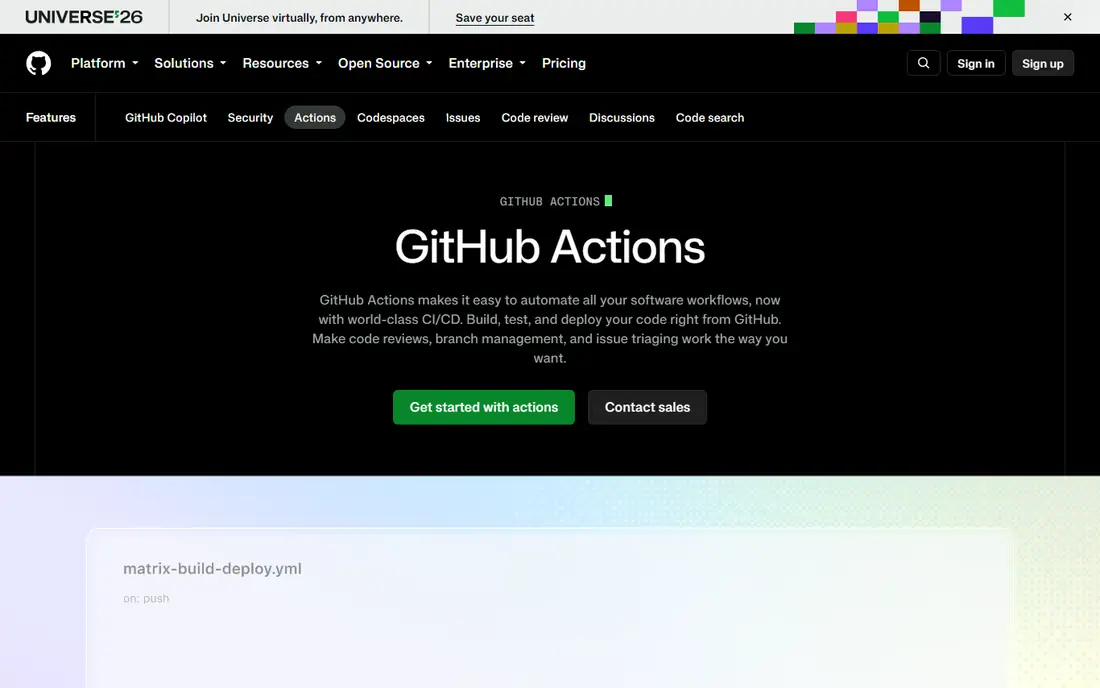
GitHub Actions suits teams that already host code on GitHub and want pipelines close to the code. Workflows live in the repo as YAML, so changes go through the same review process as code. A large marketplace of actions covers testing, building, and deploying to major clouds without starting from scratch.
The catch is scale, since complex workflows can become hard to read, and minute limits need planning for large test suites. Check the pricing page for the plan that matches your volume, and run a small trial on a real task before you commit to a paid plan.
- Tight GitHub integration
- Large marketplace
- Free tier for public repos
- Minutes and concurrency limits
- Complex workflows can grow messy

GitLab CI/CD suits teams that want code hosting, pipelines, container registry, and deploys in one product. Pipelines are defined in the repo, and merge requests show pipeline status next to code review. Auto DevOps and templates help a new team ship a standard pipeline without designing every stage.
The catch is scope, since the full platform can feel large for a small team, and self-hosted runners need care and updates. A short trial on your own data will tell you more than a feature list, so test the workflow you will use every week before you pay.
- Code, pipelines, and deploys in one place
- Auto DevOps
- Self-host option
- Full platform can feel large
- Runner setup takes time
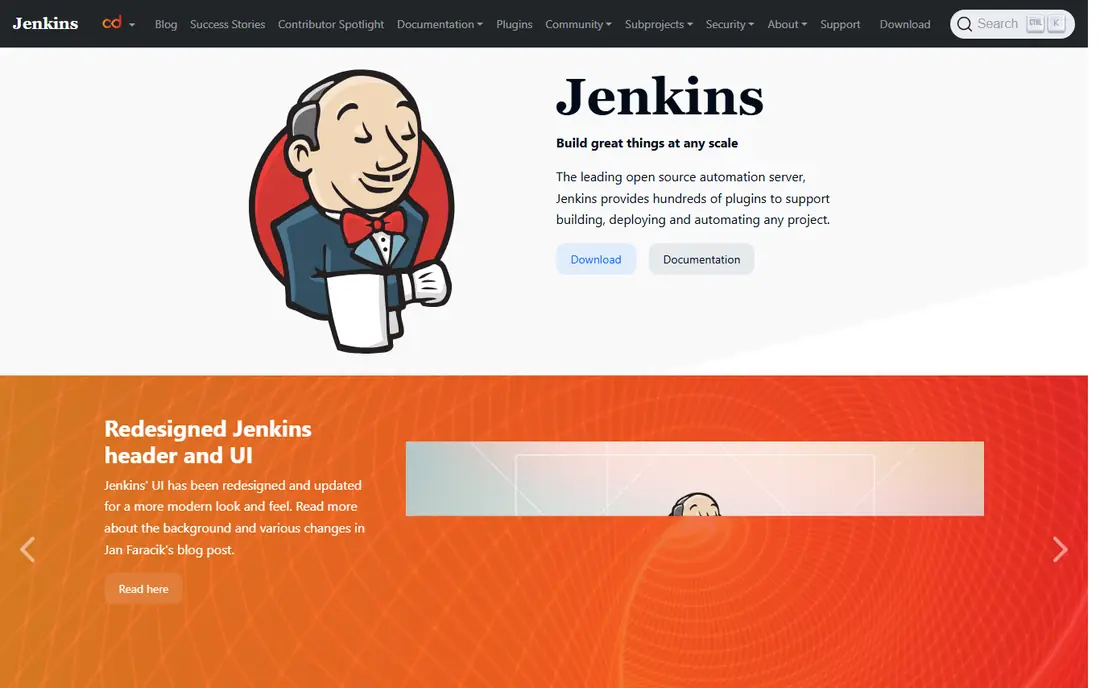
Jenkins suits teams that need full control over runners, plugins, and on-premises infrastructure. It is free and open source, with a plugin library that covers almost every build, test, and deploy step. Teams can run it behind a firewall and shape pipelines to strict internal rules.
The catch is maintenance, since upgrades, plugins, and security patches fall to your team, and that cost should be counted honestly. Look at setup time, support options, and export options before you pay, since those details shape daily use more than headline features.
- Free and open source
- Huge plugin library
- Full control
- Self-hosting and maintenance burden
- Plugin upkeep
CircleCI suits teams that want fast cloud pipelines without managing servers. Its cloud runners start quickly, and reusable config pieces called orbs cover common languages and clouds. Insights on build times help a team spot slow tests and flaky jobs before they block releases.
The catch is cost, since usage pricing grows with build minutes and concurrency, so estimate your test suite size first. Compare the total monthly cost at your expected volume, not just the entry price, and confirm that the plan includes the features you need.
- Fast cloud runners
- Clear config
- Orbs for common tasks
- Usage pricing rises with scale
- Some features need higher plans
AWS CodePipeline suits teams that already run most infrastructure on AWS. It connects code sources, build services, and deploy targets inside AWS with IAM permissions for each stage. As a managed service, it removes server maintenance, which helps small platform teams.
The catch is portability, since pipelines are AWS focused, and teams that also deploy to other clouds may need a second tool. Check the pricing page for the plan that matches your volume, and run a small trial on a real task before you commit to a paid plan.
- Native AWS integration
- Managed service
- IAM control
- AWS focused
- Less portable to other clouds
Azure DevOps suits teams that build on Microsoft tools and deploy to Azure. Pipelines, repos, boards, and test plans sit together, which helps a team track work from idea to release. Azure integration covers app services, containers, and infrastructure as code with clear permissions.
The catch is breadth, since teams outside the Microsoft stack may find simpler tools faster, and the full suite takes time to learn. A short trial on your own data will tell you more than a feature list, so test the workflow you will use every week before you pay.
- Boards, repos, and pipelines together
- Azure integration
- Microsoft support
- Can feel large
- Best value inside Microsoft shops
Google Cloud Build suits teams that deploy containers and services on Google Cloud. It builds, tests, and pushes container images with triggers from code repos and clear IAM controls. As a managed service, it scales without runner servers, which suits teams with variable build loads.
The catch is focus, since it is strongest inside Google Cloud, and teams on several clouds may prefer a host-neutral pipeline tool. Look at setup time, support options, and export options before you pay, since those details shape daily use more than headline features.
- Managed builds on Google Cloud
- Container focus
- IAM control
- Google Cloud focused
- Smaller community than GitHub Actions
Argo CD suits teams that run Kubernetes and want deployments driven by Git as the source of truth. It watches a Git repo and syncs cluster state to match, which makes rollbacks a Git revert rather than a manual fix. A dashboard shows sync status, drift, and history, which helps a platform team explain what changed and when.
The catch is scope, since it is built for Kubernetes, and teams without Kubernetes will not get value from it. Compare the total monthly cost at your expected volume, not just the entry price, and confirm that the plan includes the features you need.
- GitOps for Kubernetes
- Declarative sync
- Open source
- Kubernetes focused
- Learning curve for GitOps
How we picked these
We compared official documentation, pricing pages, and public reviews, and we kept only CI and CD tools that are live and widely used for cloud deploys in 2026. We looked at pipeline as code, cloud support, runner options, permissions, and maintenance burden. We favored tools with clear docs and a path from a first pipeline to a production deploy. We also noted where a tool is strongest inside one cloud, since that matters for teams that run more than one cloud.
How to choose a CI CD tool for cloud infrastructure
Start with where your code lives and where it deploys. That pairing often narrows the list faster than a feature comparison, and it keeps your first pipeline simple.
Start close to your code host
If code lives on GitHub, GitHub Actions starts fastest. If code lives on GitLab, its built-in pipelines start fastest. A host-neutral tool makes sense when you use several hosts or need a standard pipeline across teams, but it adds a second system to learn.
Decide who runs the runners
Cloud runners remove server work and scale with demand, while self-hosted runners give control over networks, secrets, and hardware. Self-hosting sounds free, but patching, scaling, and security take real staff time. Count that time before you choose a self-hosted path.
Treat pipelines as code
Store pipeline definitions in Git, review them like code, and keep secrets in a proper secrets store, not in pipeline files. This makes rollbacks easier, audits clearer, and a broken deploy easier to explain. Avoid click-only pipelines for production work, since they are hard to review and copy.
Check deploy targets and permissions
Confirm that the tool deploys to your cloud, container platform, or servers with least-privilege permissions. Check how it handles approvals, environments, and rollbacks. A pipeline that can deploy anywhere without an approval step is a risk, not a feature.
FAQ
What is a CI CD tool?
It is software that builds, tests, and deploys code automatically when changes are pushed. Continuous integration merges and tests code often, while continuous delivery prepares tested code for release to staging or production.
Which CI CD tool is best for cloud infrastructure?
For most GitHub teams, GitHub Actions is the simplest start. For GitLab teams, GitLab CI/CD is the natural fit. For Kubernetes teams, Argo CD adds GitOps deploys, while AWS, Azure, and Google Cloud each offer a native pipeline for their own cloud.
Do I need self-hosted runners?
Not always. Cloud runners suit most teams and remove maintenance. Self-hosted runners suit teams with strict network rules, special hardware, or private infrastructure that cloud runners cannot reach.
What is GitOps?
GitOps treats a Git repo as the source of truth for what should run in a system, often Kubernetes. A tool such as Argo CD syncs the live system to match Git, so a revert in Git becomes a rollback in production.
How much do CI CD tools cost?
Many offer free tiers for small use, while paid plans charge by build minutes, concurrency, or users. Self-hosted open source tools have no license fee but carry staff time for maintenance, which should be counted in the total cost.