Best Cloud App Deployment Platforms in 2026: 8 Platforms Compared
Compare the best cloud app deployment platform options for frontends, full-stack apps, and APIs, with free tiers, pricing, and trade-offs explained for 2026.
- Editor's choice
 Vercel
Frontend and Next.js apps
Starts at$20 per monthVisit vercel.comFull review - Great alternative
 Render
Full-stack apps with managed databases
Starts atSee websiteVisit render.comFull review - Also consider
 Railway
Fast full-stack deploys
Starts at$5 per monthVisit railway.comFull review
TL;DR:
- Vercel is our pick for frontend and Next.js apps, with fast Git deploys and preview links for every pull request.
- Railway and Render are the closest modern replacements for Heroku for full-stack apps with databases and workers.
- Netlify and Cloudflare Pages suit static and edge frontends, while Fly.io suits apps that need low latency in many regions.
- Always-on backends, databases, and workers change the bill more than the headline starting price, so price your full stack.
Quick comparison
| Tool | Best for | Starts at | Free plan? | |
|---|---|---|---|---|
| Vercel | Frontend and Next.js apps | $20 per month | Yes | Visit |
| Render | Full-stack apps with managed databases | See website | Yes | Visit |
| Railway | Fast full-stack deploys | $5 per month | Free trial | Visit |
 Netlify | Static and Jamstack sites | See website | Yes | Visit |
 Heroku | Mature classic platform with add-ons | $5 per month | No | Visit |
 Fly.io | Multi-region apps with low latency | See website | Free trial | Visit |
 DigitalOcean App Platform | PaaS simplicity with room to grow into raw cloud | See website | Yes | Visit |
 Cloudflare Pages | Edge frontends and Workers-based APIs | See website | Yes | Visit |
The best cloud app deployment platforms
We compared Git deploys, databases, workers, pricing models, and free tiers to find platforms for solo developers, startups, and small teams.

Vercel remains the default for frontend developers in 2026, especially for Next.js. Push to Git, get a preview link for every pull request, and ship to the edge in under a minute in most cases. That workflow makes design review and stakeholder feedback far easier than passing around screenshots or staging links.
The Hobby plan is free for personal projects, while Pro starts at $20 per month per user and adds team features and higher limits. The honest catch is that Vercel is serverless first, so long-running processes, WebSockets, and persistent state often need another service or a partner database. For a frontend with serverless functions, it is hard to beat. For a heavy backend, pair it with Railway, Render, or a managed database.
- Excellent Next.js support
- Preview deployments for pull requests
- Global edge network
- Backend and database needs often require partner services
- Usage costs can grow with traffic
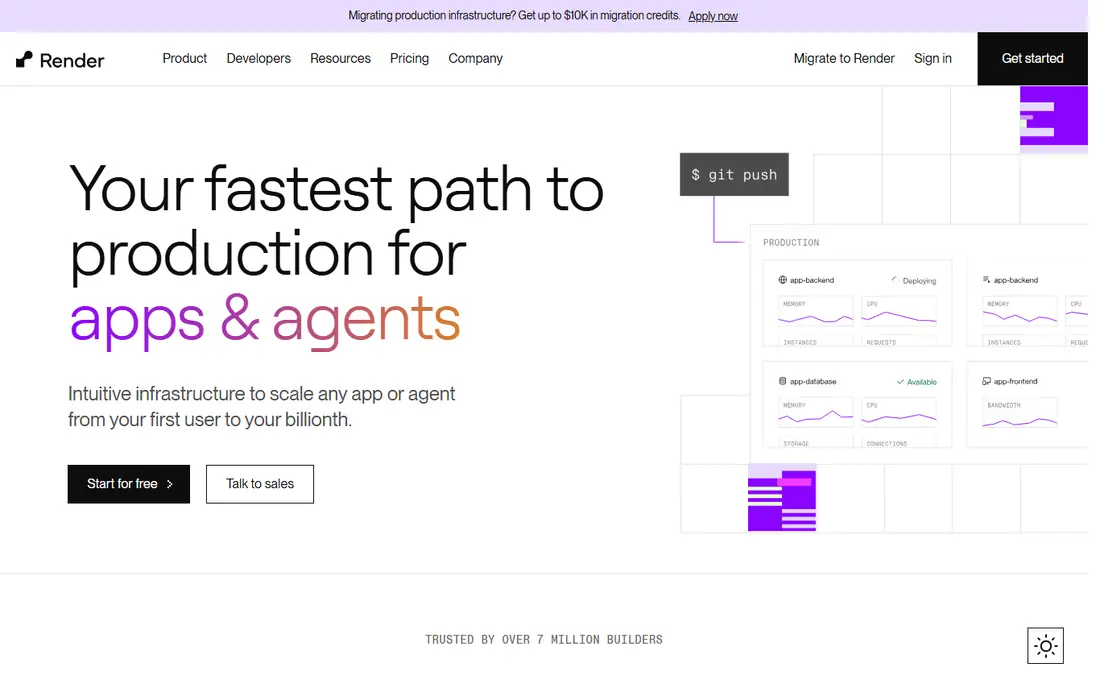
Render is the most complete Heroku-style platform for teams that want production defaults without managing servers. You can run web services, background workers, cron jobs, and managed Postgres and Redis from one dashboard, all deployed from Git. That breadth matters for a real product, which rarely consists of a single web process alone.
The free tier is useful for learning and side projects, but free web services spin down after inactivity and take time to wake up, which is a poor fit for a live product. Paid instances stay awake and perform better, so budget for at least one paid web service plus your database. For startups that want a mature platform with sensible defaults, Render is a strong and calm choice.
- Web services, databases, workers, and cron jobs in one place
- Clear dashboard
- Git deploys
- Free tier instances sleep and restart slowly
- Costs rise with always-on services
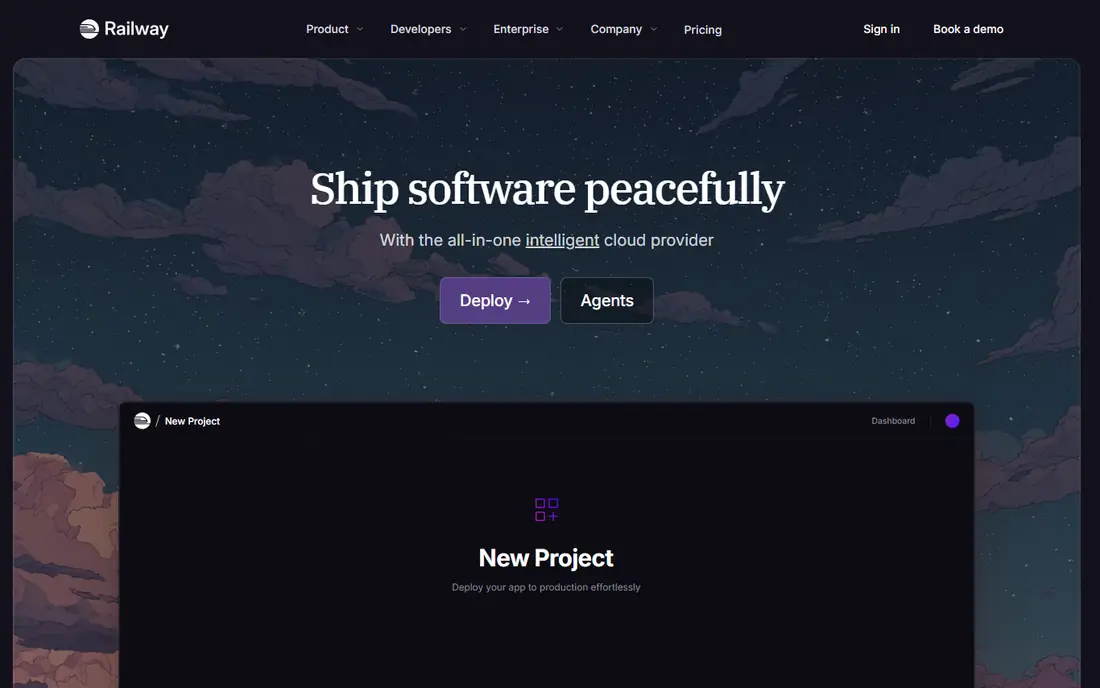
Railway is the closest thing to Heroku in 2026 for speed. A solo developer can deploy a Node service with a database in minutes, using templates for common stacks and a visual canvas for services. The Hobby plan starts at $5 per month with usage on top, which keeps small projects cheap while letting a growing app scale without a migration.
Usage-based pricing is both the strength and the risk. It fits variable traffic well, but a runaway job or a traffic spike can raise the bill faster than a fixed tier would. Set usage alerts early, and check database and egress costs for your stack. For hackathons, MVPs, and small products, Railway is often the fastest path from code to a live URL.
- Very fast setup
- Usage-based pricing
- Managed databases and templates
- Usage pricing can surprise high-traffic apps
- Smaller ecosystem than larger clouds
Netlify still does one job very well, which is shipping static and Jamstack sites from Git with preview links, rollbacks, and simple forms. Marketing sites, docs, blogs, and frontend apps fit naturally here, and the free tier covers many personal and small business sites. Serverless functions handle light backend work such as contact forms and API proxies.
It is not the right home for a long-running backend, a WebSocket server, or a heavy worker queue, since those need an always-on platform such as Render or Railway. Teams should also check the Pro plan price and seat costs before scaling, since the free tier limits can arrive sooner than expected on a busy site. For a frontend-only project, Netlify remains simple and dependable.
- Simple Git deploys
- Deploy previews
- Forms and serverless functions built in
- Weaker for always-on backends
- Pro pricing starts higher than some rivals for teams
Heroku defined the platform-as-a-service category, and many teams still run on it because it works and their tooling is built around it. Dynos, buildpacks, and a large add-on marketplace cover web apps, workers, Postgres, Redis, logging, and monitoring in a familiar model. For a team with institutional reasons to stay, or a legacy app that already runs well here, migration may cost more than it saves.
The free tier is gone, and the entry Eco plan starts at $5 per month per dyno, with sleeping on idle Eco dynos. That makes Heroku a harder sell for a brand new side project than Render or Railway, and add-on costs can push a small stack higher than expected. Choose Heroku for maturity and familiarity, not for the lowest starting price.
- Long track record
- Large add-on marketplace
- Simple dyno model
- No free tier
- Eco dynos sleep
- Costs add up with add-ons and databases
Fly.io suits apps where location matters. Its Machines run in many regions, so users connect to a nearby instance rather than a single distant server, which helps real-time apps, games, and APIs with a global audience. Docker-based deploys give developers control over the runtime, and persistent connections such as WebSockets work naturally on always-on Machines.
That power comes with more responsibility. Fly.io expects more ops knowledge than Render or Railway, and usage-based pricing needs monitoring for a high-traffic app. The free trial helps you test a region and a workload, but production use needs a paid plan and attention to machine sizing. For a global or real-time product, the latency gain is worth the extra setup.
- Run apps close to users worldwide
- Good for WebSockets and persistent connections
- Docker based
- More ops knowledge needed
- Pricing is usage based
- Dashboard is less guided than PaaS rivals
DigitalOcean App Platform
Best for: PaaS simplicity with room to grow into raw cloud
DigitalOcean App Platform is a good middle ground between a pure PaaS and raw cloud servers. You deploy from Git, add managed databases, and scale instance sizes, all inside a cloud where you can later add Droplets, object storage, and managed Kubernetes if the product outgrows the PaaS layer. That path appeals to teams that want simplicity now without a forced migration later.
Frontend preview workflows are less refined than Vercel, and the platform is best for full-stack apps rather than pure marketing sites. Pricing depends on instance size and database choice, so the free tier suits a starter app while a production stack needs a careful quote. For teams already using DigitalOcean, App Platform is an easy and logical choice.
- Simple app deploys
- Managed databases
- Easy path to Droplets and other DigitalOcean services
- Less polished for frontend previews than Vercel
- Pricing varies by instance size
Cloudflare Pages is the cost leader for static and edge frontends, with a free tier that handles real work and a global network that keeps pages fast worldwide. Pairing Pages with Cloudflare Workers gives you an edge API layer, caching, and security in the same system, and the lack of egress fees on many plans can cut bills sharply for media-heavy sites.
The catch is architectural. Workers run as serverless isolates, not as long-running servers, so apps built around persistent processes, large in-memory state, or traditional server frameworks need rethinking. Next.js support has improved but still has rough edges around middleware and image handling. For a static site, a docs site, or an edge API, Pages is an excellent and cheap choice.
- Generous free tier
- Global edge network
- No egress fees on many plans
- Workers integration
- Edge architecture needs different design choices
- Next.js support has rough edges
How we picked these
We compared official pricing and docs pages, Git deploy workflows, database and worker support, and recent platform comparisons. We required each platform to deploy a real app from Git in 2026 and to publish a usable free tier or trial, and we balanced frontend, full-stack, and edge needs. We used See website where pricing is usage based or varies by instance size, since a single starting number would mislead readers with different stacks.
How to choose a deployment platform
Match the platform to the runtime model first. A static frontend belongs on Vercel, Netlify, or Cloudflare Pages. A full-stack app with a database and workers belongs on Render, Railway, Heroku, or DigitalOcean App Platform. A global or real-time app belongs on Fly.io, possibly with a frontend on Vercel or Pages.
Price the full stack, not the headline
Add the web service, the database, the worker, the cache, and any seats or bandwidth before comparing. A free web tier with a paid database can cost more than a paid bundle elsewhere, and usage pricing can beat fixed tiers for variable traffic while losing for steady traffic. Run your real stack for a month on a trial or hobby tier, then decide.
Plan for the second year
Check lock-in, export options, and migration effort before you commit a product to a platform. Git-based deploys and standard databases make moves easier, while platform-specific edge features can tie you down. A platform that fits today and allows a clean exit tomorrow is worth more than a slightly cheaper plan with no way out.
FAQ
What is the best cloud deployment platform for beginners?
Railway and Render are the easiest full-stack starts, since both deploy from Git with managed databases in minutes. Vercel is the easiest frontend start, especially for Next.js. Try a free tier first, deploy a small project end to end, and only pay when the app needs to stay awake or serve real users.
What is the best cloud platform for app deployment for a startup?
For most startups, Render or Railway covers a full-stack app with a database and workers at a fair price. Vercel is the better choice if the product is frontend heavy with serverless APIs. Many teams use both, with Vercel for the frontend and Railway or Render for the backend and workers.
Is there a free alternative to Heroku?
Yes. Render offers a free tier, Railway offers trial credits, and Vercel, Netlify, and Cloudflare Pages offer free tiers for frontends and side projects. Free tiers usually sleep, limit resources, or cap usage, so they suit learning and prototypes rather than production traffic. Paid plans start low on most of these platforms.
Which is better, Vercel or Netlify?
Vercel wins for Next.js and for teams that want the strongest frontend preview and edge workflow. Netlify wins for simple static sites and teams that value its forms and straightforward deploys. Both offer free tiers, so the practical test is to deploy the same site on each and compare build speed, previews, and costs.
Can I deploy a full-stack app with a database for free?
You can start free on Render, Railway trial credits, or DigitalOcean App Platform, but a production database and an always-on backend usually need a paid plan. Free databases often have size or connection limits, and free web services sleep after inactivity. Budget for at least a small paid database and web service for a live product.
What is the difference between a PaaS and a VPS?
A PaaS such as Render or Railway manages servers, deploys, scaling, and databases for you, while a VPS such as a DigitalOcean Droplet gives you a raw server to configure yourself. A PaaS costs more per unit of compute but saves developer time, while a VPS costs less and gives more control at the price of more ops work.