Best Automated Cloud Deployment Services in 2026: 10 Platforms Compared
Best automated cloud deployment services, compared for git push deploys, previews, scaling and price, so teams can ship without manual server work in 2026.
- Editor's choice
 Vercel
Next.js and frontend apps
Starts atFreeVisit vercel.comFull review - Great alternative
 Netlify
Jamstack sites and full-stack apps
Starts atFreeVisit netlify.comFull review - Also consider
 Heroku
Simple full-stack deployment
Starts at$5 per monthVisit heroku.comFull review
TL;DR:
- Vercel and Netlify are the fastest paths from a git push to a live frontend, while Render, Railway and Heroku suit full-stack apps with databases.
- Preview deployments for every pull request catch bugs before merge, and they are worth more than a slightly lower hosting price.
- Usage-based pricing can surprise teams, so set spending caps and alerts before a traffic spike, not after one.
- Choose the platform that matches your stack, because a frontend platform will not run a heavy backend well, and a backend platform adds friction to a simple site.
Quick comparison
| Tool | Best for | Starts at | Free plan? | |
|---|---|---|---|---|
| Vercel | Next.js and frontend apps | Free | Yes | Visit |
| Netlify | Jamstack sites and full-stack apps | Free | Yes | Visit |
| Heroku | Simple full-stack deployment | $5 per month | No | Visit |
 Render | Modern Heroku alternative | $7 per month | Yes | Visit |
 Railway | Fast full-stack prototyping | $5 per month | Free trial | Visit |
 Fly.io | Global Docker apps | See website | Free trial | Visit |
 DigitalOcean App Platform | Predictable app hosting | $5 per month | Yes | Visit |
 Google Cloud Run | Container apps on Google Cloud | See website | Yes | Visit |
 Azure App Service | Apps in the Microsoft cloud | See website | Yes | Visit |
 AWS Elastic Beanstalk | Apps on AWS without manual setup | See website | Yes | Visit |
The best automated cloud deployment services
Automated deployment means pushing code to git and letting the platform build, test and publish it, with rollbacks when something goes wrong. These ten services do that well, though they differ in stack focus, pricing model and how much infrastructure they hide from you.
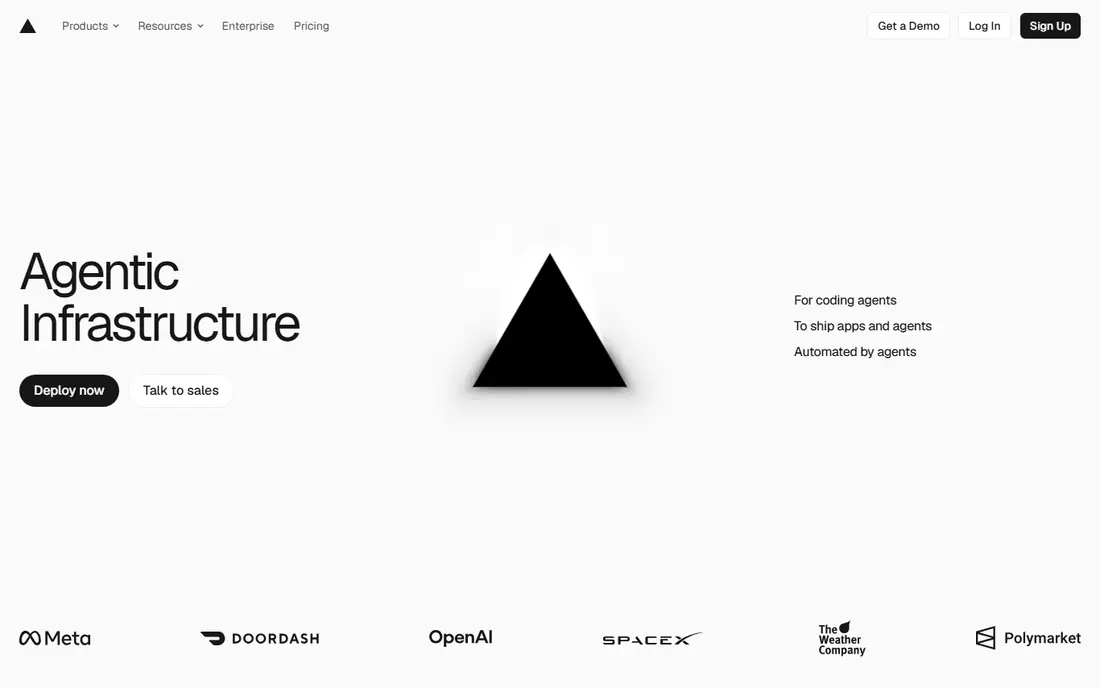
Vercel, built by the team behind Next.js, is the smoothest automated deployment service for frontend-led apps. Connect a git repository, push, and Vercel builds and deploys, with a preview URL for every pull request. Pro starts at $20 per user per month and includes $20 of usage credit, which suits small teams shipping frequently.
The catch is the free tier limit. Hobby is free for personal, non-commercial use, so a business site needs Pro. Usage overages can also add up if you do not set a spending cap. For a Next.js or React team that wants the shortest path from push to production, Vercel is our pick.
- Fastest git-to-production path for Next.js
- Preview deployments for every pull request
- Global edge network
- Hobby plan is for personal non-commercial use
- Usage billing continues unless you set a spending cap
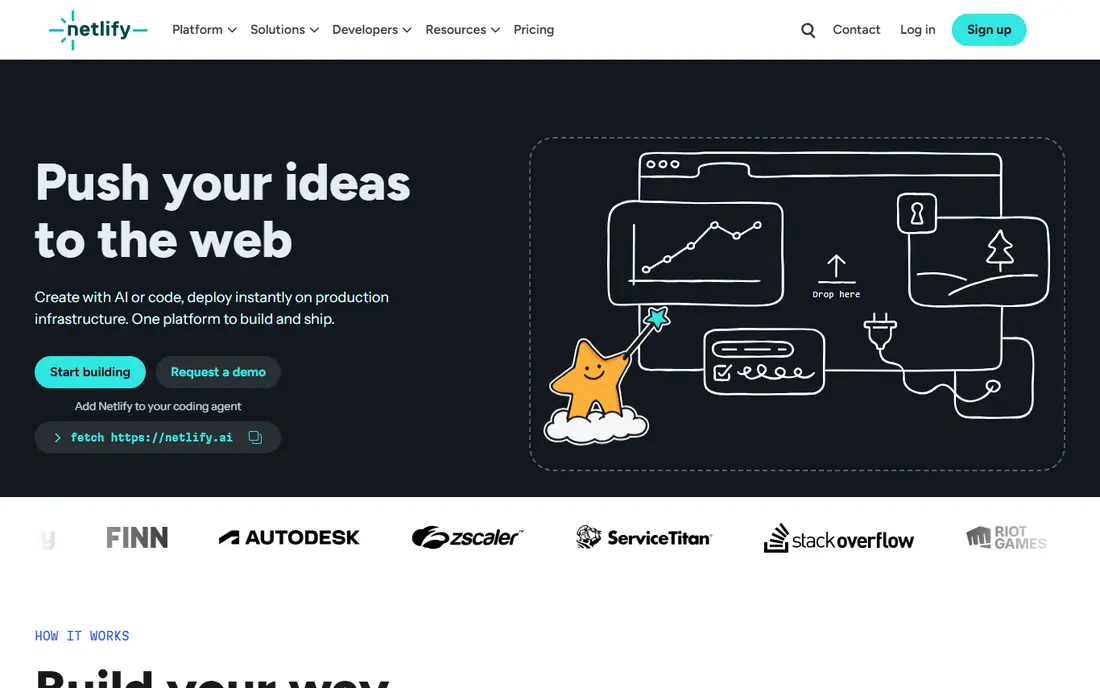
Netlify is a long-running favourite for static and Jamstack sites, and it now handles full-stack apps too. The free tier includes 300 credits per month, Personal starts at $9 per month, and Pro at $20 per month. Forms, serverless functions, redirects and preview deployments are built in, so a marketing site or docs site can ship with very little extra setup.
The drawback is usage pricing. Bandwidth overages, charged per gigabyte, can surprise a site that suddenly gets popular. Next.js also runs through Netlify's integration rather than natively, which can matter for advanced Next.js features. For static sites, portfolios and docs, Netlify remains an excellent automated deployment choice.
- Free tier with monthly credits
- Built-in forms and serverless functions
- Strong preview workflow
- Usage overages on bandwidth can be costly
- Next.js runs through Netlify's own integration

Heroku defined simple cloud deployment for a generation of developers. Push code to git, and Heroku builds and runs it in a dyno, with add-ons for databases, caching and logging. Eco dynos start at $5 per month, and scaling is as simple as adding more dynos or choosing a larger size. For a solo developer or small team that wants ops-free deployment, Heroku is still easy to love.
The honest catches are price and direction. Free dynos were removed in 2022, and Heroku announced in February 2026 that it is moving to a sustaining-engineering model, with no new enterprise contracts. Larger apps can also cost more than on Render or Railway. For a small, stable full-stack app, Heroku remains simple, but new teams should compare Render and Railway first.
- Very simple git-push deployment
- Large add-on marketplace
- Easy scaling with dynos
- No free dynos since 2022
- Can be costly at larger sizes
- Enterprise contracts no longer offered to new customers
Render is the most direct modern replacement for Heroku. It runs web services, background workers, cron jobs and managed PostgreSQL and Redis from one dashboard, with git-push deployment and preview environments. Web services start at $7 per month, and a free tier with limits lets you try it before paying.
The trade-off is sleep and workspace cost. Free web services sleep after 15 minutes of inactivity, so they are not suited to production, and a Pro workspace at $25 per month is a fixed cost that small teams should factor in. For a full-stack app with a database that needs to stay up, Render offers a clean, Heroku-like workflow at a competitive price.
- Web services, workers and managed databases in one dashboard
- Free compute with limits
- Clear pricing
- Free web services sleep after inactivity
- Pro workspace at $25 per month adds a fixed cost for teams
Railway is built for speed. Templates can spin up a database, API and frontend in minutes, and the dashboard makes it easy to see services, variables and deployments in one place. Hobby starts at $5 per month and includes $5 of usage credit, while Pro starts at $20 per month. For prototypes, side projects and small full-stack apps, Railway feels faster than most rivals.
The catch is usage. Because Railway bills actual consumption, an always-on app with a database can cost more than the headline plan suggests, and teams need to watch usage. For a prototype or a small app where speed matters more than a fixed monthly bill, Railway is an excellent choice. For a predictable production bill, compare Render or DigitalOcean App Platform as well.
- Very easy setup with templates
- Databases and services in one project
- Usage-based pricing
- Usage billing needs monitoring
- Costs can rise with always-on services
Fly.io suits Docker-savvy developers who want an app running in many regions, close to users. You deploy a Docker image or a supported app, and Fly.io runs it on machines around the world, with scaling and networking handled by the platform. Small always-on apps can start at just a few dollars per month in compute, which makes Fly.io attractive for global backends.
The drawback is that Fly.io is more hands-on than Render or Railway, and its managed Postgres plans are pricier than some rivals. A team that wants a fully managed, click-to-deploy experience may prefer Render. A team comfortable with Docker that needs global low latency will find Fly.io powerful and flexible.
- Runs Docker apps close to users worldwide
- Flexible machine sizes
- Good for backends and workers
- More hands-on than Render or Railway
- Managed database costs are higher
DigitalOcean App Platform brings DigitalOcean's predictable pricing to automated deployment. Static sites can be hosted free in limited form, and non-scaling shared-CPU containers start at $5 per month, with manually scalable containers from $12 and dedicated CPUs from $29. Git-push deployment, automatic builds and scaling are built in, without hyperscaler complexity.
The limitation is feature breadth. Preview workflows and edge features are less rich than on Vercel or Netlify, and managed databases are billed separately. For a team already on DigitalOcean, or one that wants a predictable monthly bill for a full-stack app, App Platform is a practical and affordable choice.
- Predictable container pricing
- Static sites free in limited form
- Simple scaling
- Fewer preview and edge features than Vercel or Netlify
- Database costs add on top
Google Cloud Run is a serverless container platform that runs your container, scales it with traffic, and scales it to zero when idle. That model suits APIs, workers and web services with variable traffic, because you pay for what you use rather than for an always-on server. Monthly free allowances help small projects, and integration with Google Cloud services is strong.
The catch is complexity. Setting up a Google Cloud project, permissions and networking takes more work than pushing to Render or Railway, and costs depend on traffic, memory and CPU settings. For a team already on Google Cloud, or one building a containerised service that should scale to zero, Cloud Run is a powerful automated deployment option.
- Pay only for requests and compute used
- Scales to zero
- Strong Google Cloud integrations
- Google Cloud setup is more complex
- Pricing depends on traffic and configuration
Azure App Service is Microsoft's managed web app platform, and it suits teams already using .NET, Microsoft identity or other Azure services. It supports many languages, offers autoscaling, deployment slots for staging and production, and integrates with Azure DevOps and GitHub Actions for automated deploys. Enterprise compliance and networking options are strong.
The drawback is pricing clarity. Azure tiers, from free and shared to Basic, Standard and Premium, can be confusing, and costs depend on instance size and scaling settings. A small team may find Render or Railway simpler. For a Microsoft-centred team that needs enterprise controls, App Service is a natural and capable choice.
- Deep Microsoft and .NET integration
- Autoscaling
- Strong enterprise compliance options
- Azure pricing and tiers can be confusing
- Free tier is limited
AWS Elastic Beanstalk lets you upload code and let AWS handle capacity, load balancing, scaling and health monitoring, without setting up each service by hand. It supports Java, .NET, Node.js, Python, Ruby, Go and other platforms, and it fits teams that want AWS infrastructure without managing every resource directly. You pay for the underlying AWS resources, not for Beanstalk itself, apart from any free tier allowances.
The honest catch is that AWS complexity does not disappear entirely. Debugging, networking and cost management still need AWS knowledge, and a small team may prefer Render or Railway. For a team committed to AWS that wants automated deployment with room to grow into other AWS services, Elastic Beanstalk is a sensible starting point.
- Runs apps on AWS with less manual setup
- Supports many languages
- Easy scaling and environment management
- AWS complexity still shows through
- You pay for underlying AWS resources used
How we picked these
We compared official feature pages, pricing pages and public platform comparisons for automated deployment services in October 2026. We favoured services with git-push deployment, preview or staging environments, automatic scaling or rollback, and clear pricing, and we noted where pricing was free, usage-based or quote-only. We did not claim hands-on testing. We included frontend, full-stack and hyperscaler options so different stacks can be compared fairly.
How to choose the right deployment service
Start with your stack and your traffic pattern. A Next.js marketing site belongs on Vercel or Netlify, a full-stack app with a database belongs on Render, Railway or Heroku, and a containerised API with spiky traffic belongs on Cloud Run or Fly.io. A team already committed to AWS, Google Cloud or Azure should usually stay inside that cloud, because integrations and billing are simpler there.
Next, test the preview and rollback workflow, not just the first deploy. Push a change, check the preview URL, merge it, then roll it back and see how long recovery takes. Check spending caps, alerts and usage dashboards before launch, because a traffic spike should trigger an alert, not a surprise bill. Finally, confirm database, cron job and background worker support if your app needs them, since frontend platforms handle those differently from full-stack platforms.
A simple deployment checklist
Connect git, set environment variables in the platform rather than in code, and enable preview deployments for pull requests. Add a health check so the platform can restart a failed service, and set up alerts for failed builds and high usage. Keep infrastructure settings in version control where the platform supports it, and document how to roll back, so a bad deploy at night does not become a long outage.
FAQ
What is the best automated cloud deployment service?
Vercel is best for Next.js and frontend apps, Netlify is best for static and Jamstack sites, and Render or Railway are best for full-stack apps with databases. Heroku remains simple for small full-stack apps, while Cloud Run, Azure App Service and Elastic Beanstalk suit teams already on Google Cloud, Azure or AWS. Match the platform to your stack first, then compare price and preview features.
Is Vercel free for commercial use?
No. Vercel's Hobby plan is free for personal, non-commercial use, so a business site needs Pro at $20 per user per month, which includes $20 of usage credit. Netlify's free tier is also limited by monthly credits, so check usage before relying on a free plan for a business site. Set a spending cap to avoid overage surprises.
What is the best Heroku alternative in 2026?
Render and Railway are the most direct Heroku alternatives, with git-push deployment, managed databases and similar simplicity. Render suits teams that want predictable service pricing, while Railway suits rapid prototyping with templates. Fly.io is a good alternative for Docker-based global apps, and DigitalOcean App Platform suits teams that want predictable container pricing.
Can I deploy a full-stack app with a database on Vercel?
Vercel is primarily a frontend platform, so it does not run a traditional backend and database in the same way Render or Railway do. You can use Vercel for the frontend and serverless functions, with a database from a marketplace provider, but a full-stack app with workers and a managed database is usually simpler on Render, Railway, Heroku or a hyperscaler platform. Check your app's needs before choosing.
How do preview deployments help?
Preview deployments give every pull request its own live URL, so reviewers can test a change in a real environment before it merges. That catches layout bugs, broken links and integration errors early, when they are cheap to fix. Vercel and Netlify are especially strong here, and Render and Railway offer preview environments too. Enable previews for every team that ships frequently.
How do I avoid surprise bills on usage-based platforms?
Set a spending cap where the platform offers one, and turn on alerts for usage, bandwidth and build minutes. Monitor costs weekly during the first month, and check what counts toward the free tier, such as bandwidth, function invocations or database hours. A platform with a fixed monthly price, such as a fixed container size, may be safer for a predictable production app than a purely usage-based plan.