Choosing Ci/cd Tools for Startups in 2026: 5 Options Compared
Searching for the best CI/CD tools for startups? Here are 5 options with prices and free plans. The weak spots sit next to the strengths. Costs up front.
- Editor's choice
 Jenkins
Teams needing open source control and adaptability
Starts atSee websiteVisit jenkins.ioFull review - Great alternative
 GitLab CI/CD
Teams wanting one integrated DevOps product
Starts at$15 per user a monthVisit about.gitlab.comFull review - Also consider
 Buildkite
Scaling teams needing quick, controlled pipelines
Starts at$30 per active user a monthVisit buildkite.comFull review
Direct answer
Start with Jenkins if you need teams needing open source control and adaptability. Listed starting prices: GitLab CI/CD from $15 per user a month, Buildkite from $30 per active user a month and CircleCI from $15 per month. GitLab CI/CD is the stronger choice for teams wanting one integrated DevOps product, while Buildkite suits scaling teams needing quick, controlled pipelines. Details, prices and limits for the rest of the 5 tools are below.
TL;DR:
- Jenkins sits first on this list: teams needing open source control and adaptability.
- One limit worth knowing about Buildkite: more setup than plug-and-play services.
- For the cheapest start, look at GitLab CI/CD: $15 per user per month.
- CircleCI fits teams prioritizing automatic validation at speed.
Last checked November 2026. Prices and plan details were read from the vendors' own pages in November 2026; vendors change plans often, so confirm the current price on the vendor site before you buy.
Quick comparison
| Tool | Best for | Starts at | Free plan? | |
|---|---|---|---|---|
| Jenkins | Teams needing open source control and adaptability | See website | Not stated | Visit |
| GitLab CI/CD | Teams wanting one integrated DevOps product | $15 per user a month | Yes | Visit |
| Buildkite | Scaling teams needing quick, controlled pipelines | $30 per active user a month | Yes | Visit |
 GitHub Actions | Startups already hosting code on GitHub | See website | Not stated | Visit |
 CircleCI | Teams prioritizing automatic validation at speed | $15 per month | Yes | Visit |
CI/CD Tools for Startups compared in detail
This LinkVetted guide covers 5 options for CI/CD tools for startups. Each profile lists a starting price, free plan details, strengths and drawbacks, so you can drop poor fits quickly.
Jenkins is designed for teams needing open source control and adaptability. Jenkins is an open source automation server that lets developers dependably build, test and deploy software. Its long-standing plugin ecosystem and self-hosted model provide teams deep control over how pipelines run and where they live.
Trade-offs to know: Needs practical maintenance.
Pick Jenkins when control and openness outweigh the maintenance cost. Startups with specific infrastructure or compliance needs, or engineers who enjoy tuning their tooling, commonly find Jenkins a dependable foundation. That adaptability comes with upkeep: someone must run servers, plugins and upgrades, which can strain a small team without dedicated operations time. Hosted choices like GitHub Actions or CircleCI cut that burden. Jenkins does not show a starting price in this comparison, so check the vendor site for current pricing. Free plan details: Not stated.
- Highly extensible through plugins
- Open source automation server
- Plugin sprawl can complicate upgrades

GitLab CI/CD is aimed squarely at teams wanting one integrated DevOps system. GitLab CI/CD is the continuous integration and delivery capability inside the GitLab system, which spans the broader DevOps lifecycle. The integrated approach is most rewarding when the team standardizes on GitLab; mixed toolchains dilute the benefit.
On top of that, teams that value a single dashboard and consistent workflows across planning, code and delivery tend to fit well here. As for the details, if your code lives on GitHub, GitHub Actions is the more natural starting point. Beyond that, smaller projects may find the product's breadth heavier than needed. Entry price for GitLab CI/CD: $15 per user per month. Free access exists with GitLab CI/CD.
What to check first: Best value when the entire team uses GitLab.
- Includes the wider DevOps lifecycle
- Pipelines live beside source control
- Can feel wide for very small projects
Where Buildkite fits: scaling teams needing quick, controlled pipelines. Buildkite markets itself as quick CI for demanding workflows at scale, with orchestration that leading software teams standardize on for CI. Also, if your pipelines are small and stable, more straightforward choices will do.
Also, Buildkite involves more configuration than an entry-level hosted CI service, so a very early-stage team may not need it yet. Also, reach for Buildkite when scale, speed and execution control become real constraints. Buildkite cost at the entry level: $30 per active user per month. You can start on Buildkite without paying.
Drawbacks to consider: Targeted at teams with expanding pipeline complexity.
- Quick CI geared toward demanding workflows
- Orchestration for large-scale builds
- More setup than plug-and-play services
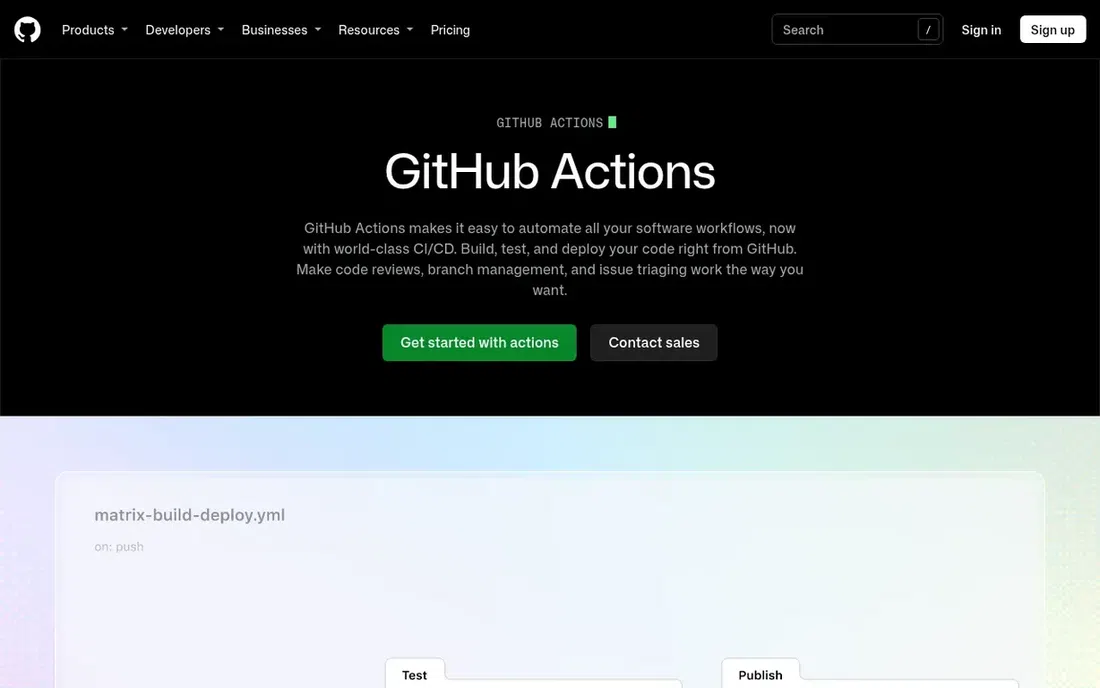
GitHub Actions is a good fit for startups already hosting code on GitHub. For startups already keeping their code on GitHub, it removes the have to bolt on a separate CI service, which keeps setup and onboarding straightforward for a small engineering team. On top of that, if your team works outside GitHub or needs heavy customization, GitLab CI/CD or Jenkins may fit better.
From a buyer's view, otherwise, start here. More specifically, GitHub Actions is a CI/CD and automation service built into GitHub. Pricing for GitHub Actions is not stated here, so ask the vendor for current figures. Trial and free access: Not stated.
Watch-outs: Deep customization may need additional tooling.
- Supports any language and external systems
- Runs builds and deployments inside GitHub
- Complicated pipelines can get tangled in YAML
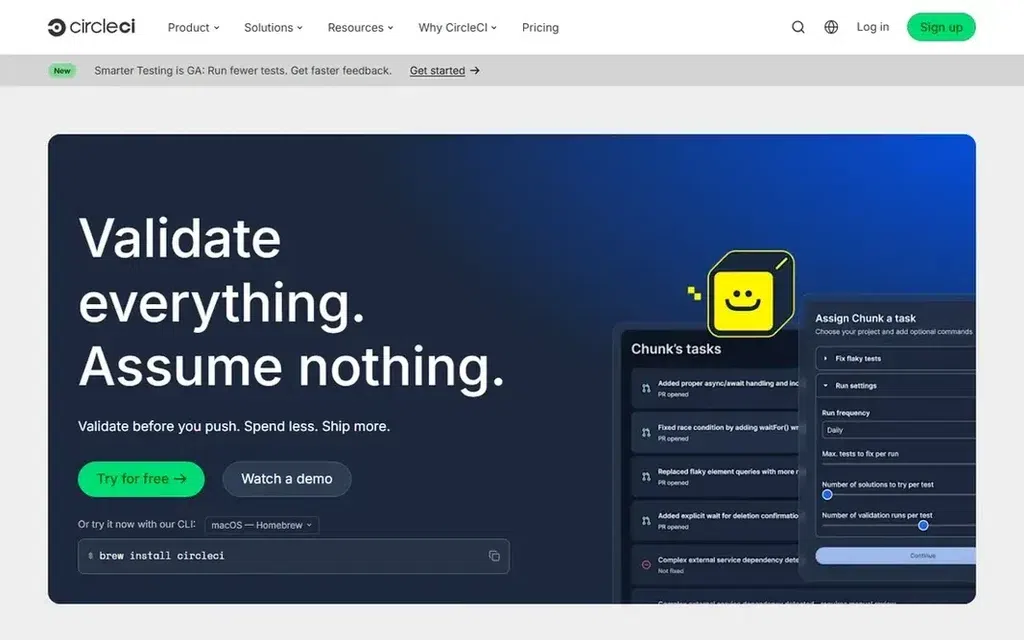
Choose CircleCI for teams prioritizing automatic validation at speed. Adopting CircleCI means maintaining a separate service and learning its configuration model, which layers on overhead for very small teams.
Beyond that, consider CircleCI when dedicated validation tooling matters more than consolidation. Entry price for CircleCI: $15 per month. A free plan is available with CircleCI.
Where it is weaker: Another product to handle alongside your repo host.
- Intelligent automation for testing
- Does well for fast-moving product teams
- Configuration ramp-up time for newcomers
Selection criteria
A buyer's checklist
- Ask Jenkins and GitHub Actions for a written quote, since no starting price is shown.
- Read the fine print on the free plans from GitLab CI/CD, Buildkite and CircleCI; seat, project and feature caps differ.
- Before choosing Jenkins, weigh its main limit: needs practical maintenance.
- Find out whether the entry plan of Jenkins covers your must-haves or only a trimmed-down version.
- Check whether CircleCI bills monthly or annually, and what cancelling early costs.
FAQ
Is Jenkins the right pick for everyone comparing CI/CD tools for startups?
No single tool suits every team. Jenkins comes first because it fits teams needing open source control and flexibility, while GitLab CI/CD suits teams wanting one integrated DevOps platform and Buildkite suits scaling teams needing fast, controlled pipelines. Match the tool to your own size, budget and workflow before deciding.
Do these tools publish their prices?
Not all of them. Jenkins and GitHub Actions publish no starting price, so expect a quote request for those. The rest, GitLab CI/CD included, show a starting price, though seats and billing terms still change the final cost. All 5 picks in this ci/cd tools for startups comparison list a starting price, free plan details and the main limits on their cards above.
Which CI/CD tool is a good match for a very early-stage startup?
The first pick on this list is Jenkins, because it suits teams needing open source control and adaptability. GitLab CI/CD is better for teams wanting one integrated DevOps system, and Buildkite for scaling teams needing quick, controlled pipelines. Check price and limits against your own needs before choosing.
What is the cheapest option for CI/CD tools for startups in this list?
On published monthly entry prices, GitLab CI/CD is the lowest here at $15 per user per month. Entry price is only part of the cost, because seats, add-ons and billing terms can change the total. For the full picture, the cards above cover all 5 entries of this ci/cd tools for startups list, including price, free plan and limits.
Which options for CI/CD tools for startups have a free plan?
On this list, GitLab CI/CD, Buildkite and CircleCI include a free plan. Caps on seats, usage or features are common, so test the free plan against your real workload.
Sources
- https://www.jenkins.io
- https://about.gitlab.com/stages-devops-lifecycle/continuous-integration
- https://buildkite.com
- https://github.com/features/actions
- https://circleci.com