Best Ci Cd Software in 2026: 7 Tools Compared
7 products for the best ci cd software, ranked by fit, with starting costs and free tiers. Each profile ends with a plain caveat. Pick with confidence.
- Editor's choice
 TeamCity
JetBrains users wanting refined self-hosted CI
Starts atSee website (free Professional tier)Visit jetbrains.comFull review - Great alternative
 GitLab CI/CD
One system for code, CI, security, and planning
Starts atFree (400 minutes/month); Premium $29/user/monthVisit about.gitlab.comFull review - Also consider
 Bitbucket Pipelines
Teams running Jira and Confluence
Starts atFree (50 build minutes/month); Standard $3.65/user/monthVisit bitbucket.orgFull review
Direct answer
TeamCity leads the list, best for JetBrains users wanting refined self-hosted CI. Look at GitLab CI/CD for one system for code, CI, security, and planning, and at Bitbucket Pipelines for teams running Jira and Confluence. The other 4 tools in the list cover narrower or pricier cases.
TL;DR:
- TeamCity takes the first slot, best suited to JetBrains users wanting refined self-hosted CI.
- Free access is easy to find: 7 of the 7 tools have a free plan, for example TeamCity, GitLab CI/CD, Bitbucket Pipelines and Buildkite.
- Pricing for TeamCity is quote-based, which adds a sales step before you can compare cost.
- Check the limits for Bitbucket Pipelines before you commit: free tier only bundles 50 build minutes per month.
Quick comparison
| Tool | Best for | Starts at | Free plan? | |
|---|---|---|---|---|
| TeamCity | JetBrains users wanting refined self-hosted CI | See website (free Professional tier) | Yes | Visit |
| GitLab CI/CD | One system for code, CI, security, and planning | Free (400 minutes/month); Premium $29/user/month | Yes | Visit |
| Bitbucket Pipelines | Teams running Jira and Confluence | Free (50 build minutes/month); Standard $3.65/user/month | Yes | Visit |
 Buildkite | Teams with their own compute to spare | Free (500 hosted minutes/month); Pro $30/user/month | Yes | Visit |
 Jenkins | Teams that must own their CI infrastructure | Free (open source) | Yes | Visit |
 GitHub Actions | Teams whose code already lives on GitHub | Free (2,000 minutes/month); Team $4/user/month | Yes | Visit |
 CircleCI | Teams where build speed is the bottleneck | Free (6,000 build minutes/month); Performance from $15/month | Yes | Visit |
Tool-by-tool breakdown
Short on time? The summary and table above give the quick view of 7 tools for ci cd software, and the profiles that follow give the detail behind each entry.
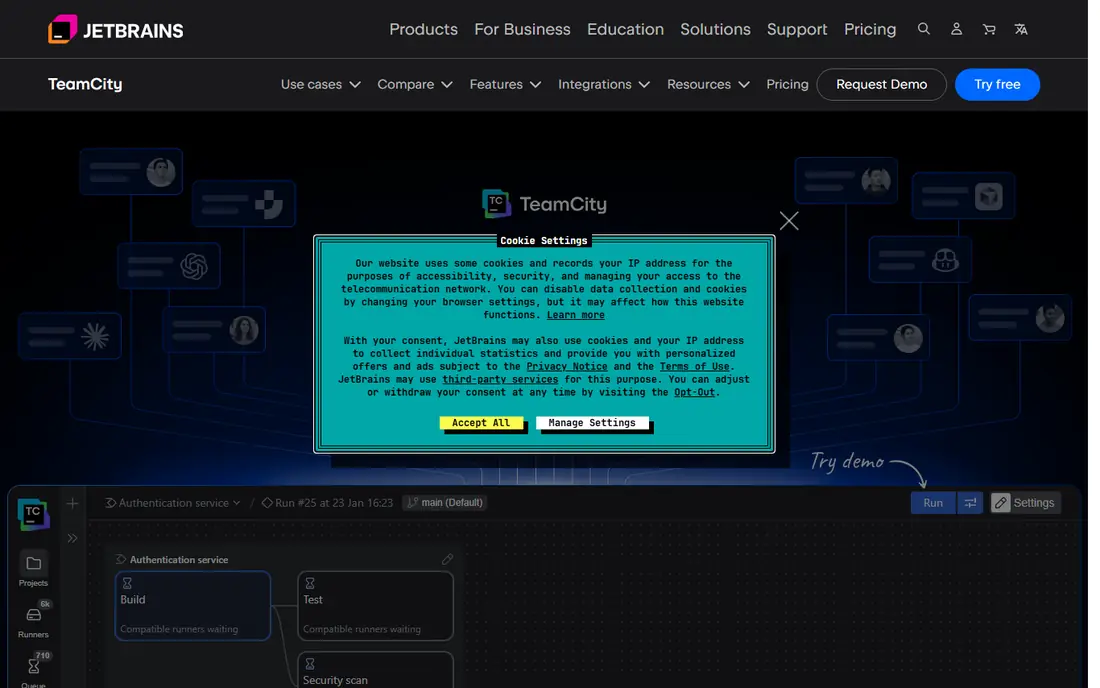
TeamCity is built with JetBrains users wanting refined self-hosted CI in mind. JetBrains also supplies TeamCity Cloud with a free starting level of build minutes for teams that want hosting without managing servers.
Check the vendor site for TeamCity pricing; none is listed in this comparison. TeamCity offers a free plan.
Downsides: Smaller community and fewer external integrations than Jenkins.
- Free Professional level with 3 agents and 100 build configurations
- Kotlin DSL for pipeline configuration
- Premium pricing is not published transparently

In short, GitLab CI/CD is for one product for code, CI, security, and planning. CI/CD pipelines sit next to the repo, the container registry, security scanning, and agile planning, which removes a whole category of integration maintenance. From a buyer's view, choose GitLab when you want fewer tools and control over the infrastructure.
Where it shines: Pipelines; SAST/DAST scanning.
Beyond that, the free level's 400 minutes per month runs out quick on active projects, and Premium at $29 per user a month is more than seven times GitHub Team's $4. Self-hosted Community Edition is free and open source with full CI/CD, which is the real GitLab advantage: no other major system lets you run the whole thing on your own servers at zero license cost. Price to start with GitLab CI/CD: Free. You can start on GitLab CI/CD without paying.
What to check first: Premium at $29 per user per month is far pricier than GitHub Team.
- Merge trains and DAG pipelines
- Full product can be self-hosted
- Free level only comes with 400 compute minutes per month
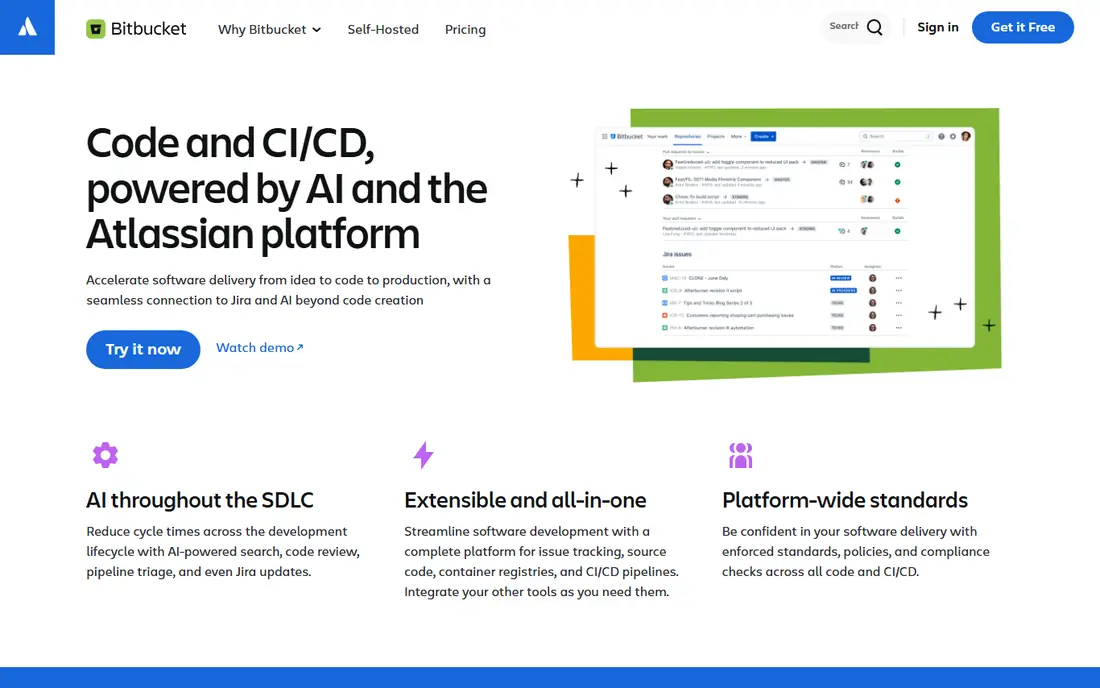
In short, Bitbucket Pipelines is for teams running Jira and Confluence. Bitbucket Pipelines is the CI/CD for Atlassian shops.
What to check first: Free level only bundles 50 build minutes per month.
But Bitbucket's 15 million developers are largely there due to Jira, and for them Pipelines is the path of least resistance. Bitbucket Pipelines pricing: Free. Bitbucket Pipelines includes a free tier.
- Native Jira integration links commits to tickets automatically
- Standard at $3.65 per user a month is cheap
- Smaller community and marketplace than GitHub Actions
Think of Buildkite for teams with their own compute to spare. The free tier comes with 500 hosted minutes per month for one user with unlimited self-hosted agents, and Pro is $30 per user a month with 10 self-hosted agents. For everyday use, recent additions bundle a Test Engine for flaky test management and a MCP server connecting AI tools to pipeline data.
What to check first: You run the agent infrastructure yourself.
Buildkite splits CI/CD in two: the hosted control plane orchestrates pipelines whereas your own agents, on your VMs, Kubernetes clusters, or bare metal, run the builds. That architecture is why firms like Uber run 100,000 concurrent agents on it. Starting cost for Buildkite: Free. A free plan is available with Buildkite.
- Unlimited parallelism for fast feedback
- Very good test analytics and flaky test detection
- Pro at $30 per user a month is pricey relative to GitHub Actions
Pick Jenkins if this describes you: teams that must own their CI infrastructure. Pick Jenkins when compliance or cost-at-scale demands self-hosting and you have the people to run it. Jenkins is the veteran that refuses to die since nothing else does what it does for free.
As the leading open source automation server, it runs on your infrastructure with no per-minute metering, no seat licenses, and plugins for practically every tool in the CI/CD toolchain. Worth adding: someone on your team becomes the Jenkins person, managing upgrades, plugin compatibility, agent fleets, and the occasional 2 AM controller outage. More specifically, declarative pipelines help, but the ecosystem's adaptability means two Jenkins setups seldom look alike. The starting price for Jenkins: Free. Jenkins offers a free plan.
Where it falls short: The UI and pipeline-as-code ramp-up time are steep.
Best features of Jenkins: Runs anywhere.
- Fully free with no minute or user limits
- Including air-gapped networks
- You own all maintenance, upgrades, plugin conflicts
GitHub Actions works best for teams whose code already lives on GitHub. Self-hosted runners are the standard escape hatch and take minutes to register. Workflows live in YAML next to your code, pull requests get checks automatically.
The marketplace has a prebuilt action for nearly every tool you use. The pricing beyond free is straightforward: $0.006 per Linux minute after the allowance, with Team at $4 per user a month and Enterprise at $21. Price to start with GitHub Actions: Free. Free access exists with GitHub Actions.
Where it falls short: No built-in advanced analytics or security scanning without premium extras.
- Unlimited on public
- 2,000 free private-repo minutes a month
- Per-minute costs add up at scale
CircleCI was built for teams where build speed is the bottleneck. CircleCI built its reputation on one thing: getting developers their build results quicker. The free level contains 30,000 credits per month, roughly 6,000 build minutes on small Docker executors, which is genuinely ample.
On top of that, different resource classes consume credits at different rates. A macOS build can burn 50 credits a minute, so the bill rarely matches the headline plan price of $15 per month for Performance. Test splitting across parallel containers, aggressive caching, and granular resource classes mean Docker-heavy pipelines that crawl elsewhere fly here. On top of that, CircleCI now even runs GitHub Actions YAML in open preview, which tells you where the market went. From a buyer's view, the credit model is the catch. CircleCI pricing: Free. You can start on CircleCI without paying.
Drawbacks to consider: Effective per-minute cost runs 4 to 8 times GitHub Actions.
- Fastest builds in its class via caching, parallelism
- Test splitting
- Credit-based pricing is hard to predict
Selection criteria
The comparison looks at four things: starting price, free access, how well the feature set matches ci cd software, and the main limit of each tool. Treat prices as a snapshot: vendors change plans often, so check the vendor site for the figure that applies today. We ordered the tools by general fit, then by how clearly pricing is shown, then by free access. A buyer with unusual needs may reorder them.
Questions to settle before buying
- Ask TeamCity for a written quote, since no starting price is shown.
- Read the fine print on the free plans from TeamCity, GitLab CI/CD, Bitbucket Pipelines and others; seat, project and feature caps differ.
- Read the limits listed for TeamCity first: premium pricing is not published transparently.
- Add up seats, add-ons and usage charges for GitHub Actions before comparing it with cheaper entries.
- Before rolling out Jenkins, verify the integrations your workflow depends on.
FAQ
Is TeamCity the right pick for everyone comparing ci cd software?
No single tool suits every team. TeamCity comes first because it fits JetBrains users wanting polished self-hosted CI, while GitLab CI/CD suits one platform for code, CI, security, and planning and Bitbucket Pipelines suits teams running Jira and Confluence. Match the tool to your own size, budget and workflow before deciding.
Do these tools publish their prices?
Not all of them. TeamCity publishes no starting price, so expect a quote request for it. The rest, GitLab CI/CD included, show a starting price, though seats and billing terms still change the final cost.
Which CI/CD tool is a good match for small teams?
The first pick on this list is TeamCity, because it suits JetBrains users wanting refined self-hosted CI. GitLab CI/CD is better for one product for code, CI, security, and planning, and Bitbucket Pipelines for teams running Jira and Confluence. Check price and limits against your own needs before choosing.
How are the tools for ci cd software ordered?
The order follows typical fit for ci cd software, with TeamCity first and CircleCI last, then price clarity and free access. It is editorial judgement, not a score, so another team could rank the tools differently.
What is the difference between GitHub Actions and Jenkins?
GitHub Actions is cloud-hosted CI/CD built into GitHub with per-minute pricing and a huge action marketplace. Actions optimizes for convenience, Jenkins for control.
Can I try these options before paying?
Often, yes. TeamCity, GitLab CI/CD, Bitbucket Pipelines and others have a free plan. Use your own data and a real task during the test, and check what the free tier or trial limits before you rely on it.