The 5 Best Stress Test Software in 2026, Ranked
5 tools for the best stress test software, compared on pricing, free plans and best-fit use. Every pick gets a straight assessment. Last reviewed November 2026.
- Editor's choiceWebLOAD
Scripted performance testing with dashboards
Starts at$499 a monthVisit radview.comFull review - Great alternativeGatling
Continuous performance with AI analysis
Starts at€89 a monthVisit gatling.ioFull review - Also considerApache JMeter
Open-source load and stress testing
Starts atSee websiteVisit jmeter.apache.orgFull review
Direct answer
WebLOAD leads the list, best for scripted performance testing with dashboards. Listed starting prices: WebLOAD from $499 a month, Gatling from €89 a month and BlazeMeter from $79 per month. For a different need, Gatling covers continuous performance with AI analysis and Apache JMeter covers open-source load and stress testing. Prices, free plans and limits for all 5 tools follow.
TL;DR:
- WebLOAD is the opening pick, best for scripted performance testing with dashboards.
- Neither WebLOAD nor LoadNinja, nor any of the other 3 tools, has a permanent free plan; trials and quotes are the norm.
- For browser-based load testing at scale, LoadNinja is worth a look.
- For the cheapest start, look at BlazeMeter: $79 per month.
- A fair warning about Apache JMeter: GUI can feel dated.
Last checked November 2026. Prices and plan details were read from the vendors' own pages in November 2026; vendors change plans often, so confirm the current price on the vendor site before you buy.
Quick comparison
| Tool | Best for | Starts at | Free plan? | |
|---|---|---|---|---|
| WebLOAD | Scripted performance testing with dashboards | $499 a month | Free trial | Visit |
| Gatling | Continuous performance with AI analysis | €89 a month | Free trial | Visit |
| Apache JMeter | Open-source load and stress testing | See website | Not stated | Visit |
| BlazeMeter | Unified testing and monitoring system | $79 per month | Not stated | Visit |
| LoadNinja | Browser-based load testing at scale | $350 / 25 load testing hours | Free trial | Visit |
Stress Test Software compared in detail
If you are comparing stress test software, this page covers 5 tools in one place: what each is best for, what it costs to start, whether it has a free plan, and the main limit to know about.
WebLOAD
Best for: Scripted performance testing with dashboards
WebLOAD works best for scripted performance testing with dashboards. Choose WebLOAD when you want a guided script-to-dashboard workflow and prefer vendor-supported tooling over assembling open-source components.
In practice, WebLOAD by RadView is a performance testing tool whose vendor page emphasizes easily creating scripts, running performance tests and analyzing results through a dashboard. Starting cost for WebLOAD: $499 per month. As for free access: Free trial.
Where it is weaker: Less known for open-source workflows.
- Script creation and execution
- Results dashboard
- Commercial product
Gatling
Best for: Continuous performance with AI analysis
Gatling is a good fit for continuous performance with AI analysis. Its homepage flags AI analysis, CI/CD automation and observability built in.
Beyond that, Gatling's scripting model rewards teams with coding skills, and its more advanced capabilities come through commercial offerings. Gatling starts at: €89 per month. Trial and free access: Free trial.
Where it is weaker: Commercial editions involved.
- AI-assisted analysis
- CI/CD automation built in
- Scripting knowledge helps
Apache JMeter
Best for: Open-source load and stress testing
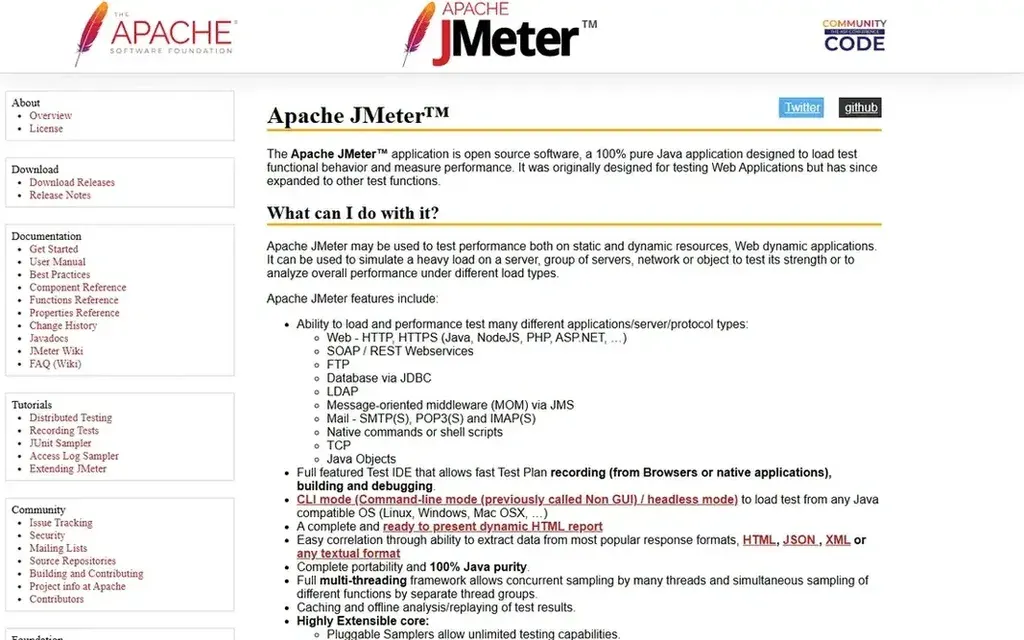
Apache JMeter works best for open-source load and stress testing. Apache JMeter is a long-established open-source tool for load testing and performance measurement. It lets teams build test plans that simulate plenty of concurrent users against web applications, APIs and other services.
Reasons to shortlist it: Mature open-source project.
Since it is open source and widely used, it fits teams that want an adaptable, no-cost foundation and are comfortable assembling their own test infrastructure and analysis workflows. In daily use, JMeter runs on the Java system and its graphical interface can be resource-heavy for very large tests, so distributed setups are frequently needed. Reporting is functional but less refined than commercial dashboards. Check the vendor site for Apache JMeter pricing; none is listed in this comparison. Free options: Not stated. Where it falls short: GUI can feel dated.
- Large community knowledge base
- Broad protocol support
- Scripting has a ramp-up time
BlazeMeter
Best for: Unified testing and monitoring system
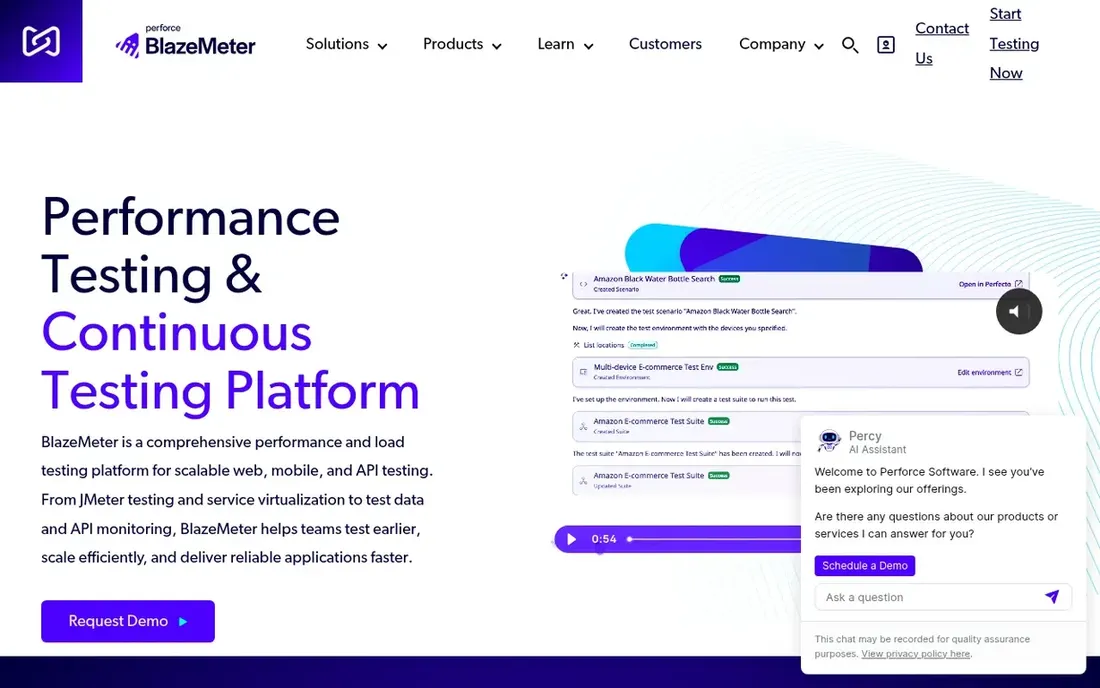
BlazeMeter was built for unified testing and monitoring product. BlazeMeter, now part of Perforce, presents itself as a unified platform for performance testing, API testing and monitoring.
Its homepage also lists service virtualization, AI-powered test data and functional testing. In daily use, the broad feature set means onboarding takes effort, and it is a commercial offering instead of a purely open-source tool. What you pay to start with BlazeMeter: $79 per month. Free options: Not stated.
Reasons to shortlist it: Supports AI-powered test data.
Points against: Commercial system.
- Comes with service virtualization
- Merges performance and API testing
- Wide feature set takes time to learn
LoadNinja
Best for: Browser-based load testing at scale
LoadNinja is aimed squarely at browser-based load testing at scale. LoadNinja describes itself as a load testing tool that records, replays and tests in real browsers at scale. LoadNinja centers on browser-based web testing, so teams needing wide protocol coverage or heavy API testing may find other tools more adaptable.
Points against: Concentrated on browser-based testing.
It is also a commercial product. More specifically, consider it when realistic browser simulation and quick test creation matter most to your stress testing goals. The starting price for LoadNinja: $350 / 25 load testing hours. Free options: Free trial.
- Tests real browser behavior
- Records and replays in real browsers
- Commercial tool
How we built this list
Selection started from tools commonly considered for stress test software, then narrowed to 5 that have clear pricing information or a clear quote process. Where a vendor does not publish a price, the entry says quote. Where a price depends on seats or billing term, the entry says so. The order reflects how well each tool fits the most common buying scenario for stress test software, then price clarity, then free plan access. It is a starting point, not a verdict.
Questions to settle before buying
- Get a written quote from Apache JMeter; the list shows no starting price for them.
- Use real work to test the free trial from WebLOAD, Gatling and LoadNinja, rather than a demo project.
- Before choosing WebLOAD, weigh its main limit: commercial product.
- Look at the renewal terms for WebLOAD: auto-renewal, notice periods and price changes can matter more than the first-year price.
- Before rolling out LoadNinja, verify the integrations your workflow depends on.
FAQ
Do these tools publish their prices?
Not all of them. Apache JMeter publishes no starting price, so expect a quote request for it. The rest, WebLOAD included, show a starting price, though seats and billing terms still change the final cost.
Do I need browser-based testing for stress tests?
Browser-based tools like LoadNinja simulate real browser behavior, which helps when client-side rendering matters. Protocol-level tools are frequently more efficient for high-volume backend testing.
Which stress test tool is a good match for developers?
The first pick on this list is WebLOAD, because it suits scripted performance testing with dashboards. Gatling is better for continuous performance with AI analysis, and Apache JMeter for open-source load and stress testing. Check price and limits against your own needs before choosing.
Is WebLOAD the right pick for everyone comparing stress test software?
No single tool suits every team. WebLOAD comes first because it fits scripted performance testing with dashboards, while Gatling suits continuous performance with AI analysis and Apache JMeter suits open-source load and stress testing. Match the tool to your own size, budget and workflow before deciding.
Can I try these options before paying?
Often, yes. WebLOAD, Gatling and LoadNinja offer a free trial. Use your own data and a real task during the test, and check what the free tier or trial limits before you rely on it.
What is the difference between load testing and stress testing?
Plenty of tools, including those listed here, support both by adjusting the simulated load. Choose a tool that lets you scale virtual users and analyze failure points plainly.
Sources
- https://www.radview.com
- https://gatling.io
- https://jmeter.apache.org
- https://www.blazemeter.com
- https://loadninja.com