The 5 Best Terminal Video Editing Software in 2026, Ranked
Best terminal video editing software: 5 contenders ranked by fit, with entry costs and free tiers. Each tool is judged on the same checks. See which fits.
- Editor's choice
 Final Cut Pro
Mac and iPad editors seeking speed
Starts atPricing on requestVisit apple.comFull review - Great alternative
 Adobe Premiere Pro
Professional editing with effects and audio
Starts atPricing on requestVisit adobe.comFull review - Also considerCorel VideoStudio
Beginners and hobbyist video editing
Starts atPricing on requestVisit videostudiopro.comFull review
Direct answer
Final Cut Pro comes first here, mainly for Mac and iPad editors seeking speed. For a different need, Adobe Premiere Pro covers professional editing with effects and audio and Corel VideoStudio covers beginners and hobbyist video editing. The full list of 5 tools follows, with free plan facts. None of these vendors publish plan prices, so pricing is on request for every option.
TL;DR:
- Final Cut Pro sits first on this list: Mac and iPad editors seeking speed.
- Final Cut Pro, FFmpeg and the 3 others all need a premium plan or a trial, since no free plan is listed.
- No starting price is shown for any of the 5 tools, Final Cut Pro and FFmpeg included, so plan time for sales calls.
- FFmpeg is the one to check for Command-line video processing and automation.
Last checked November 2026. Pricing on request: vendors did not publish plan prices when this guide was last checked (November 2026), so ask each vendor for a written quote.
Quick comparison
| Tool | Best for | Starts at | Free plan? | |
|---|---|---|---|---|
| Final Cut Pro | Mac and iPad editors seeking speed | Pricing on request | Not stated | Visit |
| Adobe Premiere Pro | Professional editing with effects and audio | Pricing on request | Not stated | Visit |
| Corel VideoStudio | Beginners and hobbyist video editing | Pricing on request | Not stated | Visit |
 Avid Media Composer | Film and TV postproduction workflows | Pricing on request | Not stated | Visit |
 FFmpeg | Command-line video processing and automation | Pricing on request | Not stated | Visit |
5 options for terminal video editing software in detail
LinkVetted put together this guide to terminal video editing software for readers who want a clear shortlist without reading every vendor page. It compares 5 tools on starting price, free plans, who each one suits and where each one falls short.
In short, Final Cut Pro is for Mac and iPad editors seeking speed. The magnetic timeline accelerates assembly and rearrangement of clips.
From a buyer's view, Final Cut Pro is exclusive to Apple products, so Windows and Linux users cannot use it. It may not integrate as smoothly with non-Apple workflows. Pricing for Final Cut Pro is not stated here, so ask the vendor for current figures. As for free access: Not stated.
The main drawbacks: No subscription, one-time purchase.
- Intelligent editing features
- Magnetic timeline
- Mac-only
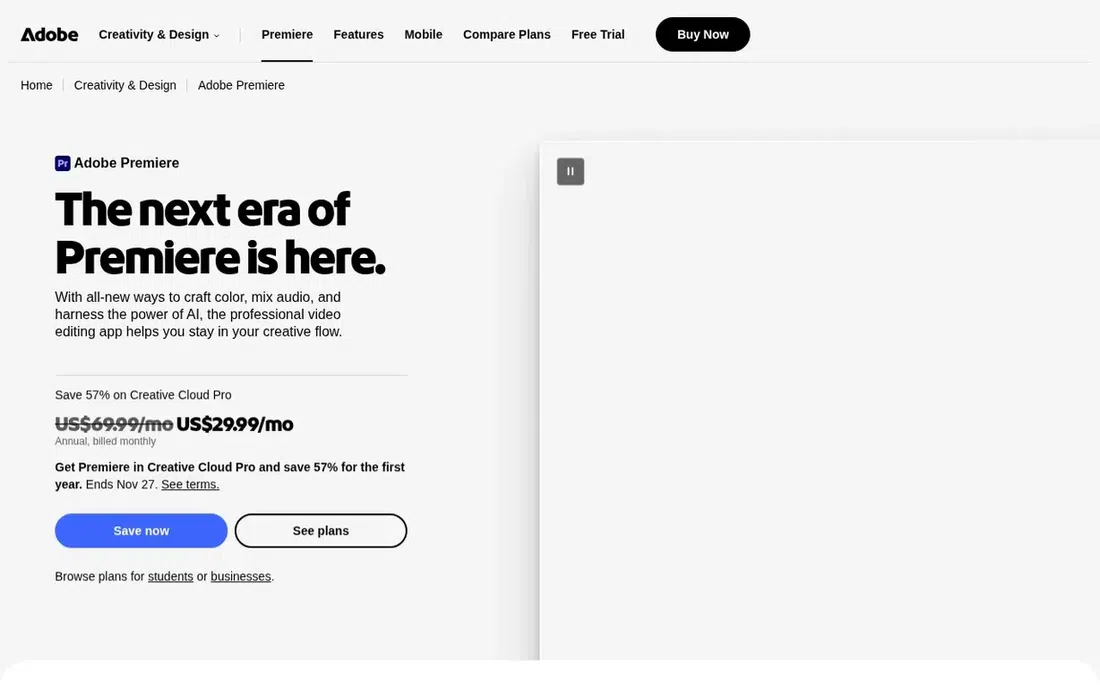
Adobe Premiere Pro was built for professional editing with effects and audio. Premiere Pro needs a subscription and can be demanding on hardware. It may be overkill for straightforward tasks.
Where it is weaker: Resource-intensive.
Highlights: Regular updates.
Beyond that, the interface supports complicated projects and collaboration. For everyday use, Adobe Premiere Pro is professional video editing software for postproduction, offering trimming, effects, audio mixing, and more. Adobe Premiere Pro does not show a starting price in this comparison, so check the vendor site for current pricing. Free options: Not stated.
- Integration with Adobe ecosystem
- Full editing tools
- Subscription-based
Corel VideoStudio
Best for: Beginners and hobbyist video editing
Corel VideoStudio serves beginners and hobbyist video editing. Corel VideoStudio is consumer video editing software from the VideoStudio Pro family, offering product information, updates, and tutorials.
Pricing for Corel VideoStudio is not stated here, so ask the vendor for current figures. Free options: Not stated.
Where it is weaker: Restricted advanced features.
- Approachable interface
- Guided editing tools
- Windows-only
For film and TV postproduction workflows, Avid Media Composer is a natural candidate. It offers capable media management and collaboration features for large teams.
Downsides: Steep ramp-up time.
Media Composer has a steep learning curve and is expensive for individual editors. Its interface may feel less easy-to-learn than consumer-oriented tools. No starting price is listed for Avid Media Composer here; confirm pricing on the vendor site. As for free access: Not stated.
- Script-based editing
- Solid media management
- Costly for individuals
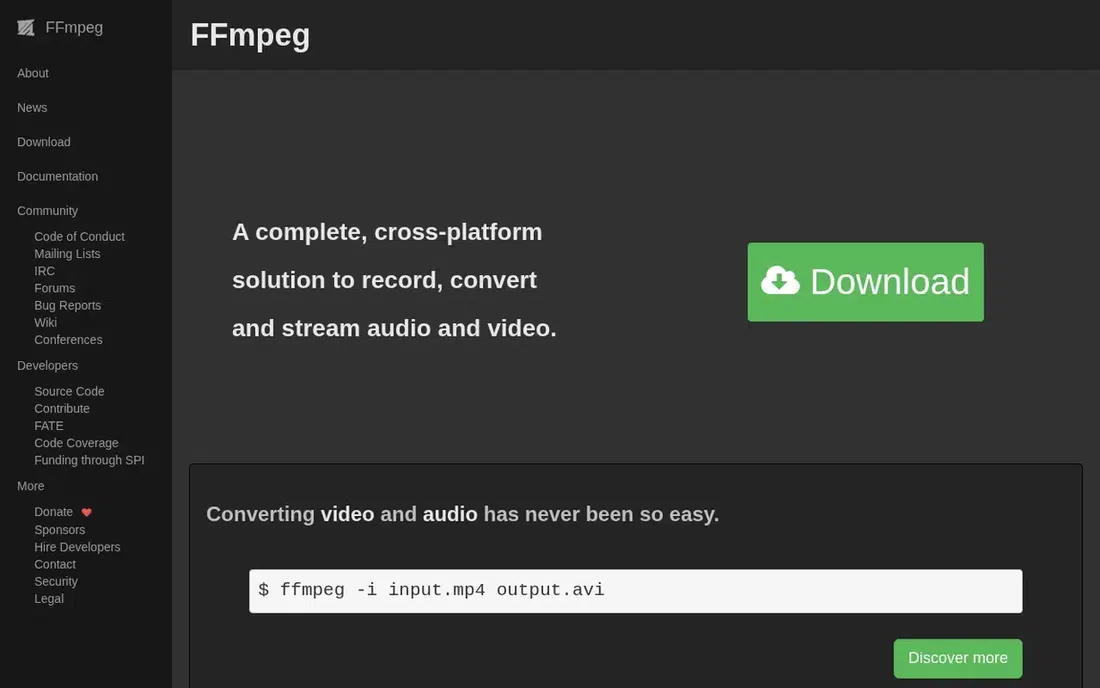
FFmpeg works best for Command-line video processing and automation. FFmpeg is a command-line tool for video and audio processing, widely used for format conversion, trimming, and streaming. Its adaptability makes it a staple in automatic pipelines and server-side video workflows.
Drawbacks to consider: Steep ramp-up time.
As for the details, FFmpeg lacks a visual interface, so complicated edits need precise command syntax and testing. It is not well suited to creative editing with live previews. This comparison lists no price for FFmpeg; ask the vendor. Trial and free access: Not stated.
- Open-source and cross-platform
- Scriptable and automatable
- No graphical interface
What went into this list
Each tool was reviewed on what its vendor publishes: price, plan limits, core features and stated drawbacks. We did not run hands-on tests. Plan names, prices and limits change often. Treat the figures here as a starting point and verify them with the vendor. The order reflects how well each tool fits the most common buying scenario for terminal video editing software, then price clarity, then free plan access. It is a starting point, not a verdict.
What to confirm before you sign up
- Request quotes from Final Cut Pro, FFmpeg and the others; the list shows no fixed prices.
- Read the limits listed for Final Cut Pro first: Mac-only.
- Check whether the features you need in Avid Media Composer sit on the entry plan or only on higher tiers.
- Run a one or two week pilot of Adobe Premiere Pro with the people who will use it every day.
- Ask Corel VideoStudio about contract length, onboarding fees and user minimums before you sign.
FAQ
What is terminal video editing software?
Terminal video editing software refers to tools operated via command-line interface, for example FFmpeg, allowing scripted and automatic video processing. These tools are commonly used for batch tasks, format conversion, and integration into workflows without a graphical interface.
Is Final Cut Pro the right pick for everyone comparing terminal video editing software?
No single tool suits every team. Final Cut Pro comes first because it fits Mac and iPad editors seeking speed, while Adobe Premiere Pro suits professional editing with effects and audio and Corel VideoStudio suits beginners and hobbyist video editing. Match the tool to your own size, budget and workflow before deciding.
Can I try these options before paying?
Not by default. None of the tools, from Final Cut Pro to FFmpeg, lists a free plan or a free trial here, so ask each vendor for a demo before committing.
Do these tools publish their prices?
No. None of the tools, from Final Cut Pro to FFmpeg, shows a fixed starting price here, so budget time for quotes.
How are the tools for terminal video editing software ordered?
Final Cut Pro sits first and FFmpeg last because the order follows typical fit for terminal video editing software, then price clarity and free access. It is a judgement call, so read each profile for fit and limits.
Sources
- https://www.apple.com/final-cut-pro
- https://www.adobe.com/products/premiere.html
- https://www.videostudiopro.com
- https://www.avid.com/media-composer
- https://ffmpeg.org