Choosing Video Compression Software for Web Delivery in 2026: 6 Options Compared
Best video compression software for web delivery, compared. 6 tools with published prices, free plans and limits. Every entry states what it lacks. Plain facts.
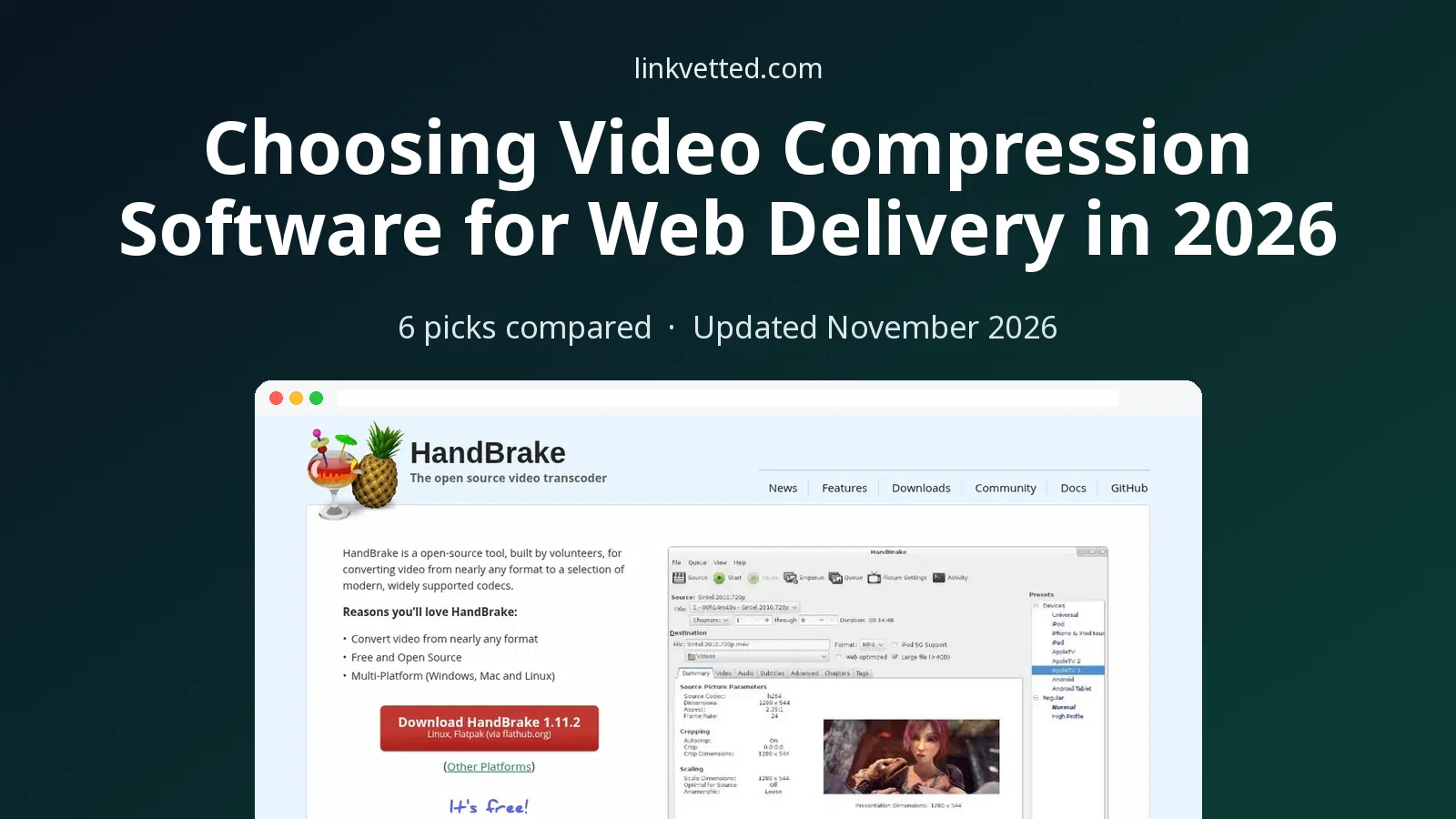
- Editor's choice
 HandBrake
Open-source users wanting straightforward presets
Starts atSee websiteVisit handbrake.frFull review - Great alternative
 FFmpeg
Scriptable, automatic compression pipelines
Starts atSee websiteVisit ffmpeg.orgFull review - Also considerAWS Elemental MediaConvert
Scalable cloud-based transcoding
Starts atSee websiteVisit aws.amazon.comFull review
Direct answer
Our first pick is HandBrake, best for open-source users wanting simple presets. Listed starting prices: Mux from $20 per month. Alternatives: FFmpeg for Scriptable, automatic compression pipelines, and AWS Elemental MediaConvert for scalable cloud-based transcoding. Prices, free plans and limits for all 6 tools follow.
TL;DR:
- The list opens with HandBrake, aimed at open-source users wanting straightforward presets.
- Before buying Vimeo, weigh this: restricted manual encoding controls.
- Free plans exist at 2 of 6 tools (Vimeo, Mux).
- The cheapest monthly starting price in the list is $20 per month, offered by Mux.
Last checked November 2026. Prices and plan details were read from the vendors' own pages in November 2026; vendors change plans often, so confirm the current price on the vendor site before you buy.
Quick comparison
| Tool | Best for | Starts at | Free plan? | |
|---|---|---|---|---|
| HandBrake | Open-source users wanting straightforward presets | See website | Not stated | Visit |
| FFmpeg | Scriptable, automatic compression pipelines | See website | Not stated | Visit |
| AWS Elemental MediaConvert | Scalable cloud-based transcoding | See website | Not stated | Visit |
 Vimeo | Hosted video system with compression | See website | Yes | Visit |
| Mux | Developer-friendly video API | $20 per month | Yes | Visit |
 Adobe Media Encoder | Creative Cloud users needing preset exports | See website | Not stated | Visit |
6 options for video compression software for web delivery in detail
Short on time? The summary and table above give the quick view of 6 tools for video compression software for web delivery, and the profiles that follow give the detail behind each entry.
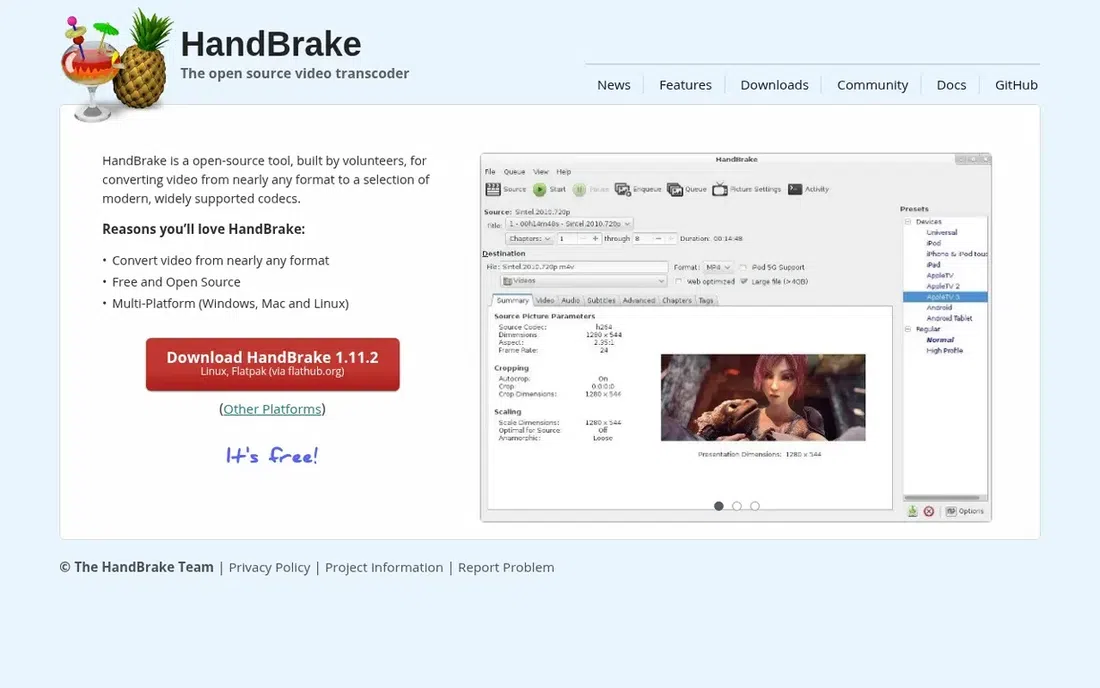
Think of HandBrake for open-source users wanting simple presets. It bundles presets for typical devices and web delivery, making it a practical choice for individuals and small teams who require dependable compression without cost.
Points against: No advanced scripting interface.
HandBrake centres on simplicity, so it lacks the deep automation and scripting capabilities of command-line tools. HandBrake does not show a starting price in this comparison, so check the vendor site for current pricing. Free access: Not stated.
- Built-in device and web presets
- Free and open source
- Limited batch automation
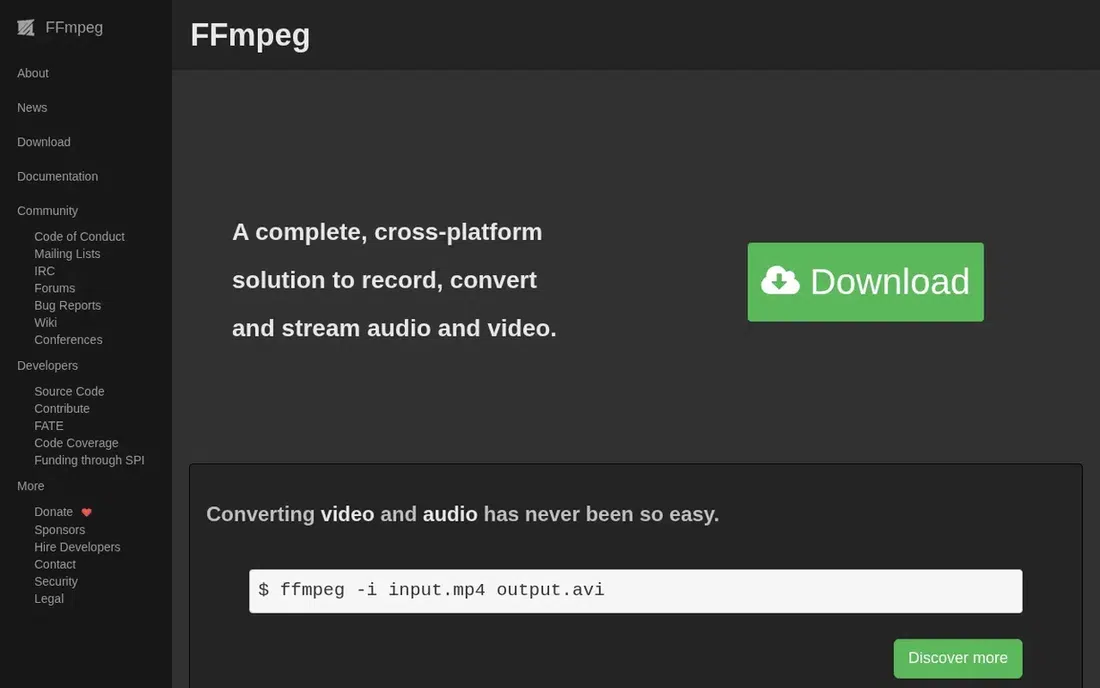
FFmpeg makes the most sense for Scriptable, automatic compression pipelines. It provides deep codec support and can be scripted for repeatable compression tasks, making it a favorite among developers and engineers who require precise control over encoding parameters. More specifically, for straightforward one-off tasks, a GUI-based tool might be more efficient.
Where it falls short: Steep ramp-up time.
The tool needs familiarity with command-line syntax, which can be challenging for non-technical users. It lacks a graphical interface, so it may not suit those who prefer visual workflows. FFmpeg does not show a starting price in this comparison, so check the vendor site for current pricing. Free options: Not stated.
- Free and open source
- Supports virtually all codecs
- Command-line only
AWS Elemental MediaConvert
Best for: Scalable cloud-based transcoding
AWS Elemental MediaConvert works best for scalable cloud-based transcoding. It is aimed at organizations that require to process large volumes of video in the cloud, with integration into the broader AWS ecosystem.
Honest limits: Pricing based on usage.
In daily use, costs are usage-based, which can be less predictable for small projects. On top of that, the service needs an AWS account and some familiarity with cloud configuration. AWS Elemental MediaConvert shows no starting price here, so confirm the cost on the vendor site. Trial and free access: Not stated.
- Supports broadcast and multi-screen delivery
- Deals with large volumes
- Needs AWS account and setup
Choose Vimeo for hosted video system with compression. It may not be right for workflows that need specific codec or bitrate adjustments.
The main drawbacks: Restricted manual encoding controls.
Vimeo shows no starting price here, so confirm the cost on the vendor site. You can start on Vimeo without paying.
- Community and discovery features
- Automatic compression on upload
- Primarily a hosting system
Mux
Best for: Developer-friendly video API
For developer-friendly video API, Mux is a natural candidate. For straightforward file compression, traditional encoders might be more direct. It is built for developers who want to embed video into websites, systems, or AI workflows without building infrastructure from scratch.
What to check first: Usage-based pricing.
Mux is API-first, so it may not be well suited to users seeking a desktop compression tool. In practice, the service emphasizes ease of integration and steady delivery. On cost, Mux starts like this: $20 per month. Mux offers a free plan.
- Straightforward API integration
- Made for developers
- Restricted GUI for non-developers
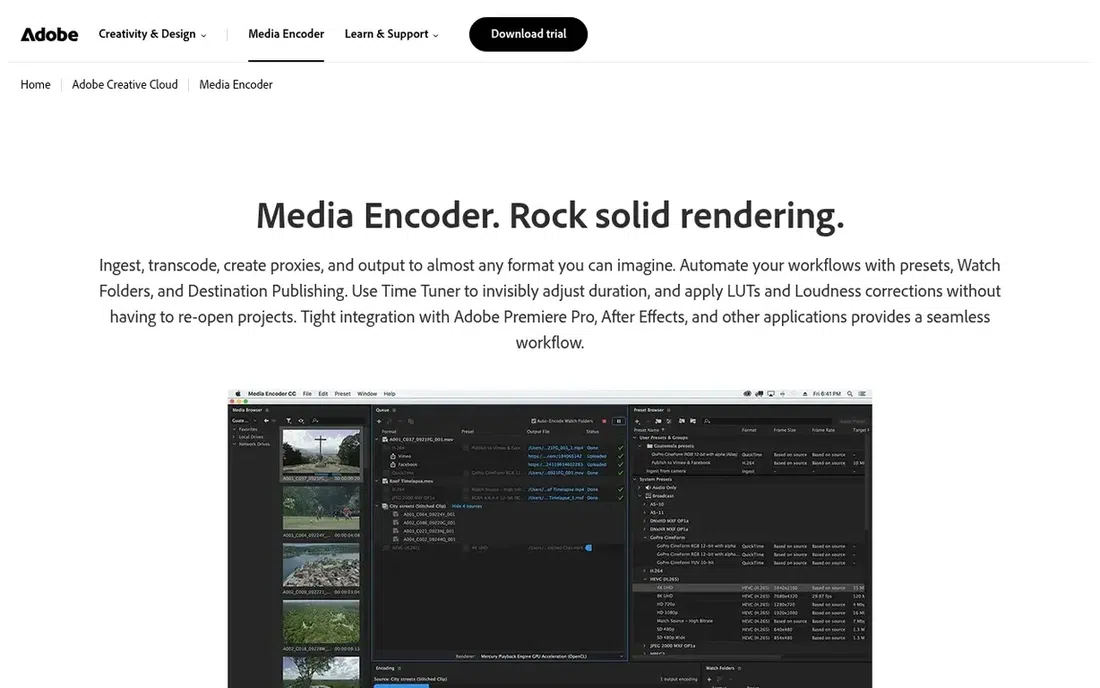
Think of Adobe Media Encoder for creative Cloud users needing preset exports. Adobe Media Encoder is a compression and encoding tool that suits teams already working within Adobe Creative Cloud. It supplies presets for typical web formats and resolutions, making it straightforward to export optimized video for online delivery.
Honest limits: Requires Creative Cloud subscription.
The central limitation is its reliance on a Creative Cloud subscription, which may not suit standalone workflows. Advanced users needing custom automation might find it less adaptable than command-line tools. No starting price is listed for Adobe Media Encoder here; confirm pricing on the vendor site. On free options: Not stated.
- Tight integration with Adobe apps
- Batch processing support
- Restricted advanced scripting
Selection criteria
The comparison looks at four things: starting price, free access, how well the feature set matches video compression software for web delivery, and the main limit of each tool. Where a vendor does not publish a price, the entry says quote. Where a price depends on seats or billing term, the entry says so. Tools are placed by general fit for video compression software for web delivery, with price clarity and free access as tie-breakers. A different team can reasonably rank them differently.
What to confirm before you sign up
- Get a written quote from HandBrake, FFmpeg, AWS Elemental MediaConvert and others; the list shows no starting price for them.
- Check what the free option really includes: Vimeo and Mux offer a free plan, and usage caps differ.
- Before choosing HandBrake, weigh its main limit: restricted batch automation.
- Look at the help docs and support options for Adobe Media Encoder before you commit.
- Verify that exporting from Mux is possible on your plan and covers all your records.
FAQ
What is the cheapest option for video compression software for web delivery in this list?
On published monthly entry prices, Mux is the lowest here at $20 per month. Entry price is only part of the cost, because seats, add-ons and billing terms can change the total.
Is free software sufficient for web video compression?
They offer decent quality and adaptability, though they may lack advanced support or enterprise features. Premium choices frequently add convenience and scalability.
Is HandBrake the right pick for everyone comparing video compression software for web delivery?
No single tool suits every team. HandBrake comes first because it fits open-source users wanting simple presets, while FFmpeg suits Scriptable, automated compression pipelines and AWS Elemental MediaConvert suits scalable cloud-based transcoding. Match the tool to your own size, budget and workflow before deciding.
Do these tools publish their prices?
Not all of them. HandBrake, FFmpeg, AWS Elemental MediaConvert and others publish no starting price, so expect a quote request for those. The rest, Mux included, show a starting price, though seats and billing terms still change the final cost.
Can I use a hosting system like Vimeo for compression?
Yes, Vimeo automatically compresses videos on upload, but it gives you restricted manual control. It is a good match for those who prioritize hosting and playback over fine-tuned encoding.
What should I look for in video compression software for web delivery?
Focus on codec support, output quality, and simplicity. Also, consider whether you need batch processing, automation, or cloud scaling. Integration with your current tools can also save time.
Sources
- https://handbrake.fr
- https://ffmpeg.org
- https://aws.amazon.com/mediaconvert
- https://vimeo.com
- https://mux.com
- https://www.adobe.com/products/media-encoder.html