Choosing Image Compression Tool for Blogs in 2026: 5 Options Compared
Best image compression tool for blogs: 5 contenders ranked by fit, with entry costs and free tiers. Short, factual notes on every option. Prices included.
- Editor's choiceSmush
WordPress image optimization with integrations
Starts at$3.33 per monthVisit wpmudev.comFull review - Great alternativeShortPixel
WordPress bulk compression and conversion
Starts atSee websiteVisit shortpixel.comFull review - Also considerTinyPNG
Fast online compression across formats
Starts atSee websiteVisit tinypng.comFull review
Direct answer
Smush comes first here, mainly for WordPress image optimization with integrations. Listed starting prices: Smush from $3.33 per month, Optimole from €15.83 a month and EWWW Image Optimizer from $8 a month. Look at ShortPixel for WordPress bulk compression and conversion, and at TinyPNG for fast online compression across formats. Details, prices and limits for the rest of the 5 tools are below.
TL;DR:
- Smush is the opening pick, best for WordPress image optimization with integrations.
- ShortPixel comes with a trade-off: feature set can feel wide for small blogs.
- Free plans exist at 2 of 5 tools (ShortPixel, TinyPNG).
- The cheapest monthly starting price in the list is $3.33 per month, offered by Smush.
- EWWW Image Optimizer fits performance-minded WordPress optimization.
Last checked November 2026. Prices and plan details were read from the vendors' own pages in November 2026; vendors change plans often, so confirm the current price on the vendor site before you buy.
Quick comparison
| Tool | Best for | Starts at | Free plan? | |
|---|---|---|---|---|
| Smush | WordPress image optimization with integrations | $3.33 per month | Not stated | Visit |
| ShortPixel | WordPress bulk compression and conversion | See website | Yes | Visit |
| TinyPNG | Fast online compression across formats | See website | Yes | Visit |
| Optimole | Live processing with image CDN | €15.83 a month | Free trial | Visit |
| EWWW Image Optimizer | Performance-minded WordPress optimization | $8 a month | Free trial | Visit |
Image Compression Tool for Blogs compared in detail
This LinkVetted guide covers 5 image compression tool for blogs. Each profile lists a starting price, free plan details, strengths and drawbacks, so you can drop poor fits quickly.
Smush
Best for: WordPress image optimization with integrations
Smush is a good fit for WordPress image optimization with integrations. Smush is a reasonable pick when your blog already depends on WordPress media tools and offloading services.
Some integrations need extra configuration, which can slow down setup for beginners. Smush cost at the entry level: $3.33 per month. Free plan details: Not stated.
Drawbacks to consider: Tied to the WordPress ecosystem.
- Image optimization plugin for WordPress
- Connects with offload media workflows
- Add-on integrations may need setup
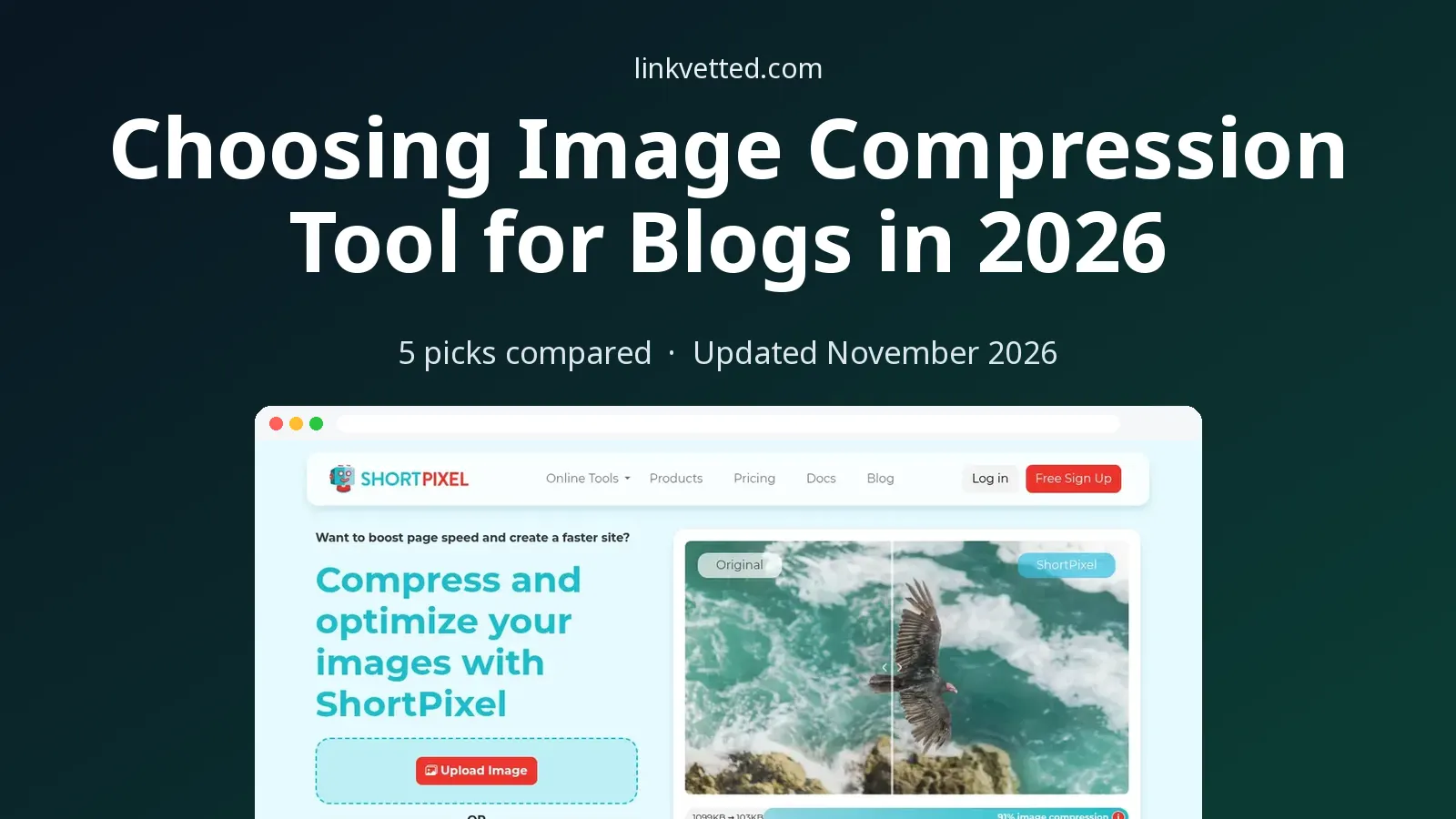
ShortPixel
Best for: WordPress bulk compression and conversion
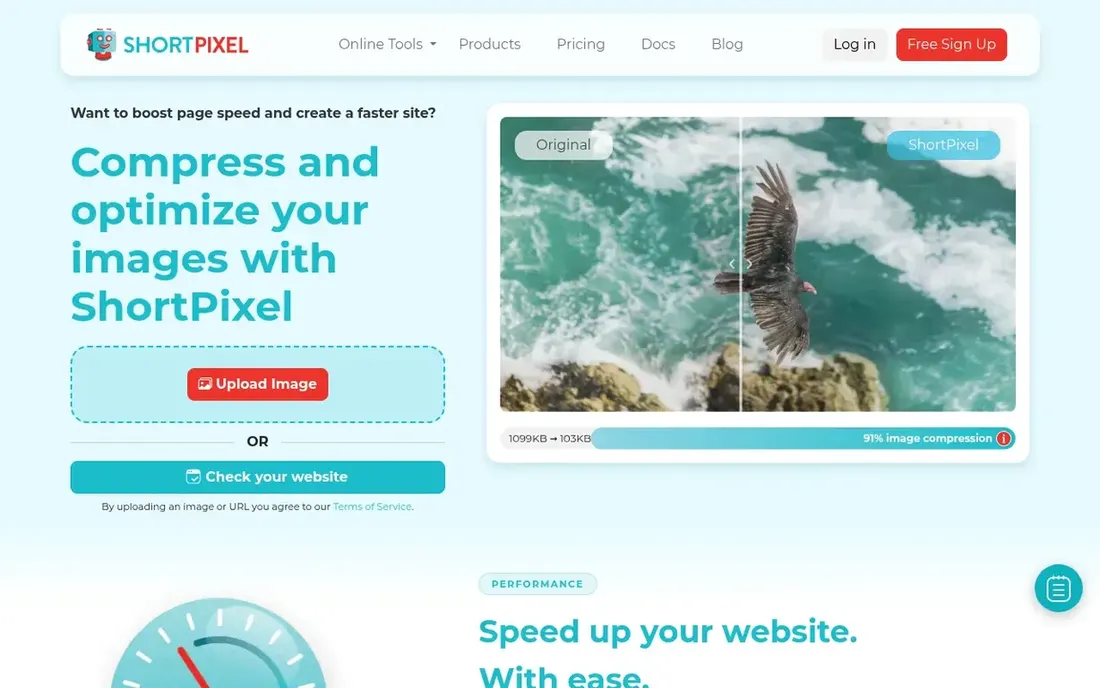
ShortPixel targets WordPress bulk compression and conversion. ShortPixel presents itself as an image optimization plugin for WordPress, with bulk compression to WebP and AVIF, resizing, PDF optimization and lazy loading.
In daily use, for WordPress sites with expanding image libraries, ShortPixel spans the typical optimization tasks in one place. More specifically, the breadth of settings may be more than a straightforward blog needs, and the tool is targeted at WordPress instead of other systems. ShortPixel shows no starting price here, so confirm the cost on the vendor site. ShortPixel includes a free tier.
Trade-offs to know: Feature set can feel wide for small blogs.
- Compresses images and PDFs
- Bulk converts to WebP and AVIF
- Focused on WordPress environments
TinyPNG
Best for: Fast online compression across formats

Choose TinyPNG for fast online compression across formats. TinyPNG is an online image optimizer built around smart lossy compression. Its homepage lists support for AVIF, JPEG XL, WebP, PNG and JPEG, which includes most formats bloggers publish today.
Reasons to shortlist it: PNG and JPEG.
The main drawbacks: Manual uploads suit small batches. As for the details, bloggers with large media libraries or frequent publishing may prefer a plugin that compresses on upload. On top of that, TinyPNG remains a sensible choice for occasional posts, one-off edits and format conversion checks. This comparison lists no price for TinyPNG; ask the vendor. TinyPNG has a free plan.
- Supports AVIF
- No setup needed for occasional uploads
- Less automation for large media libraries
Optimole
Best for: Live processing with image CDN
Optimole targets real-time processing with image CDN. Optimole supplies live image processing and an image CDN for WordPress, with its homepage noting significant size reduction whereas keeping images looking decent.
Limits to weigh: WordPress-centric approach.
As for the details, bloggers benefit since images are adapted as visitors load the page instead of only compressed once at upload. Worth adding: Optimole fits publishers who want automatic, visitor-aware delivery and are comfortable with a CDN in their stack. Starting cost for Optimole: €15.83 per month. Free options: Free trial.
- Live image processing
- Automatic resizing for visitors
- Needs a CDN-based workflow
EWWW Image Optimizer
Best for: Performance-minded WordPress optimization
EWWW Image Optimizer serves performance-minded WordPress optimization. Beyond that, consider a more straightforward online compressor for occasional images, or EWWW when performance tuning is part of your regular routine.
Limits to weigh: Configuration can feel technical.
In practice, the tool leans technical, and choices may overwhelm writers who just want a one-click fix. It is also tied to WordPress instead of standalone use. On cost, EWWW Image Optimizer starts like this: $8 per month. Free access: Free trial.
- Fits WordPress media libraries
- Established image optimization plugin
- Restricted appeal outside WordPress
What went into this list
LinkVetted used vendor pricing pages and product documentation as the base, then compared plans, free access and documented limits for 5 tools. Where a price is missing, the vendor does not list one publicly or ties it to a quote. Always confirm before budgeting. Tools are placed by general fit for image compression tool for blogs, with price clarity and free access as tie-breakers. A different team can reasonably rank them differently.
Things to verify first
- Confirm the entry price on the vendor page. For ShortPixel and TinyPNG that means a quote rather than a fixed price.
- Check what the free option really includes: ShortPixel and TinyPNG offer a free plan, and usage caps differ.
- Run a trial of Optimole and EWWW Image Optimizer with real work before paying for a year; your own workflow is the best test.
- Before choosing Smush, weigh its main limit: tied to the WordPress ecosystem.
- Ask EWWW Image Optimizer about contract length, onboarding fees and user minimums before you sign.
- Read the plan comparison for ShortPixel carefully; key features often start on a higher tier.
FAQ
How are the image compression tool for blogs ordered?
The order follows typical fit for image compression tool for blogs, with Smush first and EWWW Image Optimizer last, then price clarity and free access. It is editorial judgement, not a score, so another team could rank the tools differently.
Can I try these tools before paying?
Often, yes. ShortPixel and TinyPNG have a free plan and Optimole and EWWW Image Optimizer offer a free trial. Use your own data and a real task during the test, and check what the free tier or trial limits before you rely on it.
What is the cheapest option for image compression tool for blogs in this list?
On published monthly entry prices, Smush is the lowest here at $3.33 per month. Entry price is only part of the cost, because seats, add-ons and billing terms can change the total. Each of the 5 options in this image Compression tool for blogs guide has its own card above with the price, free plan and limits.
Is Smush the right pick for everyone comparing image compression tool for blogs?
No single tool suits every team. Smush comes first because it fits WordPress image optimization with integrations, while ShortPixel suits WordPress bulk compression and conversion and TinyPNG suits quick online compression across formats. Match the tool to your own size, budget and workflow before deciding.
Sources
- https://wpmudev.com/project/wp-smush-pro
- https://shortpixel.com
- https://tinypng.com
- https://optimole.com
- https://ewww.io