Image Optimization Tool for Web Performance in 2026: The 5 Best Options Side by Side
5 options for the best image optimization tool for web performance, with entry costs, free tiers and the buyer each one serves. Last reviewed November 2026.
- Editor's choiceShortPixel
WordPress image optimization and conversion
Starts atSee websiteVisit shortpixel.comFull review - Great alternativeCloudflare Images
Sites already using Cloudflare infrastructure
Starts at$7 a monthVisit cloudflare.comFull review - Also considerImageKit
Unified image and video delivery product
Starts at$9 a monthVisit imagekit.ioFull review
Direct answer
ShortPixel leads the list, best for WordPress image optimization and conversion. Listed starting prices: Cloudflare Images from $7 a month, ImageKit from $9 a month and Imgix from $25 a month. If your case is different, Cloudflare Images suits sites already using Cloudflare infrastructure and ImageKit suits unified image and video delivery system. The full list of 5 tools follows, with prices and free plan facts.
TL;DR:
- ShortPixel sits first on this list: WordPress image optimization and conversion.
- TinyPNG fits fast one-off image compression.
- Imgix comes with a trade-off: centred on delivery instead of management.
- Free plans exist at 4 of 5 tools (ShortPixel, Cloudflare Images, ImageKit, TinyPNG).
- The lowest published monthly entry price here is $7 per month, from Cloudflare Images.
Last checked November 2026. Prices and plan details were read from the vendors' own pages in November 2026; vendors change plans often, so confirm the current price on the vendor site before you buy.
Quick comparison
| Tool | Best for | Starts at | Free plan? | |
|---|---|---|---|---|
| ShortPixel | WordPress image optimization and conversion | See website | Yes | Visit |
| Cloudflare Images | Sites already using Cloudflare infrastructure | $7 a month | Yes | Visit |
| ImageKit | Unified image and video delivery product | $9 a month | Yes | Visit |
| Imgix | Performance-focused visual media delivery | $25 a month | Free trial | Visit |
| TinyPNG | Fast one-off image compression | See website | Yes | Visit |
Image Optimization Tool for Web Performance compared in detail
Choosing image optimization tool for web performance usually comes down to price, fit and limits. This LinkVetted guide sets 5 tools side by side on those three points, with the facts kept short and checkable.
ShortPixel
Best for: WordPress image optimization and conversion
ShortPixel is aimed squarely at WordPress image optimization and conversion. ShortPixel is a WordPress image optimization plugin that compresses images and PDFs, converts to WebP and AVIF in bulk, resizes files and makes it possible for lazy loading. In daily use, results also rely on choosing settings that balance quality and file size.
Beyond that, the tool is made for WordPress, so sites on other systems need a different approach. In daily use, if your site runs on another CMS or a custom stack, a delivery product or online compressor will be a better fit than a WordPress plugin. This comparison lists no price for ShortPixel; ask the vendor. A free plan is available with ShortPixel.
Downsides: Built around WordPress.
- Also optimizes PDFs
- Resizing and lazy loading
- Plugin configuration needed
Cloudflare Images
Best for: Sites already using Cloudflare infrastructure
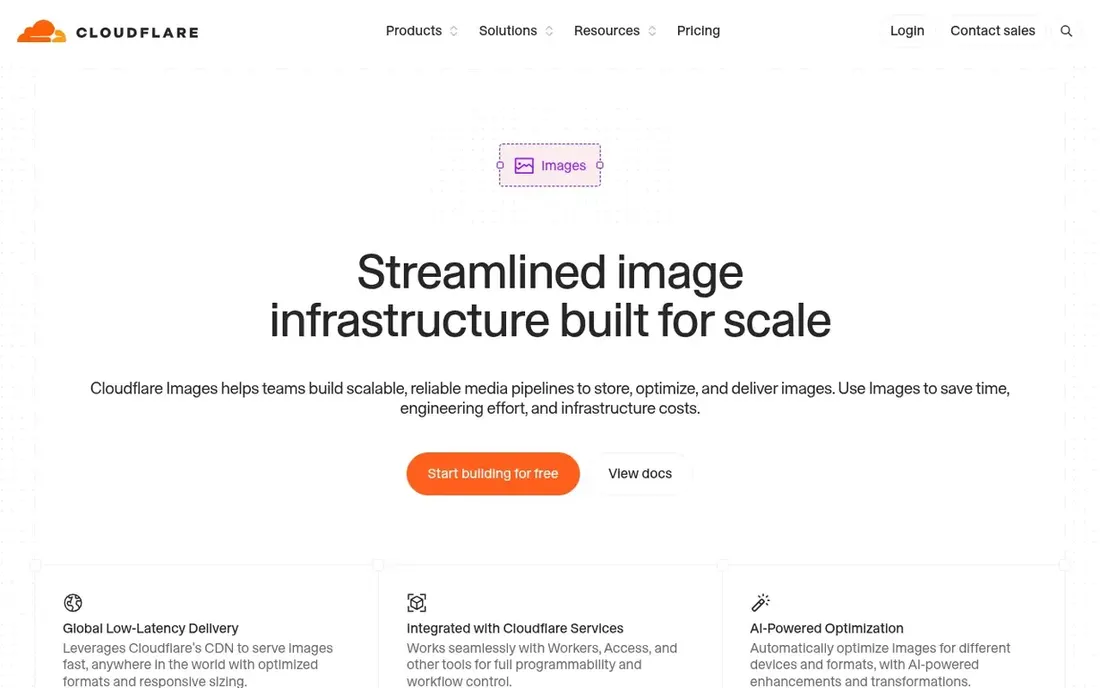
Choose Cloudflare Images for sites already using Cloudflare infrastructure. Cloudflare Images is a simplified image infrastructure product aimed at scale, offering global low-latency delivery, resizing and AI-powered optimization, including background removal. It plugs into other Cloudflare services for complete image workflows.
As for the details, much of the benefit comes from being inside the Cloudflare ecosystem. So teams using other infrastructure may not gain as much. It is also delivery-focused instead of a full media management suite. Also, if you need asset organization and creative automation in the same tool, a broader system may suit you better. On cost, Cloudflare Images starts like this: $7 per month. Cloudflare Images includes a free tier.
What to check first: Value depends on Cloudflare adoption.
- Resizing and AI-powered optimization
- Integrated with Cloudflare services
- Less appealing outside that ecosystem
ImageKit
Best for: Unified image and video delivery product
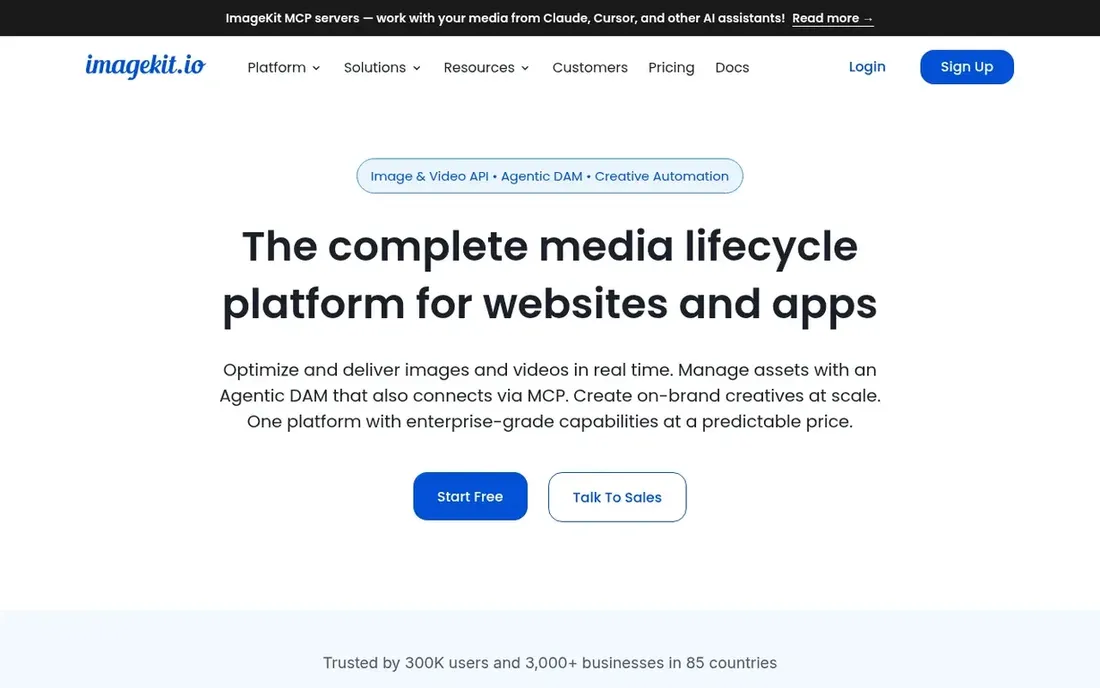
In short, ImageKit is for unified image and video delivery product. This suits teams that want optimization, storage and delivery handled together instead of stitching separate services, especially organizations with mixed image and video needs and engineering resources to integrate an API.
Price to start with ImageKit: $9 per month. A free plan is available with ImageKit.
The main drawbacks: Broad system may exceed straightforward needs.
- Real-time transformation and delivery
- Asset management with creative automation
- Setup needs developer involvement
Imgix
Best for: Performance-focused visual media delivery
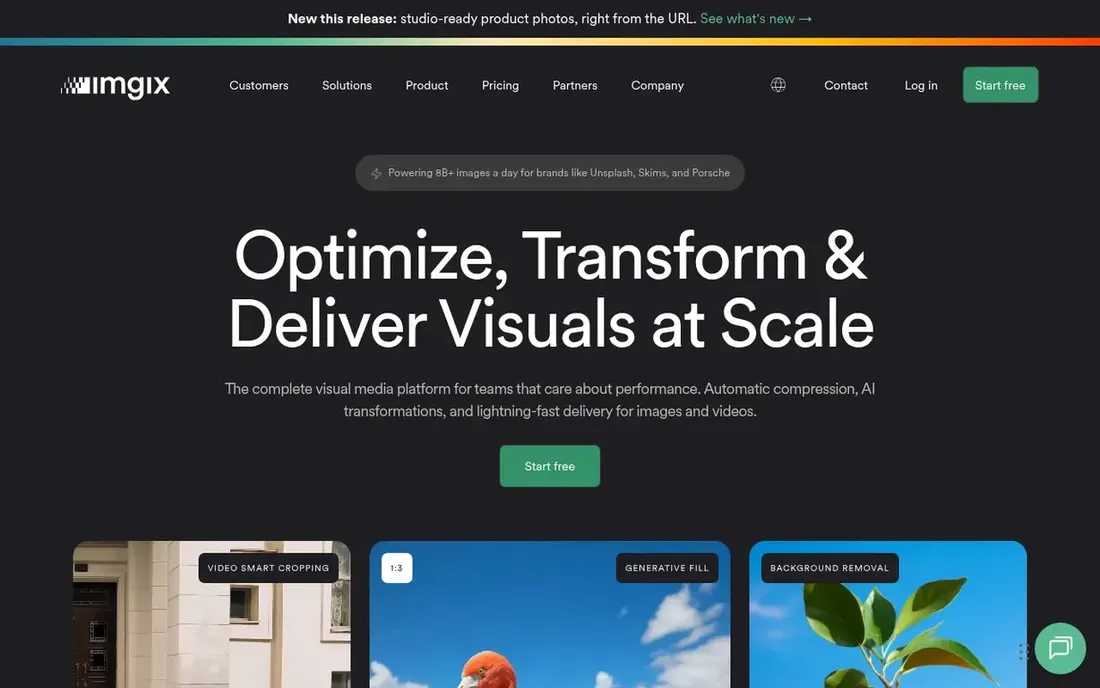
In short, Imgix is for performance-focused visual media delivery. Imgix positions itself around combining images, data and intelligence, with tools for optimizing, editing and delivering visual media aimed at speed and performance. In practice, organizations with developers available to integrate an image delivery service will get the most from it.
Upsides: AI transformation features.
Honest limits: Centred on delivery instead of management. From a buyer's view, choose Imgix when delivery performance for a substantial image library is the priority. Small sites with only a handful of images might find a compressor or plugin more straightforward. Imgix centers on delivery and transformation instead of asset management or creative automation, so it may not replace a full media product. Imgix pricing: $25 per month. Free access: Free trial.
- Designed for speed and performance
- Optimization and editing tools
- Needs integration work
TinyPNG
Best for: Fast one-off image compression
For fast one-off image compression, TinyPNG is a natural candidate. TinyPNG is an online image optimizer that cuts file sizes for AVIF, JPEG XL, WebP, PNG and JPEG images using smart lossy compression.
Watch-outs: No delivery or CDN features.
Also, designers, marketers and small site owners can drop files in and get lighter versions back for faster-loading pages. As for the details, sites with large, changing image libraries will outgrow a manual workflow rapidly. No starting price is listed for TinyPNG here; confirm pricing on the vendor site. Free access exists with TinyPNG.
- Smart lossy compression
- Straightforward online workflow
- Manual per-file workflow
How these tools were picked
We compared the tools on published pricing, free plan or trial availability, feature coverage for image optimization tool for web performance, and the limits each vendor documents. Prices and plan limits come from vendor pages and can change, so confirm them on the vendor site before you buy. Tools are placed by general fit for image optimization tool for web performance, with price clarity and free access as tie-breakers. A different team can reasonably rank them differently.
Before you commit
- Confirm the entry price on the vendor page. For ShortPixel and TinyPNG that means a quote rather than a fixed price.
- Read the fine print on the free plans from ShortPixel, Cloudflare Images, ImageKit and TinyPNG; seat, project and feature caps differ.
- Take the trial from Imgix and push a live task through it before you pay.
- Read the limits listed for ShortPixel first: built around WordPress.
- Find out whether the entry plan of Cloudflare Images covers your must-haves or only a trimmed-down version.
- The entry price of ImageKit is only the starting point; model the full cost with seats and extras.
FAQ
What is the cheapest option for image optimization tool for web performance in this list?
On published monthly entry prices, Cloudflare Images is the lowest here at $7 per month. Entry price is only part of the cost, because seats, add-ons and billing terms can change the total.
Can I try these tools before paying?
Often, yes. ShortPixel, Cloudflare Images, ImageKit and TinyPNG have a free plan and Imgix offers a free trial. Use your own data and a real task during the test, and check what the free tier or trial limits before you rely on it.
Which tool is a good match for a WordPress site?
ShortPixel is the pick this page puts first, mainly for WordPress image optimization and conversion. If your situation differs, Cloudflare Images suits sites already using Cloudflare infrastructure, and ImageKit suits unified image and video delivery product. Compare price and limits before you decide.
Can I optimize images without changing my infrastructure?
Yes. Online compressors for example TinyPNG let you shrink files manually without installing anything. This performs well for occasional needs, though it does not automate optimization across a large or often updated image library.
Is ShortPixel the right pick for everyone comparing image optimization tool for web performance?
No single tool suits every team. ShortPixel comes first because it fits WordPress image optimization and conversion, while Cloudflare Images suits sites already using Cloudflare infrastructure and ImageKit suits unified image and video delivery platform. Match the tool to your own size, budget and workflow before deciding.
Do I need a delivery product if I already compress images?
Compression cuts file size, but delivery still affects how rapidly images reach visitors around the world. Sites with international audiences often benefit from both.
Sources
- https://shortpixel.com
- https://www.cloudflare.com/developer-platform/products/cloudflare-images
- https://imagekit.io
- https://imgix.com
- https://tinypng.com