Infrastructure As Code Software for Platform Engineers in 2026: The 6 Best Options Side by Side
6 best infrastructure as code software for platform engineers, compared on pricing, free plans and best-fit use. Pros and cons for every tool. Costs up front.
- Editor's choiceGoogle Cloud Deployment Manager
Google Cloud resource automation
Starts atSee websiteVisit cloud.google.comFull review - Great alternative
 AWS CloudFormation
AWS-native infrastructure provisioning
Starts atSee websiteVisit aws.amazon.comFull review - Also considerAzure Resource Manager
Azure-native infrastructure as code
Starts atSee websiteVisit azure.microsoft.comFull review
Direct answer
Google Cloud Deployment Manager leads the list, best for Google Cloud resource automation. Listed starting prices: Pulumi from $40 a month. AWS CloudFormation is better for AWS-native infrastructure provisioning, and Azure Resource Manager is better for Azure-native infrastructure as code. The other 3 tools in the list cover narrower or pricier cases.
TL;DR:
- Google Cloud Deployment Manager sits first on this list: Google Cloud resource automation.
- A free plan is available from 2 of the 6 tools: AWS CloudFormation, Pulumi.
- A fair warning about Google Cloud Deployment Manager: restricted to Google Cloud.
- Starting prices begin at $40 per month with Pulumi.
- Pulumi fits teams using general-purpose programming languages.
Last checked November 2026. Prices and plan details were read from the vendors' own pages in November 2026; vendors change plans often, so confirm the current price on the vendor site before you buy.
Quick comparison
| Tool | Best for | Starts at | Free plan? | |
|---|---|---|---|---|
| Google Cloud Deployment Manager | Google Cloud resource automation | See website | Not stated | Visit |
| AWS CloudFormation | AWS-native infrastructure provisioning | See website | Yes | Visit |
| Azure Resource Manager | Azure-native infrastructure as code | See website | Free trial | Visit |
 Crossplane | Kubernetes-native control planes | See website | Not stated | Visit |
| HashiCorp Terraform | Multi-cloud provisioning with a declarative workflow | See website | Not stated | Visit |
 Pulumi | Teams using general-purpose programming languages | $40 a month | Yes | Visit |
The 6 tools in detail
Choosing infrastructure as code software for platform engineers usually comes down to price, fit and limits. This LinkVetted guide sets 6 tools side by side on those three points, with the facts kept short and checkable.
Google Cloud Deployment Manager
Best for: Google Cloud resource automation
Google Cloud Deployment Manager works best for Google Cloud resource automation. It suits system engineers who are standardized on Google Cloud and want a native tool to define and deploy resources declaratively.
Watch-outs: Smaller community compared to other tools.
Its community and ecosystem are smaller than those of some other IaC tools. Check the vendor site for Google Cloud Deployment Manager pricing; none is listed in this comparison. On free options: Not stated.
- Native Google Cloud integration
- Declarative configuration
- Restricted to Google Cloud
Choose AWS CloudFormation for AWS-native infrastructure provisioning. AWS CloudFormation is an infrastructure as code service that permits you to model, provision, and handle AWS and external resources. It is well suited to product engineers whose infrastructure is primarily on AWS and who want a managed service that integrates tightly with other AWS offerings.
Drawbacks to consider: AWS-centric.
Worth adding: the template syntax can become lengthy and complicated for large deployments. Also, CloudFormation is closely tied to AWS, so it may not be the best choice for multi-cloud strategies. AWS CloudFormation does not show a starting price in this comparison, so check the vendor site for current pricing. You can start on AWS CloudFormation without paying.
- Supports external resources
- Managed service
- Template syntax can be verbose
Azure Resource Manager
Best for: Azure-native infrastructure as code
For Azure-native infrastructure as code, Azure Resource Manager is a natural candidate. Azure Resource Manager is centered on Azure, which may not align with multi-cloud requirements. As for the details, Azure Resource Manager templates supply infrastructure as code for all your Azure resources.
This tool is well suited for product engineers working primarily in Azure who require a consistent way to define and deploy resources. From a buyer's view, if you handle infrastructure across several clouds or prefer a more simplified language, Terraform or Pulumi could be a better fit. No starting price is listed for Azure Resource Manager here; confirm pricing on the vendor site. As for free access: Free trial.
The main drawbacks: Template language can be complicated.
- Supports all Azure resources
- Deep Azure integration
- Azure-focused
Crossplane is designed for Kubernetes-native control planes. If you are not using Kubernetes or prefer a more traditional IaC workflow, Terraform or Pulumi might be more appropriate. The framework gives you a library of components to assemble platforms quicker.
Honest limits: Needs Kubernetes expertise.
Worth adding: Crossplane is a cloud-native framework for product engineering that lets you build custom APIs and services with control planes, extending Kubernetes to handle resources anywhere. In daily use, Crossplane assumes familiarity with Kubernetes and control plane concepts, which can be a barrier for teams without that background. Its approach may be overkill for straightforward provisioning needs. No starting price is listed for Crossplane here; confirm pricing on the vendor site. Free access: Not stated.
- Extends Kubernetes to handle any resource
- Library of reusable components
- Steeper ramp-up time
HashiCorp Terraform
Best for: Multi-cloud provisioning with a declarative workflow
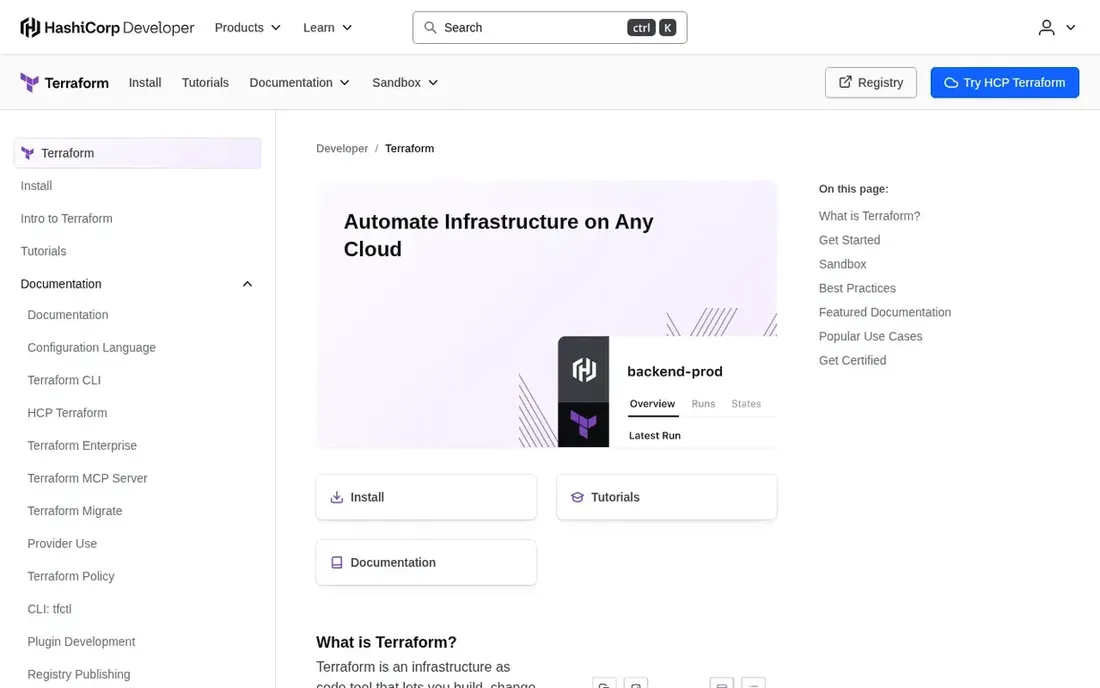
HashiCorp Terraform makes the most sense for multi-cloud provisioning with a declarative workflow. HashiCorp Terraform is a widely used infrastructure as code tool that lets you define and provision infrastructure across plenty of cloud providers using a declarative configuration language.
It is well suited for platform engineers who require a consistent workflow to handle resources in multi-cloud or hybrid environments. The tool's provider model and plan-and-apply cycle help teams preview changes before they are made. Pricing for HashiCorp Terraform is not stated here, so ask the vendor for current figures. Free options: Not stated.
Trade-offs to know: HCL has a ramp-up time.
- Wide provider ecosystem
- Declarative HCL configuration
- State management layers on complexity
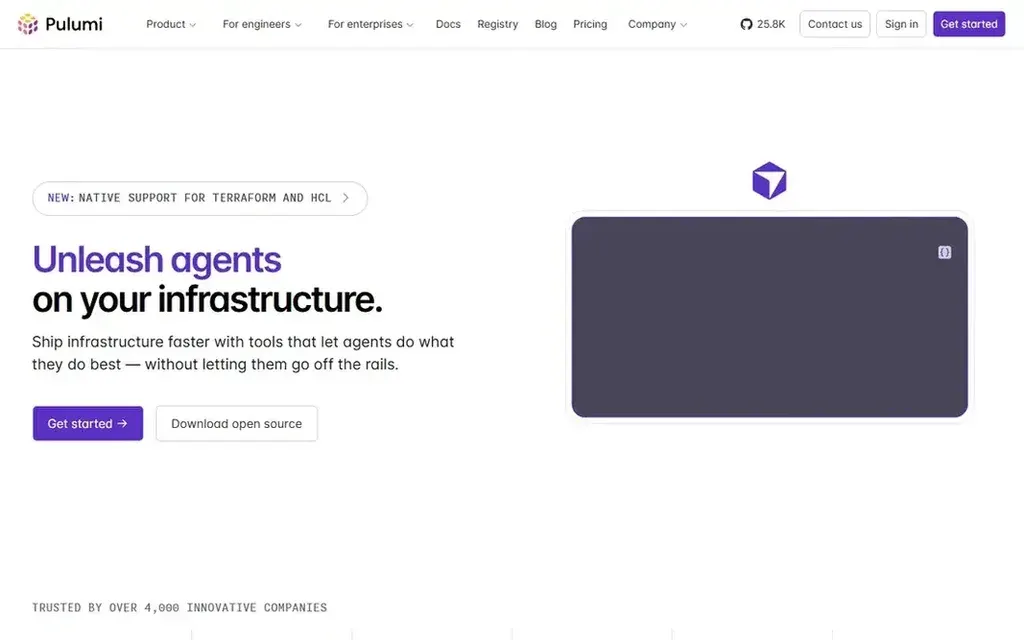
Pulumi makes the most sense for teams using general-purpose programming languages. Pulumi is an open-source infrastructure as code system that makes it possible for teams to build and handle cloud infrastructure using real programming languages.
Points against: Needs programming knowledge.
On top of that, teams without programming experience might find the approach less approachable. As for the details, if you need the broadest provider coverage or prefer a domain-specific language, Terraform could be a better fit. Pulumi pricing: $40 per month. A free plan is available with Pulumi.
- Uses existing developer tools
- Supports several languages
- Smaller provider ecosystem than Terraform
How these tools were picked
LinkVetted looked at what each vendor publishes: pricing, plan limits, feature coverage for infrastructure as code software for platform engineers and stated drawbacks. No hands-on testing is claimed. Seat minimums, billing terms and add-ons can move the real cost, so the starting prices here are a guide and not a quote. The order reflects how well each tool fits the most common buying scenario for infrastructure as code software for platform engineers, then price clarity, then free plan access. It is a starting point, not a verdict.
What to confirm before you sign up
- Ask Google Cloud Deployment Manager, AWS CloudFormation, Azure Resource Manager and others for a written quote, since no starting price is shown.
- Read the fine print on the free plans from AWS CloudFormation and Pulumi; seat, project and feature caps differ.
- Use real work to test the free trial from Azure Resource Manager, rather than a demo project.
- Before choosing Google Cloud Deployment Manager, weigh its main limit: restricted to Google Cloud.
- Test the integrations you rely on with AWS CloudFormation before committing; some connectors sit on upper tiers.
- Get the contract term, renewal terms and any onboarding fees from Google Cloud Deployment Manager in writing.
FAQ
What should I consider for multi-cloud infrastructure as code?
Terraform and Pulumi are built for multi-cloud scenarios, whereas cloud-specific tools like AWS CloudFormation, Azure Resource Manager, and Google Cloud Deployment Manager are restricted to their respective products. Also consider state management, provider maturity, and team expertise.
Is Google Cloud Deployment Manager the right pick for everyone comparing infrastructure as code software for platform engineers?
No single tool suits every team. Google Cloud Deployment Manager comes first because it fits Google Cloud resource automation, while AWS CloudFormation suits AWS-native infrastructure provisioning and Azure Resource Manager suits Azure-native infrastructure as code. Match the tool to your own size, budget and workflow before deciding.
How are the tools for infrastructure as code software for platform engineers ordered?
The order follows typical fit for infrastructure as code software for platform engineers, with Google Cloud Deployment Manager first and Pulumi last, then price clarity and free access. It is editorial judgement, not a score, so another team could rank the tools differently.
What is the cheapest option for infrastructure as code software for platform engineers in this list?
On published monthly entry prices, Pulumi is the lowest here at $40 per month. Entry price is only part of the cost, because seats, add-ons and billing terms can change the total.
Which options for infrastructure as code software for platform engineers have a free plan?
AWS CloudFormation and Pulumi offer a free plan in this list. Free plans usually cap users, projects or features, so check the limits on the vendor page. One other tool offers a trial instead.
Sources
- https://cloud.google.com/deployment-manager
- https://aws.amazon.com/cloudformation
- https://azure.microsoft.com/en-us/products/arm-templates
- https://www.crossplane.io
- https://www.terraform.io
- https://www.pulumi.com