Top 6 Infrastructure As Code Tools for Multi-Cloud for 2026 (Prices and Free Plans)
Weighing the best infrastructure as code tools for Multi-Cloud? We lined up 6 products by cost, free access and fit. Limits and pricing notes included. No hype.
- Editor's choice
 Crossplane
Kubernetes-based product engineering across clouds
Starts atSee websiteVisit crossplane.ioFull review - Great alternative
 Pulumi
Teams that prefer real programming languages
Starts at$40 per monthVisit pulumi.comFull review - Also considerAzure Resource Manager
Managing grouped Azure resources with access control
Starts atSee websiteVisit azure.microsoft.comFull review
Direct answer
For Kubernetes-based system engineering across clouds, Crossplane is where this list starts. Listed starting prices: Pulumi from $40 per month. Pulumi is better for teams that prefer real programming languages, and Azure Resource Manager is better for managing grouped Azure resources with access control. The full list of 6 tools follows, with prices and free plan facts.
TL;DR:
- Crossplane takes the first slot, best suited to Kubernetes-based product engineering across clouds.
- Pulumi is the lowest-priced starter here at $40 per month.
- Ansible Automation Platform suits configuration management and repeatable IT operations.
- Check the limits for HashiCorp Terraform before you commit: state management needs planning for teams.
- 2 of 6 tools offer a free plan: Pulumi, AWS CloudFormation.
Last checked November 2026. Prices and plan details were read from the vendors' own pages in November 2026; vendors change plans often, so confirm the current price on the vendor site before you buy.
Quick comparison
| Tool | Best for | Starts at | Free plan? | |
|---|---|---|---|---|
| Crossplane | Kubernetes-based product engineering across clouds | See website | Not stated | Visit |
| Pulumi | Teams that prefer real programming languages | $40 per month | Yes | Visit |
| Azure Resource Manager | Managing grouped Azure resources with access control | See website | Free trial | Visit |
| HashiCorp Terraform | Wide multi-cloud provisioning with one workflow | See website | Not stated | Visit |
 AWS CloudFormation | Deep AWS-native provisioning and external resources | See website | Yes | Visit |
| Ansible Automation Platform | Configuration management and repeatable IT operations | See website | Not stated | Visit |
Our 6 picks for infrastructure as code tools for Multi-Cloud
Choosing infrastructure as code tools for Multi-Cloud usually comes down to price, fit and limits. This LinkVetted guide sets 6 tools side by side on those three points, with the facts kept short and checkable.
Where Crossplane fits: Kubernetes-based system engineering across clouds. Crossplane assumes Kubernetes fluency and a deliberate system design, so the ramp-up time and setup effort are real.
Crossplane does not show a starting price in this comparison, so check the vendor site for current pricing. Free options: Not stated.
Downsides: Control plane design layers on upfront complexity.
- Build your own APIs and services with control planes
- Extends Kubernetes to run resources anywhere
- Needs solid Kubernetes expertise
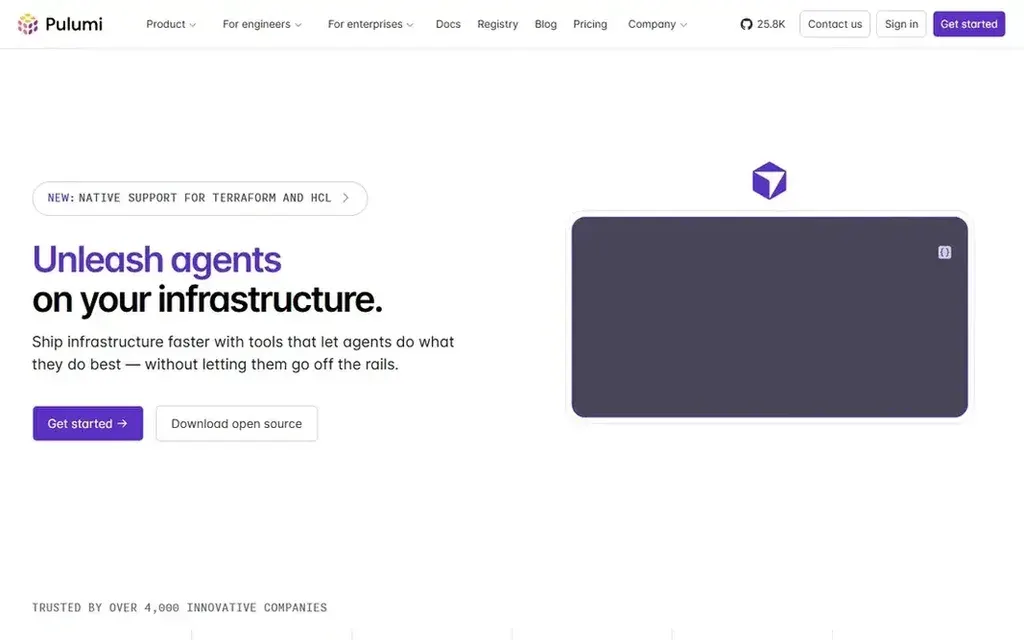
Pick Pulumi if this describes you: teams that prefer real programming languages. If your operators prefer a simpler declarative model or a vendor-native template system, consider Terraform or a cloud-native choice instead.
It also assumes comfort with code instead of declarative configuration. Price to start with Pulumi: $40 per month. Free access exists with Pulumi.
Trade-offs to know: Language adaptability can invite inconsistency.
- Appeals to developers already writing application code
- Open-source system with multi-cloud scope
- Needs programming discipline across teams
Azure Resource Manager
Best for: Managing grouped Azure resources with access control
Azure Resource Manager was built for managing grouped Azure resources with access control. If one consistent multi-cloud workflow is the goal, a provider-based tool for example Terraform or a Kubernetes-based approach like Crossplane may serve better.
Limits to weigh: Centred on Azure instead of other clouds.
Also, Azure Resource Manager is Microsoft's management layer for Azure, described as simplifying how you handle app resources by deploying resources together, categorizing them for billing and enabling access control. It underpins how Azure resources are organized and deployed, making it a natural starting point for teams standardized on Azure. This comparison lists no price for Azure Resource Manager; ask the vendor. As for free access: Free trial.
- Deploy resources together as a group
- Built-in categorization for billing and access control
- Template authoring has a ramp-up time
HashiCorp Terraform
Best for: Wide multi-cloud provisioning with one workflow
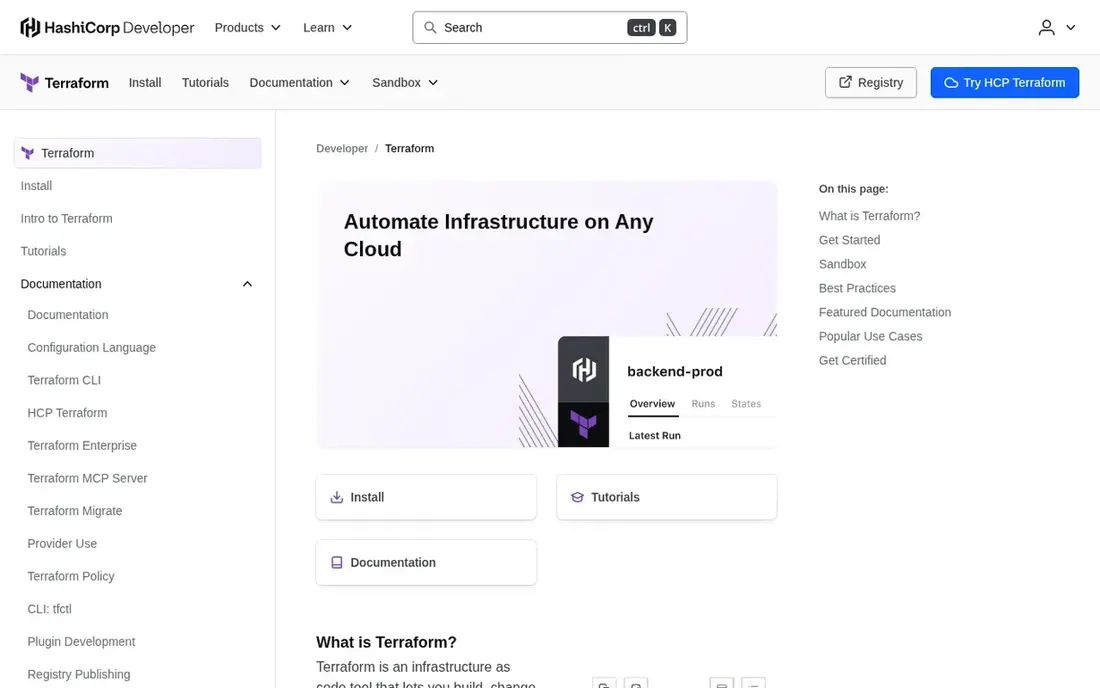
HashiCorp Terraform makes the most sense for wide multi-cloud provisioning with one workflow. The central trade-offs are state handling and language overhead: teams must decide how state is stored, shared and protected, and HCL is another language for newcomers.
The main drawbacks: HCL is a dedicated language to learn.
No starting price is listed for HashiCorp Terraform here; confirm pricing on the vendor site. Trial and free access: Not stated.
- Provider model spans plenty of clouds and services
- Large ecosystem of modules and documentation
- State management needs planning for teams
AWS CloudFormation
Best for: Deep AWS-native provisioning and external resources
For deep AWS-native provisioning and external resources, AWS CloudFormation is a natural candidate. Templates can also grow long and repetitive for complicated environments.
Watch-outs: Multi-cloud use means separate stacks per provider.
Pricing for AWS CloudFormation is not stated here, so ask the vendor for current figures. AWS CloudFormation includes a free tier.
- Native to AWS with tight service integration
- Reducing tooling to operate
- Template authoring can become verbose
Ansible Automation Platform
Best for: Configuration management and repeatable IT operations
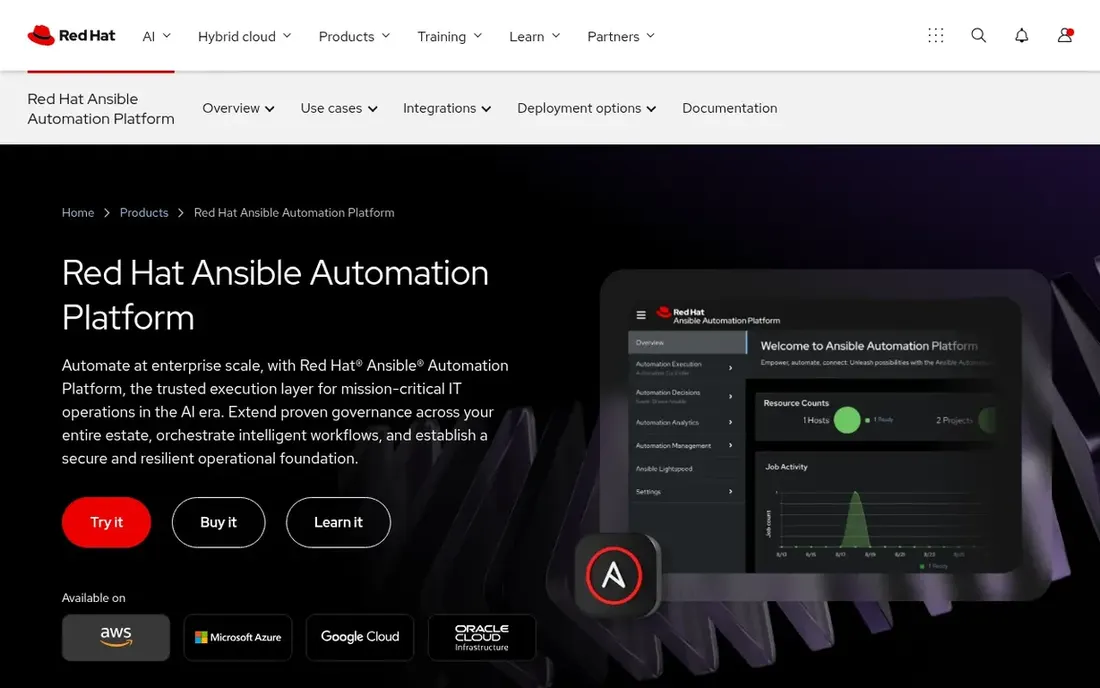
In short, Ansible Automation Platform is for configuration management and repeatable IT operations. It is widely used for configuration management, application deployment and repeatable operational tasks across mixed environments. It can complement a provisioning tool instead of replace it.
Where it is weaker: Provisioning focus is narrower than dedicated IaC tools.
In practice, if your priority is modeling cloud infrastructure as code with drift detection, pair Ansible with a declarative provisioning tool or choose one of the others here. In daily use, Ansible is procedural and task-oriented, so it is less natural for declaring and tracking a full cloud resource graph than Terraform or Pulumi. This comparison lists no price for Ansible Automation Platform; ask the vendor. Free access: Not stated.
- Red Hat positions it as an execution layer for IT operations
- Agentless automation across mixed environments
- Playbook sprawl needs governance as estates grow
How these tools were picked
Before you commit
- Ask Crossplane, Azure Resource Manager, HashiCorp Terraform and others for a written quote, since no starting price is shown.
- Check what the free option really includes: Pulumi and AWS CloudFormation offer a free plan, and usage caps differ.
- Run a trial of Azure Resource Manager with real work before paying for a year; your own workflow is the best test.
- Before choosing Crossplane, weigh its main limit: needs solid Kubernetes expertise.
- The entry price of Ansible Automation Platform is only the starting point; model the full cost with seats and extras.
- See whether Pulumi offers onboarding or training, and whether it is included in the price.
FAQ
Which infrastructure as code tool is a good match for multi-cloud by default?
Crossplane comes first here and is built for Kubernetes-based system engineering across clouds. Buyers with other needs may prefer Pulumi (for teams that prefer real programming languages) or Azure Resource Manager (for managing grouped Azure resources with access control). Compare costs and limits first.
Can I try these tools before paying?
Often, yes. Pulumi and AWS CloudFormation have a free plan and Azure Resource Manager offers a free trial. Use your own data and a real task during the test, and check what the free tier or trial limits before you rely on it.
How are the tools for infrastructure as code tools for Multi-Cloud ordered?
Crossplane sits first and Ansible Automation Platform last because the order follows typical fit for infrastructure as code tools for Multi-Cloud, then price clarity and free access. It is a judgement call, so read each profile for fit and limits.
What is the cheapest option for infrastructure as code tools for Multi-Cloud in this list?
On published monthly entry prices, Pulumi is the lowest here at $40 per month. Entry price is only part of the cost, because seats, add-ons and billing terms can change the total. Each of the 6 options in this infrastructure as code tools for Multi-Cloud guide has its own card above with the price, free plan and limits.
Is Crossplane the right pick for everyone comparing infrastructure as code tools for Multi-Cloud?
No single tool suits every team. Crossplane comes first because it fits Kubernetes-based platform engineering across clouds, while Pulumi suits teams that prefer real programming languages and Azure Resource Manager suits managing grouped Azure resources with access control. Match the tool to your own size, budget and workflow before deciding.
Sources
- https://www.crossplane.io
- https://www.pulumi.com
- https://azure.microsoft.com/en-us/features/resource-manager
- https://www.terraform.io
- https://aws.amazon.com/cloudformation
- https://www.redhat.com/en/technologies/management/ansible