Best Backend as a Service in 2026: 8 Platforms Compared
We compared the best backend as a service platforms, from Firebase and Supabase to Appwrite and Convex, so you can ship apps without managing servers.
- Editor's choice
 Firebase
Mobile apps needing realtime sync fast
Starts atPay as you goVisit firebase.google.comFull review - Great alternative
 Supabase
Developers wanting Postgres with instant APIs
Starts at$25 per monthVisit supabase.comFull review - Also consider
 AWS Amplify
Teams already building on AWS
Starts atPay as you goVisit aws.amazon.comFull review
TL;DR:
- Firebase remains the fastest way to ship a mobile app with realtime sync, while Supabase suits teams that want Postgres and SQL from the start.
- Appwrite, PocketBase, and Parse suit teams that want open source backends they can self-host and move if needed.
- AWS Amplify suits teams already on AWS, while Convex, Nhost, and Backendless suit teams that want realtime, GraphQL, or visual building respectively.
- The best mbaas software depends on your database: NoSQL, Postgres, GraphQL, or SQLite each point to a different platform in this list.
Quick comparison
| Tool | Best for | Starts at | Free plan? | |
|---|---|---|---|---|
| Firebase | Mobile apps needing realtime sync fast | Pay as you go | Yes | Visit |
| Supabase | Developers wanting Postgres with instant APIs | $25 per month | Yes | Visit |
| AWS Amplify | Teams already building on AWS | Pay as you go | Yes | Visit |
 Appwrite | Open source backends you can self-host | See website | Yes | Visit |
 Backendless | Visual and low-code backend building | See website | Yes | Visit |
 Convex | Realtime TypeScript apps | $25 per month | Yes | Visit |
 Nhost | GraphQL apps on Postgres | $25 per month | Yes | Visit |
 PocketBase | Small apps, prototypes, and side projects | Free | Yes | Visit |
The best backend as a service
Backend as a service, or BaaS, gives an app a database, authentication, storage, functions, and APIs without managing servers. Developers write the front end, call the backend service, and let the platform handle scaling, backups, and security patches. The platforms below differ mainly on database type, openness, and pricing model.
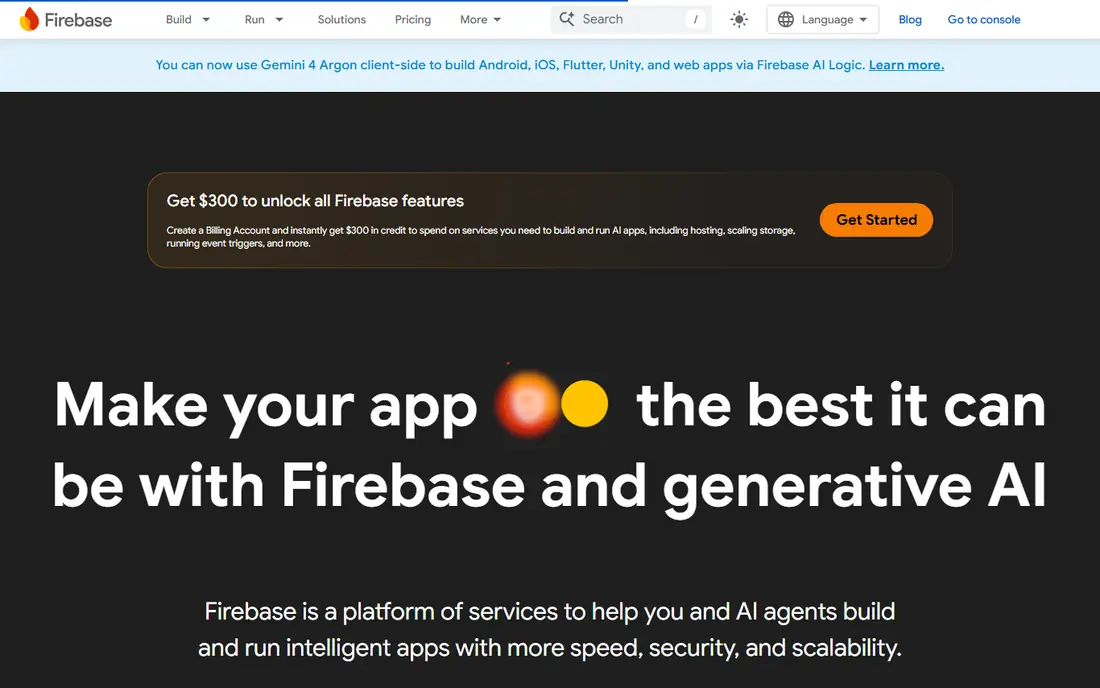
Firebase is still the fastest route to a working mobile backend for many teams. Firestore and Realtime Database sync data to clients in real time, Authentication covers email, social, and phone sign-in, Cloud Storage handles files, and Cloud Functions add server logic without managing servers. The Spark plan is free for small use, while the Blaze plan is pay-as-you-go at Google Cloud rates, which suits apps that grow unevenly.
The trade-offs are well known. Firestore is NoSQL, so complex relational queries, joins, and reporting need extra design work, and moving an app off Firebase later can require significant rewriting. Costs also scale with reads, writes, and storage, so teams should monitor usage and set budgets. For a mobile app that needs realtime sync and quick shipping, Firebase remains a leading choice.
- Realtime database and Firestore
- Auth, storage, and hosting in one place
- Google Cloud scale
- NoSQL data model can complicate complex queries
- Leaving Firebase later is costly

Supabase is the default pick for many developers who want a Firebase-like experience on Postgres. Every project gets a Postgres database, with auto-generated REST and realtime APIs, Authentication, Storage, and Edge Functions included. The code is open source, and teams can self-host with Docker if they want full control, which gives a cleaner exit than a closed platform. The free plan covers small projects, while Pro starts at $25 per month plus compute add-ons for larger use.
Free projects pause after a week of inactivity, which can surprise hobby users, and production pricing needs care because compute is billed on top of the base plan. Supabase also requires SQL comfort for complex queries, though its dashboard and APIs reduce that burden. For a team that values relational data, SQL, and open source, Supabase is the strongest BaaS option in this list.
- Real Postgres database
- Auto-generated REST APIs
- Auth, storage, and realtime included
- Free projects pause after inactivity
- Production needs paid tier plus compute add-ons
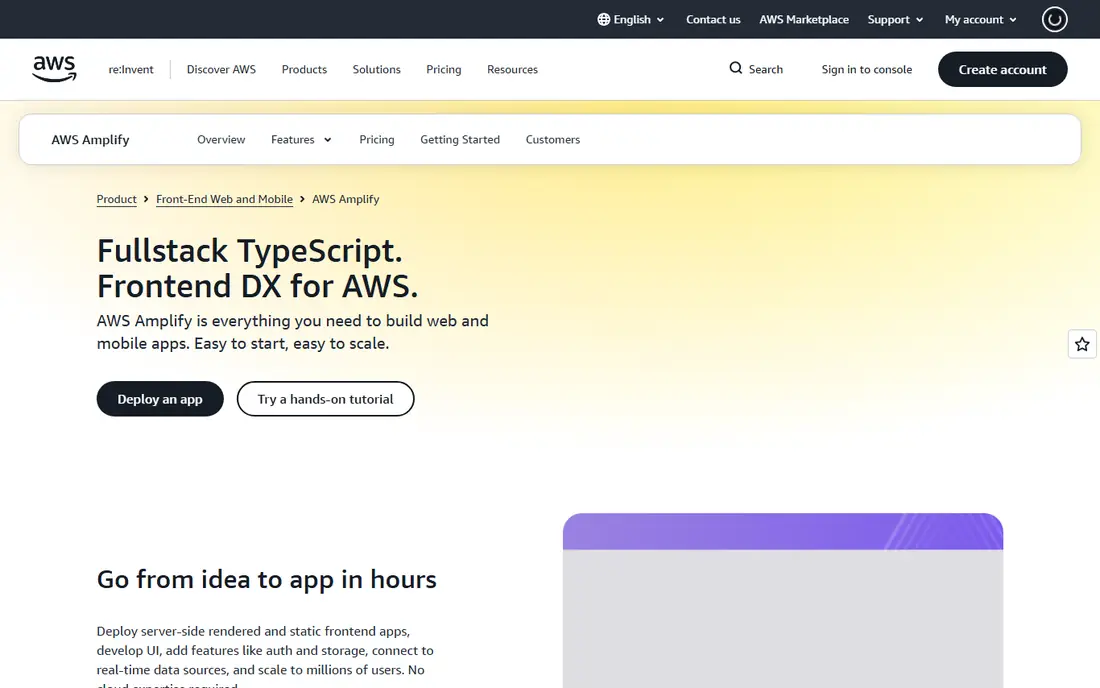
AWS Amplify provides a set of tools and libraries for building app backends on AWS, with Authentication through Cognito, data through AppSync and DynamoDB, storage through S3, and hosting for web apps. Teams can start with Amplify's guided setup, then drop down to full AWS services when they need more control. That depth is useful for enterprises that already use AWS for other workloads and want one cloud bill and one identity system.
The drawback is complexity and cost visibility. Amplify has no flat plan, and costs are spread across build minutes, storage, data transfer, and each backend service, so bills need monitoring. Newcomers to AWS may find the setup heavier than Firebase or Supabase. For an AWS-centered team, Amplify offers the most scalable and integrated BaaS path.
- Full AWS service access
- Auth, data, storage, and hosting
- Scales to enterprise use
- Costs spread across many AWS services
- Learning curve for AWS newcomers
Appwrite is an open source backend platform that bundles databases, authentication, storage, functions, messaging, and realtime features in one self-hostable package. Teams can run it on their own servers with Docker, which suits companies with data control needs, or use Appwrite Cloud for managed hosting with a free plan and paid tiers. Its console is clear, and SDKs cover web, mobile, and server languages.
Appwrite's ecosystem is smaller than Firebase, and cloud pricing depends on usage and dedicated database options, so teams should check the current pricing page for their project size. Self-hosting also adds operational work for upgrades and backups. For a team that wants an open, all-in-one backend without vendor lock-in, Appwrite is a strong and increasingly popular choice.
- Open source
- Databases, auth, storage, and functions in one platform
- Self-hosting option
- Cloud pricing is usage-based
- Smaller ecosystem than Firebase
Backendless offers a visual approach to backend building, with a data browser, logic builders, user management, push notifications, and file storage that business and developer teams can use without writing every API by hand. Its free tier covers small projects with limits on users and storage, while paid plans raise those limits and add features. That visual style suits teams that want to prototype quickly and manage data without a separate admin tool.
Backendless has less developer community mindshare than Firebase or Supabase, and its pricing tiers should be checked on its site, since they have changed over time. Teams that need complex SQL or a large open source ecosystem may prefer Supabase. For a team that values visual backend building and a complete feature set in one console, Backendless is a practical option.
- Visual data and logic builders
- Auth, push, and file services
- Cloud and managed options
- Pricing page should be checked for current tiers
- Less developer mindshare than Supabase
Convex is built for realtime TypeScript apps, with a reactive document database, server functions, authentication, file storage, and scheduling in one platform. Queries update automatically when data changes, so developers write less sync and polling code than with a traditional REST backend. The free plan covers 1 million function calls and limited storage, while Professional starts at $25 per developer per month, which suits small teams building collaborative or live apps.
Convex uses a document model, so teams with heavily relational data may prefer Supabase or Nhost. Its ecosystem is also newer than Firebase, though it is growing quickly. For a TypeScript team building a realtime, collaborative app, Convex offers a modern and developer-friendly BaaS experience.
- Reactive database
- TypeScript functions
- Realtime queries without manual sync code
- Document model suits some apps better than relational
- Newer ecosystem
Nhost combines Postgres, Hasura GraphQL, Authentication, Storage, and serverless functions into a BaaS for GraphQL-first teams. Developers get instant GraphQL APIs over Postgres, with realtime subscriptions, role-based permissions, and integrations for common auth providers. The free plan covers a small project, while Pro starts at $25 per month plus compute, which suits teams that want a managed GraphQL backend without building Hasura themselves.
GraphQL itself is a learning curve for teams used to REST, and Nhost's ecosystem is smaller than Firebase or Supabase. Teams that do not need GraphQL may find Supabase simpler. For a team that has chosen GraphQL and Postgres, Nhost offers a focused, open, and well-integrated backend platform.
- Postgres plus Hasura GraphQL
- Auth, storage, and functions
- Open source components
- GraphQL learning curve
- Pro pricing adds compute costs
PocketBase is a lightweight open source backend in a single binary, with an embedded SQLite database, realtime subscriptions, authentication, file storage, and an admin dashboard. There is no managed cloud price to pay, because you host it yourself, which makes it ideal for prototypes, side projects, internal tools, and small apps. Setup is fast, and the admin UI makes data and user management easy without extra tooling.
The limits are scale and operations. SQLite suits small to medium apps, but very high-write or multi-server workloads need a different database, and self-hosting means the team owns backups, updates, and uptime. PocketBase is not a managed enterprise BaaS, and it should not be presented as one. For a small app where simplicity and control matter more than managed scale, PocketBase is an excellent choice.
- Single binary
- Embedded SQLite
- Auth, realtime, and file storage included
- SQLite limits at very high scale
- Self-hosting means you manage backups and uptime
How we picked these
We compared official product pages, pricing information, and public documentation for backend platforms that provide a database, authentication, and APIs as a managed or self-hostable service in 2026. We favored platforms with live products, clear SDKs, and a real path from free tier to production. We left out general hosting without backend services, and database-only services without auth and APIs.
What to check before you buy
Start with your data model. Relational data with joins and reporting points to Supabase or Nhost, realtime document sync points to Firebase or Convex, and GraphQL points to Nhost or Amplify with AppSync. A mismatch here causes more rework than any other choice, so prototype with real queries, not only with a simple todo list, before committing.
Pricing, auth, and exit
Model cost on database reads and writes, storage, bandwidth, and auth users together, since vendors meter different units. Check auth options, including social, email, and phone, and whether user data can be exported. Also check exit options: open source and self-hostable platforms such as Supabase, Appwrite, and PocketBase reduce lock-in, while closed platforms may require a rewrite if you leave.
Security and scaling
Check row-level security, API rules, and function permissions, since a BaaS that is easy to start can also be easy to misconfigure. Test scaling with realistic load, and set billing alerts before launch, because realtime and function costs can spike with a viral post or a bug that polls too often. Good defaults help, but the team still owns security rules and cost monitoring.
FAQ
What is the best backend as a service?
For mobile realtime apps, Firebase leads. For Postgres and SQL, Supabase leads. For open source self-hosting, Appwrite and PocketBase lead. For AWS teams, Amplify leads, while Convex suits realtime TypeScript apps and Nhost suits GraphQL apps.
What is the best mbaas software for startups?
Supabase and Firebase suit most startups, because they offer free tiers, auth, storage, and realtime features in one place. Appwrite suits startups that want open source control, while PocketBase suits a prototype or side project with a tiny budget.
Is backend as a service safe for production?
Yes, if security rules, auth, and backups are set up correctly. Managed BaaS platforms handle patching and scaling, but the app team still owns data rules, access controls, and cost monitoring. Test security rules with real user roles before launch, and keep backups outside the platform where possible.
Can I self-host a backend as a service?
Yes, with open source platforms such as Supabase, Appwrite, and PocketBase, which offer Docker or single-binary self-hosting. Self-hosting gives data control and avoids vendor lock-in, but it adds operational work for updates, backups, and uptime.
How much does backend as a service cost?
Many platforms offer a free tier for small projects, with paid plans starting around $25 per month for Supabase, Convex, and Nhost, while Firebase and Amplify are pay-as-you-go. Total cost depends on database use, storage, bandwidth, and auth volume, so monitor usage from launch.