Best Backend Platform (2026): 6 Picks Checked on Vendor Pages
6 products for the best backend platform, ranked by fit, with starting costs and free tiers. Includes honest limits for each tool. Refreshed for 2026.
- Editor's choiceMicrosoft Azure App Service
Managed PaaS for web apps and APIs
Starts atSee websiteVisit azure.microsoft.comFull review - Great alternative
 Vercel
Frontend-focused app and agent deployment
Starts at$20 per monthVisit vercel.comFull review - Also consider
 Google Cloud Run
Containerized apps in any language
Starts atSee websiteVisit cloud.google.comFull review
Direct answer
Microsoft Azure App Service comes first here, mainly for managed PaaS for web apps and APIs. Listed starting prices: Vercel from $20 per month, Firebase from $9.37 a month and Heroku from $5 per month. Vercel is the stronger choice for Frontend-focused app and agent deployment, while Google Cloud Run suits Containerized apps in any language. All 6 tools are compared below on price, free plan and limits.
TL;DR:
- This list starts with Microsoft Azure App Service, which is built for managed PaaS for web apps and APIs.
- Heroku is the lowest-priced starter here at $5 per month.
- The main caution on Vercel: less centered on traditional backend services.
- For Postgres-first development system, Supabase is worth a look.
Last checked November 2026. Prices and plan details were read from the vendors' own pages in November 2026; vendors change plans often, so confirm the current price on the vendor site before you buy.
Quick comparison
| Tool | Best for | Starts at | Free plan? | |
|---|---|---|---|---|
| Microsoft Azure App Service | Managed PaaS for web apps and APIs | See website | Not stated | Visit |
| Vercel | Frontend-focused app and agent deployment | $20 per month | Yes | Visit |
| Google Cloud Run | Containerized apps in any language | See website | Not stated | Visit |
 Firebase | Integrated mobile and web app backend | $9.37 a month | Yes | Visit |
 Heroku | Straightforward managed app hosting | $5 per month | No | Visit |
 Supabase | Postgres-first development system | $25 a month | Yes | Visit |
Backend Platform compared in detail
LinkVetted put together this guide to backend platform for readers who want a clear shortlist without reading every vendor page. It compares 6 tools on starting price, free plans, who each one suits and where each one falls short.
Microsoft Azure App Service
Best for: Managed PaaS for web apps and APIs
Microsoft Azure App Service is aimed squarely at managed PaaS for web apps and APIs. Azure App Service is Microsoft's completely managed PaaS for building, deploying and scaling AI-ready web apps and APIs globally in the cloud. As an Azure product, it is most natural for teams invested in Microsoft's cloud.
Those on other clouds may find a native system more straightforward. Beyond that, the homepage flags global scaling and a managed experience, so it fits teams that prefer system management over infrastructure work. This comparison lists no price for Microsoft Azure App Service; ask the vendor. As for free access: Not stated.
The main drawbacks: Managed abstraction can limit low-level tuning.
- Fully managed PaaS for web apps and APIs
- Deploys and scales globally
- Azure-centric, so other clouds may fit better
Vercel targets Frontend-focused app and agent deployment. The homepage framing recommends a focus on modern app patterns instead of a wide catalog of backend services.
Honest limits: Less centered on traditional backend services.
Also, pick Vercel when your project aligns with its agentic and frontend-focused approach. Vercel cost at the entry level: $20 per month. Free access exists with Vercel.
- Autonomous stack for apps and agents
- Simplified deployment workflow
- Best suited to specific app patterns
Google Cloud Run serves Containerized apps in any language. Cloud Run is Google Cloud's completely managed product for building and deploying scalable containerized apps written in languages for example Go, Python, Java, Node.js,.NET and Ruby.
Points against: Less opinionated about app structure.
Beyond that, teams wanting a batteries-included backend may prefer a more integrated system. For everyday use, Cloud Run assumes familiarity with containers and does not prescribe an application structure, which can mean more setup decisions. Google Cloud Run shows no starting price here, so confirm the cost on the vendor site. On free options: Not stated.
- Runs containerized apps in plenty of languages
- Completely managed product
- Needs container knowledge
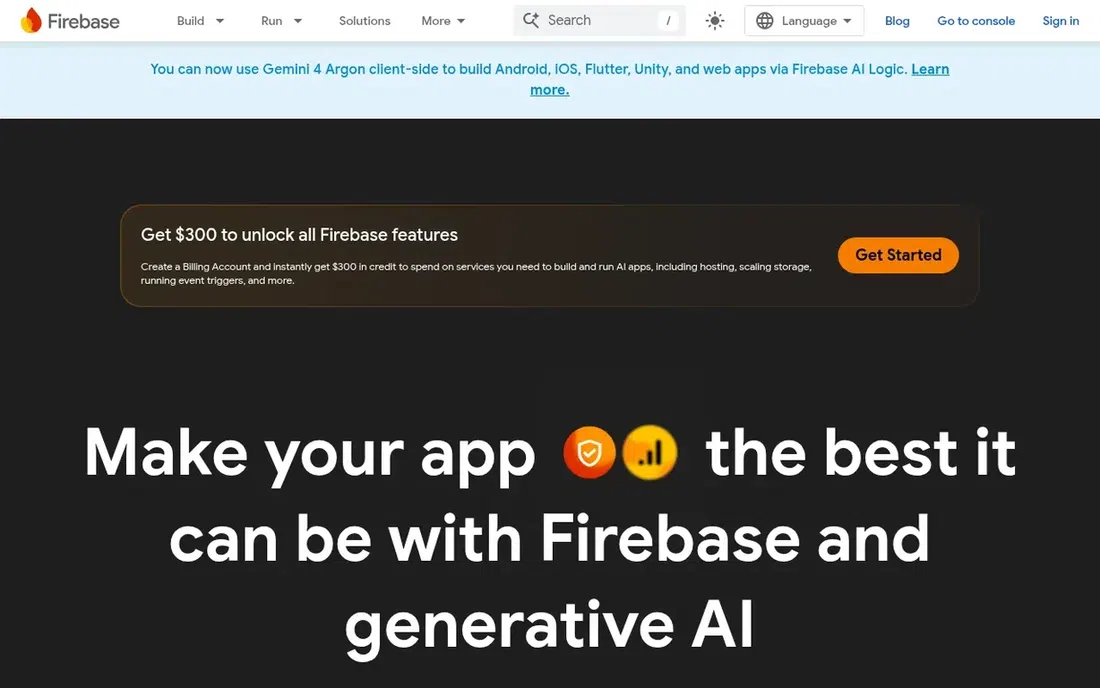
Firebase serves integrated mobile and web app backend. Firebase is Google's mobile and web app development system, positioned to help developers build apps and games. From a buyer's view, teams that prefer a single database technology with open standards may look at alternatives.
Reasons to shortlist it: Wide set of app development services.
Honest limits: Service breadth can be complicated to navigate.
The homepage frames it around building apps users will love. In practice, pick Firebase when an integrated, Google-backed product matches your app's needs and you are comfortable with its ecosystem. Entry price for Firebase: $9.37 per month. You can start on Firebase without paying.
- Backed by Google's product
- Fits mobile and web projects
- Tight coupling to one vendor ecosystem
Heroku makes the most sense for straightforward managed app hosting. Heroku presents itself as a cloud application system for developers, offering completely managed app hosting that just works, with build, deploy and scale on a battle-tested product. Choose Heroku when straightforward managed hosting is the priority.
Points against: Abstraction can limit infrastructure control.
As for the details, the homepage stresses simplicity, so it appeals to developers who value a smooth deployment experience over deep infrastructure control. Teams needing broad built-in services may look at broader systems. The starting price for Heroku: $5 per month. Heroku has no free plan.
- Completely managed app hosting
- Battle-tested product per vendor
- Less emphasis on integrated backend services
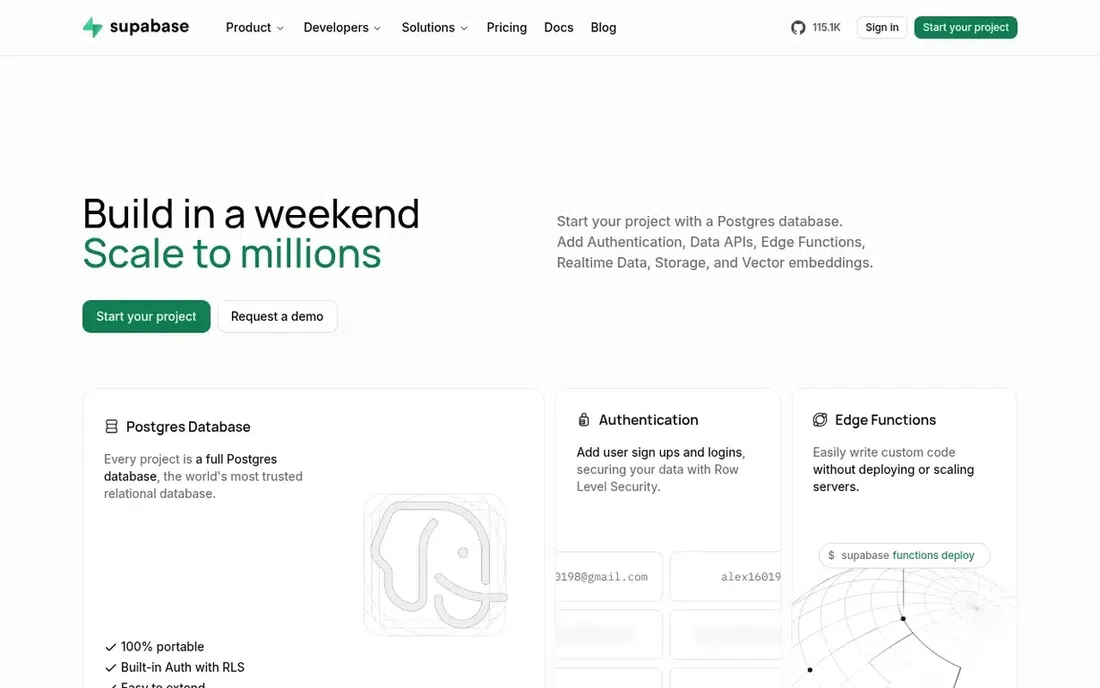
Supabase is designed for Postgres-first development system. The homepage emphasizes building production-grade applications, so it appeals to developers who value SQL and open database standards.
What to check first: Centred on Postgres, which may not suit every stack.
What users get: Postgres database at the core.
Worth adding: Supabase describes itself as the Postgres development product, offering a Postgres database alongside authentication, instant APIs, realtime, functions, storage and vector embeddings. More specifically, choose something else if you need a wider set of integrated cloud services or a non-relational core. Price to start with Supabase: $25 per month. You can start on Supabase without paying.
- Realtime and storage
- Bundles auth, APIs
- Fewer adjacent services than broad cloud suites
How we built this list
The comparison looks at four things: starting price, free access, how well the feature set matches backend platform, and the main limit of each tool. Figures are shown as the vendors publish them. Billing terms, seat minimums and add-ons can change the real cost. Tools are placed by general fit for backend platform, with price clarity and free access as tie-breakers. A different team can reasonably rank them differently.
What to check before you buy
- Ask Microsoft Azure App Service and Google Cloud Run for a written quote, since no starting price is shown.
- Check what the free option really includes: Vercel, Firebase and Supabase offer a free plan, and usage caps differ.
- Before choosing Microsoft Azure App Service, weigh its main limit: Azure-centric, so other clouds may fit better.
- Run a one or two week pilot of Heroku with the people who will use it every day.
- Look at which plan of Vercel unlocks the features you need; entry tiers are often cut down.
FAQ
What is the cheapest option for backend platform in this list?
On published monthly entry prices, Heroku is the lowest here at $5 per month. Entry price is only part of the cost, because seats, add-ons and billing terms can change the total. Each of the 6 options in this backend platform guide has its own card above with the price, free plan and limits.
Do these tools publish their prices?
Not all of them. Microsoft Azure App Service and Google Cloud Run publish no starting price, so expect a quote request for those. The rest, Vercel included, show a starting price, though seats and billing terms still change the final cost.
Is Microsoft Azure App Service the right pick for everyone comparing backend platform?
No single tool suits every team. Microsoft Azure App Service comes first because it fits managed PaaS for web apps and APIs, while Vercel suits Frontend-focused app and agent deployment and Google Cloud Run suits Containerized apps in any language. Match the tool to your own size, budget and workflow before deciding.
Can I try these tools before paying?
Often, yes. Vercel, Firebase and Supabase have a free plan. Use your own data and a real task during the test, and check what the free tier or trial limits before you rely on it.
Sources
- https://azure.microsoft.com/en-us/products/app-service
- https://vercel.com
- https://cloud.google.com/run
- https://firebase.google.com
- https://www.heroku.com
- https://supabase.com